
Get a page ready for Google
Fix the basics, see how the result looks in search, add structured data, then check the share preview.
Guide: The on-page SEO checklist
346 free tools for SEO, PDFs, images, video, text and code. Each one does one job and does it well.
346 tools on 15 boards. Each block is one board, as wide as its tool count.Browse the boards
15 boards, one for each kind of job. The big number is how many tools hang on it.

On-Page SEO Checker, Website Speed Test, Broken Link Checker


Word to HTML Converter, Word to Image Converter, PDF to HTML Converter


Percentage Calculator, Loan EMI Calculator, Sales Tax / GST / VAT Calculator


Glitch Text Generator, Bubble Text Generator, Upside Down Text Generator
Most jobs are a short chain. Here they are in order, each with the guide that explains it.
Fix the basics, see how the result looks in search, add structured data, then check the share preview.
Guide: The on-page SEO checklist
Join the files, shrink them under the attachment limit, and add a password if they are private.
Cut out the subject, size it for the layout, compress it, then switch to WebP for faster pages.
Confirm it is down for everyone, check where the name points, rule out the certificate, then trace the route.
See which servers take the domain's mail, check it is allowed to send, then check it is not on a spam list.
Guide: How to check MX records
Make the JSON readable and find any error, then convert it to CSV for Excel or Google Sheets.
The whole wall. Each name opens the tool; the board name opens its page with a longer introduction.
SEOpeck is built and maintained by Nadeem Akram. Missing a tool, or found something that could work better? Tell me and I will look at it.
PDF, video and audio tools, and most image tools, run inside your browser. Those files never leave your device, so contracts, ID scans and personal photos stay yours.
Every tool is free and works straight away. There is nothing to sign up for and no "3 files a day" limit before a paywall.
No watermarks on your PDFs, images or videos, and no forced emails before a download. You get the file, ready to use.
Each tool does one thing well, and its page explains what it does, how to use it and what the results mean.
Plain explanations, each tied to the tool that does the job.
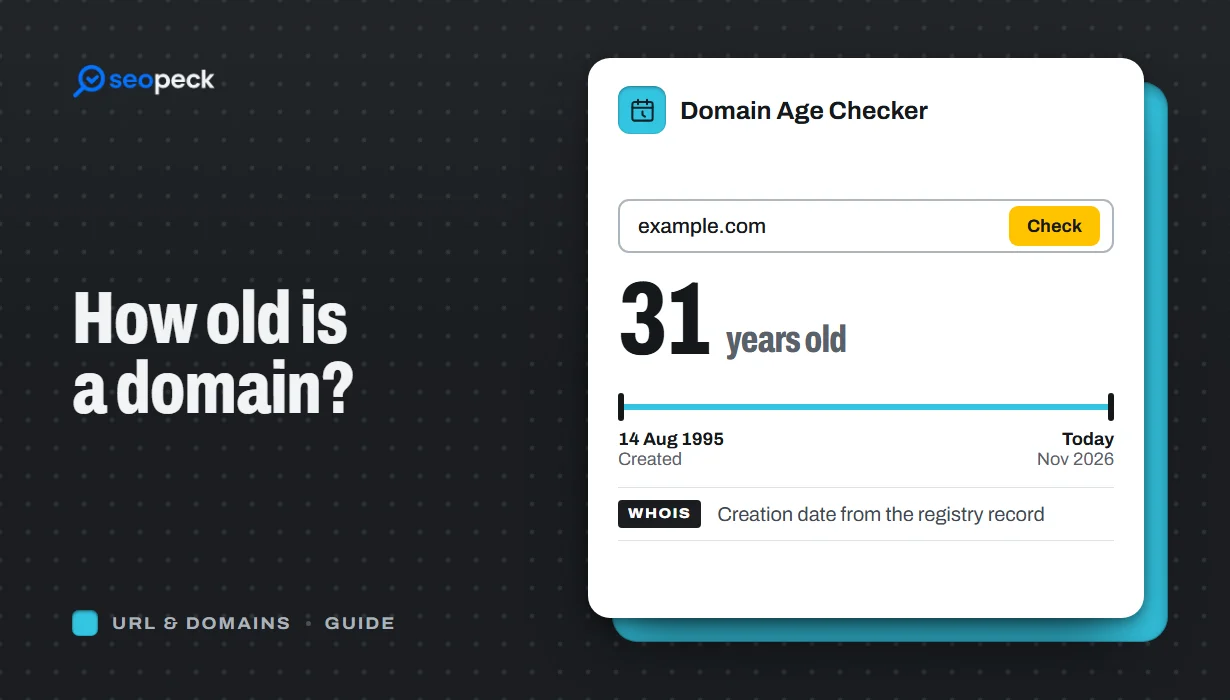 How to Check Domain Age: When Was a Domain Registered?
Find out when any domain was registered and how old it is, online or with whois and RDAP, why the date can look wrong, and whether domain age matters for SEO.
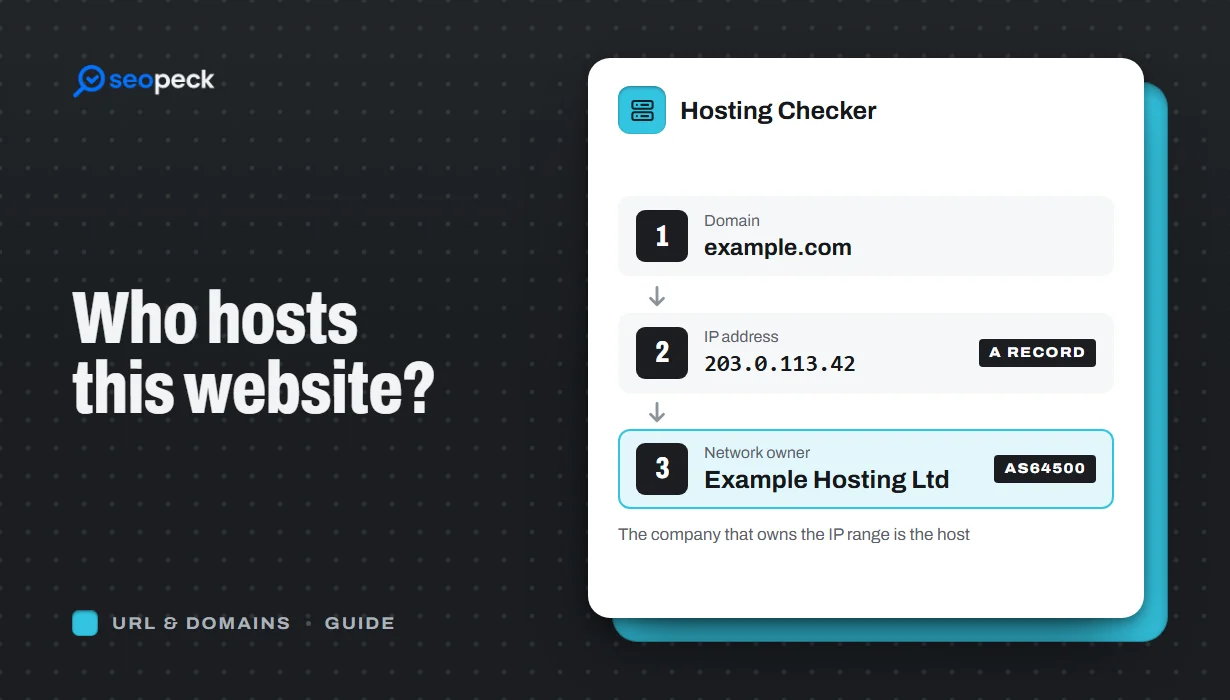 How to Find Out Who Hosts a Website (and What the Answer Means)
Find out who hosts any website: look up its IP and network owner online or with nslookup, read Cloudflare results right, and tell host from registrar.
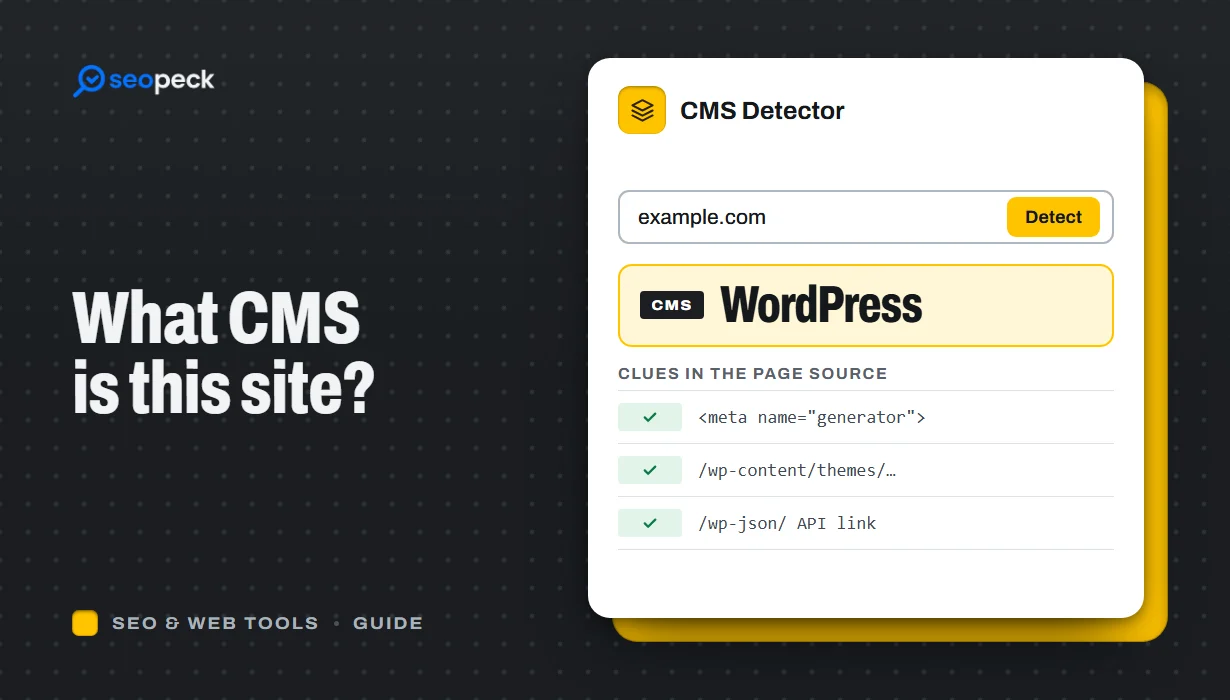 What CMS Is This Website Using? How to Tell in Seconds
Find out what CMS any website is built with: paste the address into a CMS detector, or check the page source, headers and robots.txt yourself.
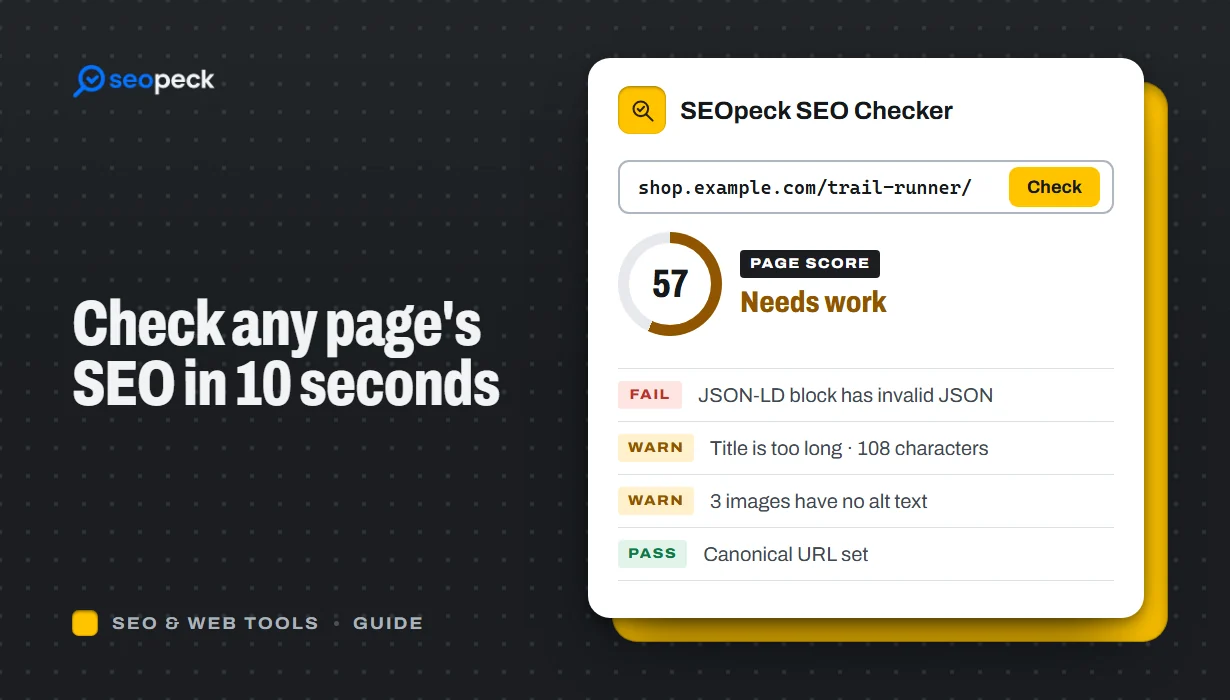 How to Check Any Page's SEO in 10 Seconds (and What Each Result Means)
Check a page's title, description, H1, canonical, noindex, robots.txt, alt text, schema, Open Graph and speed in seconds, and know which results matter.
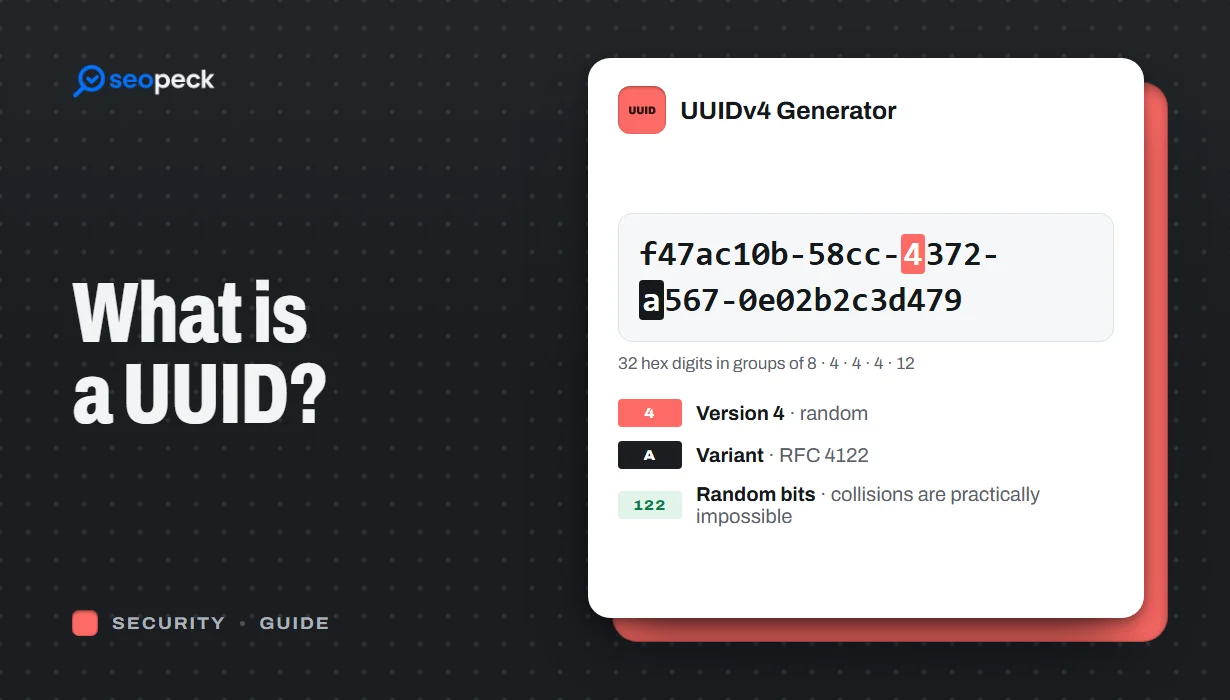 What Is a UUID? Versions, Uniqueness and When to Use One
What UUIDs are, how version 4 and version 7 differ, how unique they really are, and the trade-offs of using them as database keys.
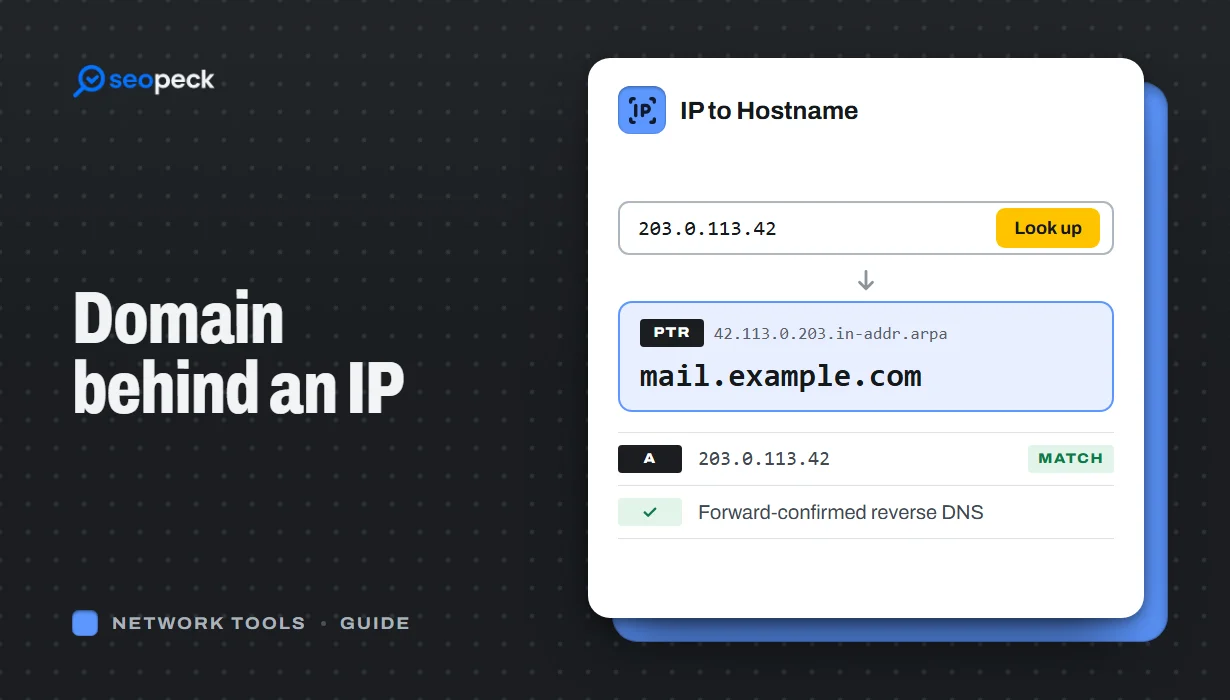 How to Find the Domain Name Behind an IP Address
Turn an IP address into a hostname with a reverse DNS (PTR) lookup, online or with nslookup and dig. Learn how to read the result, why many IPs show a hosting company or no name at all, and which lookup to use when you want the owner or the website instead.
Yes. Every tool is free to use with no account and no trial. The site is paid for by ads, which you can limit to non-personalised ones in the cookie settings.
Not for the PDF, video and audio tools or most image tools: they run in your browser and your files stay on your device. Tools that check a website, a domain or an IP address send that address to our server, because the check has to be run from there.
No. Open a tool and use it. Nothing is locked behind a sign-up.
Yes, every tool works in a mobile browser. The one exception is the screen recorder: phones do not allow a web page to record the screen, so use it on a computer.
There are no daily limits on the tools that run in your browser. Tools that check websites have a light rate limit so the service stays fast for everyone.
Yes, please do. Send it through the contact form; new tools are added every week.