
JSON to XML
Map JSON objects and arrays to XML elements, with control over the root name and indentation.


JSON to XML
Some older systems, feeds and SOAP-style services still expect XML. This converter maps JSON objects and arrays to XML elements and lets you control the root name, encoding and indentation.
How to use JSON to XML
- Paste your JSON into the input box.
- Set the Root Element Name, Character Encoding and Indentation Size, and tick Pretty Print XML if wanted.
- Click Convert to XML and copy the result.
When it comes in handy
- Sending data to a legacy API that only accepts XML.
- Generating XML samples from JSON test data.
- Comparing how the same data looks in both formats.
Frequently asked questions
Why does XML need a root element?
An XML document must have exactly one top-level element, so the JSON content is wrapped in the root name you enter.
Which encoding should I pick?
UTF-8 unless the receiving system demands otherwise. It can represent every character.
Related guides
-
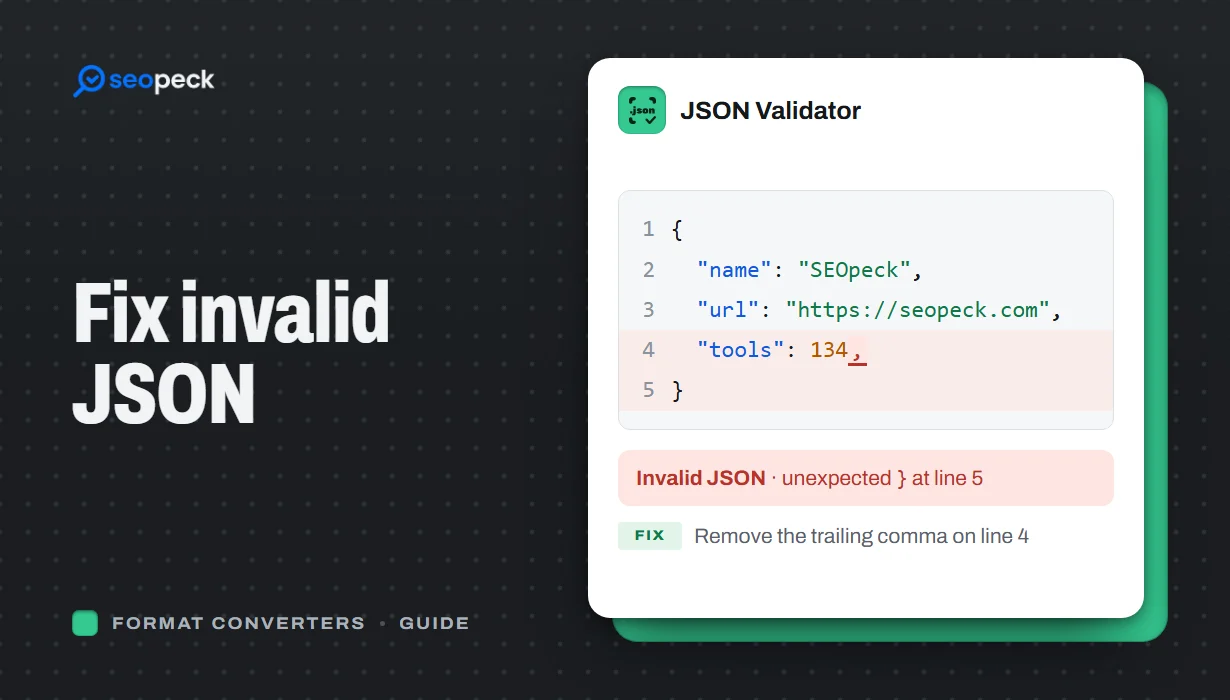 How to Fix Invalid JSON: The 8 Most Common Errors
Trailing commas, single quotes, unquoted keys and the other mistakes that break JSON, with before-and-after examples and a quick way to find the problem.
How to Fix Invalid JSON: The 8 Most Common Errors
Trailing commas, single quotes, unquoted keys and the other mistakes that break JSON, with before-and-after examples and a quick way to find the problem.
-
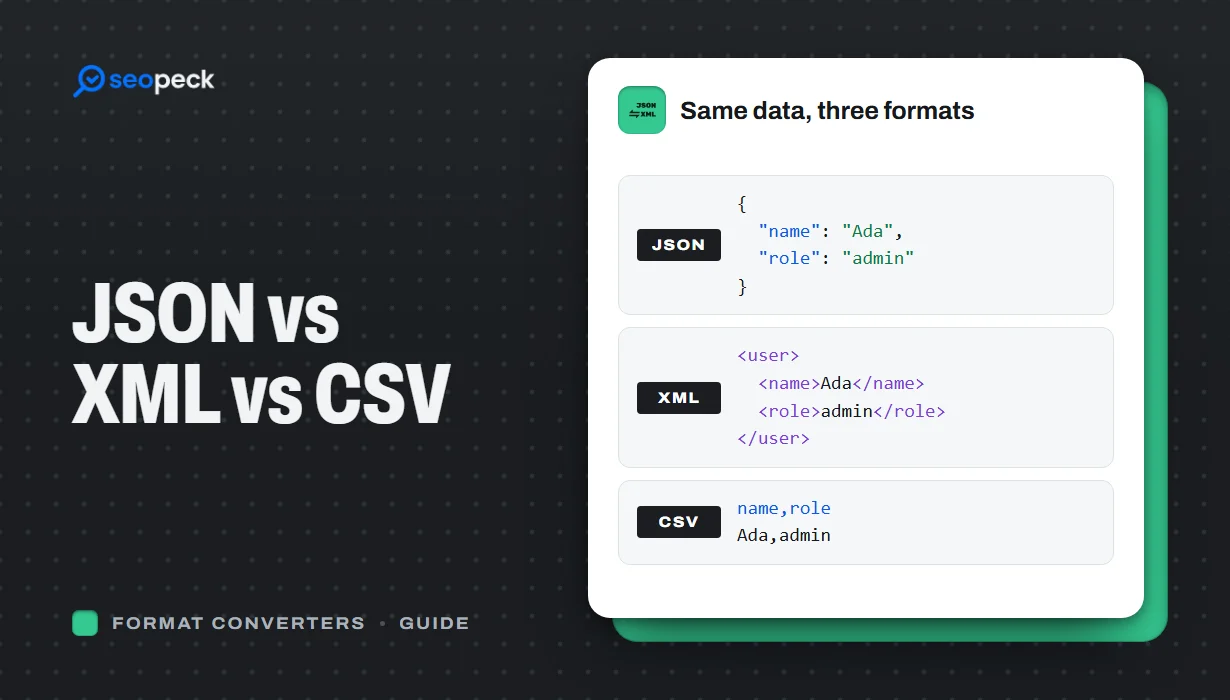 JSON vs XML vs CSV: Choosing the Right Data Format for Your Project
JSON, XML and CSV each solve a different problem. Here is how to pick the right one, plus tools to convert and validate between them.
JSON vs XML vs CSV: Choosing the Right Data Format for Your Project
JSON, XML and CSV each solve a different problem. Here is how to pick the right one, plus tools to convert and validate between them.
-
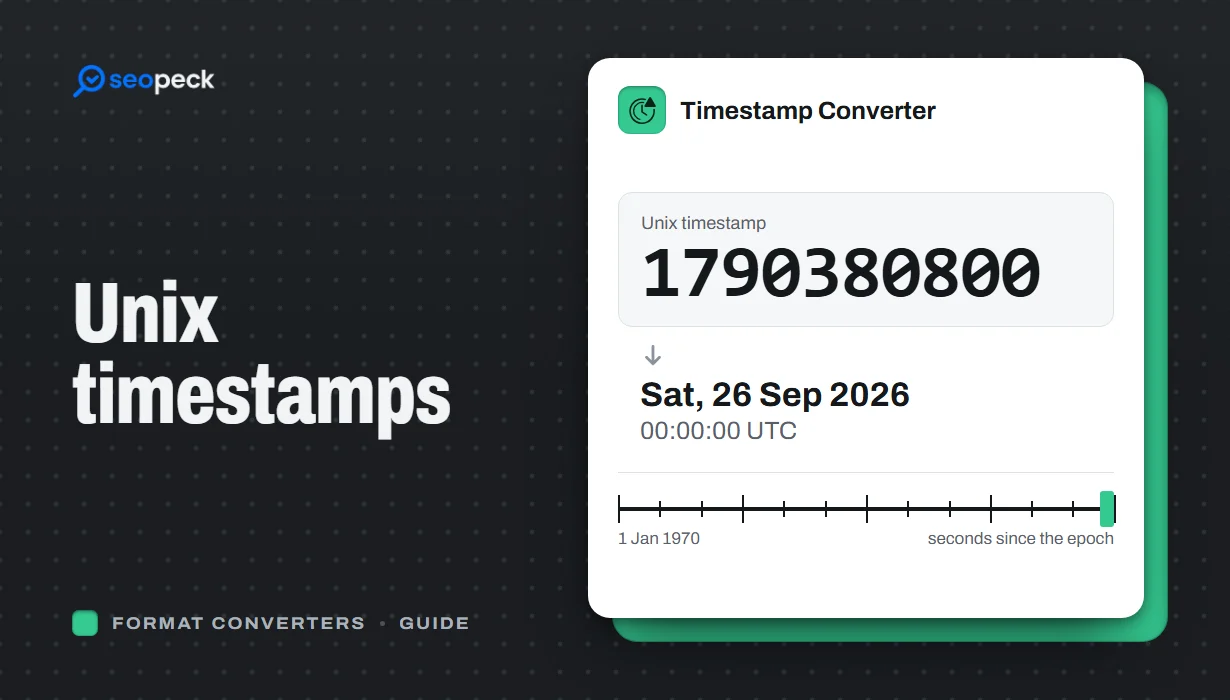 Unix Timestamps Explained: Epoch Time for Humans
What a Unix timestamp is, why it counts from 1970, seconds vs milliseconds, time zones, the year 2038 problem, and how to convert timestamps quickly.
Unix Timestamps Explained: Epoch Time for Humans
What a Unix timestamp is, why it counts from 1970, seconds vs milliseconds, time zones, the year 2038 problem, and how to convert timestamps quickly.


