
Format Converters
Developers spend a surprising amount of time moving data from one shape to another: a CSV export that an API wants as JSON, an XML feed that a script wants as JSON, or Markdown notes that have to become HTML. These converters handle those jobs in one step.
All Format Converters


Turn an API response into a spreadsheet
Make the JSON readable and find any error, then convert it to CSV for Excel or Google Sheets.
More about Format Converters
The formatters and minifiers work as opposites. Use the formatters and the JSON Beautifier when you need to read or debug code, and the minifiers when you want smaller files in production. The JSON Validator points at the exact spot where a document breaks, and the Timestamp Converter and colour converters save a trip to the documentation.
For configuration files, JSON to YAML and YAML to JSON move data between the two most common formats, JSON to TSV and TSV to JSON make spreadsheets and APIs talk to each other, and the SRT to VTT and VTT to SRT converters fix subtitle files for web players and video editors.
Guides for these tools
-
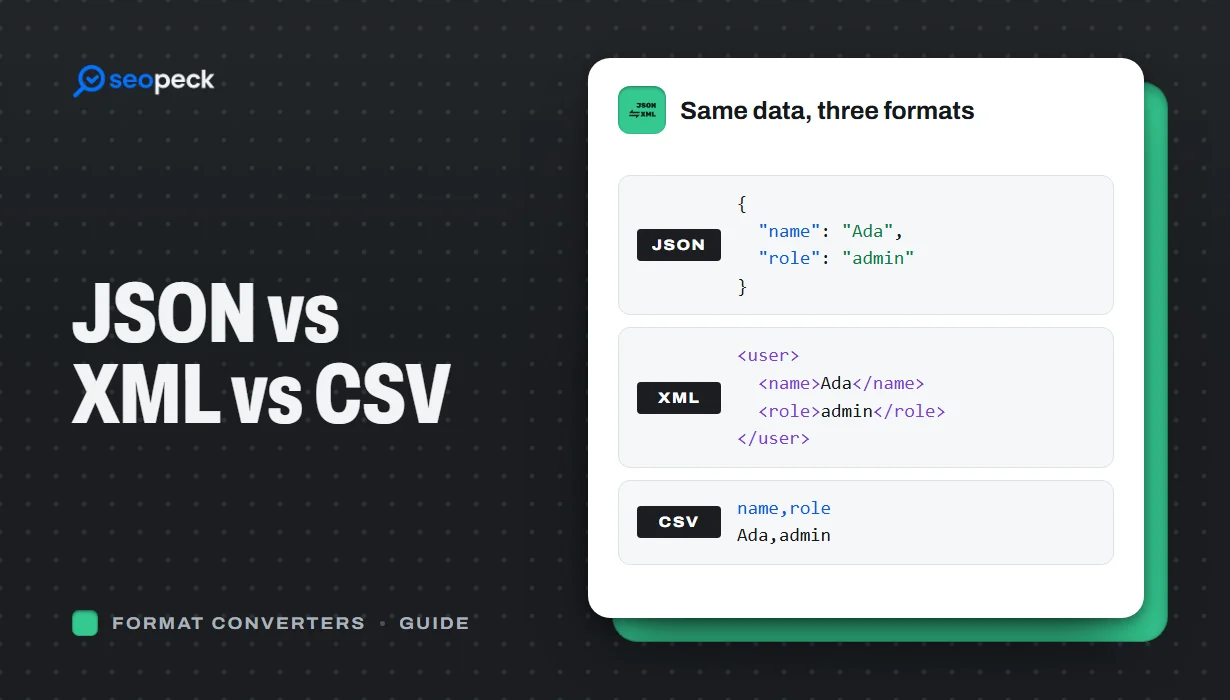 JSON vs XML vs CSV: Choosing the Right Data Format for Your Project
JSON, XML and CSV each solve a different problem. Here is how to pick the right one, plus tools to convert and validate between them.
-
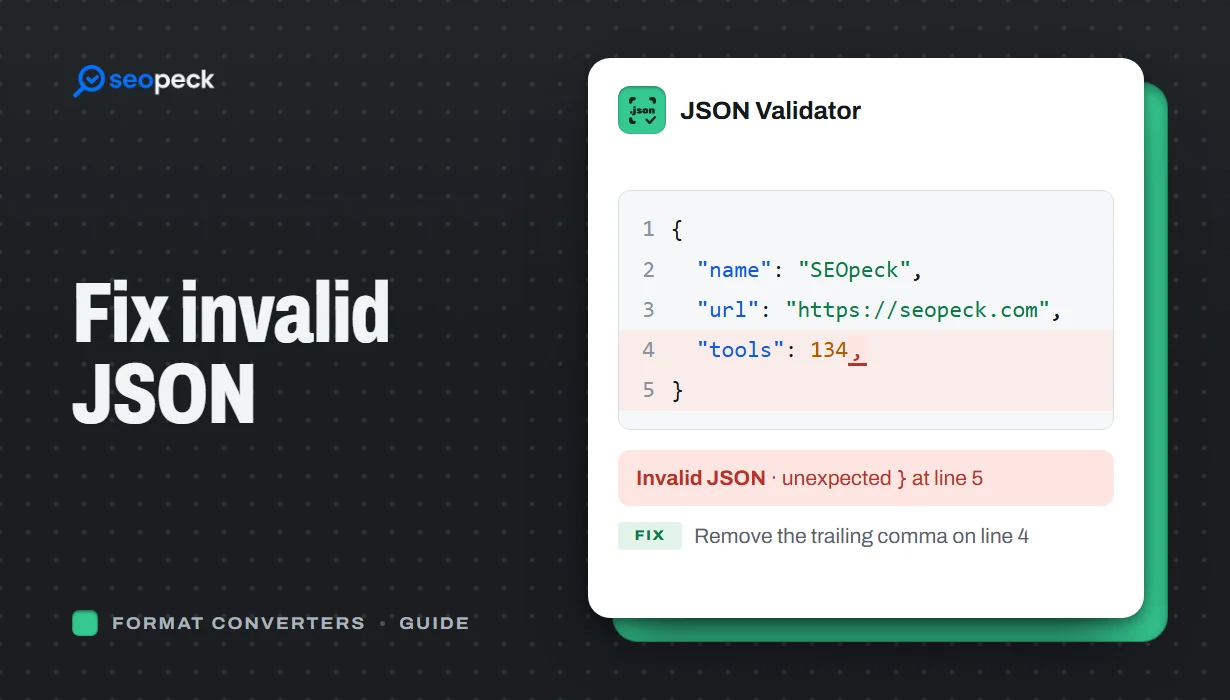 How to Fix Invalid JSON: The 8 Most Common Errors
Trailing commas, single quotes, unquoted keys and the other mistakes that break JSON, with before-and-after examples and a quick way to find the problem.
-
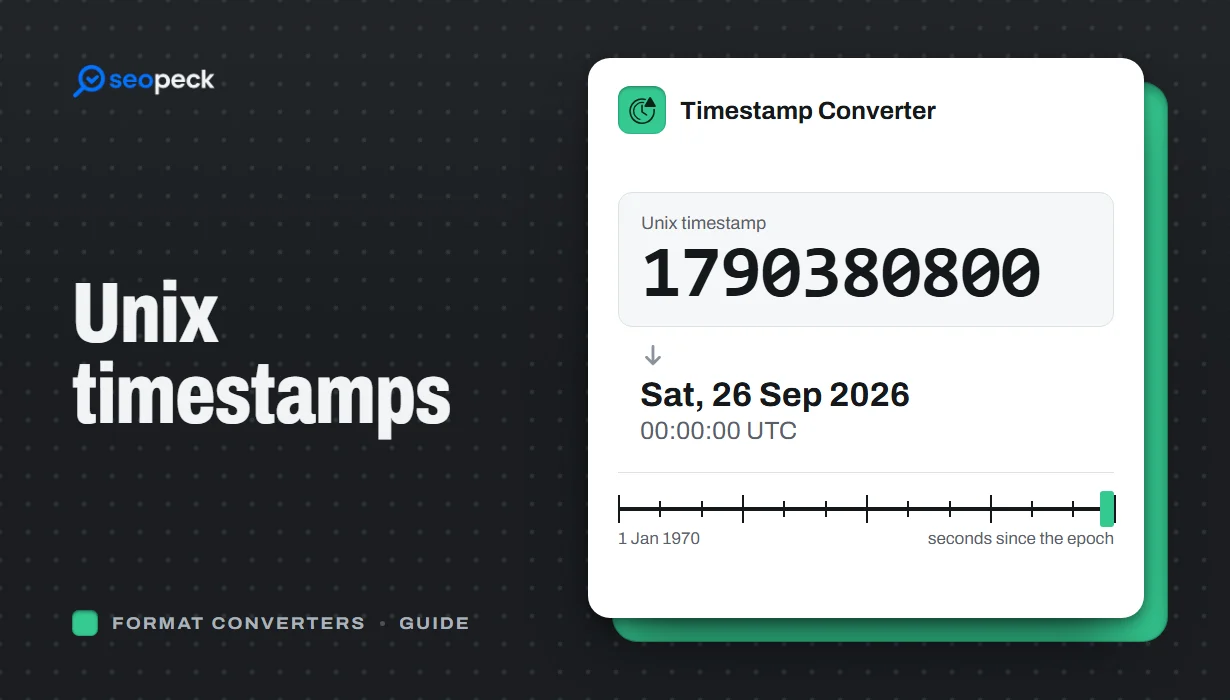 Unix Timestamps Explained: Epoch Time for Humans
What a Unix timestamp is, why it counts from 1970, seconds vs milliseconds, time zones, the year 2038 problem, and how to convert timestamps quickly.