
HTML To Markdown
Convert HTML into Markdown for docs, static-site generators and note apps.


HTML To Markdown
Moving content out of a website or CMS into documentation, a static-site generator or a notes app is much easier in Markdown. This tool converts HTML fragments into it.
How to use HTML To Markdown
- Paste your HTML into Enter your HTML Here.
- Click Convert to Markdown.
- Copy the Markdown output.
When it comes in handy
- Migrating blog posts and help articles to a Markdown-based system.
- Turning copied web content into notes.
- Cleaning up HTML into a format that is easier to read in version control.
Frequently asked questions
What happens to tags Markdown cannot express?
Elements without a Markdown equivalent, such as complex tables or custom widgets, may be simplified or left as HTML. Review the output before publishing.
Should I paste a whole page?
A fragment such as the article body works best. Navigation, scripts and footers add noise you would then have to remove.
Related guides
-
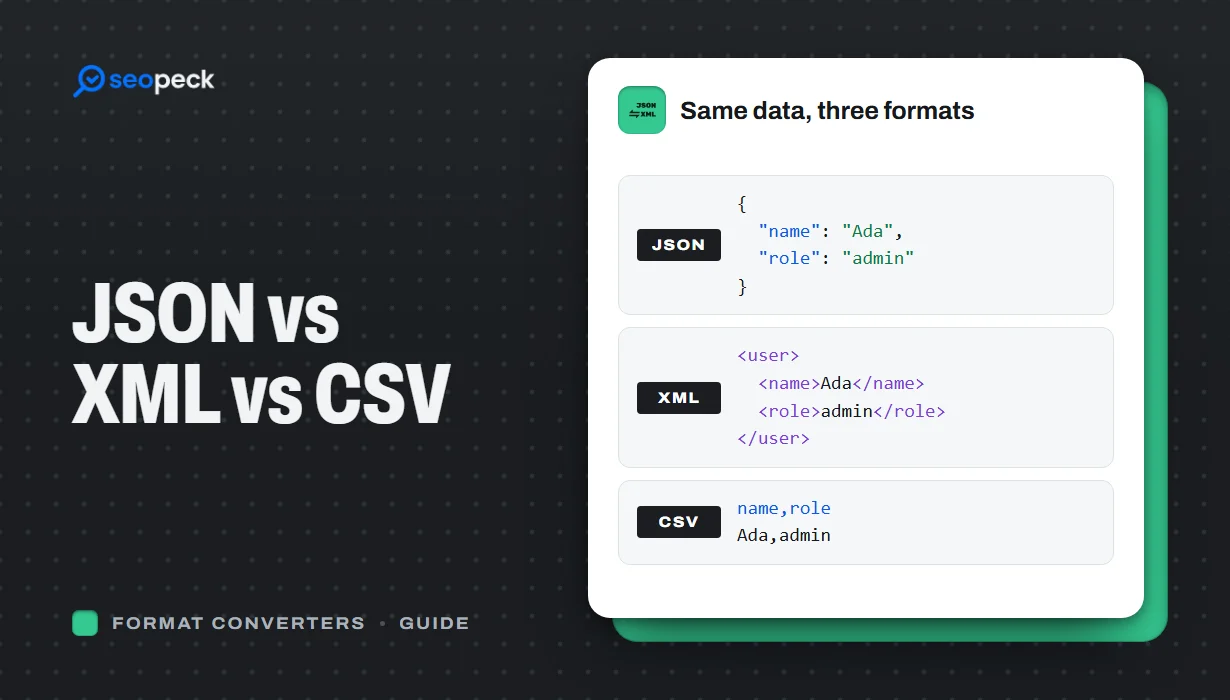 JSON vs XML vs CSV: Choosing the Right Data Format for Your Project
JSON, XML and CSV each solve a different problem. Here is how to pick the right one, plus tools to convert and validate between them.
JSON vs XML vs CSV: Choosing the Right Data Format for Your Project
JSON, XML and CSV each solve a different problem. Here is how to pick the right one, plus tools to convert and validate between them.
-
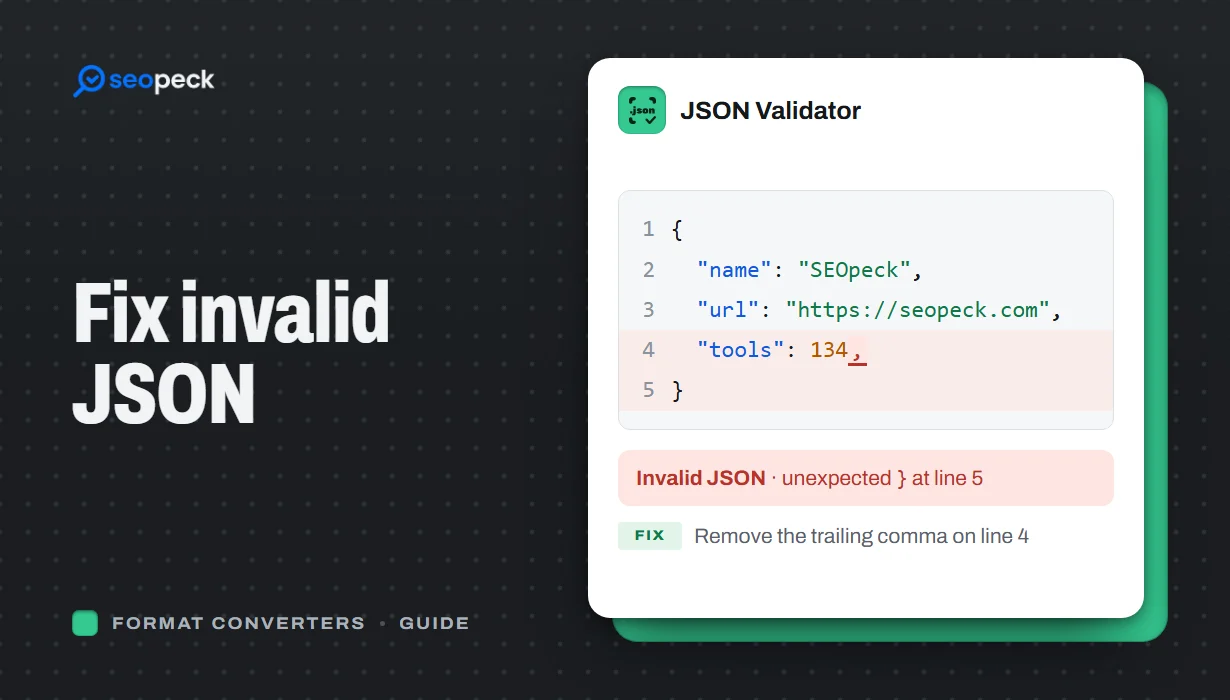 How to Fix Invalid JSON: The 8 Most Common Errors
Trailing commas, single quotes, unquoted keys and the other mistakes that break JSON, with before-and-after examples and a quick way to find the problem.
How to Fix Invalid JSON: The 8 Most Common Errors
Trailing commas, single quotes, unquoted keys and the other mistakes that break JSON, with before-and-after examples and a quick way to find the problem.
-
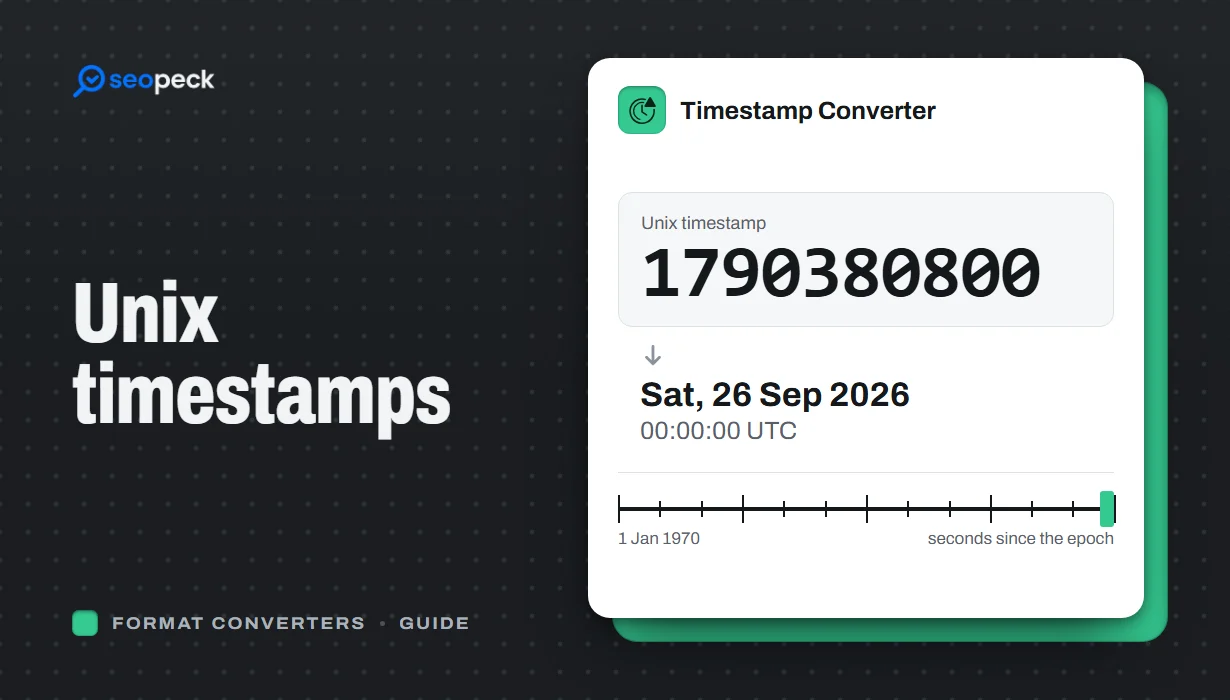 Unix Timestamps Explained: Epoch Time for Humans
What a Unix timestamp is, why it counts from 1970, seconds vs milliseconds, time zones, the year 2038 problem, and how to convert timestamps quickly.
Unix Timestamps Explained: Epoch Time for Humans
What a Unix timestamp is, why it counts from 1970, seconds vs milliseconds, time zones, the year 2038 problem, and how to convert timestamps quickly.
