
Markdown To HTML
Convert Markdown into clean HTML for websites, emails and CMS fields.


Markdown To HTML
Markdown is quick to write, but websites, email templates and CMS fields often need HTML. Paste your Markdown here and the tool produces the equivalent markup.
How to use Markdown To HTML
- Paste or type your Markdown into Enter your Markdown Here.
- Click Convert to HTML.
- Copy the HTML into your page or template.
When it comes in handy
- Turning README files and notes into web-ready HTML.
- Writing blog drafts in Markdown and pasting the HTML into a CMS.
- Generating HTML snippets for email templates.
Frequently asked questions
Are headings, lists and links supported?
Yes. Standard Markdown such as headings, emphasis, lists, links, images, code blocks and blockquotes is converted to matching HTML tags.
Does the output include styling?
No. You get plain semantic HTML that inherits the styles of the page it is placed in.
Related guides
-
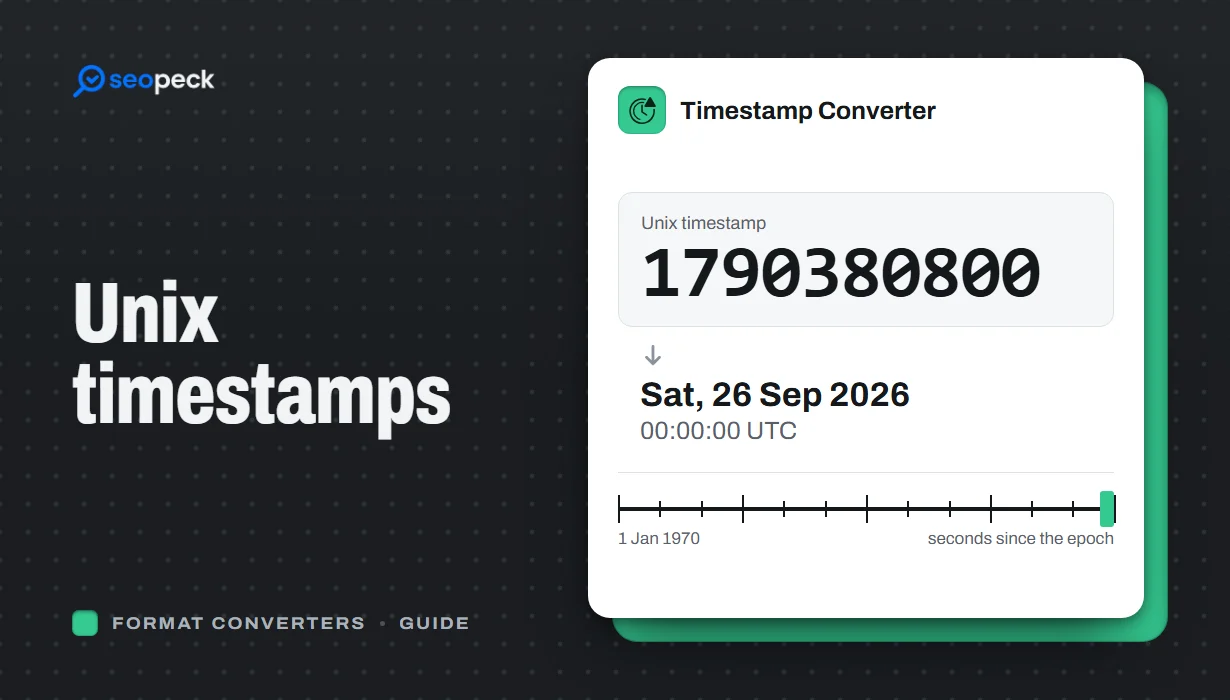 Unix Timestamps Explained: Epoch Time for Humans
What a Unix timestamp is, why it counts from 1970, seconds vs milliseconds, time zones, the year 2038 problem, and how to convert timestamps quickly.
Unix Timestamps Explained: Epoch Time for Humans
What a Unix timestamp is, why it counts from 1970, seconds vs milliseconds, time zones, the year 2038 problem, and how to convert timestamps quickly.
-
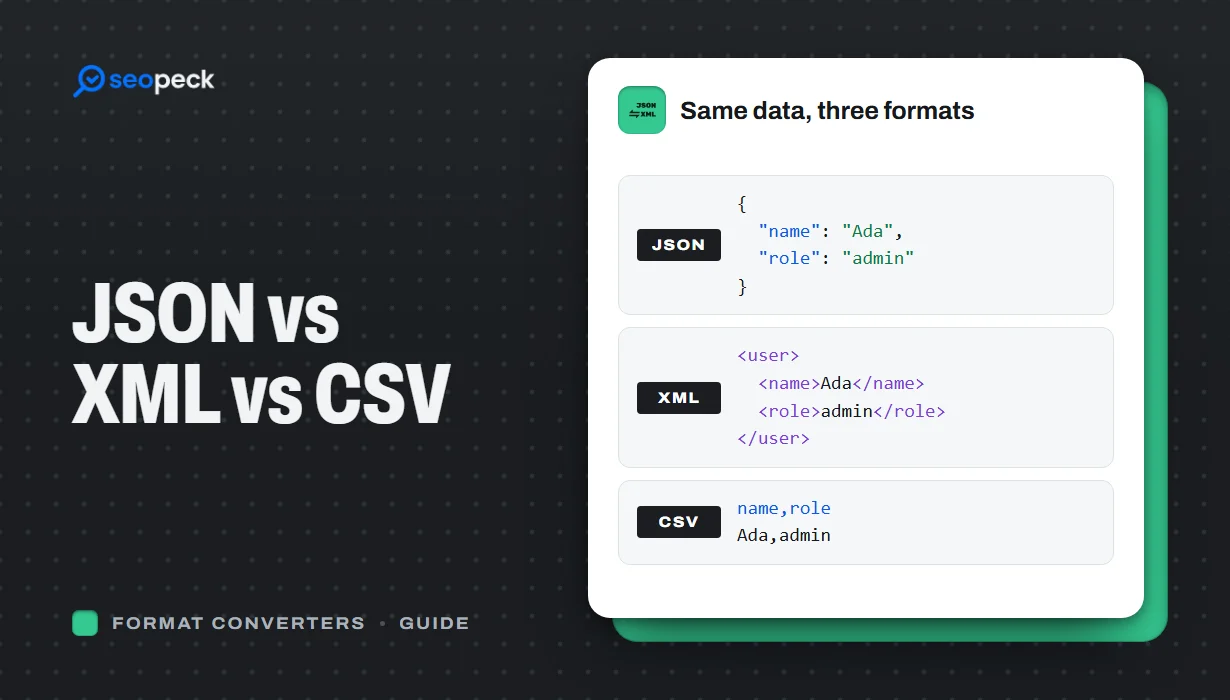 JSON vs XML vs CSV: Choosing the Right Data Format for Your Project
JSON, XML and CSV each solve a different problem. Here is how to pick the right one, plus tools to convert and validate between them.
JSON vs XML vs CSV: Choosing the Right Data Format for Your Project
JSON, XML and CSV each solve a different problem. Here is how to pick the right one, plus tools to convert and validate between them.
-
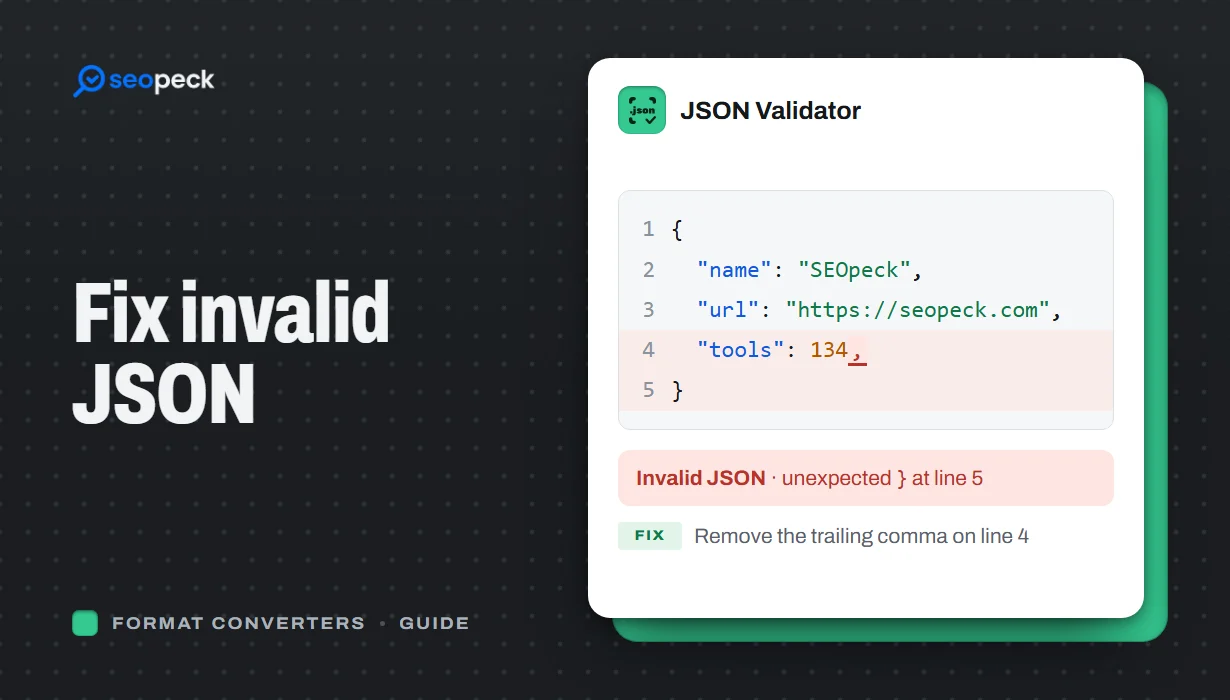 How to Fix Invalid JSON: The 8 Most Common Errors
Trailing commas, single quotes, unquoted keys and the other mistakes that break JSON, with before-and-after examples and a quick way to find the problem.
How to Fix Invalid JSON: The 8 Most Common Errors
Trailing commas, single quotes, unquoted keys and the other mistakes that break JSON, with before-and-after examples and a quick way to find the problem.
