
How to Fix Invalid JSON: The 8 Most Common Errors
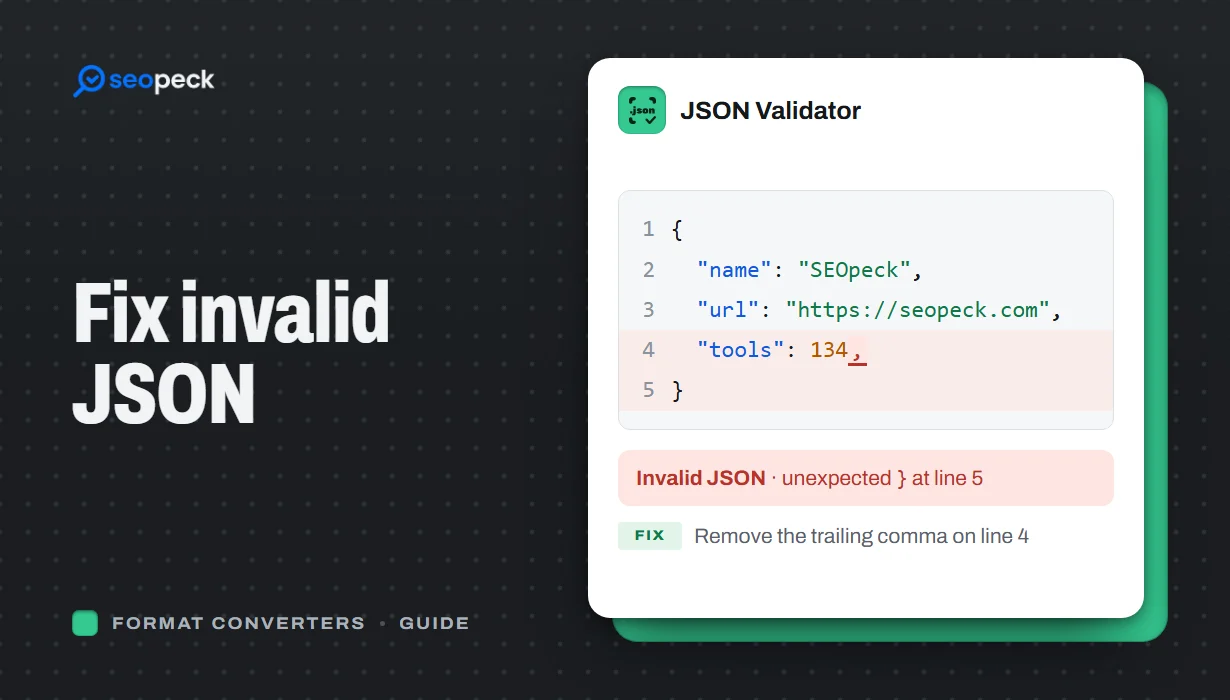
Trailing commas, single quotes, unquoted keys and the other mistakes that break JSON, with before-and-after examples and a quick way to find the problem.
JSON looks simple, and it is, but it is also strict. One misplaced character and the whole document fails to parse, usually with an unhelpful message such as "Unexpected token" at some position deep inside a long line. Almost every JSON error comes from the same small set of mistakes. Here they are, with fixes.
The fastest way to find the problem is to paste your data into the JSON Validator, which points at the line and character where parsing stops. Then compare that spot with the list below.
1. Trailing commas
JavaScript allows a comma after the last item; JSON does not.
{ "name": "Ada", "age": 36, }   ✗
{ "name": "Ada", "age": 36 }    ✓
2. Single quotes
JSON strings and keys must use double quotes.
{ 'name': 'Ada' }   ✗
{ "name": "Ada" }   ✓
3. Unquoted keys
Every key must be a quoted string, even when it looks like a simple word.
{ name: "Ada" }     ✗
{ "name": "Ada" }   ✓
4. Comments
Standard JSON has no comments. Remove // and /* */ lines, or move the note into a normal field such as "_note". Some tools accept "JSON with comments", but anything that expects strict JSON will reject it.
5. Unescaped characters inside strings
Double quotes, backslashes and line breaks inside a string must be escaped.
{ "quote": "She said "hi"" }      ✗
{ "quote": "She said \"hi\"" }    ✓
{ "path": "C:\new\folder" }       ✗
{ "path": "C:\\new\\folder" }     ✓
6. Values JSON does not support
undefined, NaN, Infinity, functions and dates as objects are not valid JSON. Use null for missing values, numbers or strings for special numbers, and ISO 8601 strings (such as "2026-10-09T09:00:00Z") for dates.
7. Missing commas or brackets
Forgetting a comma between items, or a closing } or ], is especially common after editing a file by hand. Formatting the document makes these jump out, because the indentation goes wrong right where the bracket is missing. The JSON Beautifier re-indents the whole document in one click.
8. Extra text around the JSON
An API response that starts with an HTML error page, a byte-order mark, or a log line before the opening brace will not parse. If the first character is not { or [, look at what the server actually returned; the problem is often an error page, not the JSON itself.
A quick workflow
- Paste the data into the JSON Validator and note where it fails.
- Check that spot, and the line just before it, for the errors above.
- Fix, validate again, and repeat until it passes.
- Run it through the JSON Beautifier so it stays readable.
If you need the data in another shape afterwards, the JSON to CSV and JSON to XML converters can help, and our comparison of JSON, XML and CSV explains when to use each.