
JSON Validator
Paste JSON and check in one click whether it is valid, with the reason when it is not.


JSON Validator
JSON Validator tells you whether a piece of JSON is valid. Paste it in, click Validate JSON, and you get either "JSON is Valid" or "Invalid JSON Provided" followed by the reason, such as Syntax error or Malformed UTF-8 characters. The check is run by SEOpeck's server with PHP's standard JSON parser, the same parser many websites and APIs use to read JSON.
How to use the JSON Validator
- Paste your JSON into the box: an API response, a config file, a
package.jsonor a block of test data. - Click Validate JSON.
- Read the message under the button. If it says invalid, fix the problem and validate again.
What the error messages mean
- Syntax error: the text breaks a JSON rule. It covers most mistakes: a trailing comma, single quotes, an unquoted key, a comment, a missing bracket or a stray character before or after the data.
- Control character error, possibly incorrectly encoded: a string contains a raw tab or line break. Inside JSON strings these must be written as
\tand\n. - Malformed UTF-8 characters: the text contains bytes that are not valid UTF-8, usually from a file saved in another encoding such as Windows-1252.
- Maximum stack depth exceeded: the data is nested 512 or more levels deep.
A worked example
This looks fine at a glance but is invalid:
{
  'name': "SEOpeck",
  "tools": ["dns-lookup", "ping",],
}
The validator answers Invalid JSON Provided: Syntax error. There are three problems: the key 'name' uses single quotes, and there is a trailing comma after "ping" and another after the closing bracket. The corrected version is valid:
{
  "name": "SEOpeck",
  "tools": ["dns-lookup", "ping"]
}
Common mistakes and how to fix them
- Trailing commas: JavaScript allows them, JSON does not. Remove the comma before every
}and]. - Single quotes: keys and strings need double quotes.
- Comments:
//and/* */are not part of JSON. Delete them, or use a format that allows them, such as YAML (convert it with YAML to JSON). - JavaScript values:
undefined,NaNandInfinityare not valid JSON. Usenullor a number. - A hidden byte order mark: some Windows editors save files with an invisible BOM at the start, which this parser rejects as a syntax error. Save the file as "UTF-8" without BOM.
When it comes in handy
- Checking an API request body before you send it, or a response that your code refuses to parse.
- Testing a config file after a hand edit, before you deploy it.
- Making sure data exported from another system is well-formed before you import it or convert it with JSON to CSV.
Limits
- The result says what is wrong, but not where. To get the line and column of the error and a plain-English hint, paste the same JSON into the JSON Beautifier, which also formats valid JSON and runs entirely in your browser.
- It checks syntax only, not whether the fields match a JSON Schema or what your API expects.
Not sure JSON is the right format for your data? Our guide to JSON vs XML vs CSV compares them.
Frequently asked questions
Why does my JSON fail here but work in JavaScript?
.js file but are errors in JSON.Does it tell me the line number of the error?
Are duplicate keys invalid?
Is JSON-LD schema markup checked here?
Is my JSON stored?
Related guides
-
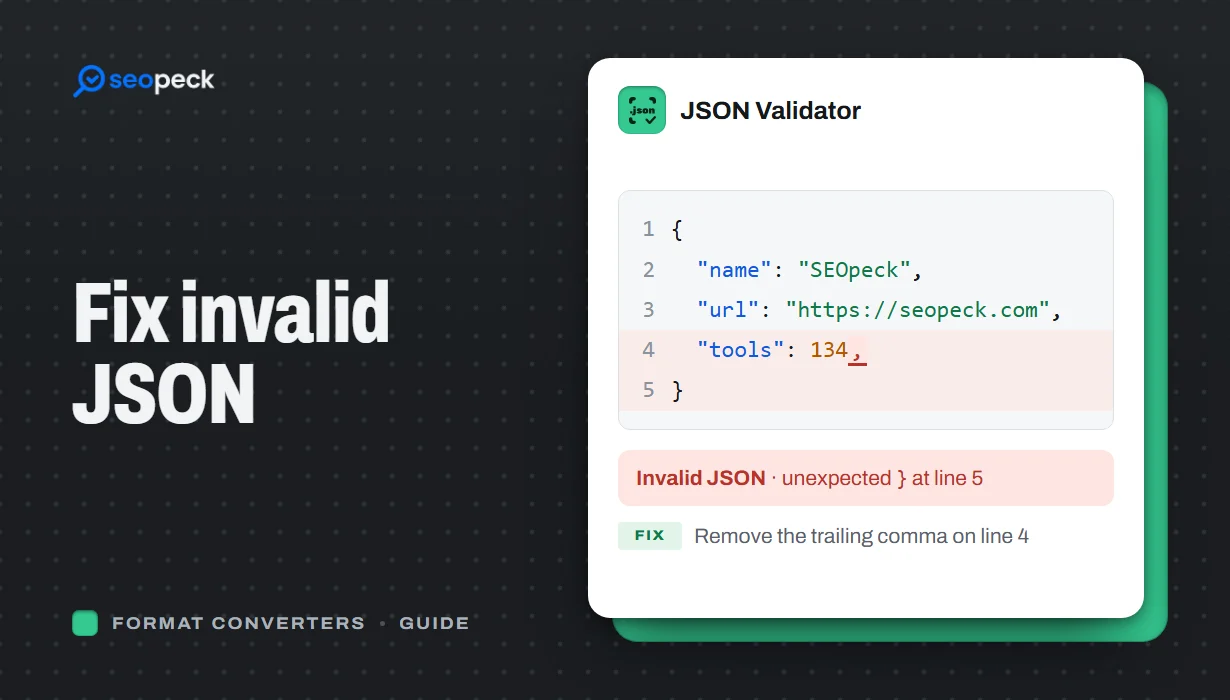 How to Fix Invalid JSON: The 8 Most Common Errors
Trailing commas, single quotes, unquoted keys and the other mistakes that break JSON, with before-and-after examples and a quick way to find the problem.
How to Fix Invalid JSON: The 8 Most Common Errors
Trailing commas, single quotes, unquoted keys and the other mistakes that break JSON, with before-and-after examples and a quick way to find the problem.
-
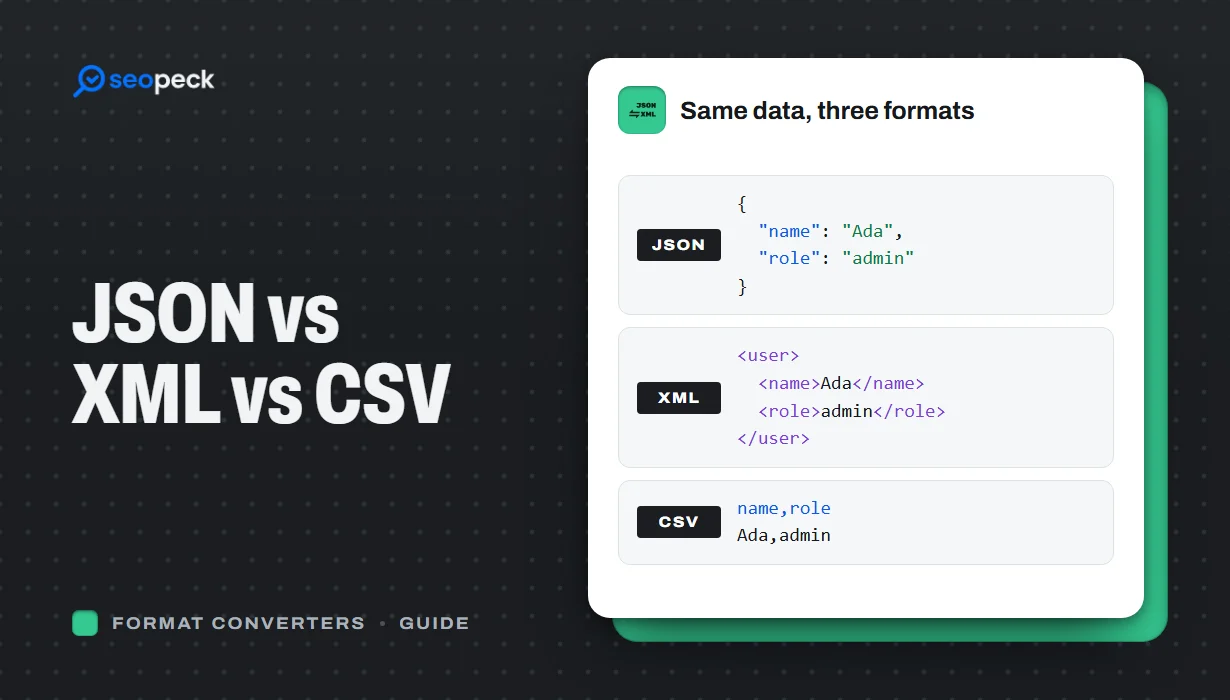 JSON vs XML vs CSV: Choosing the Right Data Format for Your Project
JSON, XML and CSV each solve a different problem. Here is how to pick the right one, plus tools to convert and validate between them.
JSON vs XML vs CSV: Choosing the Right Data Format for Your Project
JSON, XML and CSV each solve a different problem. Here is how to pick the right one, plus tools to convert and validate between them.
-
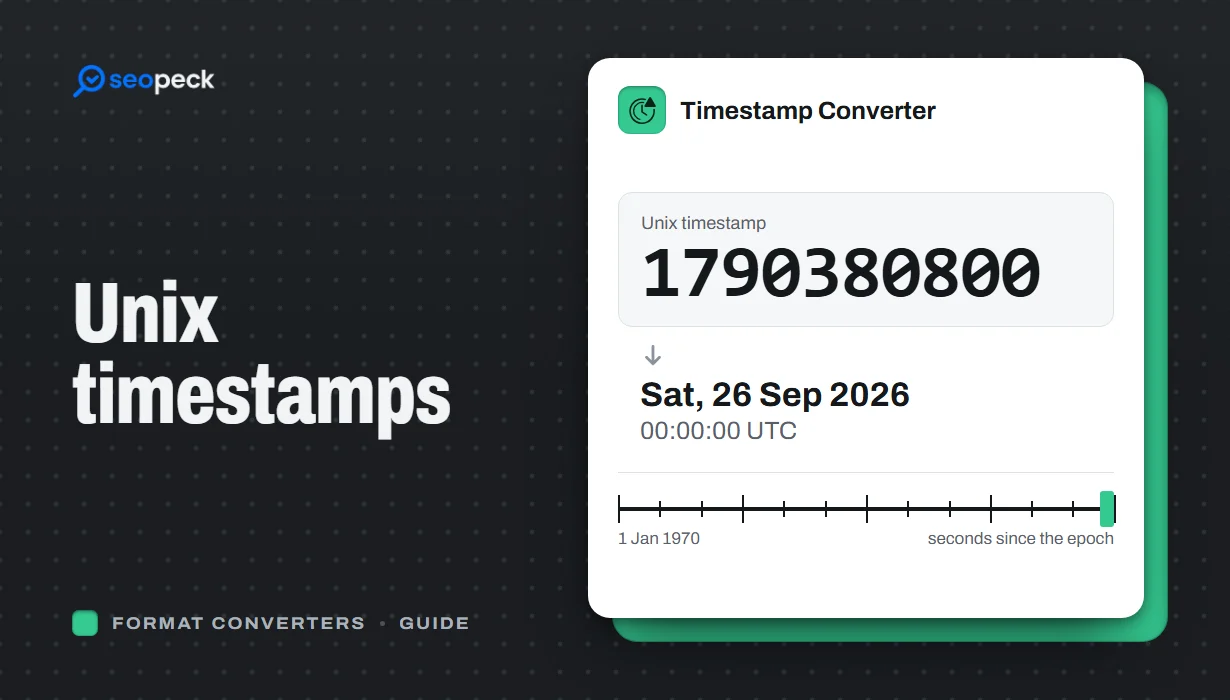 Unix Timestamps Explained: Epoch Time for Humans
What a Unix timestamp is, why it counts from 1970, seconds vs milliseconds, time zones, the year 2038 problem, and how to convert timestamps quickly.
Unix Timestamps Explained: Epoch Time for Humans
What a Unix timestamp is, why it counts from 1970, seconds vs milliseconds, time zones, the year 2038 problem, and how to convert timestamps quickly.


