
Timestamp Converter
Convert Unix timestamps to readable dates and back again.
| Human Readable Time | Seconds |
|---|---|
| 1 minute | 60 seconds |
| 1 hour | 3600 seconds |
| 1 day | 86400 seconds |
| 1 week | 604800 seconds |
| 1 month | 2629743 seconds |
| 1 year | 31556926 seconds |


Timestamp Converter
Unix time counts the seconds since 1 January 1970 (UTC). Databases, logs and APIs use it everywhere, and this tool converts it to a readable date and the other way round. For seconds vs milliseconds, time zones and the year 2038 problem, see Unix timestamps explained.
How to use Timestamp Converter
- Enter a Unix timestamp to convert it to a human-readable time, or enter a date to get the timestamp.
- Read the converted value.
- Use the reference table of seconds per minute, hour, day, week, month and year for quick calculations.
When it comes in handy
- Reading timestamps in server logs and database rows.
- Creating expiry values for tokens and cookies.
- Checking time differences between two events.
Frequently asked questions
Seconds or milliseconds?
The standard Unix timestamp is in seconds. JavaScript uses milliseconds, which give a number with three extra digits. Divide by 1,000 to convert.
Which time zone is used?
Unix time itself is always UTC. Time zones only matter when the value is displayed as a local date.
Related guides
-
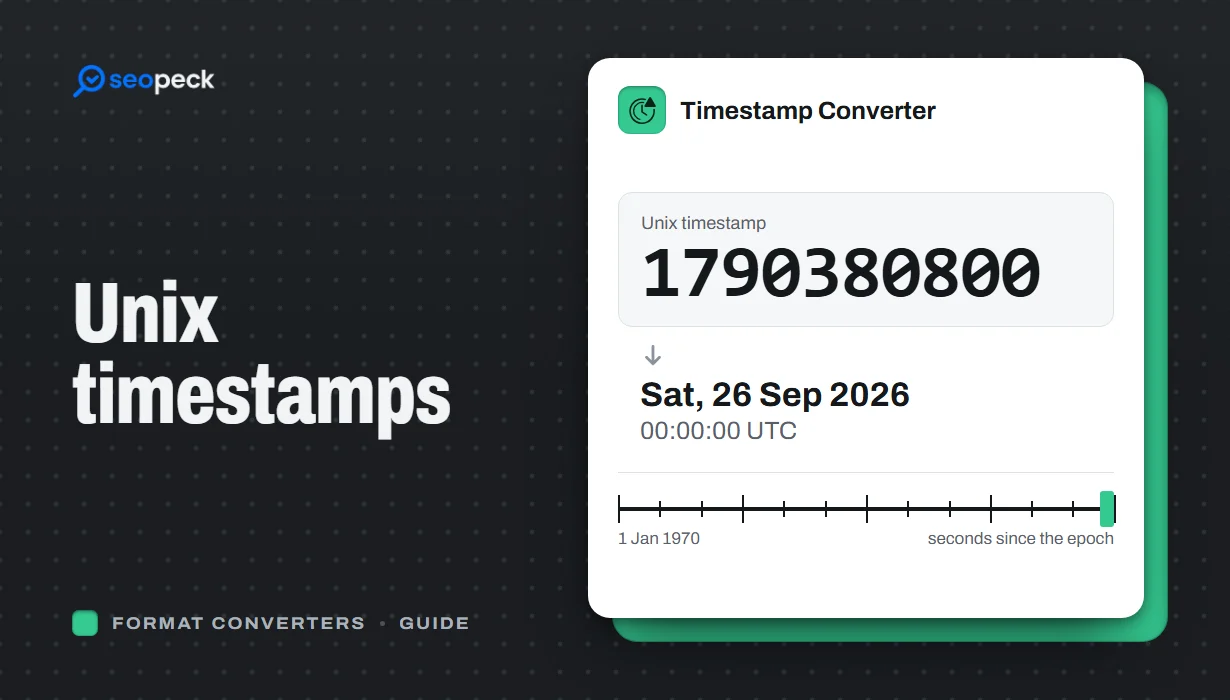 Unix Timestamps Explained: Epoch Time for Humans
What a Unix timestamp is, why it counts from 1970, seconds vs milliseconds, time zones, the year 2038 problem, and how to convert timestamps quickly.
Unix Timestamps Explained: Epoch Time for Humans
What a Unix timestamp is, why it counts from 1970, seconds vs milliseconds, time zones, the year 2038 problem, and how to convert timestamps quickly.
-
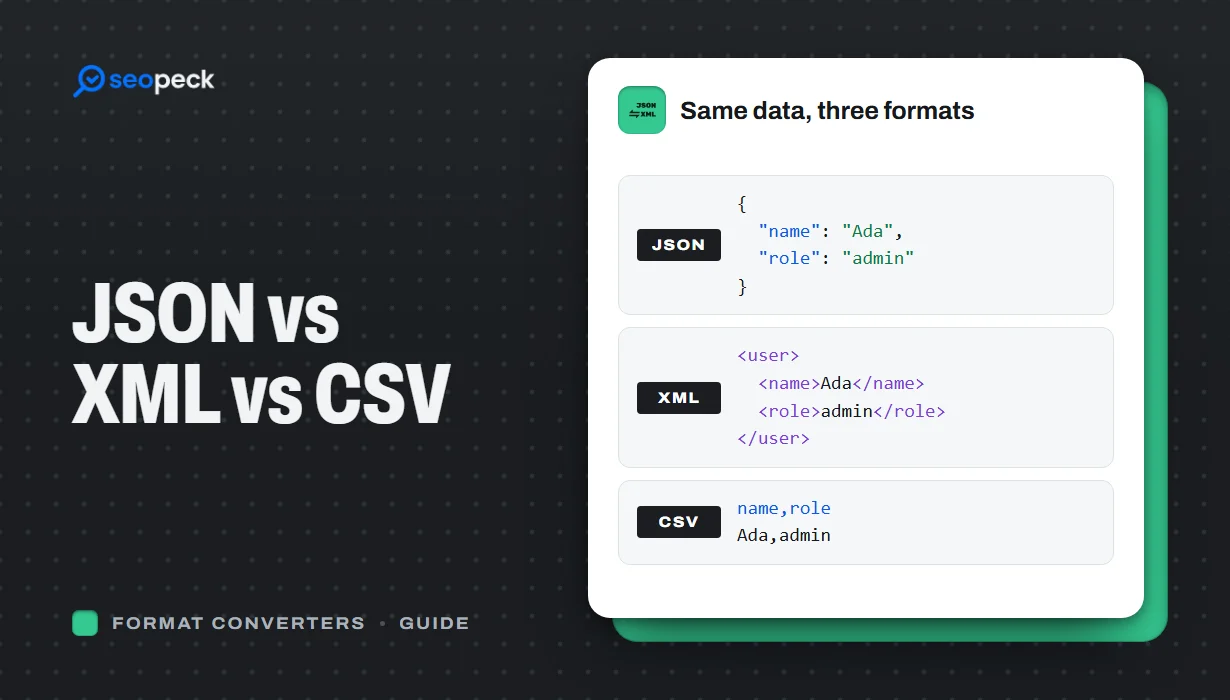 JSON vs XML vs CSV: Choosing the Right Data Format for Your Project
JSON, XML and CSV each solve a different problem. Here is how to pick the right one, plus tools to convert and validate between them.
JSON vs XML vs CSV: Choosing the Right Data Format for Your Project
JSON, XML and CSV each solve a different problem. Here is how to pick the right one, plus tools to convert and validate between them.
-
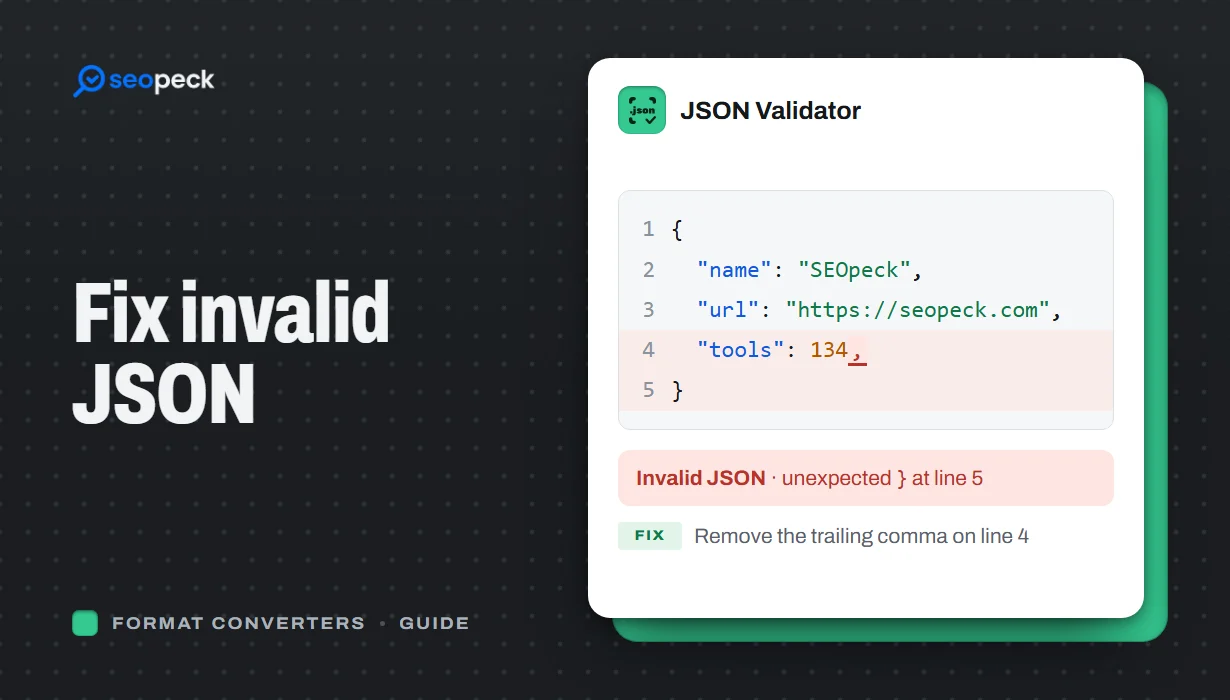 How to Fix Invalid JSON: The 8 Most Common Errors
Trailing commas, single quotes, unquoted keys and the other mistakes that break JSON, with before-and-after examples and a quick way to find the problem.
How to Fix Invalid JSON: The 8 Most Common Errors
Trailing commas, single quotes, unquoted keys and the other mistakes that break JSON, with before-and-after examples and a quick way to find the problem.
