
SEO & Web Tools
Good rankings start with the basics being right: a clear title and description for every page, correct social preview tags, a robots.txt file that lets search engines reach what matters, and redirects that send old URLs to their new home.
All SEO & Web Tools


Get a page ready for Google
Fix the basics, see how the result looks in search, add structured data, then check the share preview.
Guide: The on-page SEO checklist
More about SEO & Web Tools
Start with the On-Page SEO Checker: enter a URL and it audits the title, description, headings, images, links, canonical, robots rules and structured data in one report. The Website Speed Test runs Google PageSpeed Insights and shows your Core Web Vitals, the Broken Link Checker crawls your site for dead links and images, and the Domain Rating Checker shows the Ahrefs DR of up to 20 sites at once. For whole sites, the Website SEO Audit crawls up to 100 pages for duplicate titles, thin content and errors, and the XML Sitemap Generator writes a clean sitemap.xml. The Keyword Ideas Generator finds long-tail keywords and questions, the SEO Competitor Comparison puts your page next to the ones that outrank it, and the Local Citation Finder lists the directories a local business should be in. The SERP Snippet Preview shows how your title and description will look in Google, the Schema Markup Generator writes JSON-LD for rich results, and the AI Crawler Checker tells you which AI bots your robots.txt lets in.
The SEO Tags Generator and Twitter Card Generator write the meta tags for you, and the Robots.txt and .htaccess Redirect generators save you from remembering the syntax. The Image Geotagger adds or removes the GPS location in your photos' metadata without uploading them, the Open Graph Checker previews how links look on social media, and the CMS Detector shows which CMS and technologies any website is built with. The GZIP Compression Test checks that your server compresses its responses, and the Privacy Policy and Terms of Service generators give you a first draft of the legal pages every site needs.
For technical SEO, the JSON-LD Schema Validator and Schema Visualizer check and explain structured data, the Sitemap Visualizer turns any XML sitemap into a readable folder tree, and the Keyword Density Checker shows the words and phrases a page leans on. The Hreflang and Canonical Tag generators handle duplicate and multilingual pages, the PWA Manifest Generator and PWA Checker make a site installable, and the Search Operators Builder writes advanced Google searches for link building and research.
To find out why a page is not in Google, the Noindex Checker checks every indexing signal at once and the Robots.txt Tester shows which rule blocks a URL for any crawler. The Heading Structure Checker and Image Alt Text Checker cover on-page structure and accessibility. For AI search, the llms.txt Generator and llms.txt Checker build and validate the file that points AI assistants to your best pages. The UTM Link Builder tags campaign links for Google Analytics, and the Favicon Generator makes every icon size a site needs.
For structured data and older markup, the Microdata to JSON-LD Converter rewrites itemprop markup as JSON-LD and the AMP Validator runs Google's official AMP checks. The Keyword Cloud Generator shows at a glance which words a text leans on.
Guides for these tools
-
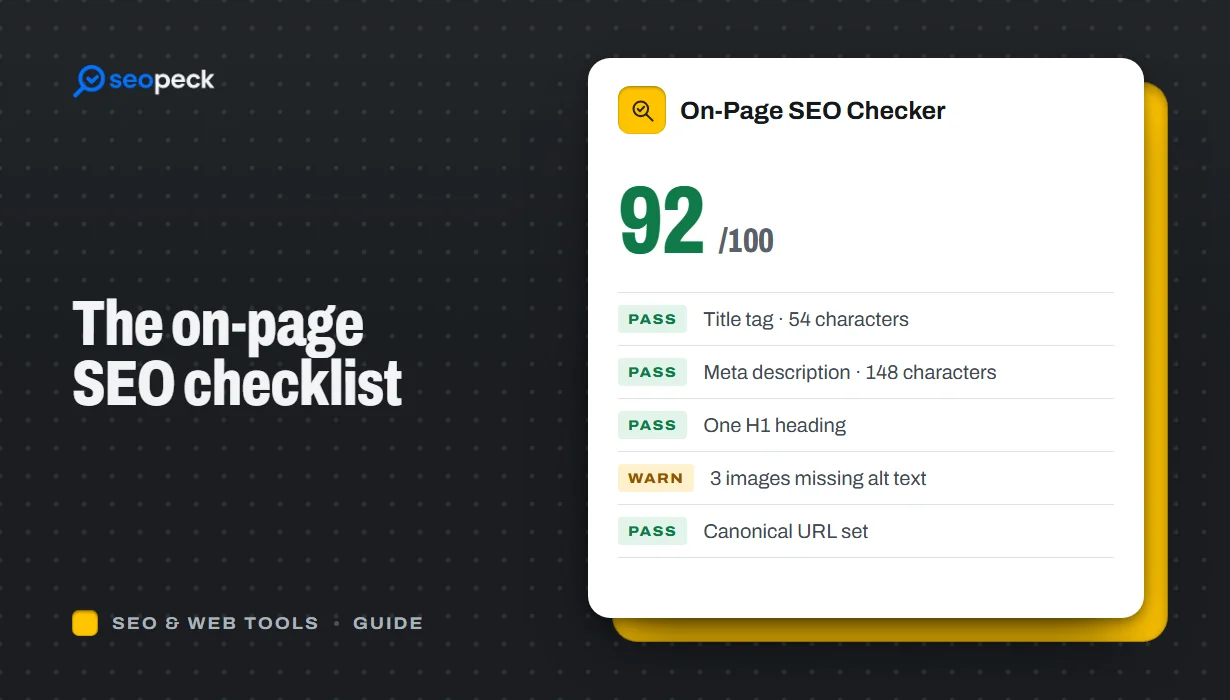 On-Page SEO Checklist: 15 Things to Check Before You Hit Publish
A practical, no-jargon checklist for getting a single page right: titles, descriptions, headings, images, links, indexing and structured data.
-
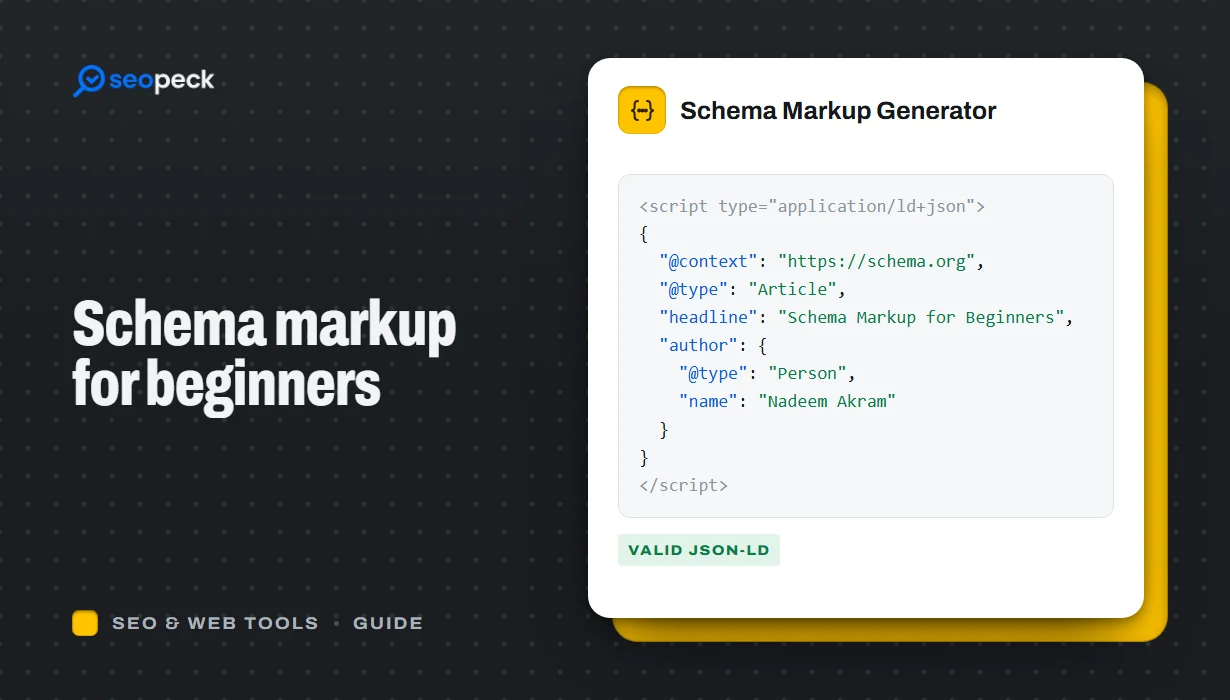 Schema Markup for Beginners: What JSON-LD Does and Which Types to Use
A beginner-friendly explanation of structured data and JSON-LD, the schema types most sites need, and how to add and test them.
-
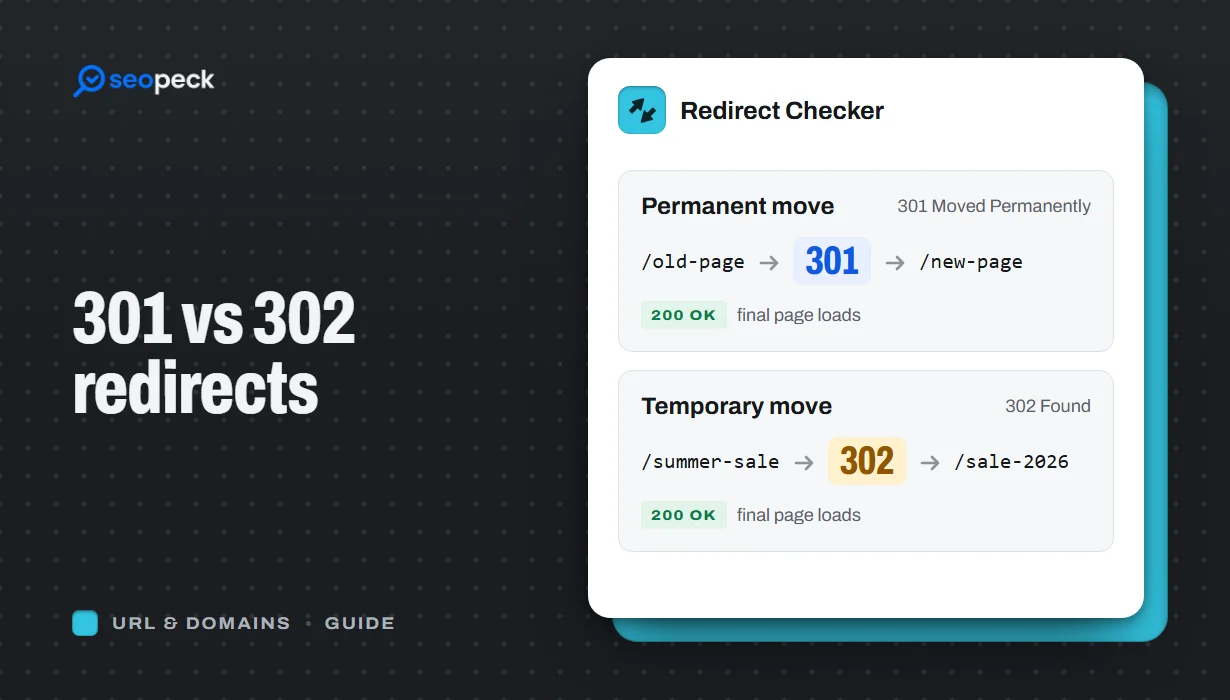 301 vs 302 Redirects: Which One to Use, and How to Check Them
The difference between permanent and temporary redirects, how each affects SEO, common redirect mistakes, and how to set up and test them.
-
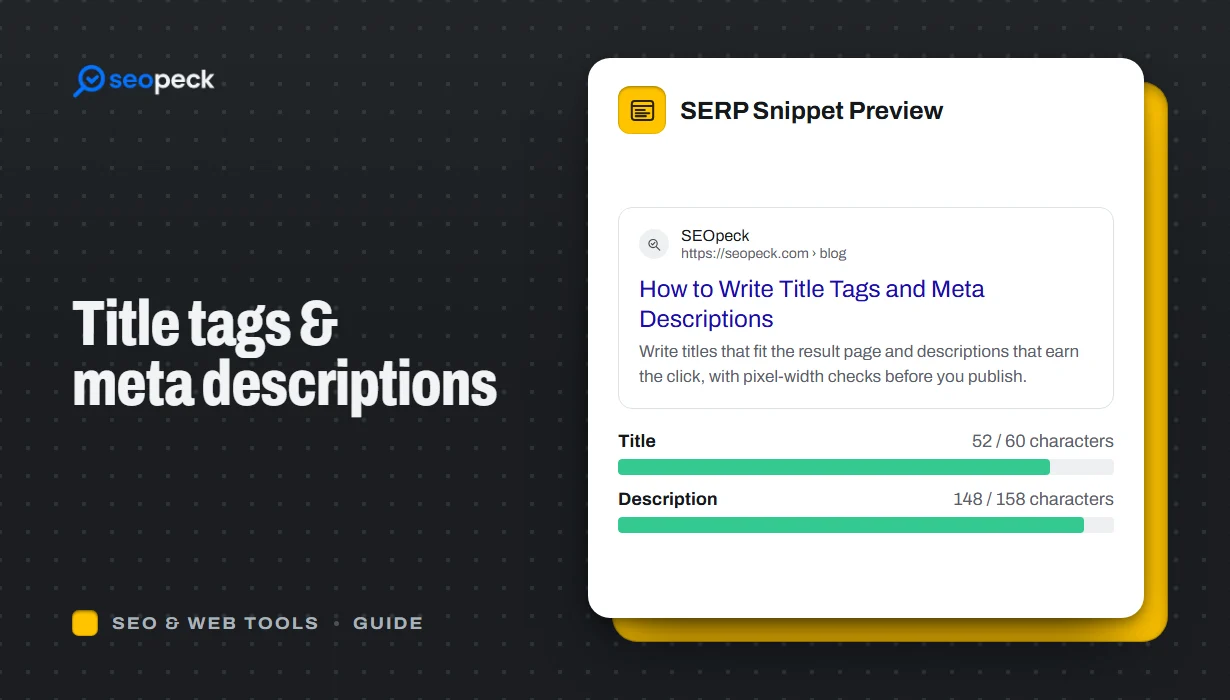 How to Write Title Tags and Meta Descriptions That Get Clicks
What title tags and meta descriptions are for, how long they can be, and a simple method for writing ones that people actually click.
-
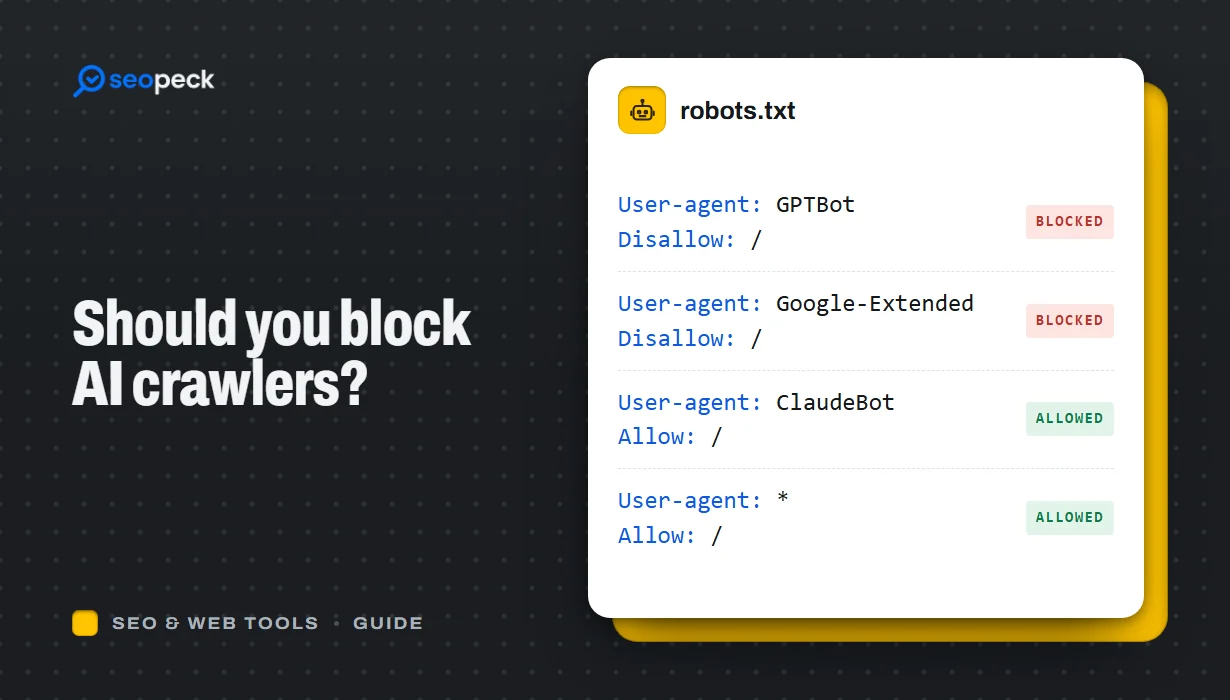 Should You Block AI Crawlers? A Plain Guide to robots.txt and AI Bots
Which AI crawlers visit websites, what the difference between training and search bots is, and how to allow or block each one with robots.txt.