
Online SMTP Test
Test an SMTP server's host, port, encryption and login by sending a real test email.


Online SMTP Test
Email problems are often down to a wrong host, port or encryption setting. This tool tries to connect to your SMTP server with the details you give and reports what happens.
How to use Online SMTP Test
- Enter the Host and Port, and choose TLS, SSL or None for encryption.
- Add a username and password if your server requires authentication, and fill in the sender and recipient details.
- Run the test and read the result.
When it comes in handy
- Confirming new mail server settings before putting them in your website or app.
- Diagnosing why WordPress, a CRM or a contact form is not sending mail.
- Checking whether a port is reachable and the login accepted.
Frequently asked questions
Is it safe to enter my SMTP password?
The connection details are used to run your test. Use a dedicated test account or a temporary password, and change it afterwards if it protects anything important.
Which port should I use?
Port 587 with TLS (STARTTLS) is the usual choice for sending. Port 465 uses SSL, and port 25 is often blocked by hosting providers.
Related guides
-
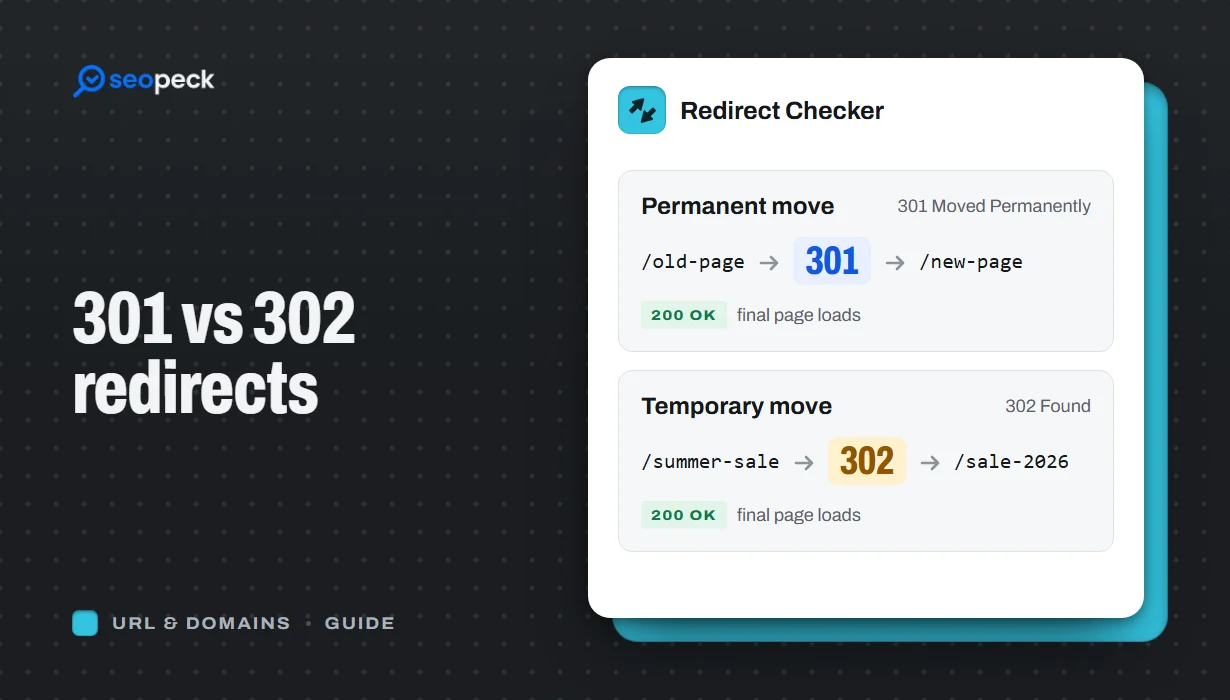 301 vs 302 Redirects: Which One to Use, and How to Check Them
The difference between permanent and temporary redirects, how each affects SEO, common redirect mistakes, and how to set up and test them.
301 vs 302 Redirects: Which One to Use, and How to Check Them
The difference between permanent and temporary redirects, how each affects SEO, common redirect mistakes, and how to set up and test them.
-
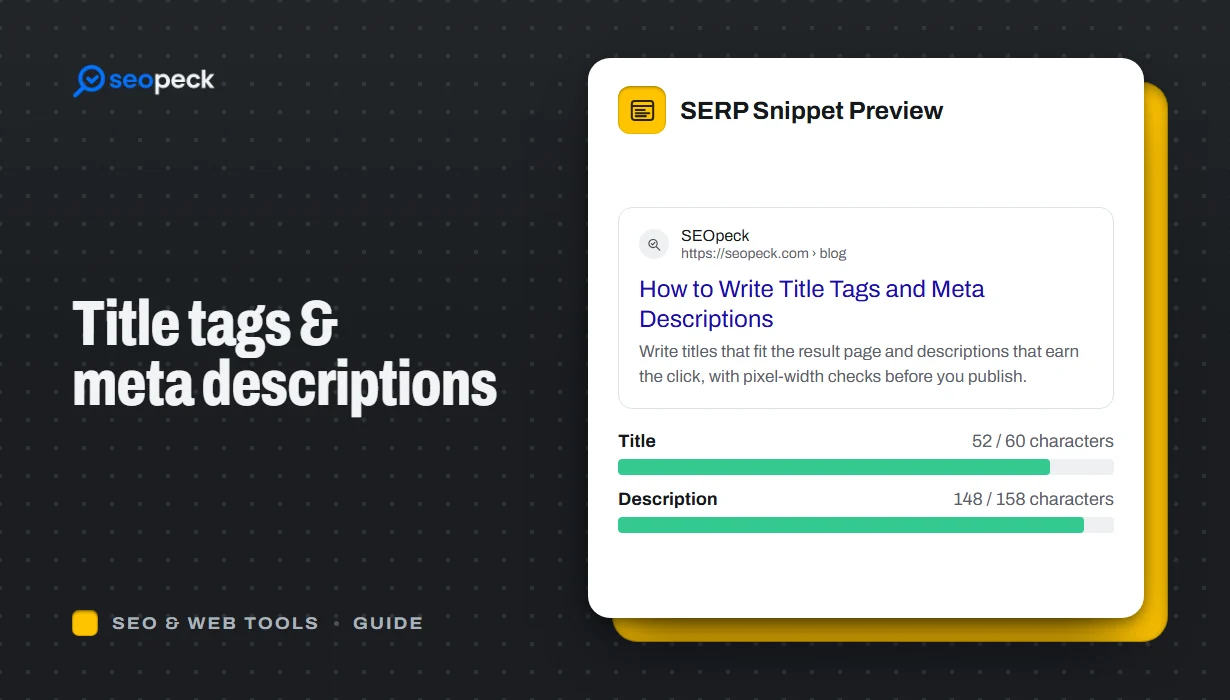 How to Write Title Tags and Meta Descriptions That Get Clicks
What title tags and meta descriptions are for, how long they can be, and a simple method for writing ones that people actually click.
How to Write Title Tags and Meta Descriptions That Get Clicks
What title tags and meta descriptions are for, how long they can be, and a simple method for writing ones that people actually click.
-
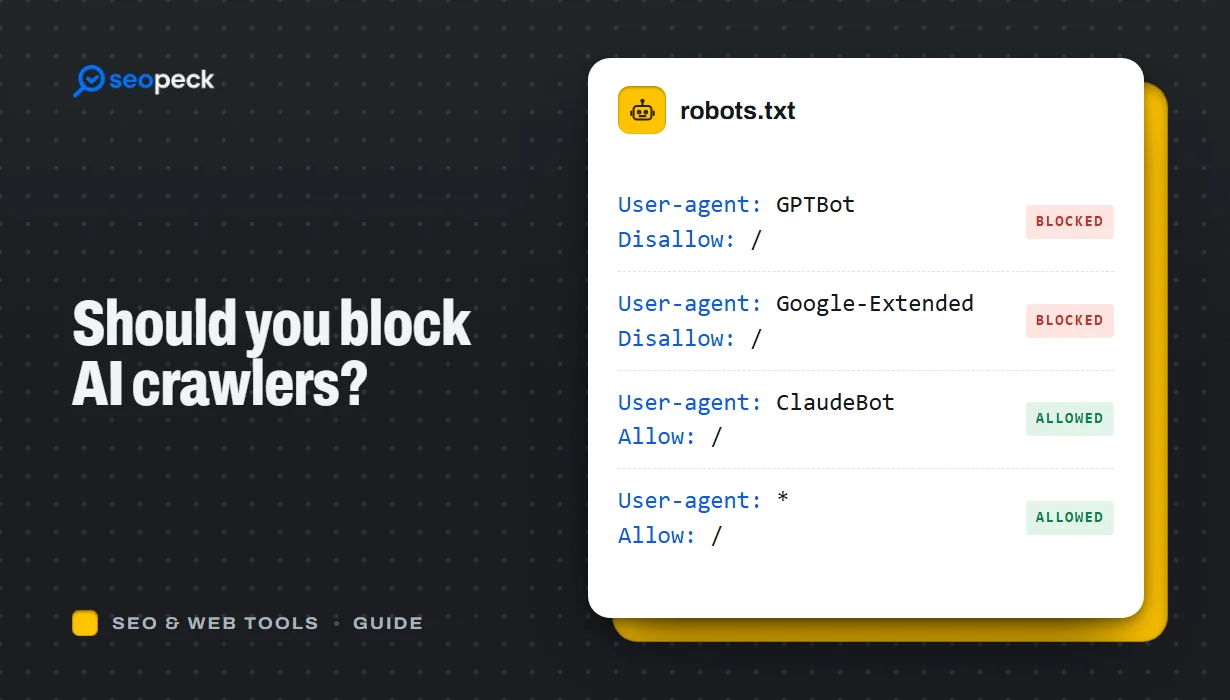 Should You Block AI Crawlers? A Plain Guide to robots.txt and AI Bots
Which AI crawlers visit websites, what the difference between training and search bots is, and how to allow or block each one with robots.txt.
Should You Block AI Crawlers? A Plain Guide to robots.txt and AI Bots
Which AI crawlers visit websites, what the difference between training and search bots is, and how to allow or block each one with robots.txt.


