
HTML Tags Stripper
Turn HTML into clean plain text: tags, scripts and styles removed, entities decoded, paragraphs kept.


HTML Tags Stripper
HTML Tags Stripper turns HTML into clean, readable plain text. It reads the markup the way a browser does, removes every tag, throws away the contents of <script> and <style> blocks, turns entities such as & and back into normal characters, and keeps paragraphs, line breaks and list bullets so the text stays easy to read. Everything happens in your browser.
How to use the HTML Tags Stripper
- Paste your HTML into the box: a whole page source, an email template or a snippet copied from a CMS.
- Leave Keep paragraphs, line breaks and list bullets on for readable text, or turn it off to get everything on one line.
- Click Strip Tags, check the result, and click Copy.
What happens to your HTML
- Tags are removed, including their attributes, classes and inline styles.
- Scripts, styles and hidden templates are dropped completely, not left behind as stray code, as a simple "remove anything between angle brackets" approach would do.
- Entities are decoded:
&becomes &,"becomes ", becomes a normal space. - Structure is kept: headings and paragraphs are separated by blank lines,
<br>becomes a line break, list items get a bullet and table cells are separated by tabs, so you can paste tables into a spreadsheet. - Nothing runs: the HTML is parsed as an inert document, so scripts in it are never executed.
When it comes in handy
- Getting the plain text out of an HTML email or a page's source code.
- Cleaning formatted text before pasting it into a CMS, a plain-text email or a form that rejects HTML.
- Counting the real words in a page: strip it, then use Word Count.
- Preparing text for translation, AI tools or analysis without markup noise.
Related tools
- HTML Entity Decode decodes entities without removing the tags.
- Text Cleaner removes extra spaces, empty lines and odd characters from plain text.
- Markdown to HTML goes the other way, from text to markup.
Frequently asked questions
Is my HTML uploaded?
No. It is processed by your own browser and never sent to a server.
Will links be kept?
The link text is kept; the address in the
href is removed with the tag. If you need the URLs, extract them first with the URL Extractor.Why did the text from a script disappear?
On purpose: JavaScript and CSS code are not readable content, so they are removed together with their tags.
Can it handle a full web page?
Yes. Paste the complete source, including the head; the title, scripts and styles in the head are removed and only the visible body text remains.
Related guides
-
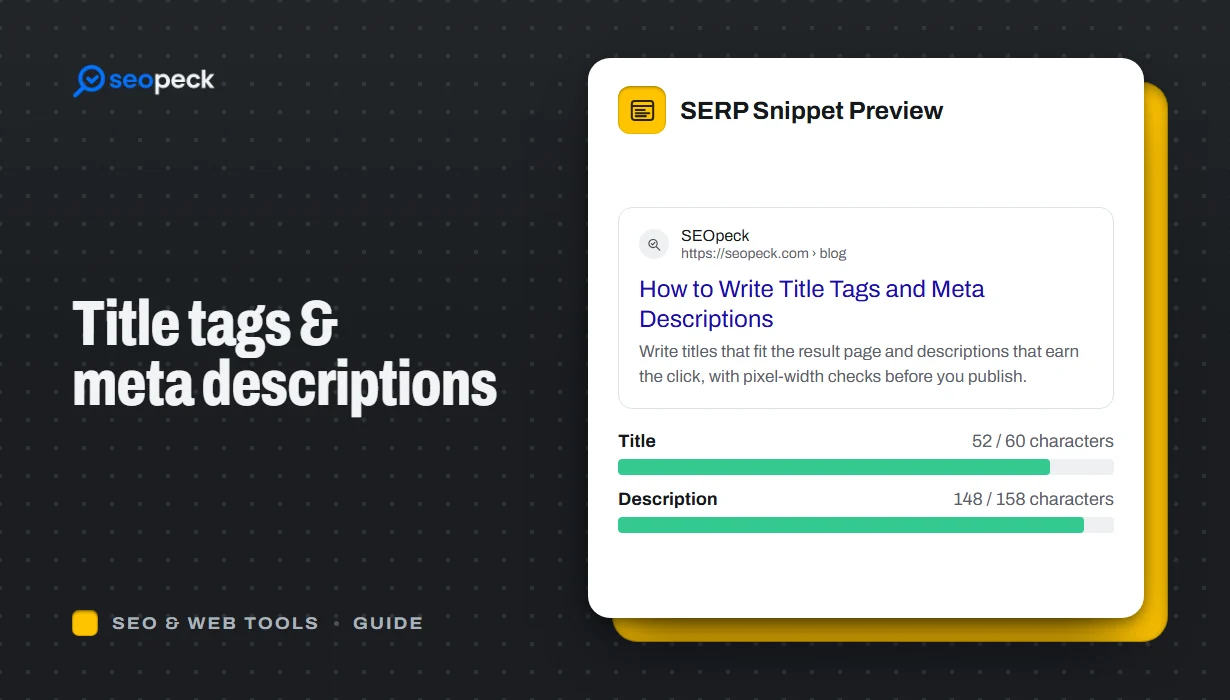 How to Write Title Tags and Meta Descriptions That Get Clicks
What title tags and meta descriptions are for, how long they can be, and a simple method for writing ones that people actually click.
How to Write Title Tags and Meta Descriptions That Get Clicks
What title tags and meta descriptions are for, how long they can be, and a simple method for writing ones that people actually click.
-
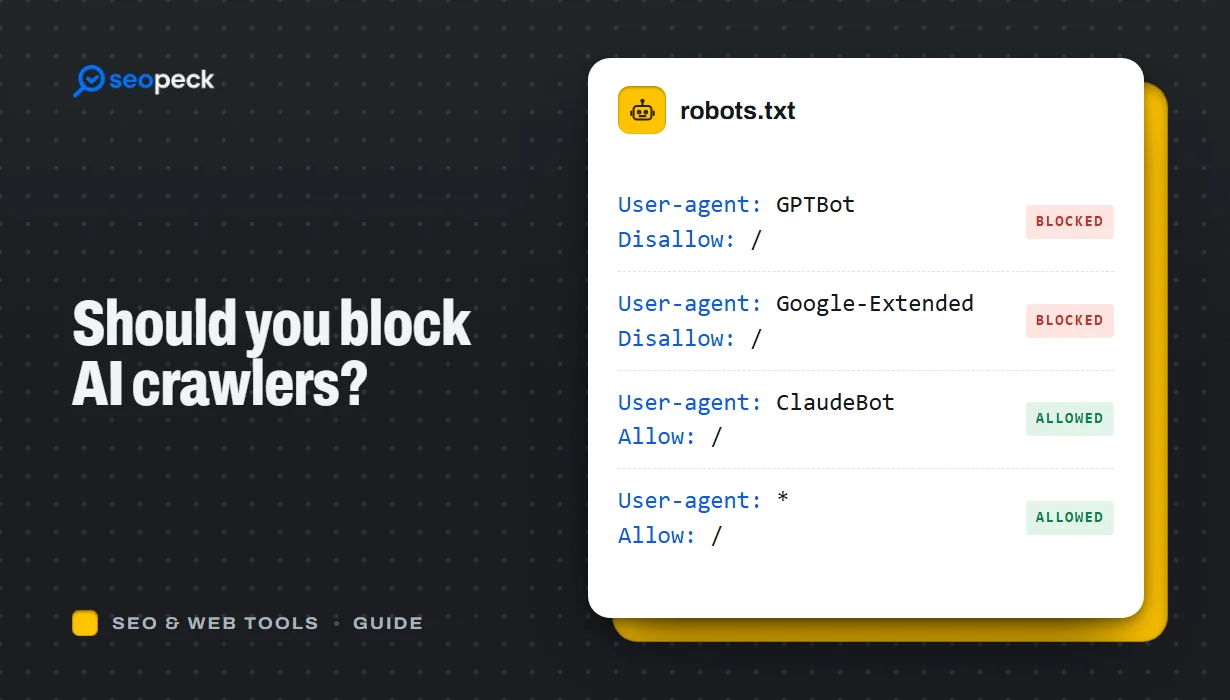 Should You Block AI Crawlers? A Plain Guide to robots.txt and AI Bots
Which AI crawlers visit websites, what the difference between training and search bots is, and how to allow or block each one with robots.txt.
Should You Block AI Crawlers? A Plain Guide to robots.txt and AI Bots
Which AI crawlers visit websites, what the difference between training and search bots is, and how to allow or block each one with robots.txt.
-
 On-Page SEO Checklist: 15 Things to Check Before You Hit Publish
A practical, no-jargon checklist for getting a single page right: titles, descriptions, headings, images, links, indexing and structured data.
On-Page SEO Checklist: 15 Things to Check Before You Hit Publish
A practical, no-jargon checklist for getting a single page right: titles, descriptions, headings, images, links, indexing and structured data.
