
SEO Competitor Comparison


SEO Competitor Comparison
When a competitor outranks you, the reason is usually visible if you put the two pages next to each other: a clearer title, more thorough content, structured data, a faster page or a stronger link profile. This tool fetches your page and up to three competitors' pages, runs the same on-page checks on each, adds Domain Rating, domain age and a mobile speed score, and lists the checks where your page is behind.
How to use SEO Competitor Comparison
- Enter the page you want to rank, then the pages that rank above it for your main keyword. Compare like with like: a service page with service pages, a blog post with blog posts.
- Leave the speed option ticked to include each page's mobile PageSpeed score; untick it for a faster result.
- Click Compare and wait up to a minute while every page is fetched and measured.
- Start with Where your page is behind, then use the side-by-side table to see exactly what each competitor does differently.
When it comes in handy
- Working out why a competitor ranks above you for an important keyword.
- Benchmarking a new page against the current top results before you publish.
- Showing a client, in one table, how their page compares with the competition.
Frequently asked questions
Which pages should I compare?
Search for your main keyword in Google, and compare your page with the pages that rank in the top five. Comparing homepages only makes sense if homepages are what rank.
Does a higher score mean a higher ranking?
Not on its own. The checks cover the basics you control on the page. Rankings also depend on how well the content answers the search, and on links, which Domain Rating only roughly reflects.
Where do Domain Rating and domain age come from?
Domain Rating is Ahrefs' 0 to 100 measure of a site's backlink profile, from Ahrefs' free endpoint. Domain age comes from the domain registry, the same lookup our domain age checker runs for up to 10 domains at once.
Related guides
-
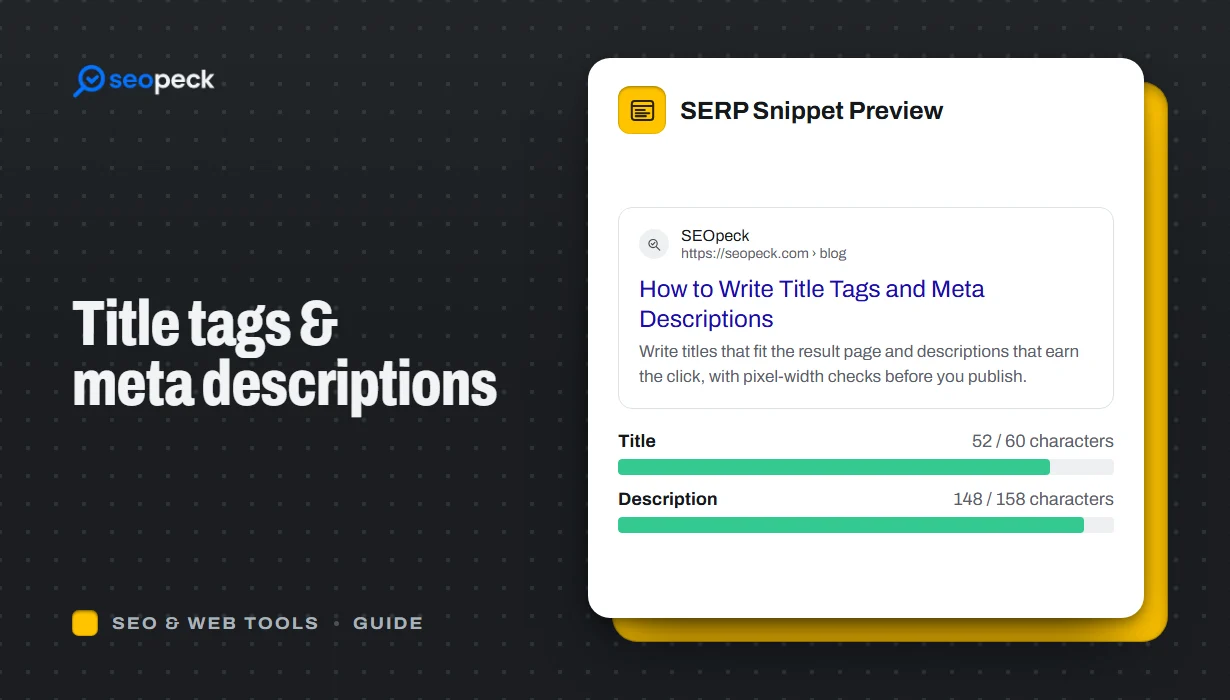 How to Write Title Tags and Meta Descriptions That Get Clicks
What title tags and meta descriptions are for, how long they can be, and a simple method for writing ones that people actually click.
-
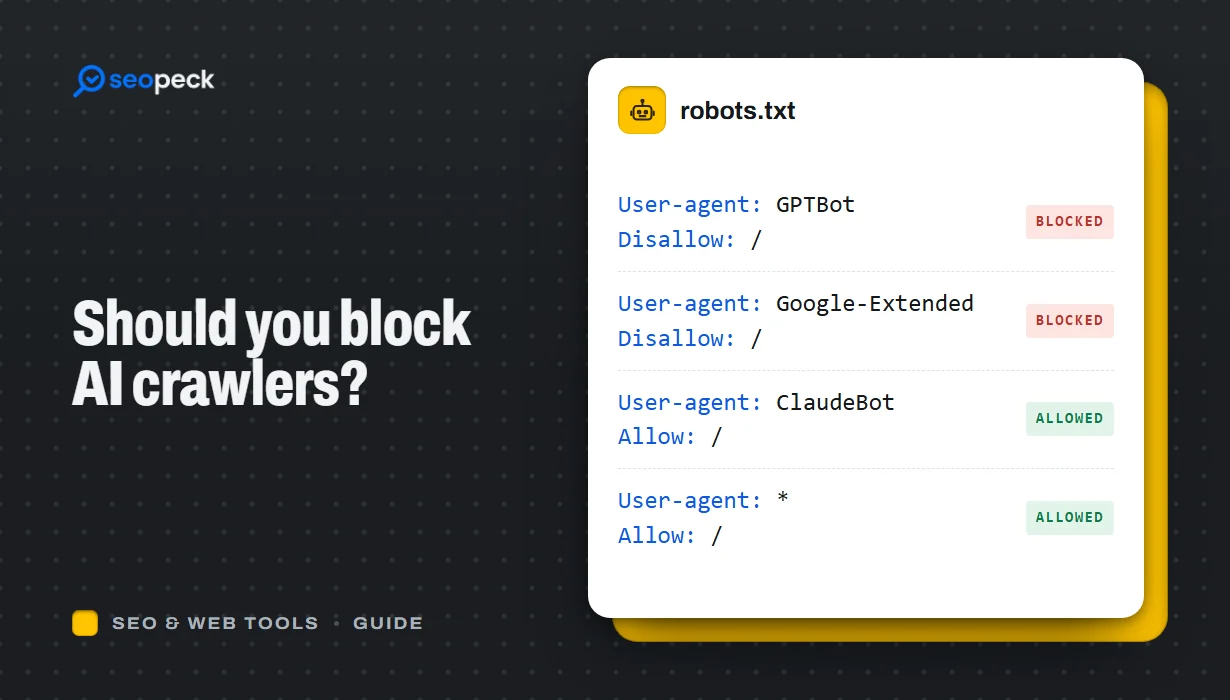 Should You Block AI Crawlers? A Plain Guide to robots.txt and AI Bots
Which AI crawlers visit websites, what the difference between training and search bots is, and how to allow or block each one with robots.txt.
-
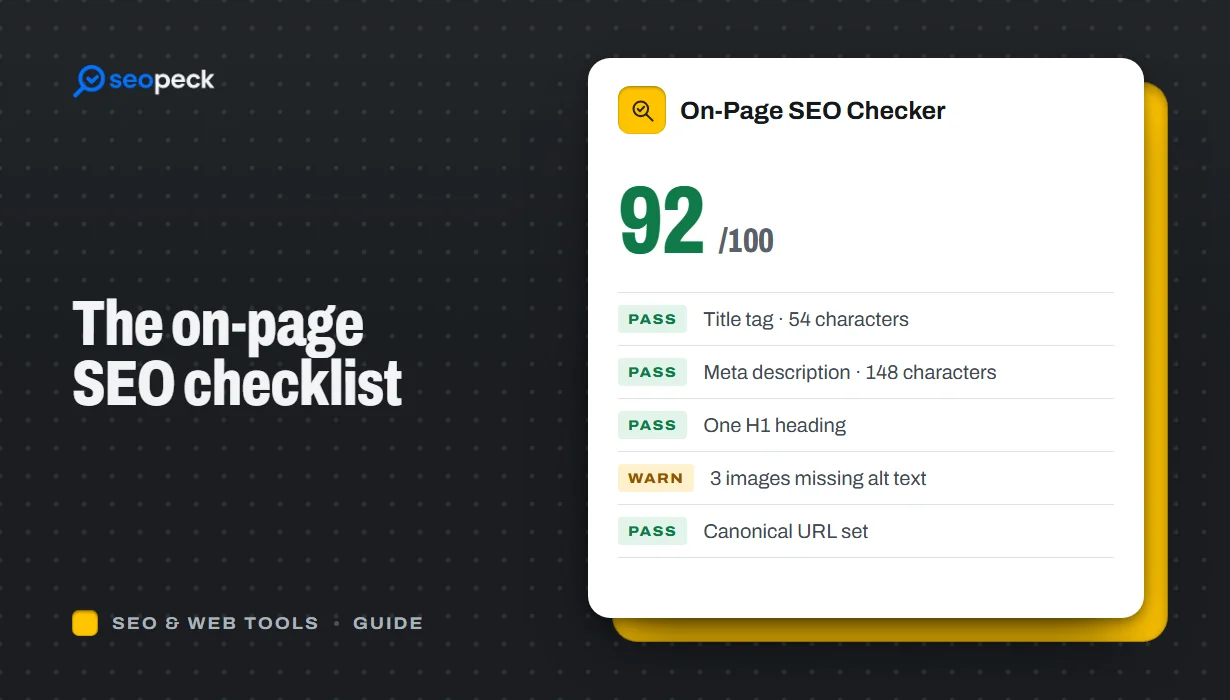 On-Page SEO Checklist: 15 Things to Check Before You Hit Publish
A practical, no-jargon checklist for getting a single page right: titles, descriptions, headings, images, links, indexing and structured data.