

XML Sitemap Generator
Crawling · Done. pages in the sitemap, left out
Upload the file to your site's root folder (so it opens at /sitemap.xml), add a Sitemap: line to robots.txt, and submit it in Google Search Console.
- :


XML Sitemap Generator
An XML sitemap lists the pages you want search engines to crawl and index. Most CMSs can make one, but many small or hand-built sites have none, or have one full of redirects and deleted pages. This generator crawls your site, keeps only the pages that belong in a sitemap (working, indexable pages that are their own canonical) and writes a valid sitemap.xml you can upload.
How to use XML Sitemap Generator
- Enter your homepage and choose how many pages to crawl, up to 500.
- Click Generate sitemap. The crawl follows your internal links; stop it at any time to use what has been found.
- Download sitemap.xml and upload it to the root of your site, so it opens at https://yoursite.com/sitemap.xml.
- Add a line such as
Sitemap: https://yoursite.com/sitemap.xmlto robots.txt and submit the sitemap in Google Search Console.
When it comes in handy
- Creating a sitemap for a static or hand-built website.
- Replacing an outdated sitemap that lists deleted pages or redirects.
- Seeing which pages are left out of indexing and why.
Frequently asked questions
Which pages are left out?
Pages that return an error, redirect elsewhere, carry a noindex tag, point their canonical tag to another URL, are blocked by robots.txt or are not HTML. The report lists them with the reason.
Should I add priority and changefreq?
Google ignores both, so this generator leaves them out. It can add lastmod dates when your server sends a Last-Modified header, which Google does use when the dates are accurate.
My site has more than 500 pages. What now?
Use your CMS's sitemap feature or a sitemap plugin, which list every page without crawling. For WordPress, Yoast SEO, Rank Math and WordPress itself (at /wp-sitemap.xml) all create sitemaps.
Related guides
-
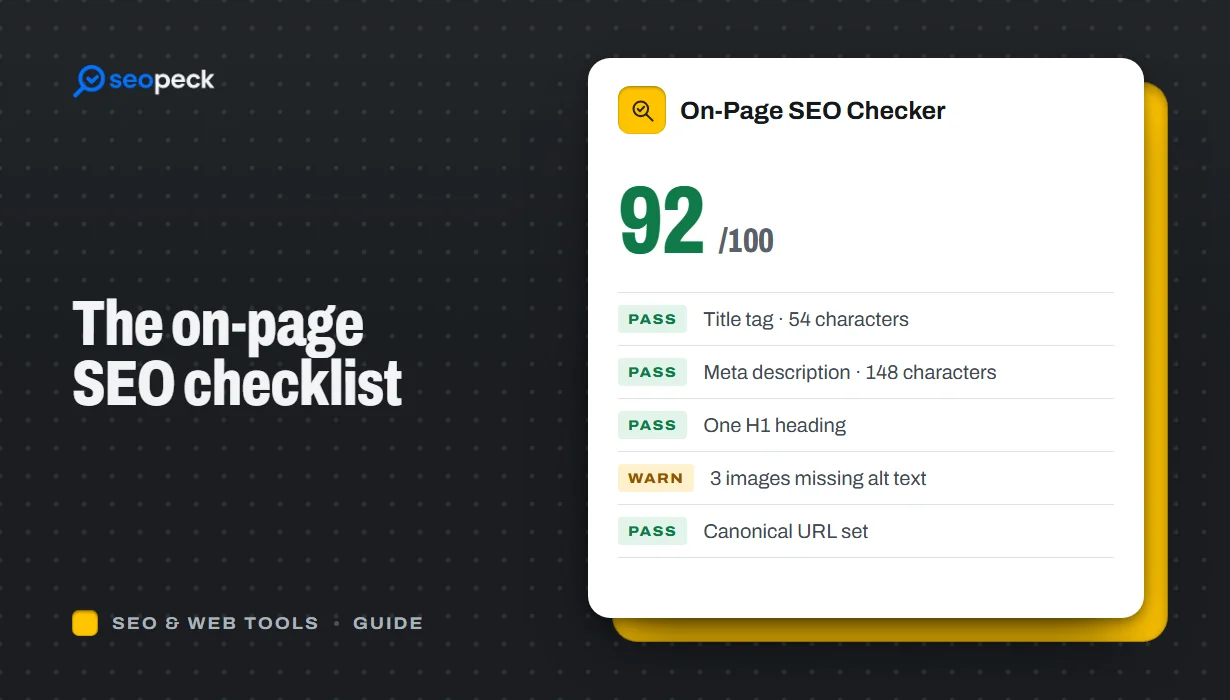 On-Page SEO Checklist: 15 Things to Check Before You Hit Publish
A practical, no-jargon checklist for getting a single page right: titles, descriptions, headings, images, links, indexing and structured data.
-
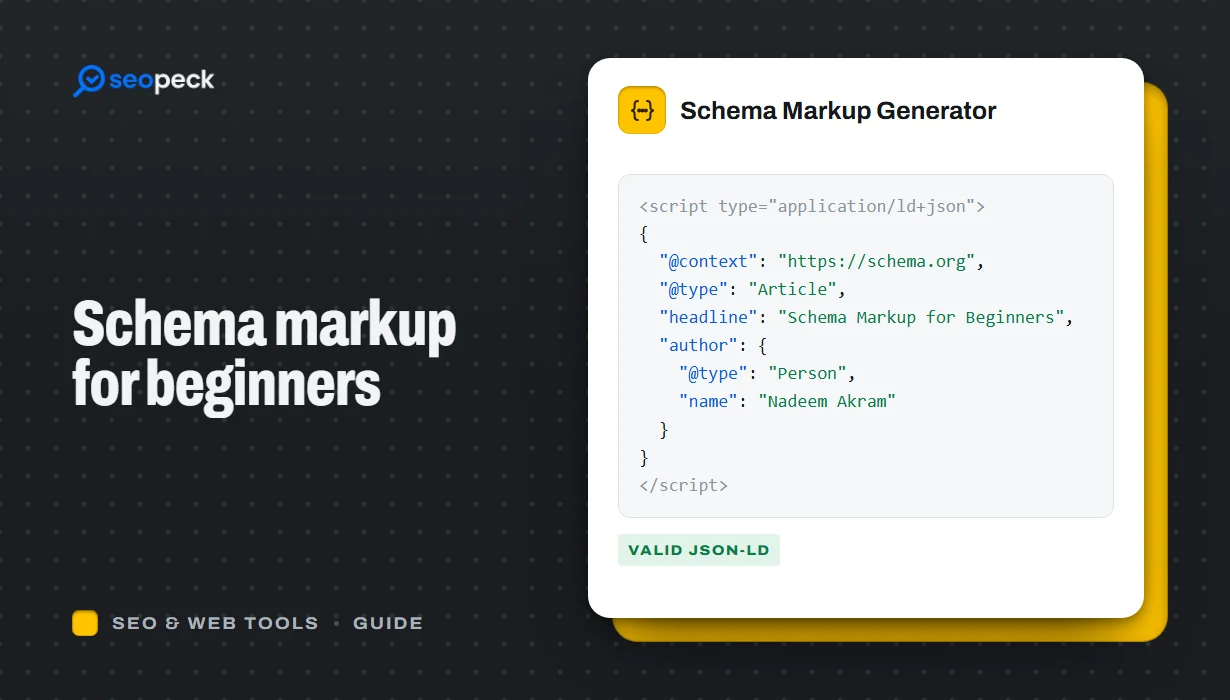 Schema Markup for Beginners: What JSON-LD Does and Which Types to Use
A beginner-friendly explanation of structured data and JSON-LD, the schema types most sites need, and how to add and test them.
-
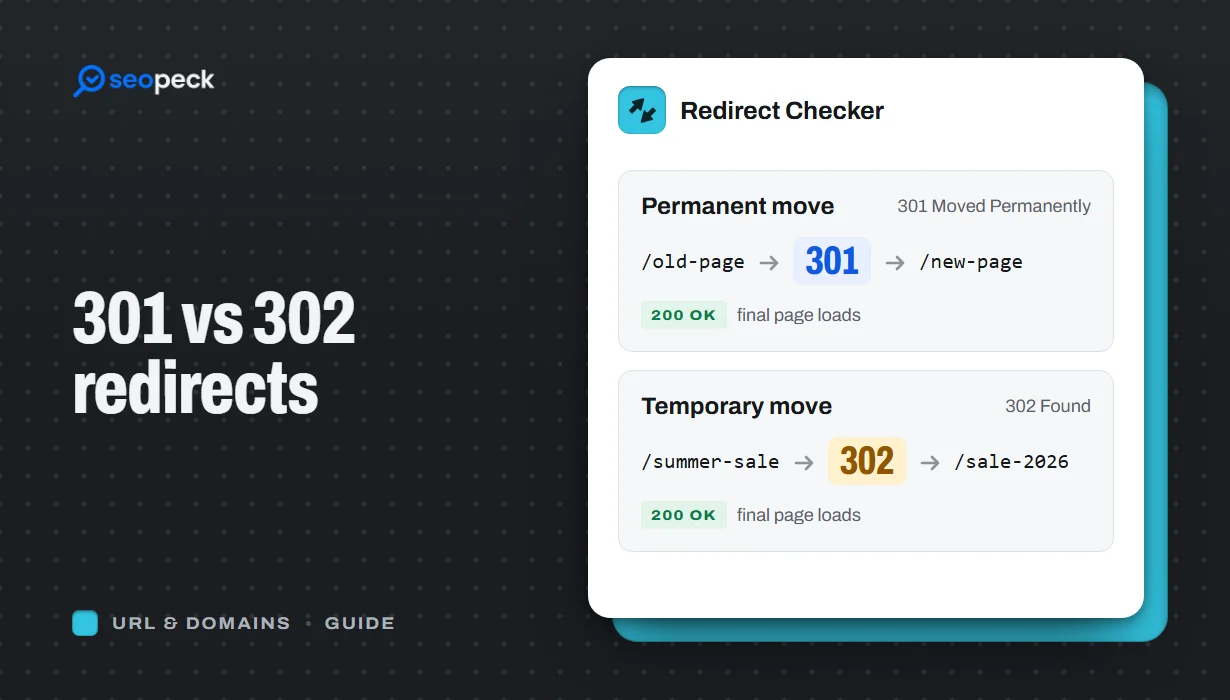 301 vs 302 Redirects: Which One to Use, and How to Check Them
The difference between permanent and temporary redirects, how each affects SEO, common redirect mistakes, and how to set up and test them.