
301 vs 302 Redirects: Which One to Use, and How to Check Them
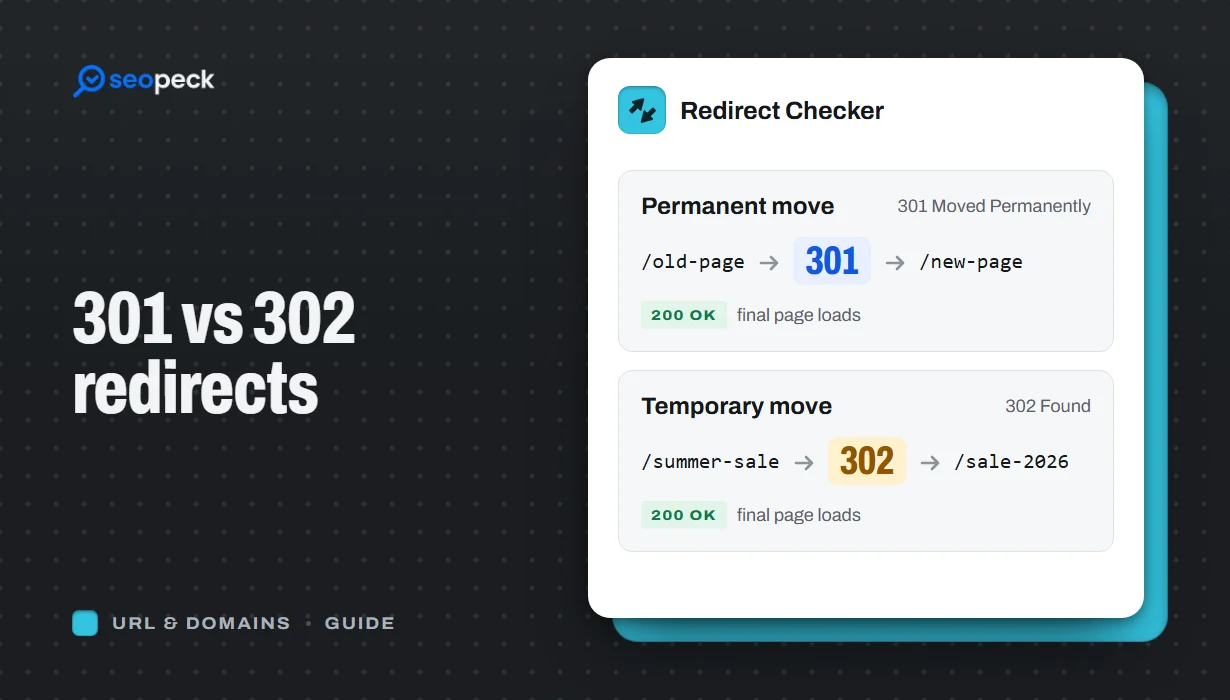
The difference between permanent and temporary redirects, how each affects SEO, common redirect mistakes, and how to set up and test them.
A redirect sends visitors and search engines from one URL to another. You need one whenever a page moves, a site switches to HTTPS, two domains merge, or you tidy up old URLs. The two redirects people use most are 301 and 302, and choosing the wrong one is one of the most common technical SEO mistakes.
The short answer
- 301 (permanent): the old URL is gone for good. Use it for site moves, HTTP to HTTPS, www to non-www, renamed pages and merged content.
- 302 (temporary): the old URL will come back. Use it for short-term promotions, A/B tests, or sending visitors to a page while the original is being fixed.
If you are not sure, ask yourself: "Will I ever want the old URL to show up in search results again?" If the answer is no, use a 301.
How search engines treat each one
With a 301, search engines gradually replace the old URL with the new one in their index and pass the old page's ranking signals, such as links pointing to it, to the new address.
With a 302, search engines usually keep the original URL indexed because you have said the move is temporary. Google has said that a 302 left in place for a long time may eventually be treated like a 301, but relying on that is slow and unpredictable. If a move is permanent, say so with a 301.
What about 307 and 308?
307 and 308 are the modern, stricter versions of 302 and 301. The difference is that they guarantee the request method stays the same, so a form sent with POST is resent with POST. For ordinary page moves, 301 and 302 are fine; 307 and 308 matter mostly for APIs and forms. Browsers also generate an internal 307 when a site uses HSTS to force HTTPS.
Common redirect mistakes
Redirect chains
A chain is when URL A redirects to B, which redirects to C. Each hop adds delay, and crawlers may stop following after several hops. After a migration, update old redirects so each one points straight to the final URL.
Redirect loops
A loop is when A redirects to B and B redirects back to A. Browsers give up with a "too many redirects" error. Loops often come from conflicting rules, for example one rule forcing www and another removing it.
Redirecting everything to the homepage
When pages are removed, sending all of them to the homepage is tempting but unhelpful. Search engines often treat it as a soft 404. Redirect each old page to the most relevant new page, and let pages with no equivalent return 404 or 410.
Mixing up HTTP and HTTPS, www and non-www
Pick one canonical version of your domain, such as https://example.com, and 301 every other variation to it in a single hop.
How to create a redirect
On an Apache or LiteSpeed server, redirects usually live in the .htaccess file:
Redirect 301 /old-page https://example.com/new-pageThe .htaccess Redirect Generator writes these rules for you, including whole-domain moves. On Nginx, redirects go in the server configuration, and most content management systems have a redirect plugin or setting.
How to check a redirect
Paste the old URL into the Redirect Checker. It shows every hop, the status code of each one and where the chain ends. Check that there is exactly one hop, that it is a 301 for permanent moves, and that the final page returns 200. The HTTP Status Code Checker is a quick way to confirm the destination works, and our guide to HTTP status codes explains the rest of the codes you may see along the way.