
HTTP Status Codes Explained: What 200, 301, 404 and 500 Really Mean
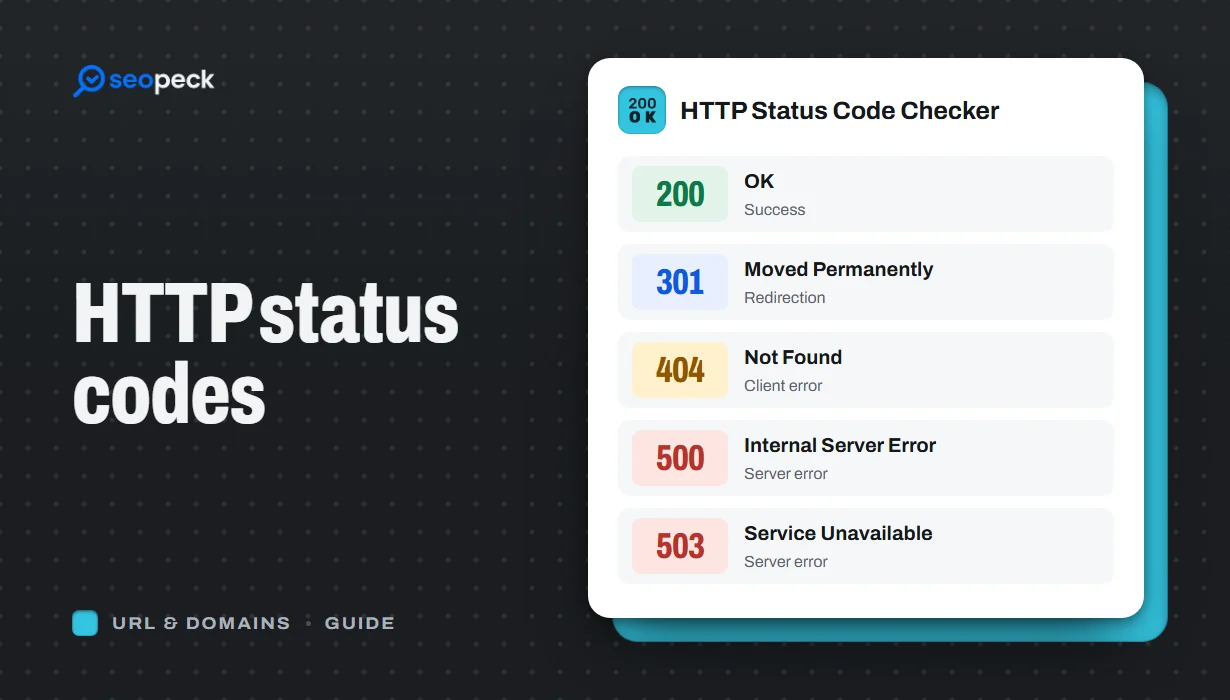
A plain-language guide to the HTTP status codes you actually meet, grouped by what they tell you, and what to do when you see each one.
Every time a browser asks a server for a page, the server answers with a three-digit status code before it sends anything else. Visitors rarely see it unless something goes wrong, but for anyone who runs a website the status code is the quickest way to understand what happened. This guide covers the codes you will actually run into and what each one means in practice.
The five families
The first digit tells you the category:
- 1xx, informational: the request is in progress. You will almost never need to think about these.
- 2xx, success: the request worked.
- 3xx, redirection: the content is somewhere else, and the response says where.
- 4xx, client error: something is wrong with the request, such as a missing page or missing permission.
- 5xx, server error: the request looked fine, but the server failed to handle it.
The success codes
200 OK
The normal answer for a page that loaded. This is what you want every important page on your site to return.
204 No Content
The request succeeded but there is nothing to send back. It is common for APIs and form submissions, and unusual for a normal web page.
The redirect codes
301 Moved Permanently
The page has a new permanent address. Browsers remember it, and search engines move the page's ranking signals to the new URL over time. Use it when you change a URL for good.
302 Found and 307 Temporary Redirect
The page is temporarily somewhere else. Search engines keep the original URL indexed. 307 is the stricter modern version that guarantees the request method (for example POST) is kept.
308 Permanent Redirect
The permanent counterpart of 307. It behaves like a 301 but also keeps the request method.
304 Not Modified
The browser already has an up-to-date copy in its cache, so the server does not resend it. This is a good sign: caching is working.
To see exactly which of these a URL returns at each step, run it through the Redirect Checker.
The client error codes
400 Bad Request
The server could not understand the request, often because of a malformed URL, an oversized cookie or broken form data.
401 Unauthorized and 403 Forbidden
401 means you need to log in. 403 means the server knows who you are, or does not care, and still refuses. A 403 on a public page usually points to a permissions problem on the server or a firewall rule blocking the visitor.
404 Not Found
There is nothing at this address. A few 404s are normal on any site. They become a problem when important pages return them, when other sites link to missing pages, or when a site move leaves old URLs without redirects.
410 Gone
Like 404, but deliberate and permanent. It tells search engines the page was removed on purpose, which can get it dropped from the index a little faster.
429 Too Many Requests
The client sent too many requests in a short time and is being rate limited.
The server error codes
500 Internal Server Error
A generic failure inside the application: a code error, a crashed plugin or a bad configuration file. The server's error log usually says exactly what broke.
502 Bad Gateway and 504 Gateway Timeout
A proxy or CDN in front of your site could not get a valid answer (502) or any answer in time (504) from the server behind it. These often appear during traffic spikes or when the backend is restarting.
503 Service Unavailable
The server is temporarily unable to handle the request, for example during maintenance or overload. For planned maintenance, 503 is the right code because it tells search engines to come back later instead of dropping your pages.
Why status codes matter for SEO
- Search engines only index pages that return 200.
- Pages that return 5xx errors for long periods can drop out of the index.
- Chains of several redirects waste crawl time and slow visitors down.
- A "soft 404", a missing page that still returns 200, confuses search engines. Missing pages should return a real 404 or 410.
How to check a status code
Enter any address in the HTTP Status Code Checker to see the code it returns. To see every step of a redirect, use the Redirect Checker, and to read all the response headers, including caching and security headers, use the HTTP Headers Parser. If a whole site seems to be down, start with our step-by-step guide on checking whether a website is down.