
Open Port Checker
Test whether a TCP port on a host is open and accepting connections.


Open Port Checker
To check if a port is open, enter a domain or public IP address and a port number, then click Check Port. The tool tries a TCP connection to that port from the internet and tells you whether it is open (a program accepted the connection, with the response time) or closed (refused, or no answer within 3 seconds). Use it to test port forwarding, firewall rules, and whether a game server, web server, SSH or database can be reached from outside your network.
How to use the Open Port Checker
- Enter a domain or a public IP address. To test your own connection, use your public IP from What's My IP.
- Enter a port number (1 to 65535), or click one of the common ports, such as 22 (SSH), 80 (HTTP), 443 (HTTPS) or 3306 (MySQL).
- Click Check Port. The result shows open or closed within a few seconds.
A worked example
We ran the checker on 13 October 2026 against our own site and against example.com:
seopeck.comport 443: open, response time 123 ms. The web server accepts HTTPS, as it should.seopeck.comport 80: open, 109 ms. Plain HTTP is answered too, so it can redirect visitors to HTTPS.seopeck.comport 3306: closed. The connection timed out, which is what you want for a database: MySQL should not be reachable from the internet.seopeck.comport 22 andexample.comport 22: closed. SSH is not open to everyone.example.comport 443: open, 47 ms.
The response time depends on the distance between the checker and the server, so your numbers will differ. What matters is open or closed.
What open and closed mean
- Open: a program on the server accepted the connection. The service is reachable from the internet.
- Closed: the connection was refused, or nothing answered within 3 seconds. Either no program is listening on that port, or a firewall or router is blocking it. From the outside, those cases look the same.
Common ports
- 80 and 443: websites (HTTP and HTTPS). 8080: alternative web and proxy port.
- 22: SSH. 21: FTP. 3389: Windows Remote Desktop.
- 25, 587 and 465: sending email (SMTP). 110 and 143: POP3 and IMAP for reading mail.
- 53: DNS. 3306: MySQL. 5432: PostgreSQL. 27017: MongoDB.
- 25565: the default port of a Minecraft Java Edition server.
Port forwarding test, step by step
- On the device itself, check that the program is listening. On Windows run
netstat -ano | findstr :25565; on Linux runss -tlnp. You should see the port in the LISTENING state. - Make sure it listens on
0.0.0.0(all addresses) or the device's network address, not only on127.0.0.1, which accepts connections from the same machine only. - Allow the port in the device's firewall (Windows Defender Firewall, ufw, iptables).
- On the router, forward the port to the device's private IP address, such as 192.168.1.20. Give the device a fixed address so the rule does not break after a restart.
- Run this check against your public IP. If it is still closed, compare the WAN address on your router with What's My IP. If they differ, your provider uses CGNAT and shares one public address between customers, so forwarding cannot work without their help.
Our guide to public and private IP addresses explains why the router's address matters. If the port is open but the connection is slow or drops, a Traceroute shows where along the route the delay starts, and IP Information shows who owns an address.
Frequently asked questions
Can I check UDP ports?
Why is my port closed when I have forwarded it?
Is it safe to leave a port open?
Can I scan all ports at once?
Can I check a private address such as 192.168.1.10?
Related guides
-
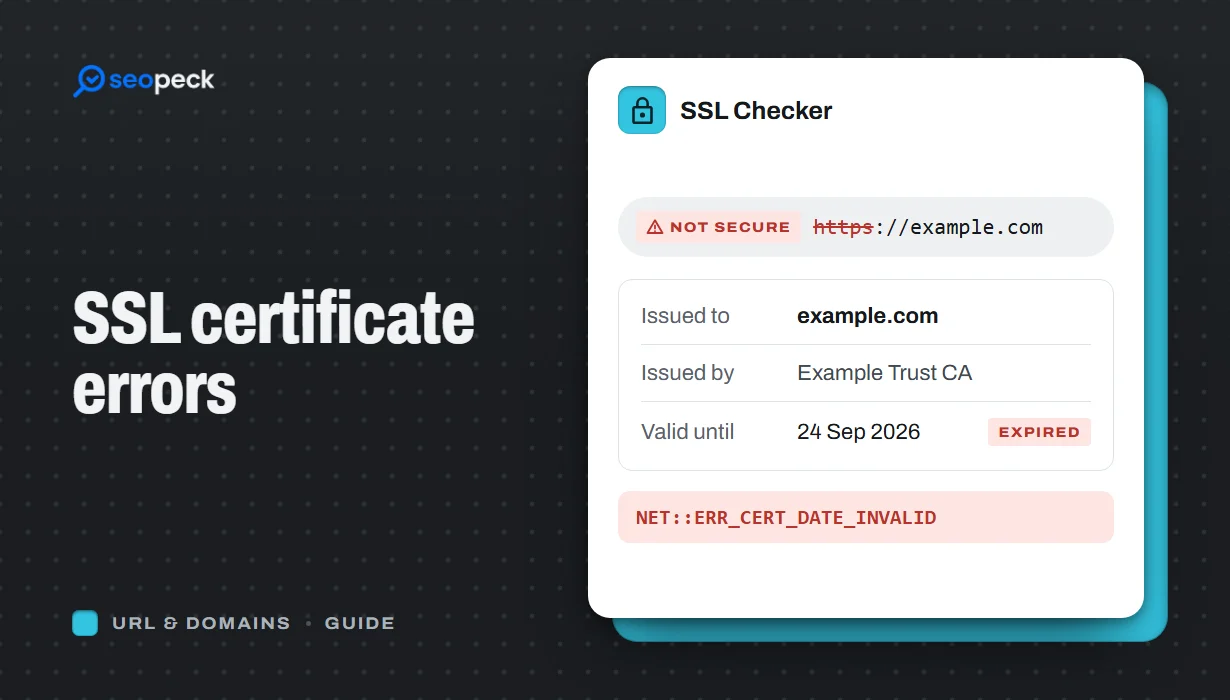 SSL Certificate Errors Explained (and How to Fix Each One)
What the common browser certificate warnings mean, why they happen, and the practical fix for expired, mismatched, self-signed and incomplete certificates.
SSL Certificate Errors Explained (and How to Fix Each One)
What the common browser certificate warnings mean, why they happen, and the practical fix for expired, mismatched, self-signed and incomplete certificates.
-
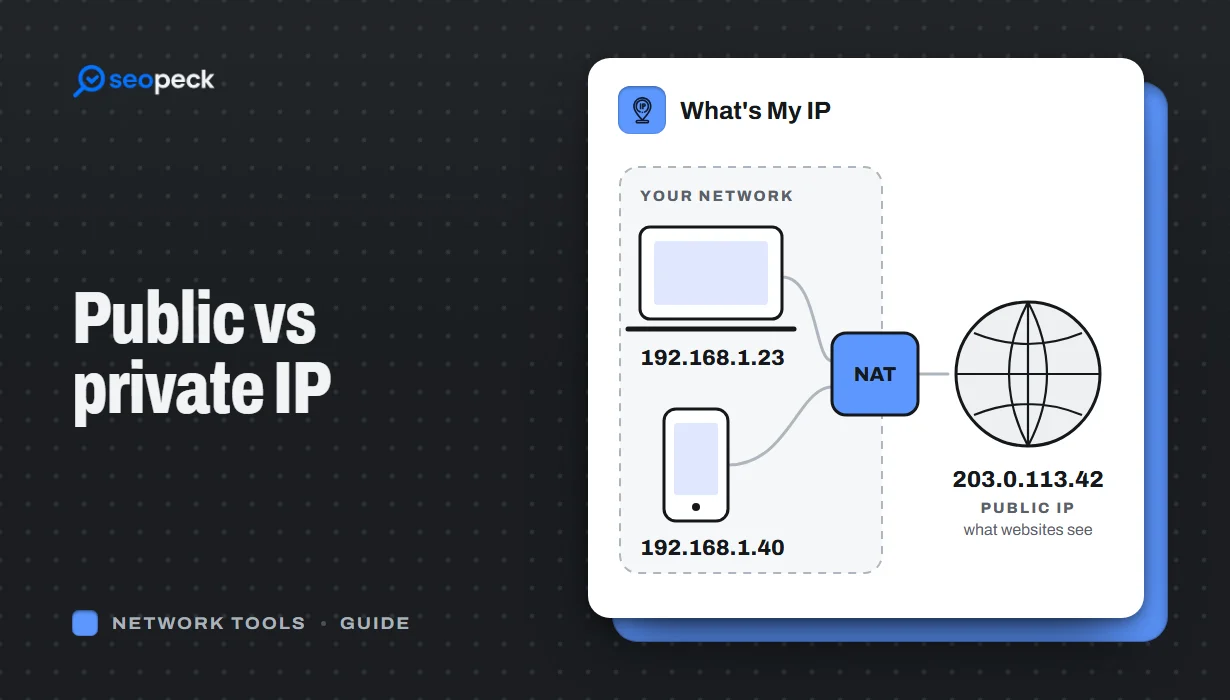 Public vs Private IP Address: What "What's My IP" Actually Shows You
The difference between the public IP address websites see and the private address your device uses at home, and what an IP lookup can and cannot reveal.
Public vs Private IP Address: What "What's My IP" Actually Shows You
The difference between the public IP address websites see and the private address your device uses at home, and what an IP lookup can and cannot reveal.
-
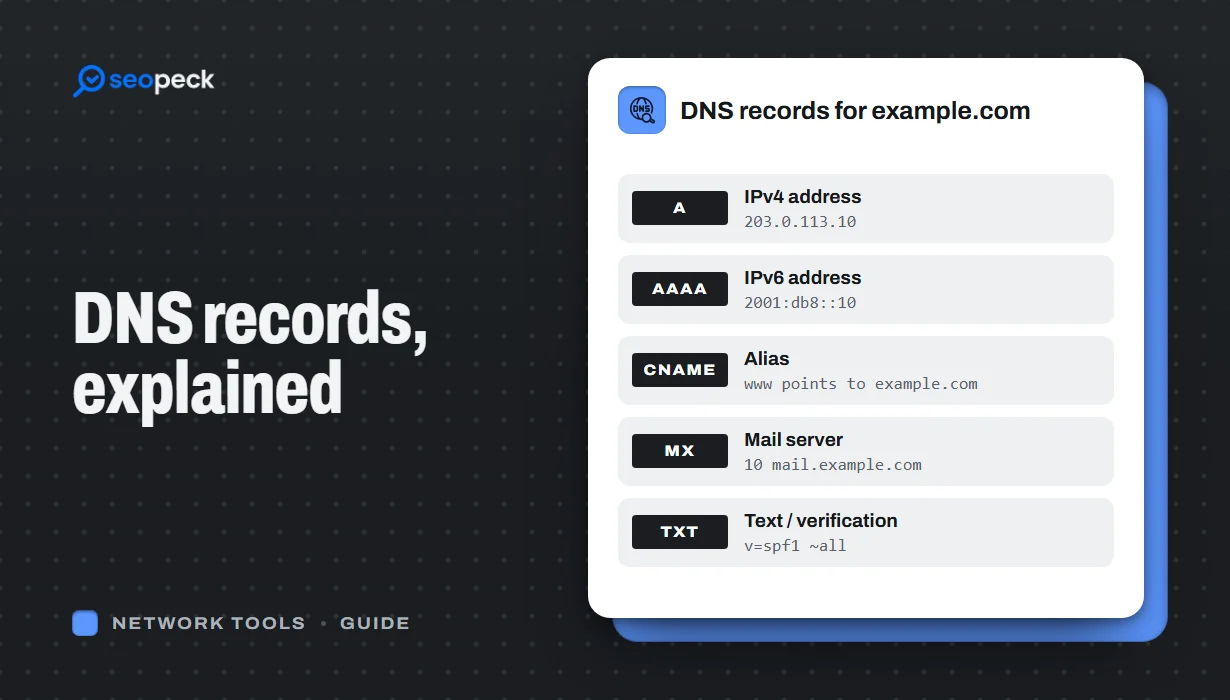 DNS Records Explained: A Practical Guide to A, AAAA, MX, TXT and CNAME
What A, AAAA, MX, TXT and CNAME records actually do, in plain language, with the tools to check any domain's records in seconds.
DNS Records Explained: A Practical Guide to A, AAAA, MX, TXT and CNAME
What A, AAAA, MX, TXT and CNAME records actually do, in plain language, with the tools to check any domain's records in seconds.


