
IP Subnet Calculator
Work out the network, broadcast address, mask and usable host range for any subnet.


IP Subnet Calculator
IP Subnet Calculator works out everything about a subnet from an IP address and its mask. For IPv4 it gives the network and broadcast addresses, the subnet mask and wildcard mask, the CIDR prefix, the first and last usable host, the number of hosts, the network class, and the binary form of each address. For IPv6 it shows the expanded and compressed address, the network prefix, the subnet ID, the interface ID and the address type.
How to use the subnet calculator
- Choose IPv4 or IPv6.
- Enter an IP address and its mask, either as CIDR (
/24) or, for IPv4, as a subnet mask (255.255.255.0). - Click the button and read the results.
A quick example
For 192.168.10.37/24: the network address is 192.168.10.0, the broadcast address is 192.168.10.255, usable hosts run from 192.168.10.1 to 192.168.10.254 (254 hosts), the mask is 255.255.255.0 and the wildcard mask is 0.0.0.255.
Common IPv4 subnet sizes
- /30 (255.255.255.252): 2 usable hosts. Point-to-point links.
- /29 (255.255.255.248): 6 usable hosts. Small server blocks.
- /27 (255.255.255.224): 30 usable hosts.
- /24 (255.255.255.0): 254 usable hosts. The typical home or office network.
- /16 (255.255.0.0): 65,534 usable hosts.
In IPv6, a single LAN is almost always a /64, and providers usually give customers a /48 or /56 to split into many /64 networks.
When it comes in handy
- Planning address ranges for an office, a VLAN or a cloud VPC.
- Writing firewall rules and access lists that need the network and wildcard mask.
- Studying for networking certifications such as CompTIA Network+ or CCNA.
- Checking whether two addresses are on the same subnet.
Frequently asked questions
Why are there two fewer usable hosts than addresses?
What is a wildcard mask?
What does CIDR mean?
Is 10.0.0.0/8 a public network?
Related guides
-
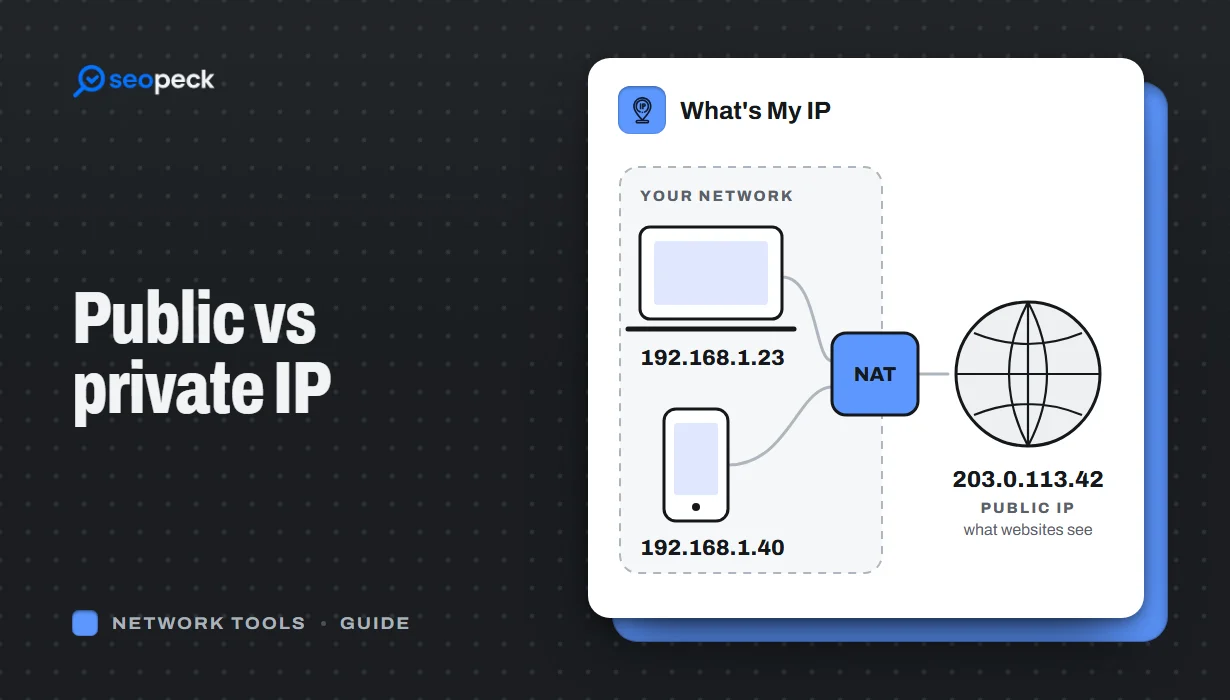 Public vs Private IP Address: What "What's My IP" Actually Shows You
The difference between the public IP address websites see and the private address your device uses at home, and what an IP lookup can and cannot reveal.
Public vs Private IP Address: What "What's My IP" Actually Shows You
The difference between the public IP address websites see and the private address your device uses at home, and what an IP lookup can and cannot reveal.
-
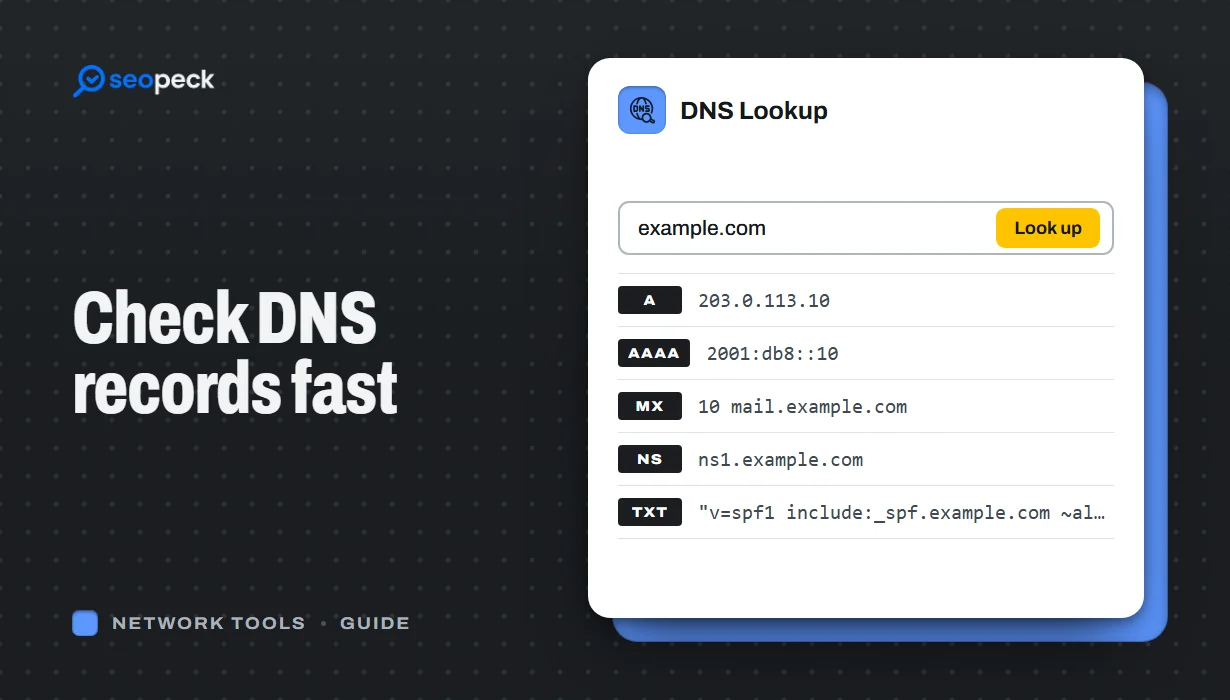 DNS Lookup Tool: How to Check DNS Records Fast
Learn how to check DNS records for any domain using a DNS lookup tool. Step-by-step guide with tips, fixes, and a fast online solution.
DNS Lookup Tool: How to Check DNS Records Fast
Learn how to check DNS records for any domain using a DNS lookup tool. Step-by-step guide with tips, fixes, and a fast online solution.
-
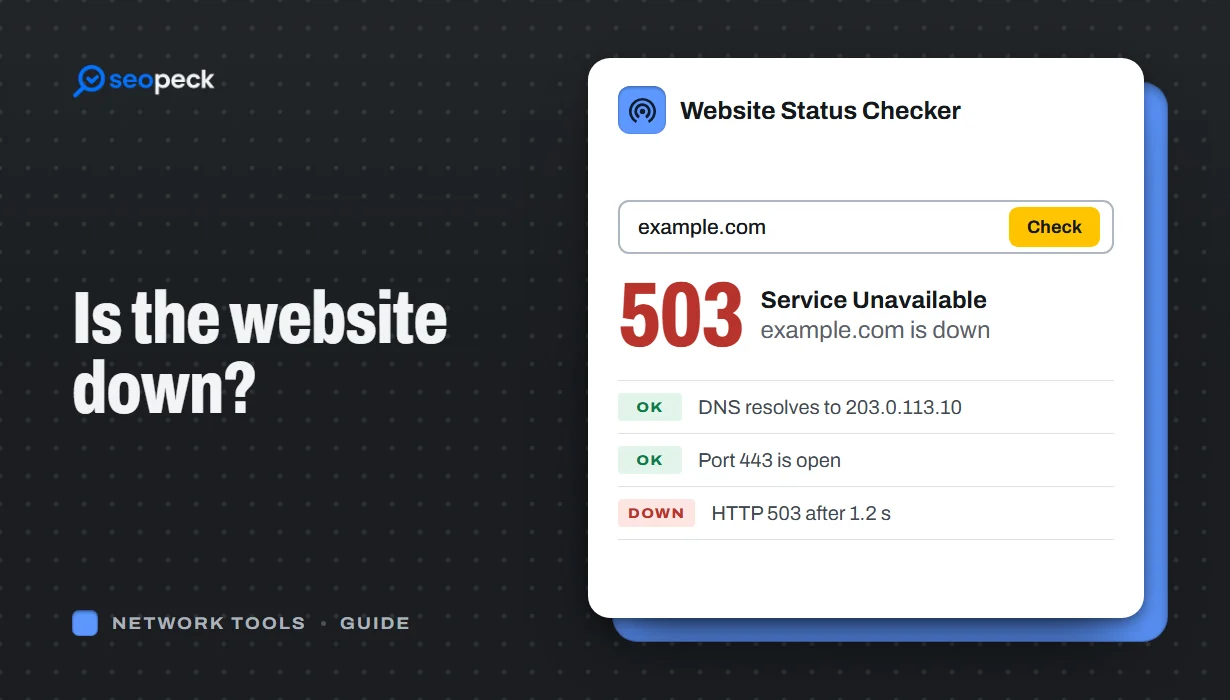 Is the Website Down? How to Actually Check, Step by Step
A step-by-step way to figure out whether a site is down for everyone or just for you, and what each result actually tells you.
Is the Website Down? How to Actually Check, Step by Step
A step-by-step way to figure out whether a site is down for everyone or just for you, and what each result actually tells you.
