
Website Status Checker
Check whether a website is up and reachable, or down for everyone.


Website Status Checker
To see if a website is down for everyone or just for you, enter its address and click the button. Website Status Checker requests the site from SEOpeck's server, follows up to 5 redirects and shows the result with its HTTP status code: online (200), a client error such as 404, a server error such as 500 or 503, or unavailable if the server does not answer within 12 seconds. If it is online here but not for you, the problem is on your side.
How to use the Website Status Checker
- Enter the website address, for example
example.com, or a full page URL to test one page. - Click Check Status.
- Read the message and the status code next to it.
- Use Share report to send the result to someone, such as your host's support team. The link runs a fresh check when it is opened.
A worked example: five real checks
We ran these on 13 October 2026. Each one gives a different result, so together they show what every answer looks like:
example.com: 200 OK, "That Website is Up and Running!"http://seopeck.com: 200 OK. The plain http address redirects to https, and the checker reports the status of the final page.https://seopeck.com/blog/this-page-does-not-exist: 404 Client Error. The server is up, but that page does not exist.httpbin.org/status/503(a test address that always answers 503): 503 Server Error, "Website is Active but is not working due to a server error."seopeck.invalid: 0 Unavailable. The name does not exist in DNS, so there is no server to ask.
The lesson: "down" can mean very different things. A 404 is a broken link, a 503 is a server problem, and "unavailable" usually points to DNS or a server that is switched off.
Reading the result
- Online (200): the site works from our server. If it does not load for you, try another browser or network (mobile data is a quick test), flush your DNS cache, or turn off a VPN or extension.
- Client error (4xx): 404 means the page does not exist; 403 means access is refused, which can also mean the site blocks automated checks; 429 means too many requests.
- Server error (5xx): 500 is an error in the site's code; 502 and 504 mean a proxy or CDN could not reach the server; 503 often means maintenance or overload.
- Unavailable (0): no answer at all. The domain may not resolve, the server may be off, or the connection timed out.
What to do if your own site is down
- Unavailable: run a DNS Lookup. If the domain has no A record, the problem is DNS or an expired domain (a domain expiry check shows the date), not the server.
- 5xx: check your host's status page and your error log. A 502 or 504 behind a CDN means the CDN cannot reach your server.
- 4xx on the home page: check recent changes such as a new
.htaccessrule, a security plugin or a firewall that blocks visitors. - HTTPS warnings in the browser: run the SSL Checker.
To see each step of a redirect chain, use the Redirect Checker. To measure response times, use Ping Website, or the Global Ping Test to check from 15 countries at once. Our step-by-step guide Is the website down? covers the whole process, and HTTP status codes explained lists what each code means.
Frequently asked questions
The checker says online, but the site does not load for me. Why?
Why does it say 403 for a site that works in my browser?
Does it follow redirects?
Does it check from more than one location?
Can it monitor my site continuously?
Related guides
-
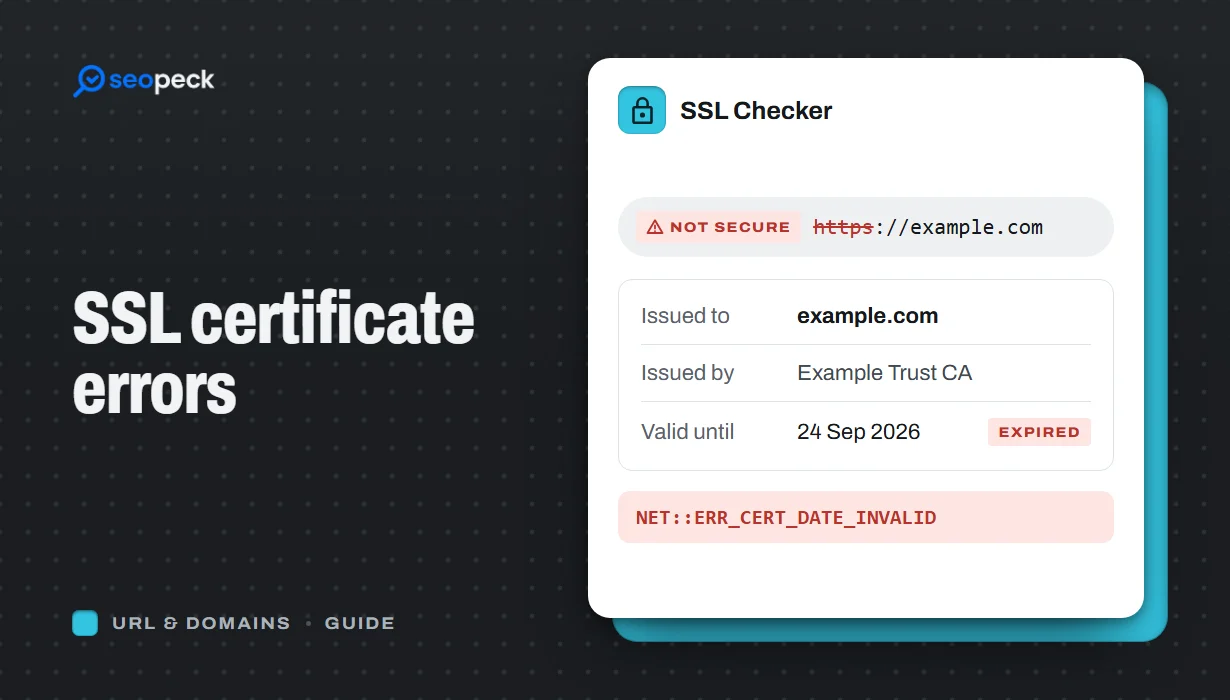 SSL Certificate Errors Explained (and How to Fix Each One)
What the common browser certificate warnings mean, why they happen, and the practical fix for expired, mismatched, self-signed and incomplete certificates.
SSL Certificate Errors Explained (and How to Fix Each One)
What the common browser certificate warnings mean, why they happen, and the practical fix for expired, mismatched, self-signed and incomplete certificates.
-
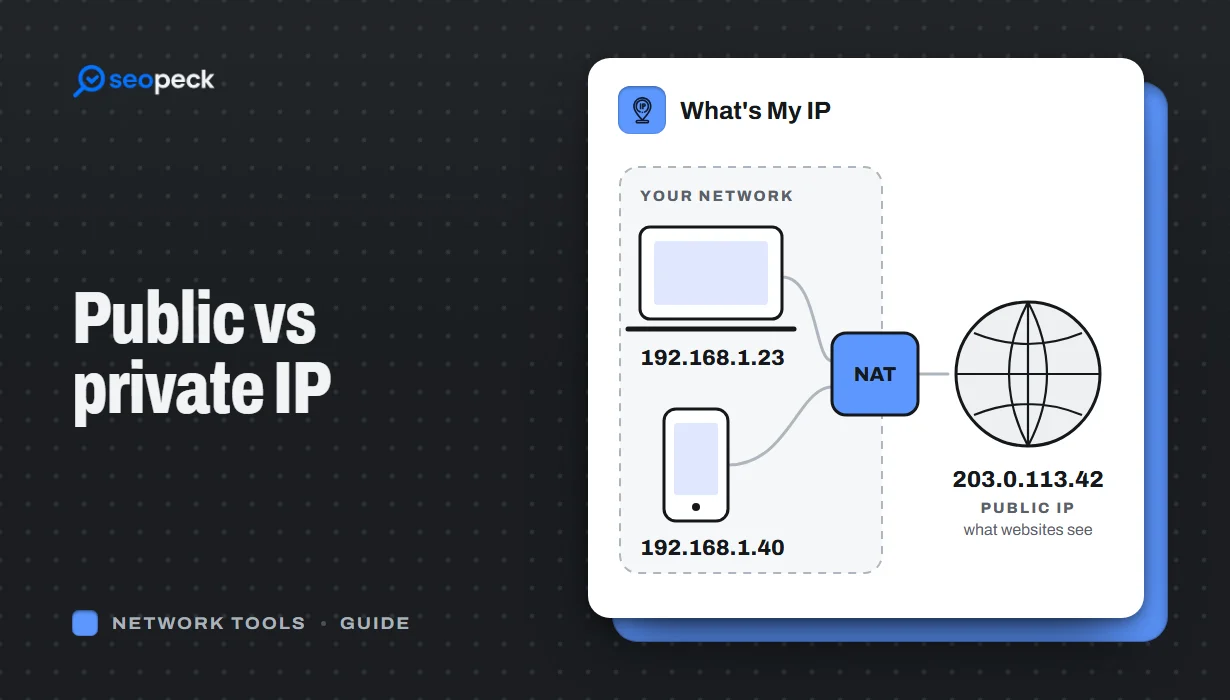 Public vs Private IP Address: What "What's My IP" Actually Shows You
The difference between the public IP address websites see and the private address your device uses at home, and what an IP lookup can and cannot reveal.
Public vs Private IP Address: What "What's My IP" Actually Shows You
The difference between the public IP address websites see and the private address your device uses at home, and what an IP lookup can and cannot reveal.
-
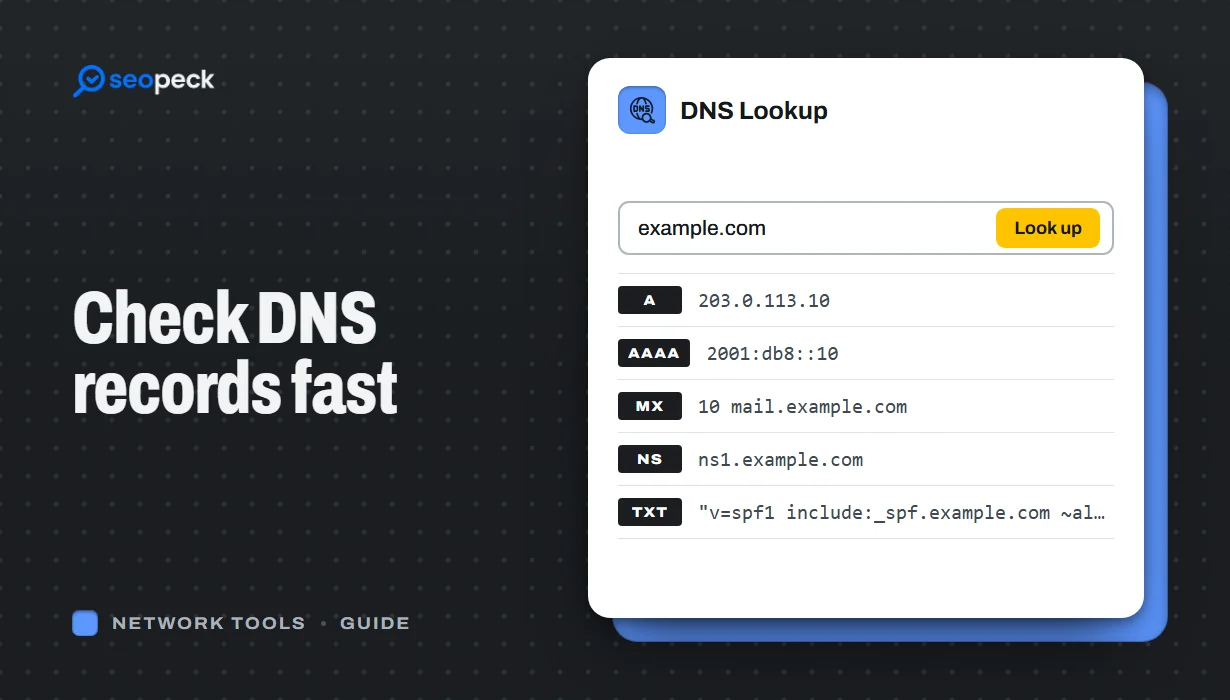 DNS Lookup Tool: How to Check DNS Records Fast
Learn how to check DNS records for any domain using a DNS lookup tool. Step-by-step guide with tips, fixes, and a fast online solution.
DNS Lookup Tool: How to Check DNS Records Fast
Learn how to check DNS records for any domain using a DNS lookup tool. Step-by-step guide with tips, fixes, and a fast online solution.
