
Hostname to IP
Resolve a domain or hostname to all the IPv4 and IPv6 addresses it currently points at.


Hostname to IP
Hostname to IP finds the IP addresses of any website or domain name. It looks up the domain's A records (IPv4) and AAAA records (IPv6) in live DNS and lists every address, so you can see exactly which servers a name points to. Paste a domain, a subdomain or a full URL; the address part is picked out for you.
How to use Hostname to IP
- Enter a domain such as
example.com, a subdomain such asshop.example.com, or paste a URL. - Click the button.
- Copy the addresses you need. Use the share menu to send someone a link to the result.
Why a domain can have several IP addresses
- IPv4 and IPv6: many sites publish both. Visitors on modern networks connect over IPv6, others over IPv4.
- Load balancing: big sites list several addresses so traffic is spread over many servers.
- CDNs: services such as Cloudflare return their own edge addresses, not your server's. If you see Cloudflare IPs, your real server is hidden behind them, which is intended.
- Location: some DNS providers answer with the server nearest to the person asking, so results can differ by country.
When it comes in handy
- Checking that a domain points to your new host after a move.
- Finding the IP address to allow in a firewall, or to put in a hosts file for testing.
- Seeing whether a site is behind Cloudflare or another CDN.
- Then looking up who owns an address with IP Lookup, or its hostname with IP to Hostname.
Frequently asked questions
Why do I get a different IP than my colleague?
DNS answers can depend on location (CDNs and geo-DNS) and on cached answers. After a change, some resolvers still return the old address until the record's TTL expires.
Why is no IP address found?
The name has no A or AAAA records: it may be misspelled, not set up yet, or only exist as a subdomain. Check the domain's records with DNS Lookup.
Can I find the real server behind Cloudflare?
Not from DNS. When a site uses Cloudflare's proxy, DNS only returns Cloudflare's addresses; that protection is the point.
Is the IP address of a website the same as its location?
Roughly. The address belongs to a data centre or CDN, which IP Lookup can locate, but with a CDN it shows the nearest edge, not where the site's owner is.
Related guides
-
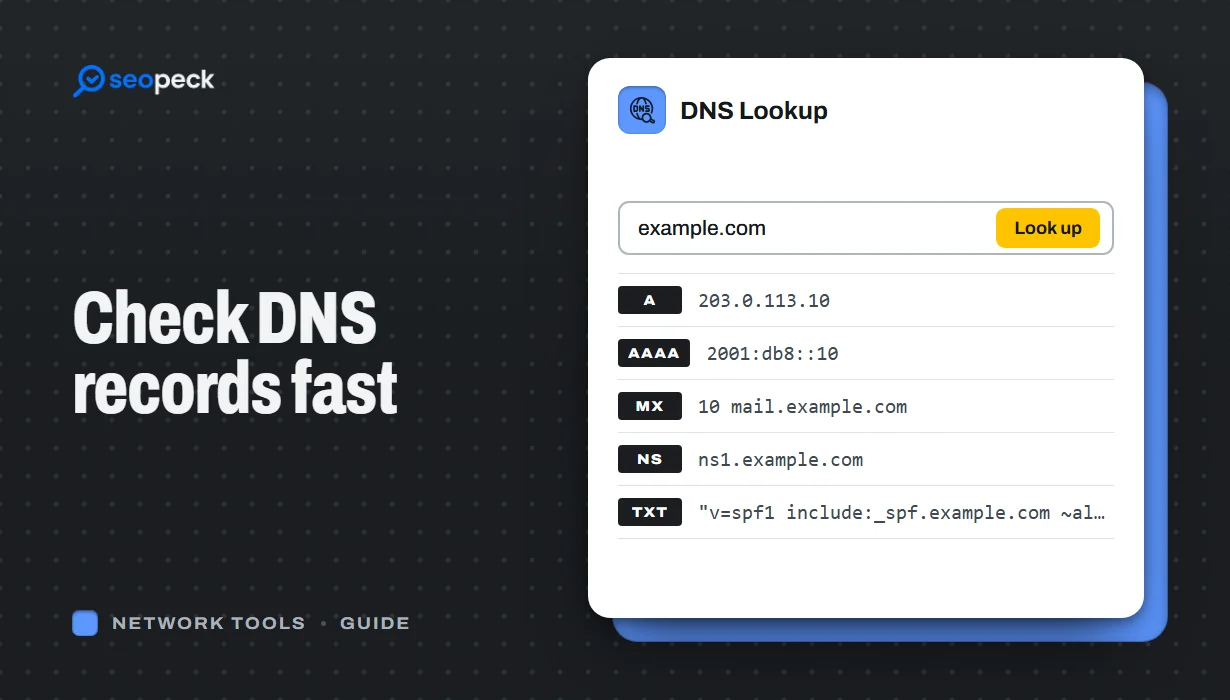 DNS Lookup Tool: How to Check DNS Records Fast
Learn how to check DNS records for any domain using a DNS lookup tool. Step-by-step guide with tips, fixes, and a fast online solution.
DNS Lookup Tool: How to Check DNS Records Fast
Learn how to check DNS records for any domain using a DNS lookup tool. Step-by-step guide with tips, fixes, and a fast online solution.
-
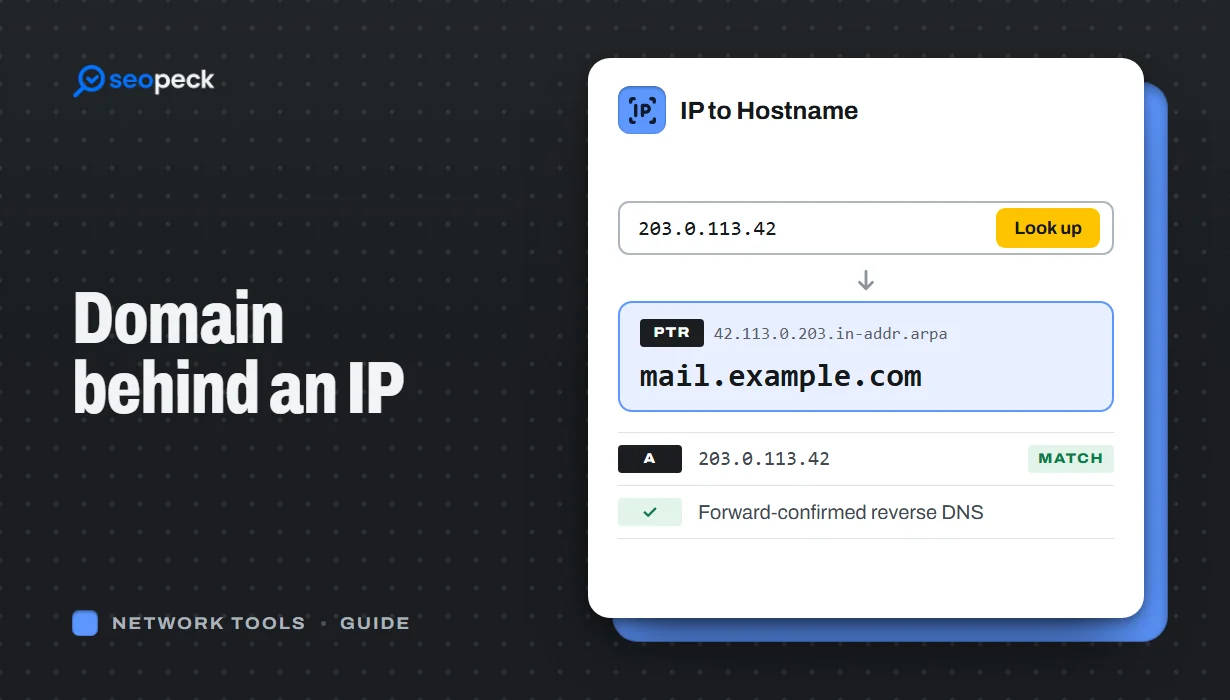 How to Find the Domain Name Behind an IP Address
Turn an IP address into a hostname with a reverse DNS (PTR) lookup, online or with nslookup and dig. Learn how to read the result, why many IPs show a hosting company or no name at all, and which lookup to use when you want the owner or the website instead.
How to Find the Domain Name Behind an IP Address
Turn an IP address into a hostname with a reverse DNS (PTR) lookup, online or with nslookup and dig. Learn how to read the result, why many IPs show a hosting company or no name at all, and which lookup to use when you want the owner or the website instead.
-
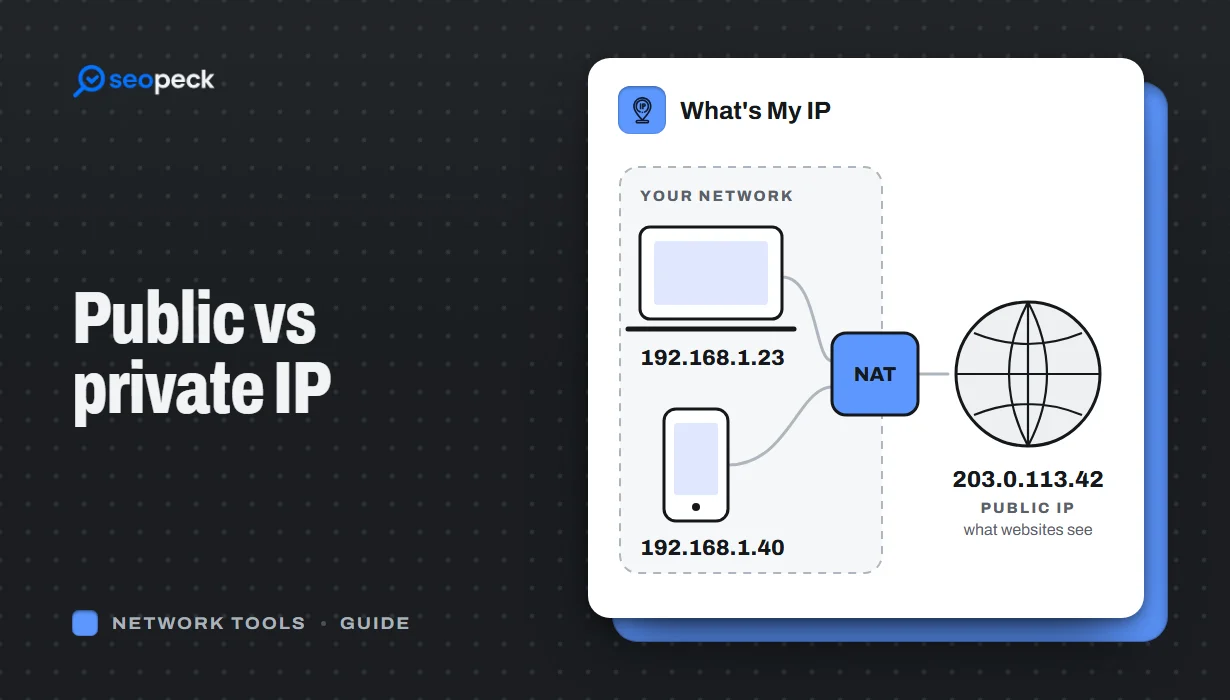 Public vs Private IP Address: What "What's My IP" Actually Shows You
The difference between the public IP address websites see and the private address your device uses at home, and what an IP lookup can and cannot reveal.
Public vs Private IP Address: What "What's My IP" Actually Shows You
The difference between the public IP address websites see and the private address your device uses at home, and what an IP lookup can and cannot reveal.
