
Domain WHOIS
See who registered a domain, with which registrar, and when it expires.


Domain WHOIS
WHOIS records show who registered a domain, with which registrar and when it expires. Enter a domain name to see what the public registry data says.
How to use Domain WHOIS
- Enter the domain, for example example.com, in Domain Name.
- Click Get WHOIS.
- Read the registration details.
When it comes in handy
- Checking when a domain expires or was created.
- Finding the registrar or name servers for a domain.
- Researching a domain before buying, or after receiving a suspicious email.
Frequently asked questions
Why is the owner's name hidden?
Many registrars use privacy services, and regulations such as GDPR limit the personal data published, so you often see a proxy or redacted entry.
Does a domain's age affect SEO?
Age alone is not a ranking factor. Content quality and relevance matter far more. To check how old a domain is and when it expires, for up to 10 domains at once, use the age checker.
Related guides
-
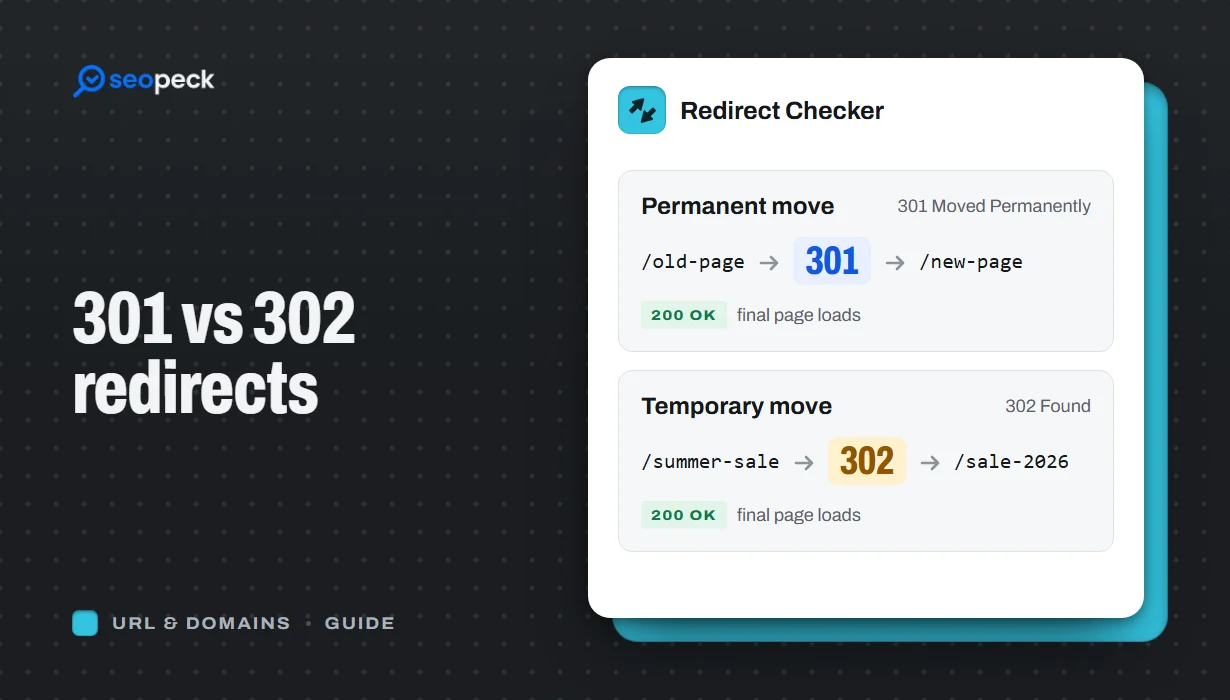 301 vs 302 Redirects: Which One to Use, and How to Check Them
The difference between permanent and temporary redirects, how each affects SEO, common redirect mistakes, and how to set up and test them.
301 vs 302 Redirects: Which One to Use, and How to Check Them
The difference between permanent and temporary redirects, how each affects SEO, common redirect mistakes, and how to set up and test them.
-
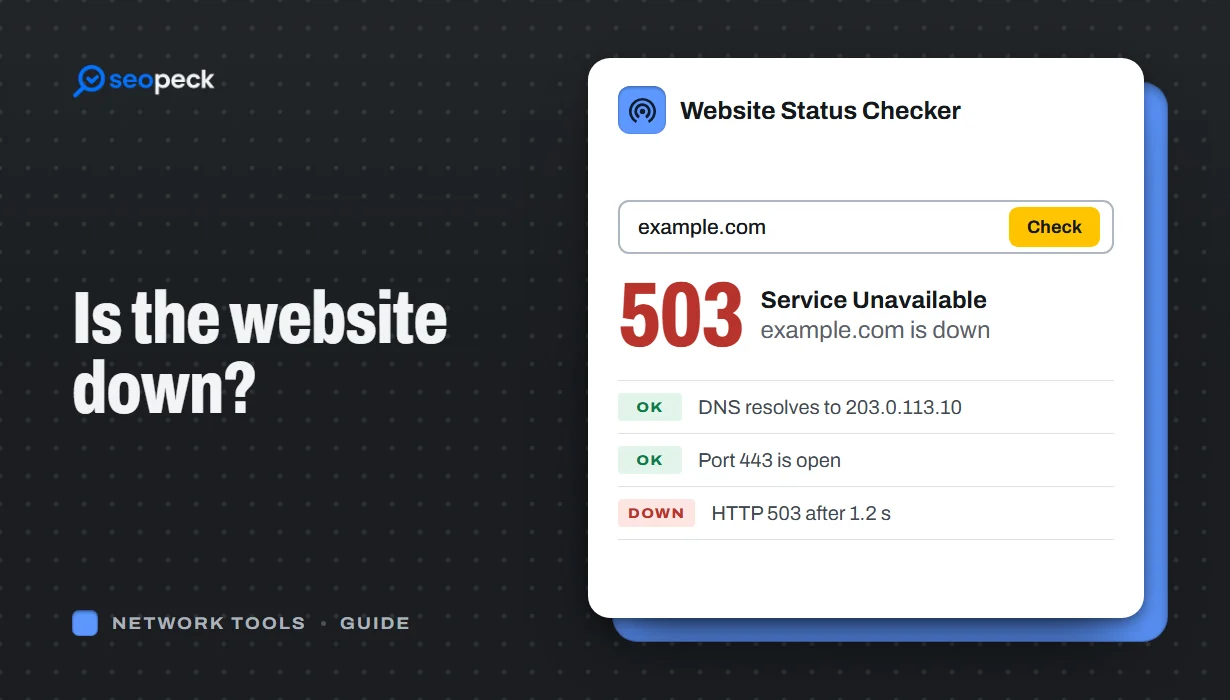 Is the Website Down? How to Actually Check, Step by Step
A step-by-step way to figure out whether a site is down for everyone or just for you, and what each result actually tells you.
Is the Website Down? How to Actually Check, Step by Step
A step-by-step way to figure out whether a site is down for everyone or just for you, and what each result actually tells you.
-
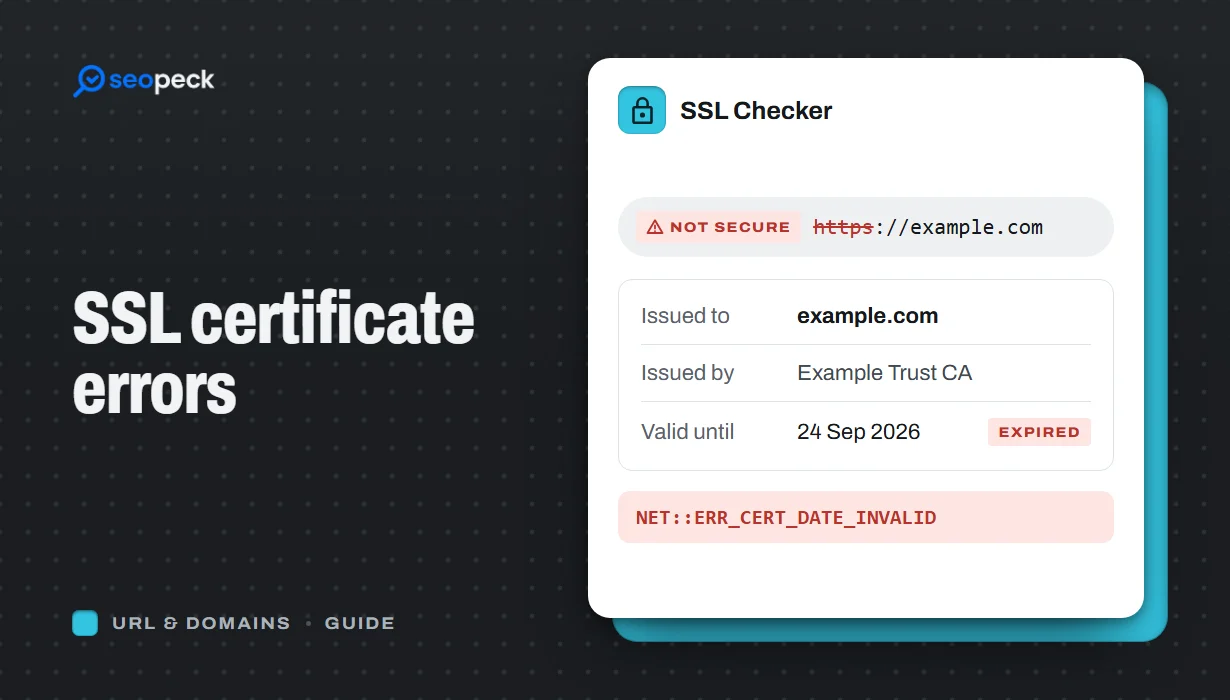 SSL Certificate Errors Explained (and How to Fix Each One)
What the common browser certificate warnings mean, why they happen, and the practical fix for expired, mismatched, self-signed and incomplete certificates.
SSL Certificate Errors Explained (and How to Fix Each One)
What the common browser certificate warnings mean, why they happen, and the practical fix for expired, mismatched, self-signed and incomplete certificates.
