
URL Parser
Split a URL into its protocol, host, path, query string and fragment.


URL Parser
A URL is made of several parts, and mistakes in any of them can break a link. Paste an address and the parser splits it into protocol, host, path, query and more.
How to use URL Parser
- Paste the URL into the field.
- Click Parse.
- Read or copy the individual components.
When it comes in handy
- Debugging tracking parameters and long query strings.
- Checking which host and path a link really points to.
- Extracting components for use in code.
Frequently asked questions
What is the difference between path and query?
The path identifies the resource, such as /tool/ping. The query, after the question mark, carries parameters such as ?id=5.
What is a fragment?
The part after a # sign. It points to a place within the page and is not sent to the server.
Related guides
-
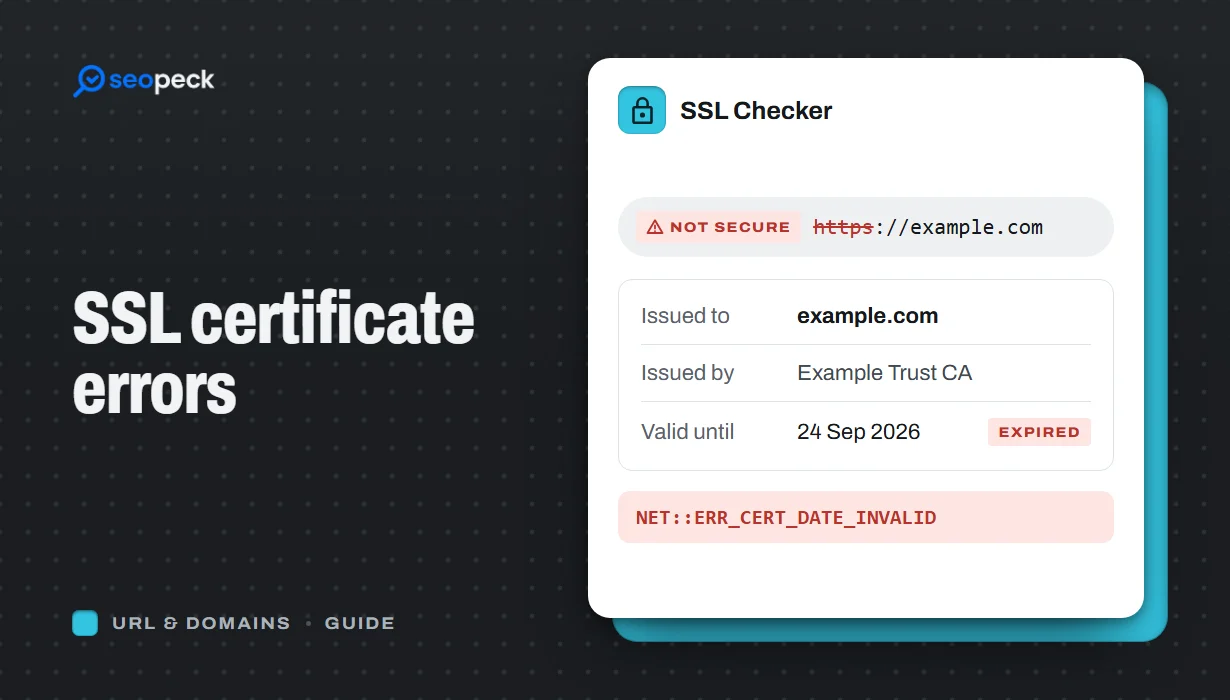 SSL Certificate Errors Explained (and How to Fix Each One)
What the common browser certificate warnings mean, why they happen, and the practical fix for expired, mismatched, self-signed and incomplete certificates.
SSL Certificate Errors Explained (and How to Fix Each One)
What the common browser certificate warnings mean, why they happen, and the practical fix for expired, mismatched, self-signed and incomplete certificates.
-
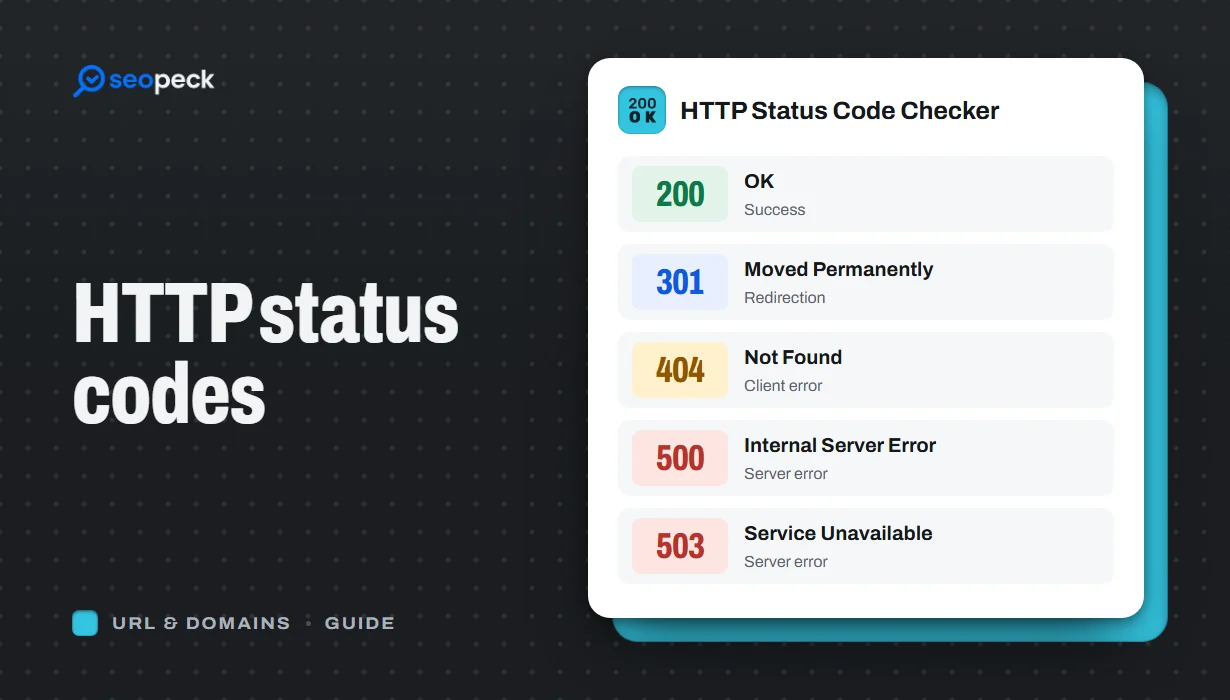 HTTP Status Codes Explained: What 200, 301, 404 and 500 Really Mean
A plain-language guide to the HTTP status codes you actually meet, grouped by what they tell you, and what to do when you see each one.
HTTP Status Codes Explained: What 200, 301, 404 and 500 Really Mean
A plain-language guide to the HTTP status codes you actually meet, grouped by what they tell you, and what to do when you see each one.
-
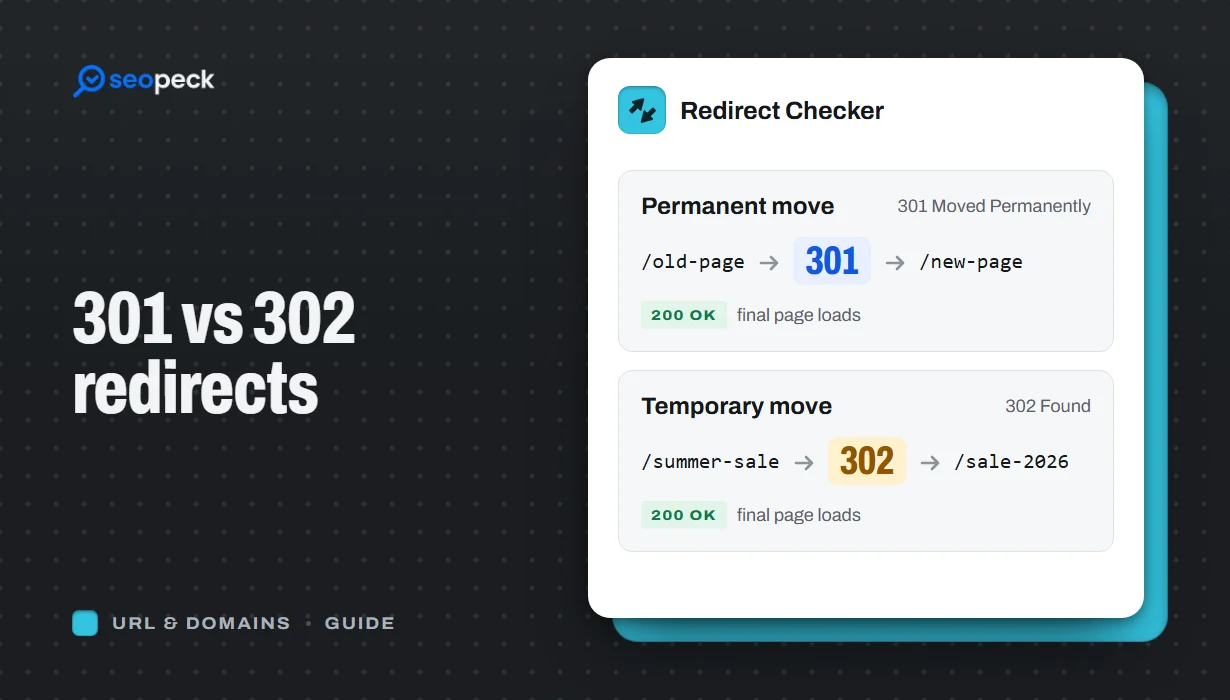 301 vs 302 Redirects: Which One to Use, and How to Check Them
The difference between permanent and temporary redirects, how each affects SEO, common redirect mistakes, and how to set up and test them.
301 vs 302 Redirects: Which One to Use, and How to Check Them
The difference between permanent and temporary redirects, how each affects SEO, common redirect mistakes, and how to set up and test them.
