URL & Domains
Every link and domain carries information that is hidden from a normal visitor: who owns the domain and when it expires, whether its certificate is valid, where a redirect finally lands, and what headers the server sends back.
All URL & Domains


Find out why a site is down
Confirm it is down for everyone, check where the name points, rule out the certificate, then trace the route.
More about URL & Domains
Domain WHOIS, the Domain Age Checker and the Website Hosting Checker answer who owns a site, how old it is and where it runs, and the CMS Detector shows what it is built with; the SSL Checker and Security Headers Checker answer the security questions. The Redirect Checker, HTTP Status Code Checker and HTTP Headers Parser are the first things to try when a page moved or behaves oddly, the Website Status Checker tells you if a whole site is down, and the URL Unshortener shows where a short link goes before you click it. The Subdomain Finder lists a domain's subdomains from public certificate logs.
Guides for these tools
-
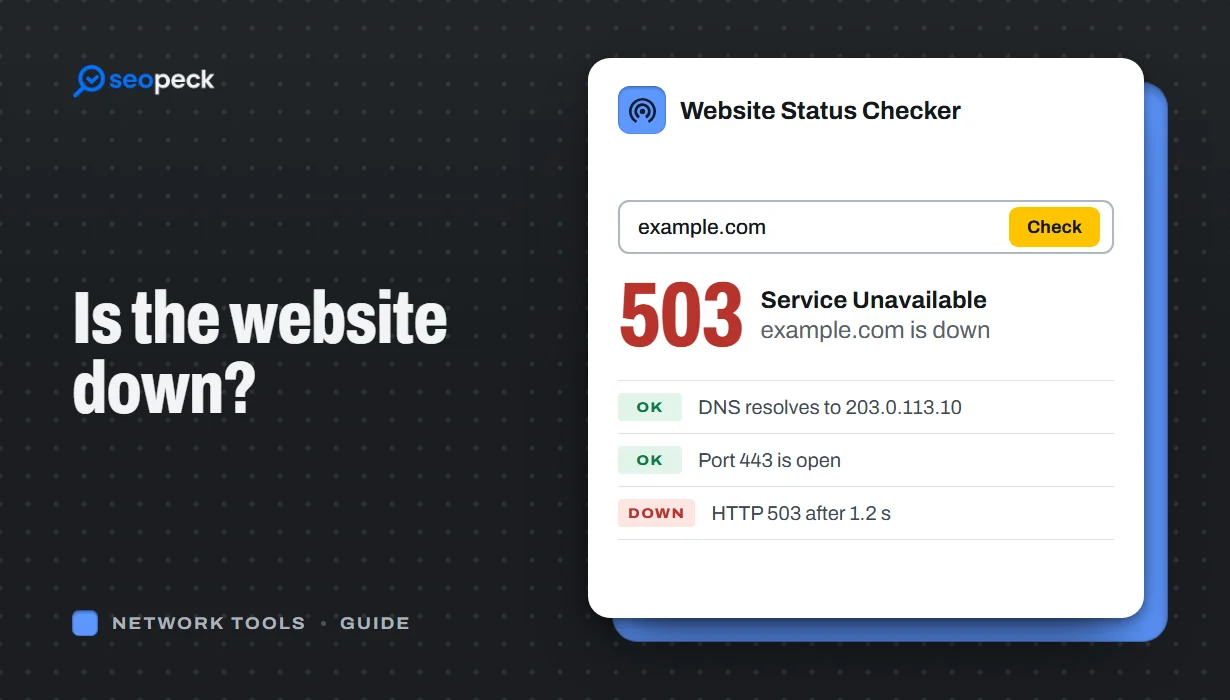 Is the Website Down? How to Actually Check, Step by Step
A step-by-step way to figure out whether a site is down for everyone or just for you, and what each result actually tells you.
-
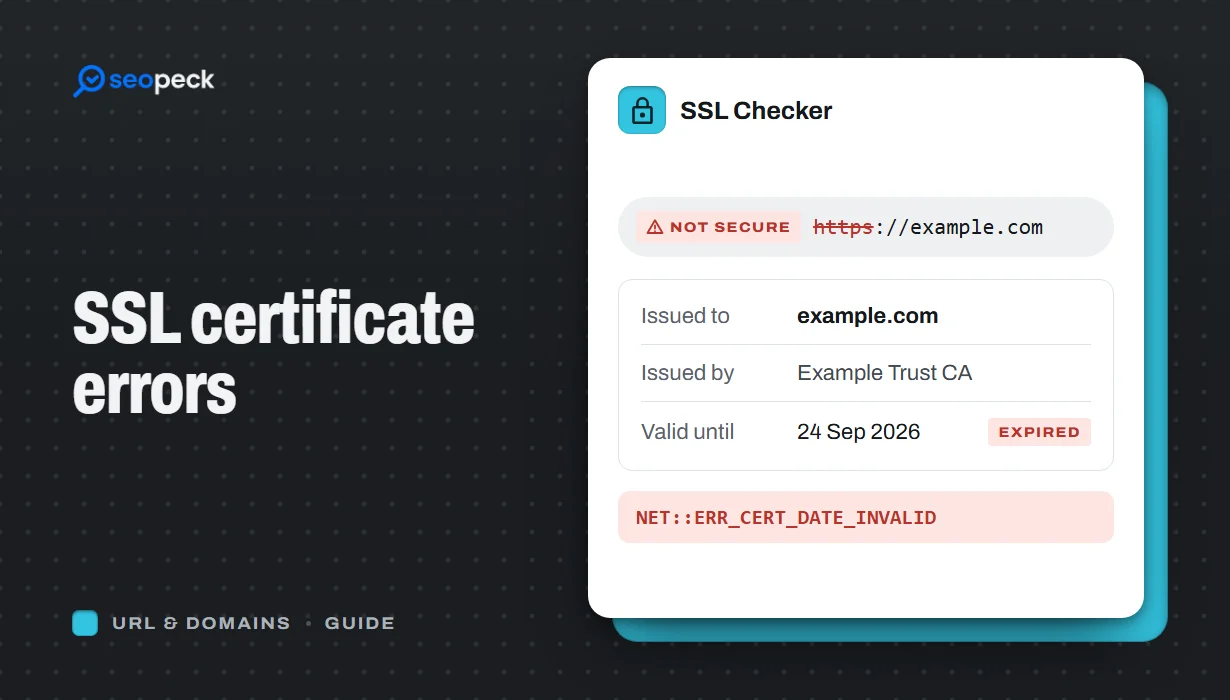 SSL Certificate Errors Explained (and How to Fix Each One)
What the common browser certificate warnings mean, why they happen, and the practical fix for expired, mismatched, self-signed and incomplete certificates.
-
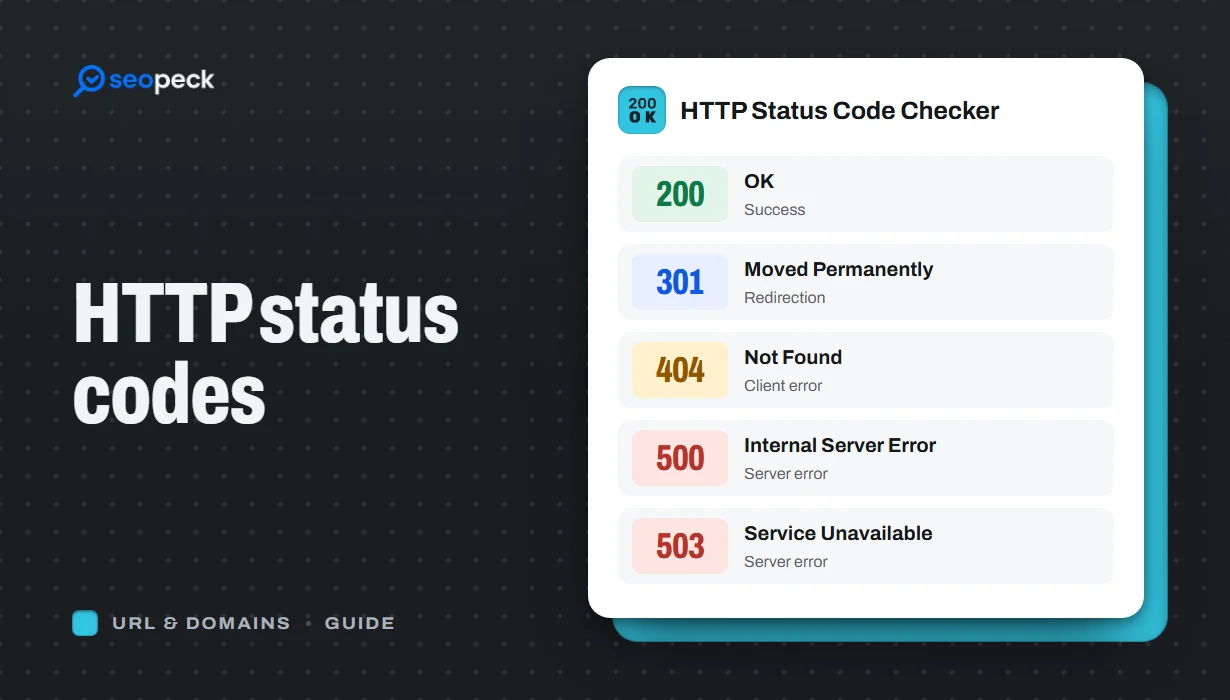 HTTP Status Codes Explained: What 200, 301, 404 and 500 Really Mean
A plain-language guide to the HTTP status codes you actually meet, grouped by what they tell you, and what to do when you see each one.
-
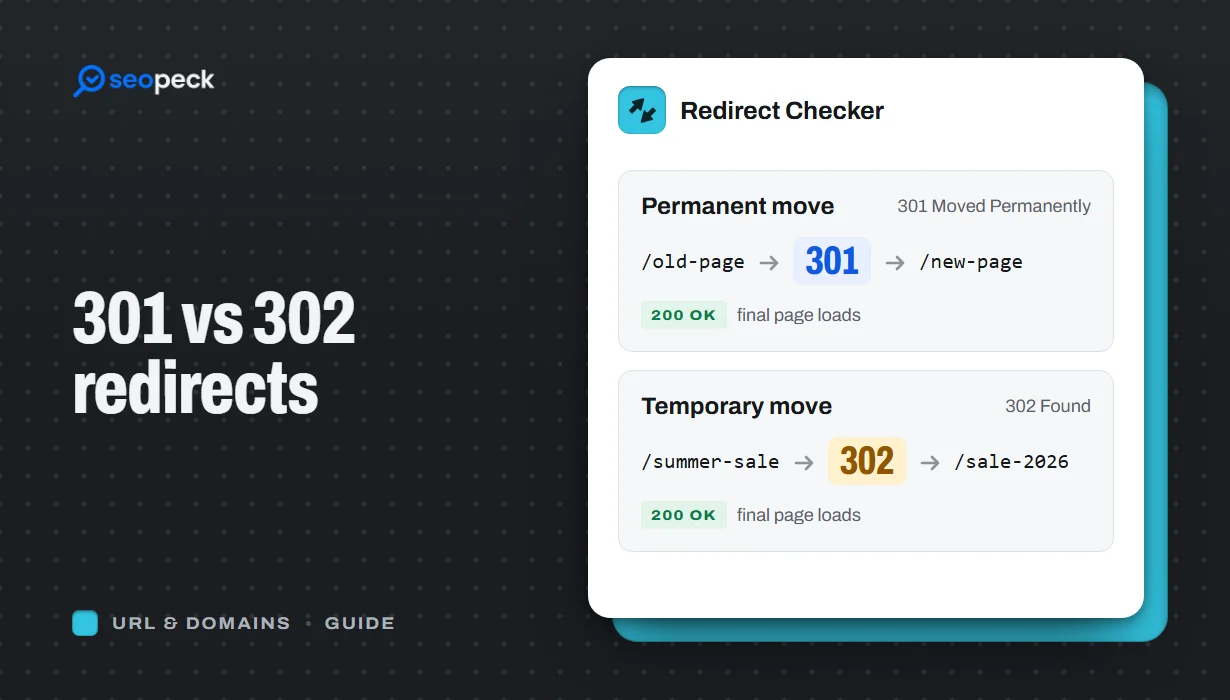 301 vs 302 Redirects: Which One to Use, and How to Check Them
The difference between permanent and temporary redirects, how each affects SEO, common redirect mistakes, and how to set up and test them.