
URL Unshortener
Follow a short link and reveal its final destination before you click it.


URL Unshortener
Short links hide where they go, which makes it hard to judge whether a link is safe. Paste one here and the tool follows it and shows the final address.
How to use URL Unshortener
- Paste the short link into URL to Unshorten.
- Click Unshorten.
- Read the destination before deciding whether to visit it.
When it comes in handy
- Checking a suspicious link received by email or message.
- Finding the real URL behind social media and campaign links.
- Cleaning tracking redirects out of links you want to share.
Frequently asked questions
Is it safe to unshorten unknown links?
The tool only follows the redirect for you. Do not enter passwords or details on a site you do not trust, and be careful with unexpected links.
Why does it show another short link?
Some links pass through several redirects, so the result may be an intermediate address. Run it again on the new link.
Related guides
-
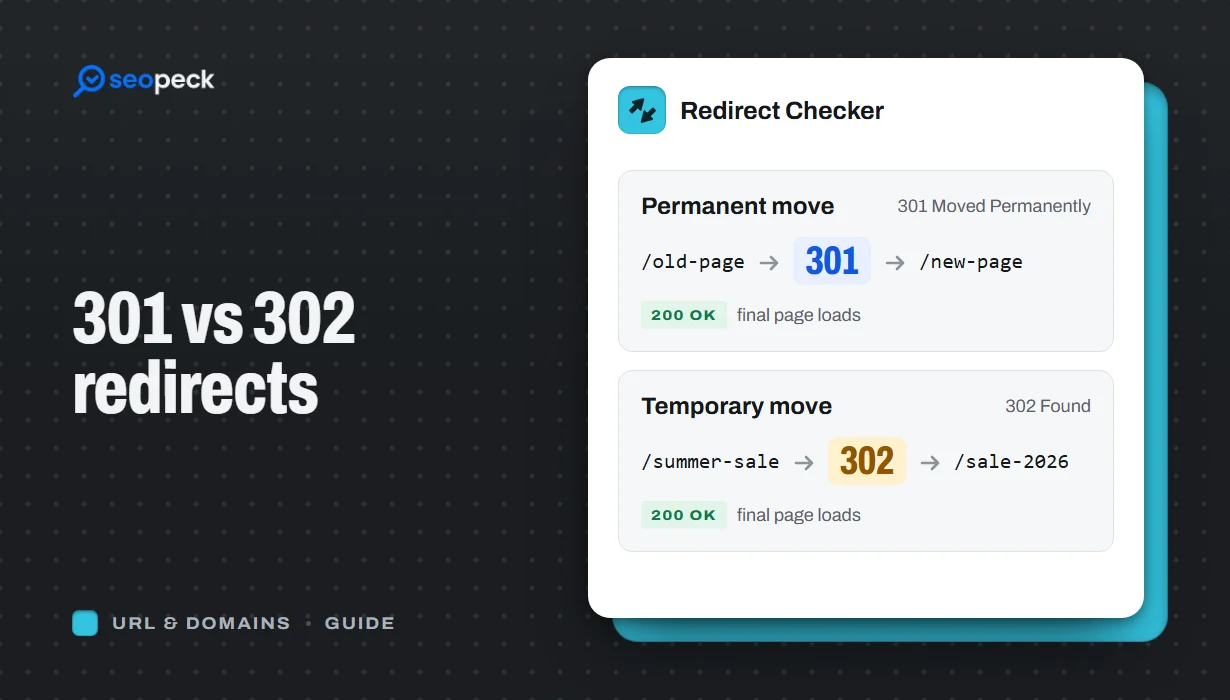 301 vs 302 Redirects: Which One to Use, and How to Check Them
The difference between permanent and temporary redirects, how each affects SEO, common redirect mistakes, and how to set up and test them.
301 vs 302 Redirects: Which One to Use, and How to Check Them
The difference between permanent and temporary redirects, how each affects SEO, common redirect mistakes, and how to set up and test them.
-
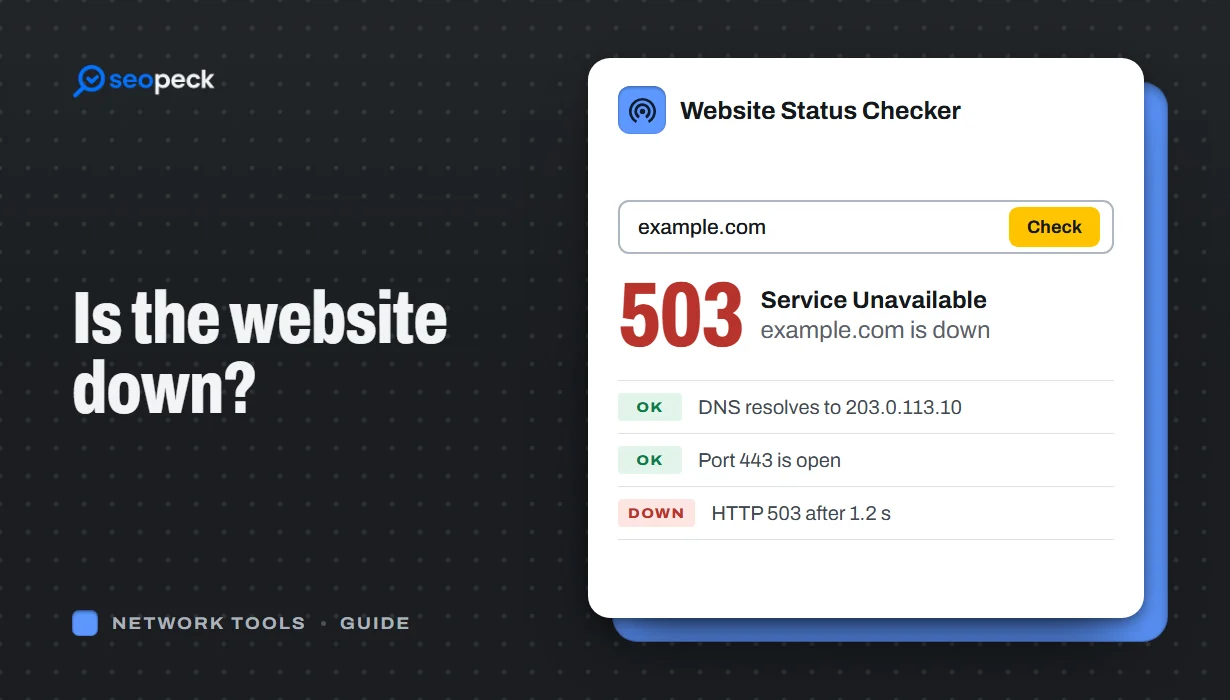 Is the Website Down? How to Actually Check, Step by Step
A step-by-step way to figure out whether a site is down for everyone or just for you, and what each result actually tells you.
Is the Website Down? How to Actually Check, Step by Step
A step-by-step way to figure out whether a site is down for everyone or just for you, and what each result actually tells you.
-
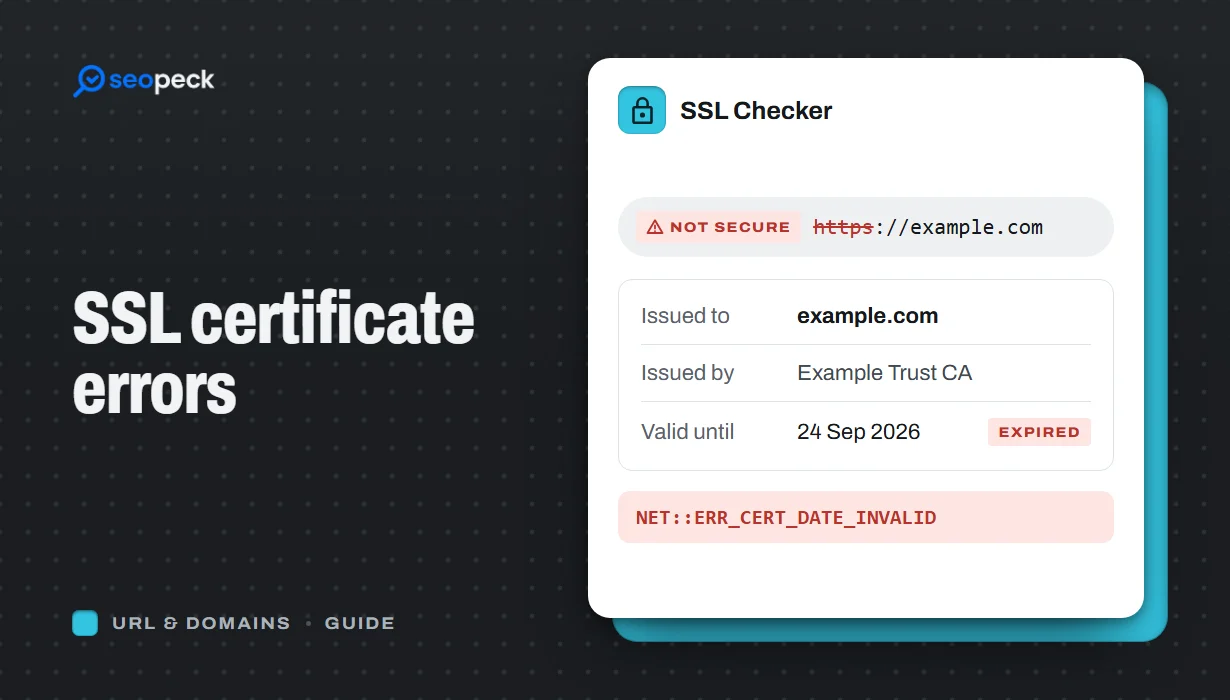 SSL Certificate Errors Explained (and How to Fix Each One)
What the common browser certificate warnings mean, why they happen, and the practical fix for expired, mismatched, self-signed and incomplete certificates.
SSL Certificate Errors Explained (and How to Fix Each One)
What the common browser certificate warnings mean, why they happen, and the practical fix for expired, mismatched, self-signed and incomplete certificates.
