
Redirect Checker
Check whether a URL redirects, and which address it finally lands on.


Redirect Checker
Broken or looping redirects waste crawl budget and frustrate visitors. Enter a URL to see whether it redirects and which address it finally lands on.
How to use Redirect Checker
- Enter the address in URL to Check.
- Click Check Redirect.
- Review the redirect result and final destination.
When it comes in handy
- Confirming that an old URL redirects to the right new page after a migration.
- Checking that http redirects to https and www to the main domain.
- Finding redirect chains that slow pages down.
Frequently asked questions
What is the difference between 301 and 302?
A 301 is a permanent move and passes signals to the new URL. A 302 is temporary, meaning the original address is expected to come back.
Why avoid redirect chains?
Each extra hop adds delay. Point old URLs directly at the final address.
Related guides
-
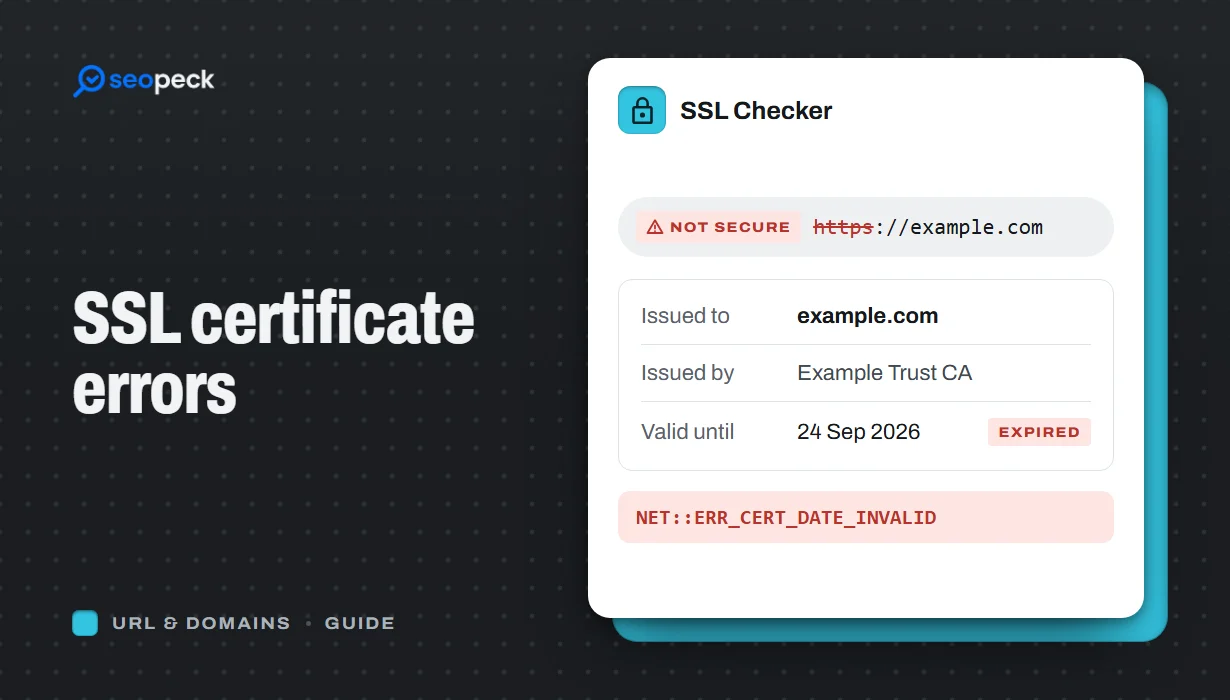 SSL Certificate Errors Explained (and How to Fix Each One)
What the common browser certificate warnings mean, why they happen, and the practical fix for expired, mismatched, self-signed and incomplete certificates.
SSL Certificate Errors Explained (and How to Fix Each One)
What the common browser certificate warnings mean, why they happen, and the practical fix for expired, mismatched, self-signed and incomplete certificates.
-
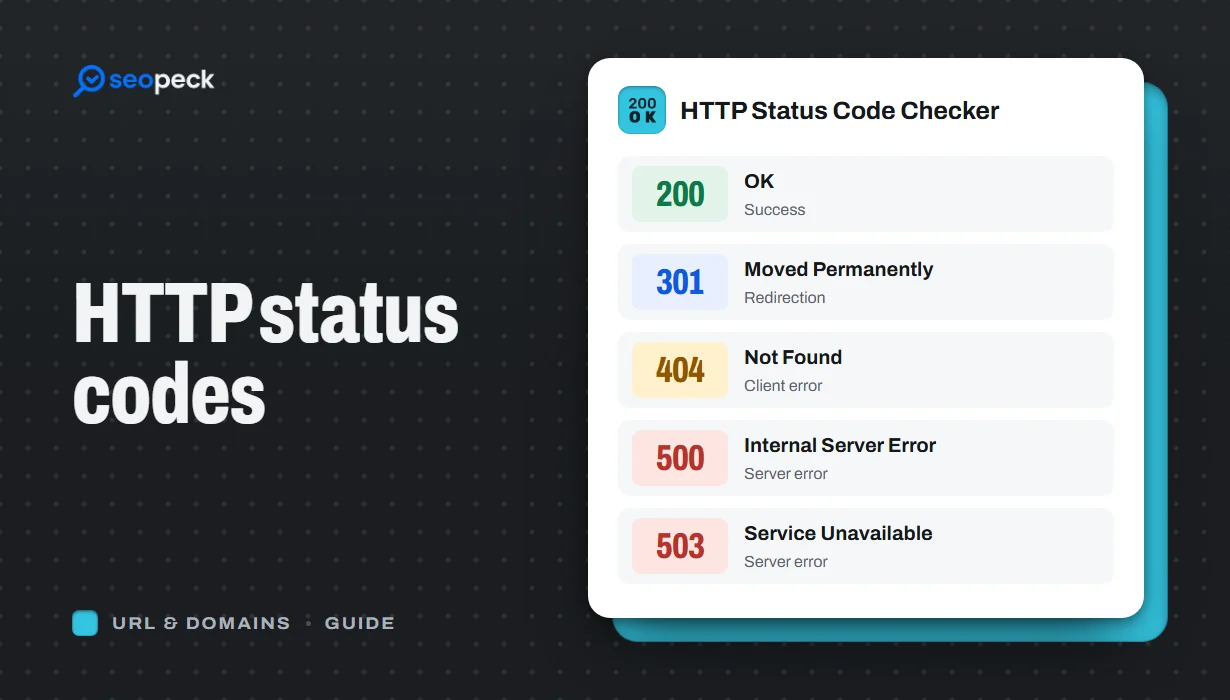 HTTP Status Codes Explained: What 200, 301, 404 and 500 Really Mean
A plain-language guide to the HTTP status codes you actually meet, grouped by what they tell you, and what to do when you see each one.
HTTP Status Codes Explained: What 200, 301, 404 and 500 Really Mean
A plain-language guide to the HTTP status codes you actually meet, grouped by what they tell you, and what to do when you see each one.
-
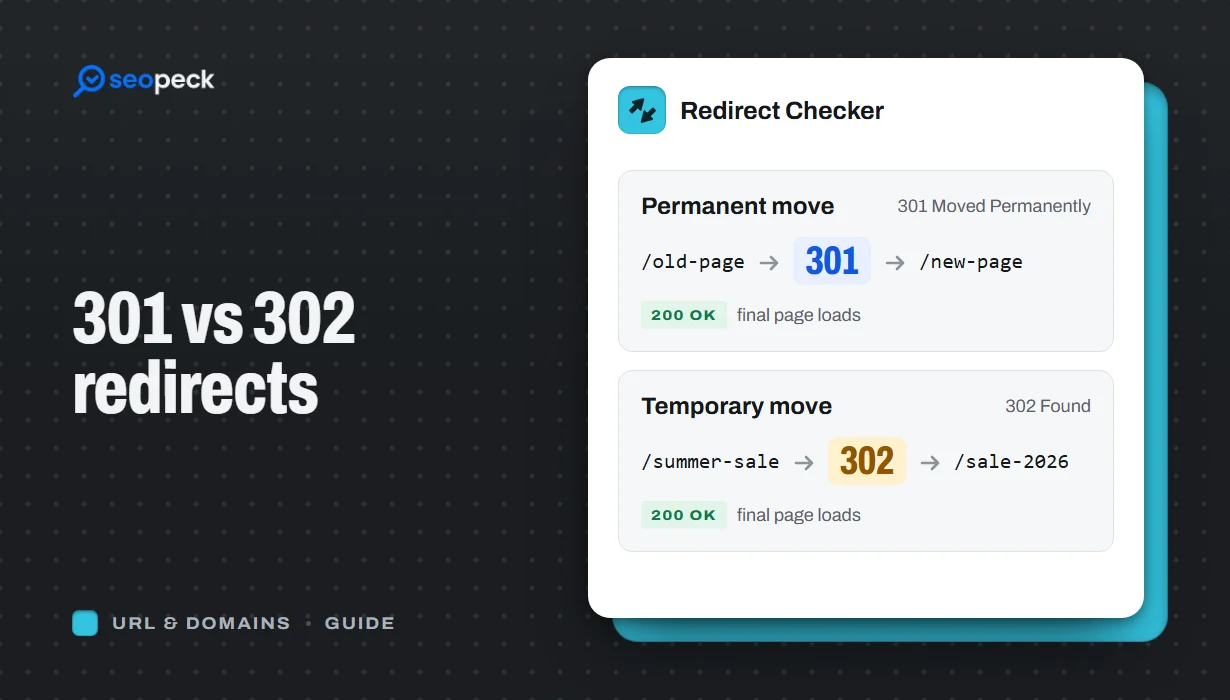 301 vs 302 Redirects: Which One to Use, and How to Check Them
The difference between permanent and temporary redirects, how each affects SEO, common redirect mistakes, and how to set up and test them.
301 vs 302 Redirects: Which One to Use, and How to Check Them
The difference between permanent and temporary redirects, how each affects SEO, common redirect mistakes, and how to set up and test them.
