
DNS Lookup
Fetch a domain's A, AAAA, NS, MX, TXT and SOA records in one go.
| Records | TTL | Class | Entries for |
|---|---|---|---|
A |
|||
AAAA |
|||
NS |
|||
MX |
|||
SOA |
Email:Serial:Refresh:Retry:Expire:Minimum TTL: |
||
TXT |


DNS Lookup
DNS Lookup shows the main DNS records of any domain in one table: the IPv4 (A) and IPv6 (AAAA) addresses the site points to, its nameservers (NS), mail servers (MX), TXT records such as SPF and site verifications, and the SOA record that describes the zone. Each record comes with its TTL, so you can see how long resolvers will cache it. It is free and needs no sign-up.
How to use DNS Lookup
- Enter a domain such as
example.com. - Click the lookup button.
- Read the records by type. Look up a subdomain such as
www.example.comormail.example.comseparately, because each name has its own records.
What each record does
- A: the IPv4 address of the website, for example 93.184.215.14. This is what changes when you move hosting.
- AAAA: the IPv6 address. Optional, but more and more networks use IPv6 first.
- NS: the nameservers that hold the domain's DNS. They show who really controls the records, for example Cloudflare, your registrar or your host.
- MX: the mail servers that receive email for the domain, with their priority.
- TXT: free-text records. Most carry SPF rules (
v=spf1 …), domain verifications for Google, Microsoft and others, or DMARC and DKIM data on special subdomains. - SOA: the zone's start of authority: the primary nameserver, the admin email, a serial number that increases with each change, and the refresh, retry, expire and minimum TTL timers.
Understanding TTL
The TTL (time to live) is how many seconds resolvers may cache a record before asking again. 3600 means one hour. Before you change an important record, such as an A record when moving to a new host, lower its TTL to 300 a day ahead, so the switch spreads in minutes instead of hours.
When it comes in handy
- Checking that a domain points to the right server after moving hosting or changing DNS provider.
- Finding which company runs a domain's DNS and email.
- Verifying TXT records for Google Search Console, Microsoft 365 or an email service.
- Troubleshooting "site not found" and email delivery problems. A domain with no records at all may have expired; a domain age lookup shows its expiry date.
For other record types, use the DNS Propagation Checker, which also queries CNAME and CAA records and compares answers from 20 resolvers around the world. To check email authentication in detail, use the SPF, DKIM & DMARC Checker.
Frequently asked questions
Why does the lookup show old records after I changed them?
Why are there no A records for my domain?
www.yourdomain.com too.Where do I change my DNS records?
Why is CNAME not shown?
Is this the same as nslookup or dig?
dig example.com ANY would for these types, in a readable table, without needing a terminal.Related guides
-
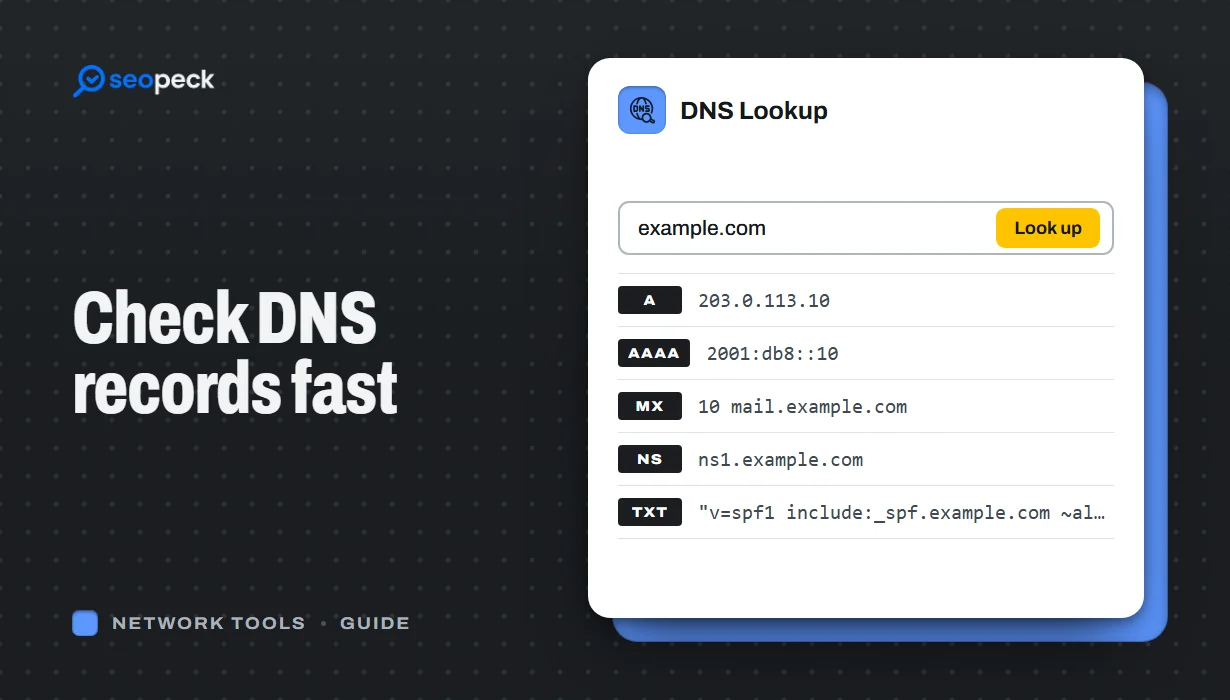 DNS Lookup Tool: How to Check DNS Records Fast
Learn how to check DNS records for any domain using a DNS lookup tool. Step-by-step guide with tips, fixes, and a fast online solution.
DNS Lookup Tool: How to Check DNS Records Fast
Learn how to check DNS records for any domain using a DNS lookup tool. Step-by-step guide with tips, fixes, and a fast online solution.
-
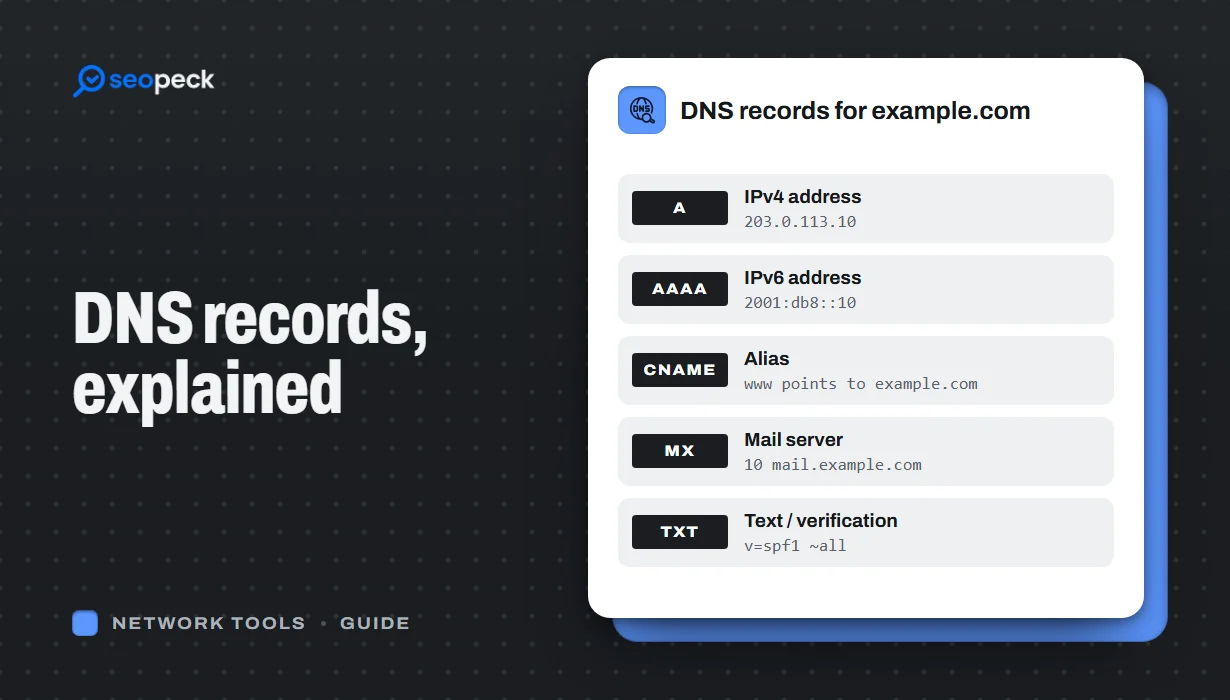 DNS Records Explained: A Practical Guide to A, AAAA, MX, TXT and CNAME
What A, AAAA, MX, TXT and CNAME records actually do, in plain language, with the tools to check any domain's records in seconds.
DNS Records Explained: A Practical Guide to A, AAAA, MX, TXT and CNAME
What A, AAAA, MX, TXT and CNAME records actually do, in plain language, with the tools to check any domain's records in seconds.
-
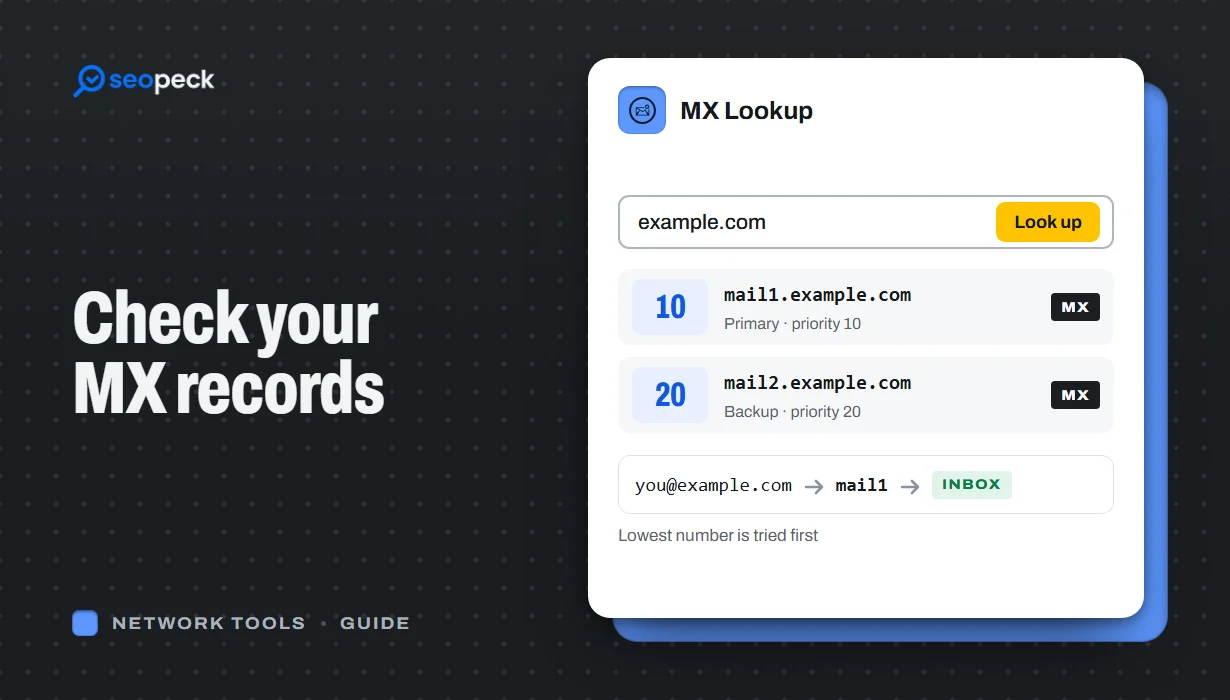 How to Check MX Records (and Fix Email That Isn't Arriving)
See any domain's MX records in seconds, online or with nslookup and dig, learn to read the priority numbers, and work through the checks that find out why email is not arriving.
How to Check MX Records (and Fix Email That Isn't Arriving)
See any domain's MX records in seconds, online or with nslookup and dig, learn to read the priority numbers, and work through the checks that find out why email is not arriving.
