
IP to Hostname
Reverse-lookup an IP address to find the hostname it points back to.


IP to Hostname
IP to Hostname finds the domain name behind an IP address with a reverse DNS lookup. It asks DNS for the address's PTR record, the record a network owner publishes to say "this IP belongs to this host", and shows the hostname together with the IPv4 and IPv6 addresses that hostname points back to, whether the two directions match (forward-confirmed reverse DNS), and which network owns the IP. It works for IPv4 and IPv6 addresses and needs no sign-up.
How to use IP to Hostname
- Type or paste an IP address, for example
8.8.8.8or2001:4860:4860::8888. - Click the lookup button.
- Read the hostname, then the addresses it resolves to. The Forward-confirmed line tells you whether the hostname points back to the IP you entered.
How reverse DNS works
Normal DNS turns a name into an address: google.com → an IP. Reverse DNS goes the other way. The IP is written backwards under a special domain (8.8.8.8 becomes 8.8.8.8.in-addr.arpa; IPv6 uses ip6.arpa), and the PTR record stored there names the host. Only the owner of the IP block, usually a hosting company, ISP or cloud provider, can set it, so the result tells you who runs the network, not necessarily which website is hosted there.
Reading the result
- A provider's name such as
ec2-…compute.amazonaws.comor…googleusercontent.com: the IP belongs to a cloud server, and the provider set a generic name. - An ISP name with parts of the IP in it, such as
host-203-0-113-7.example-isp.net: a home or office connection. - A mail name such as
mail.example.com: often a mail server; its owner set the PTR on purpose. - No hostname found: the IP has no PTR record. That is common and not an error in itself.
When it comes in handy
- Email deliverability: mail servers without a matching PTR record are often rejected or marked as spam. Check that your mail server's IP points to its hostname, and the hostname back to the IP.
- Identifying an unknown IP in server logs, analytics or firewall alerts.
- Checking whether visitors claiming to be Googlebot really come from Google: genuine Googlebot IPs reverse-resolve to
googlebot.comorgoogle.com. - Troubleshooting networks with traceroute output, which shows hop IPs without names.
Frequently asked questions
Why does the hostname not match the website on that IP?
Why is no hostname found?
What is forward-confirmed reverse DNS (FCrDNS)?
How do I set the PTR record for my server?
Where do the results come from?
Can I find all domains hosted on an IP?
Related guides
-
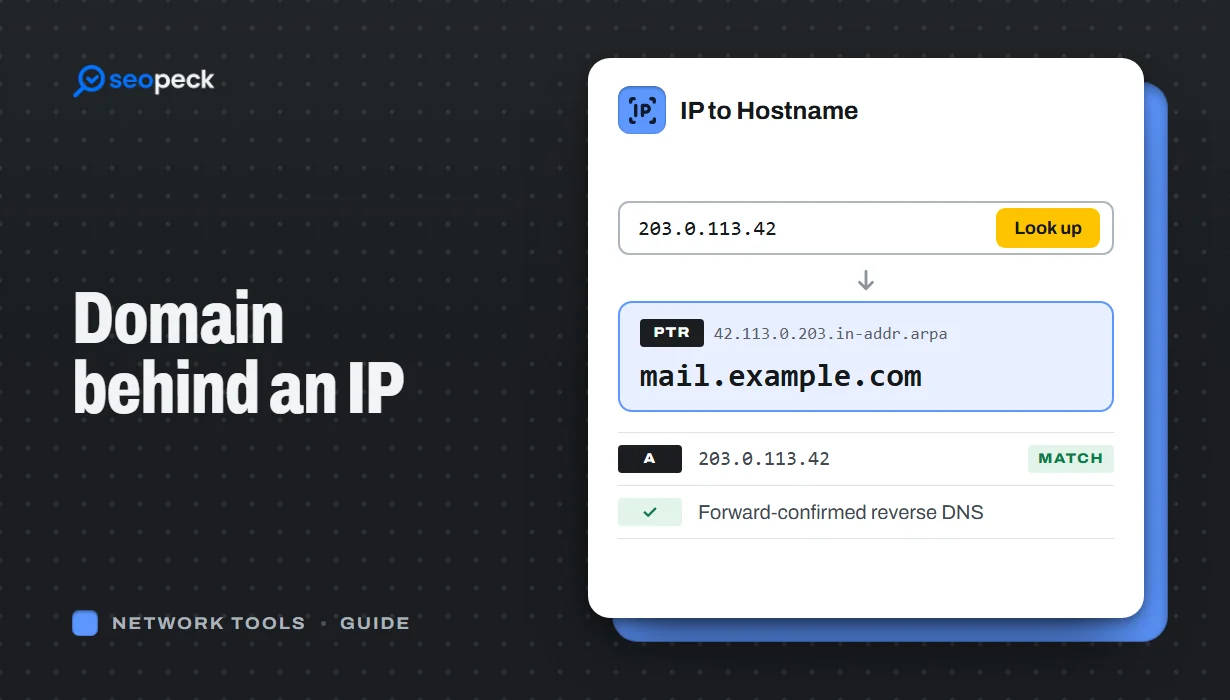 How to Find the Domain Name Behind an IP Address
Turn an IP address into a hostname with a reverse DNS (PTR) lookup, online or with nslookup and dig. Learn how to read the result, why many IPs show a hosting company or no name at all, and which lookup to use when you want the owner or the website instead.
How to Find the Domain Name Behind an IP Address
Turn an IP address into a hostname with a reverse DNS (PTR) lookup, online or with nslookup and dig. Learn how to read the result, why many IPs show a hosting company or no name at all, and which lookup to use when you want the owner or the website instead.
-
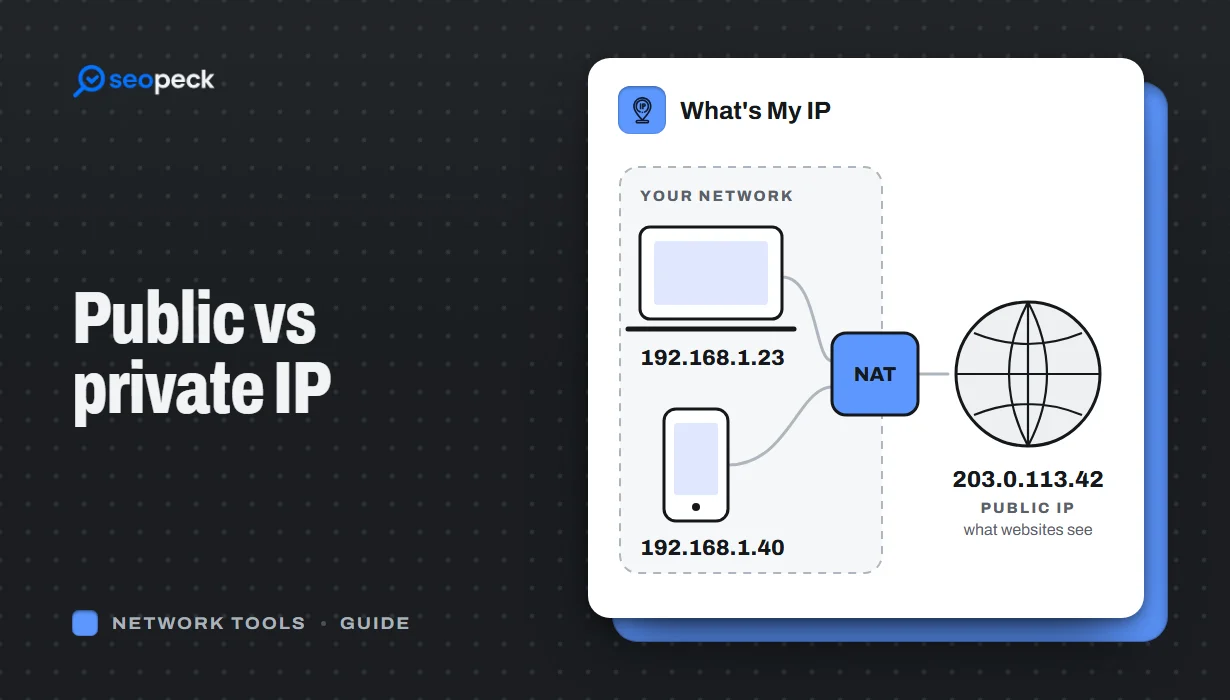 Public vs Private IP Address: What "What's My IP" Actually Shows You
The difference between the public IP address websites see and the private address your device uses at home, and what an IP lookup can and cannot reveal.
Public vs Private IP Address: What "What's My IP" Actually Shows You
The difference between the public IP address websites see and the private address your device uses at home, and what an IP lookup can and cannot reveal.
-
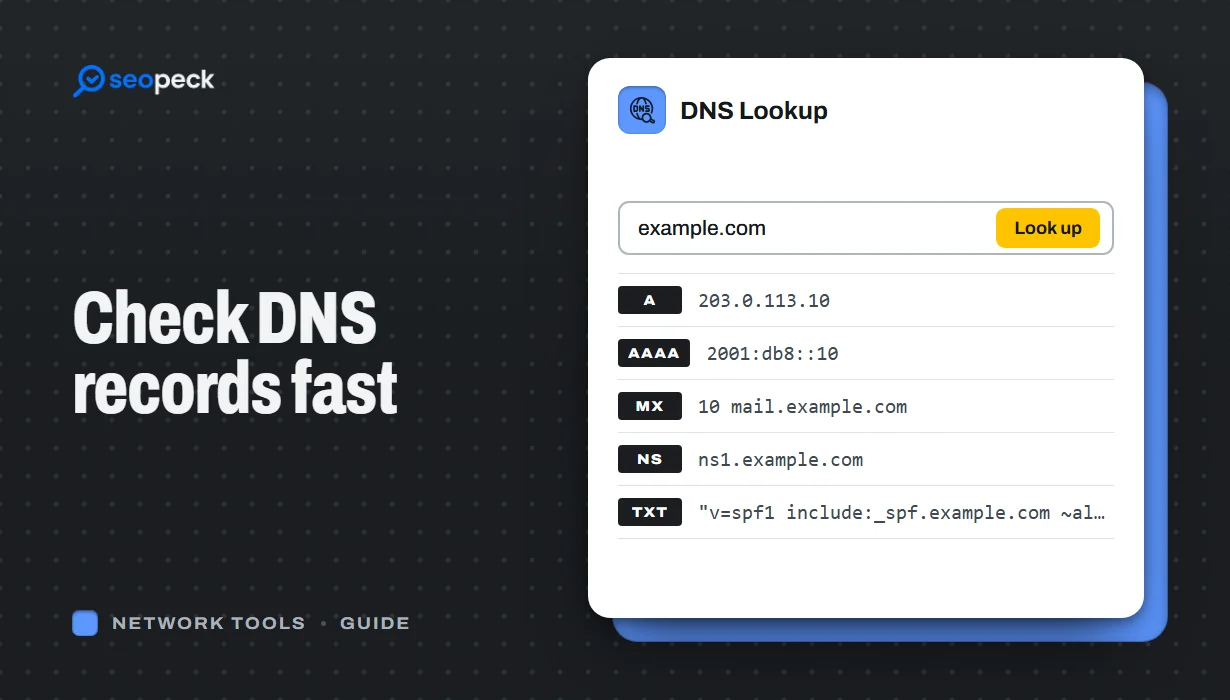 DNS Lookup Tool: How to Check DNS Records Fast
Learn how to check DNS records for any domain using a DNS lookup tool. Step-by-step guide with tips, fixes, and a fast online solution.
DNS Lookup Tool: How to Check DNS Records Fast
Learn how to check DNS records for any domain using a DNS lookup tool. Step-by-step guide with tips, fixes, and a fast online solution.
