
How to Find the Domain Name Behind an IP Address
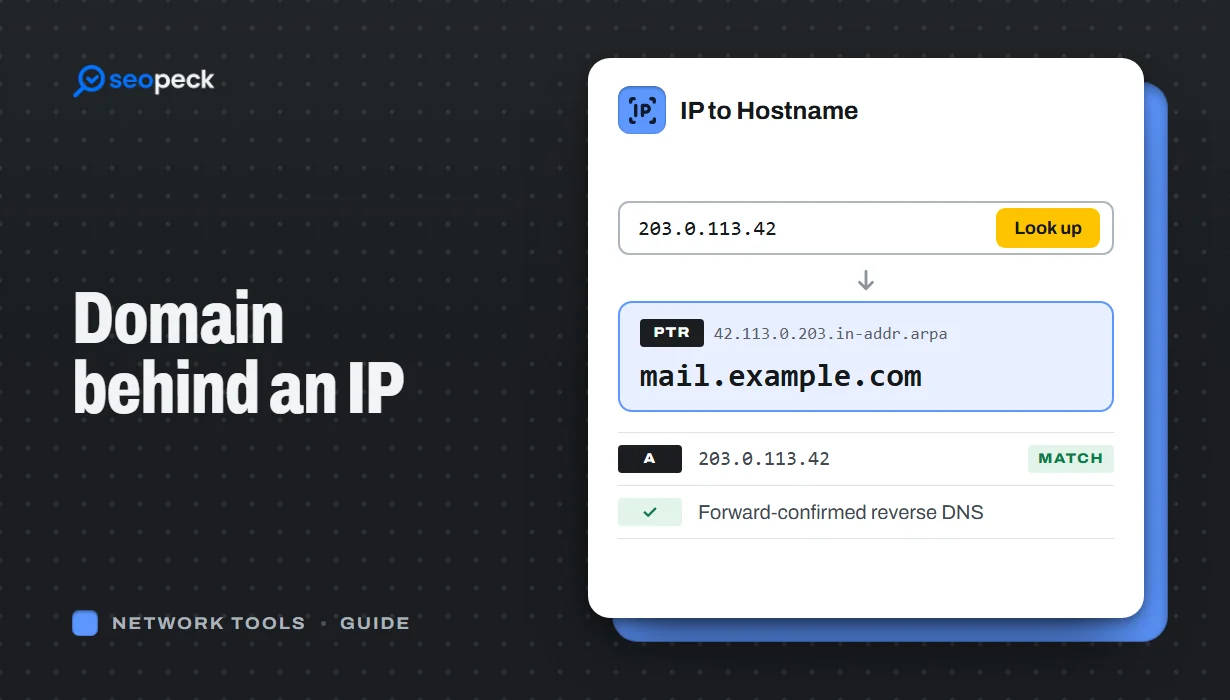
Turn an IP address into a hostname with a reverse DNS (PTR) lookup, online or with nslookup and dig. Learn how to read the result, why many IPs show a hosting company or no name at all, and which lookup to use when you want the owner or the website instead.
To find the domain name behind an IP address, run a reverse DNS lookup. It asks DNS for the IP's PTR record, and if one exists you get a hostname back: 8.8.8.8 returns dns.google. You can do it online with IP to Hostname, or with nslookup 8.8.8.8 on Windows and dig -x 8.8.8.8 on Mac or Linux.
One warning: the name you get is whatever the owner of the IP chose to publish. Often that is a hosting company's generic server name, sometimes nothing at all, and never a list of the websites on that server. Below: how to run the lookup, how to read the result, and what to use when reverse DNS is not the answer.
The short answer: reverse DNS and the PTR record
Normal DNS turns a name into an address: you ask for dns.google and get 8.8.8.8. Reverse DNS goes the other way. Because DNS can only look up names, the IP address is written backwards as a name under a special domain, and the record stored there is a PTR (pointer) record that names the host.
- IPv4: the four numbers are reversed and
in-addr.arpais added.8.8.8.8becomes8.8.8.8.in-addr.arpa, and66.249.66.1becomes1.66.249.66.in-addr.arpa(RFC 1035). - IPv6: the address is written out in full, split into single hex digits, reversed, and placed under
ip6.arpa(RFC 3596).2001:4860:4860::8888becomes8.8.8.8.0.0.0.0.0.0.0.0.0.0.0.0.0.0.0.0.0.6.8.4.0.6.8.4.1.0.0.2.ip6.arpa.
Reversing puts the network part of the IP where DNS delegates authority, so whoever was given that block of addresses (an ISP, a hosting company, a cloud platform) runs its reverse zone. That explains almost every surprising result: the PTR record is controlled by the owner of the IP block, not by the owner of a website. Our guide to DNS records covers PTR alongside A, MX, TXT and the other record types.
Find the hostname online
- Open IP to Hostname.
- Paste the IPv4 or IPv6 address, for example
8.8.8.8, and click Get Hostname. - Read the results from the top: the hostname (or hostnames) from the PTR record, the IPv4 and IPv6 addresses that hostname points to, a Forward-confirmed (FCrDNS) line, and the network owner.
Here is what it showed for 8.8.8.8 when I ran it:
dns.google
dns.google resolves to 8.8.8.8, 8.8.4.4, 2001:4860:4860::8844, 2001:4860:4860::8888
Forward-confirmed (FCrDNS)   Yes: the hostname points back to this IP
Network owner                Google LLC · AS15169
Watch the Forward-confirmed line. Whoever controls an IP block can make its PTR record say anything, even a name they do not own, so the tool also looks the hostname up forwards and checks that it leads back to your IP. "Yes" means both directions agree.
The lookup runs in your browser against Google Public DNS over DNS-over-HTTPS (Cloudflare if Google does not answer); the network owner comes from ipwho.is. If there is no PTR record, the tool says so and stops, so use IP Lookup to see who runs the network.
Find it from the command line
Windows: nslookup
Open Command Prompt or PowerShell and type nslookup followed by the IP. A real result:
C:\> nslookup 8.8.8.8
Server:  UnKnown
Address:  192.168.100.1

Name:    dns.google
Address:  8.8.8.8
The first two lines are your own DNS server (here, a home router). The Name line is the answer. When there is no PTR record you get an error instead:
C:\> nslookup 104.20.23.154
*** UnKnown can't find 104.20.23.154: Non-existent domain
That IP serves example.com through Cloudflare, and Cloudflare publishes no PTR for it, so reverse DNS has nothing to say about the website at all.
Mac and Linux: dig and host
dig -x 8.8.8.8 +short
host 8.8.8.8
dig -x builds the in-addr.arpa or ip6.arpa name for you and asks for the PTR record; +short prints only the hostname, here dns.google. (the trailing dot is normal). host prints a line such as 8.8.8.8.in-addr.arpa domain name pointer dns.google. Both also work for IPv6 addresses.
How to read what you get
These are the four kinds of result you will meet most often. All the examples are real lookups.
- A cloud or hosting provider's generic name.
52.0.0.1returnsec2-52-0-0-1.compute-1.amazonaws.com. An Amazon Web Services server with an automatic name built from the IP: it tells you the platform, not the customer or website. - A company's infrastructure name.
74.125.71.27, one of Gmail's incoming mail servers, returnswn-in-f27.1e100.net, a domain Google uses to name its servers. - A deliberate, readable name.
8.8.8.8returnsdns.googleand1.1.1.1returnsone.one.one.one. Mail servers often look like this (mail.example.com) because their owners set the PTR for deliverability. Home connections usually get an ISP name with the IP inside it. - Nothing found. No PTR record exists, which is common for CDN, home, mobile and shared-hosting addresses. Neither of the two IPs
seopeck.comresolves to (Hostinger, behind its CDN) has one. That is normal; it only matters for a server that sends email.
Hostname, owner or website? Pick the right lookup
Most people who search "IP to domain" want one of three different things, and reverse DNS only answers the first.
| You want to know | Use | What you get |
|---|---|---|
| The hostname the IP owner published | IP to Hostname | The PTR name, whether it is forward-confirmed, and the network owner |
| Who runs the IP and roughly where it is | IP Lookup | ISP, organisation, ASN, country, region and time zone, even when there is no PTR |
| The whole network behind it | ASN Lookup | The autonomous system number, the organisation and its IP ranges |
| Every website on the IP | A reverse-IP database (not reverse DNS) | A partial list collected from DNS data, never guaranteed complete |
About that last row: one IP address can serve thousands of websites. Shared hosting puts many customer sites on one server, and CDNs such as Cloudflare answer for huge numbers of domains from the same addresses; the browser sends the site's name with each request and the server picks the site from it. DNS has no query for "which names point to this address?". Reverse-IP services work around this by collecting forward DNS records and indexing them by IP, so their lists show only what they happened to see.
Going the other way is easy: Domain to IP shows the address a website resolves to. If you are not sure whether an address is a public one at all (anything starting with 10., 192.168. or 172.16. to 172.31. is private and has no public owner), read public vs private IP addresses, and use What's My IP to check your own.
Two practical uses
Email deliverability: PTR and forward-confirmed reverse DNS
If you run your own mail server, its sending IP needs a PTR record, and the hostname in that record must point back to the same IP. That two-way match is called forward-confirmed reverse DNS (FCrDNS). Google's sender guidelines for Gmail ask all senders for valid forward and reverse DNS, and say the sending IP must match the IP of the hostname in the PTR record. Mail from a server that fails can be rejected or sent to spam.
To check yours, find the server with MX Lookup (incoming mail) or the Received lines of a message it sent, and run its IP through IP to Hostname. You want a sensible name such as mail.yourdomain.com and Forward-confirmed: Yes. If you send through Google Workspace, Microsoft 365 or a mail service, they handle this for their own servers.
Checking whether a "Googlebot" visit is real
Anyone can put "Googlebot" in a user-agent string. Google's documentation says to verify a crawler by running reverse DNS on the IP from your logs, checking that the name ends in googlebot.com, google.com or googleusercontent.com, then looking the name up forwards and confirming it returns the same IP: the FCrDNS check. 66.249.66.1 returns crawl-66-249-66-1.googlebot.com, which resolves back to 66.249.66.1, so that visit is genuine. Any other domain, a failed forward check or no PTR means it is not Googlebot. Google also publishes its crawler IP ranges as JSON files for automated checks.
How to set or fix the PTR record for your own server
You cannot add a PTR record at your domain registrar or in your domain's DNS zone, because the reverse zone belongs to whoever owns the IP block. Set it where the IP comes from:
- VPS and cloud servers: most providers have a "reverse DNS" or "PTR" field in the server's networking settings. Some, including AWS for Elastic IP addresses, also require the forward A record to exist first.
- Dedicated servers and business connections: ask the hosting company or ISP support to set it.
- Shared hosting: you usually cannot change it, because the IP is shared with other customers. Use the host's mail servers or a mail service rather than sending mail from the web server.
Create the forward record first (an A record for mail.yourdomain.com pointing to the server's IP; our DNS lookup guide shows how to confirm it), set the PTR to that exact name, wait for the old record's TTL to expire, and check both directions with IP to Hostname. Tracing a network problem instead? Traceroute lists the hop IPs, and reverse DNS on them often shows which provider each hop belongs to.
Frequently asked questions
Why does the IP show a hosting company's name instead of the website?
The hosting company owns the IP block and sets its PTR records. One server often holds many websites, so the name describes the server, not a site.
Why is no hostname found for this IP?
The IP has no PTR record, which is common for CDN, home, mobile and shared-hosting addresses. It only matters for mail servers.
Can I find every website hosted on an IP address?
Not with reverse DNS. Reverse-IP services build partial lists from collected DNS data; on a shared server or CDN address the real number can run into the thousands.
What is forward-confirmed reverse DNS?
The IP's PTR names a host, and that host's A or AAAA record points back to the same IP. Checking both directions stops anyone faking a reverse name.
How do I change the reverse DNS of my server?
In your hosting or cloud provider's control panel, usually under networking or reverse DNS, or by asking their support. Your domain registrar cannot do it.
Is it safe or legal to look up an IP address?
A reverse DNS lookup is an ordinary DNS query for a record the IP's owner chose to publish, the same kind your computer makes all day. It does not contact the device at that address, and it does not reveal who is using a home or mobile connection.
Next step
Paste the IP you are curious about into IP to Hostname and check the Forward-confirmed line. If it finds no name, or only a provider's generic name, run the same IP through IP Lookup to see who runs the network.
