
MX Lookup
See which mail servers accept email for a domain, in priority order.


MX Lookup
MX Lookup shows the mail servers that receive email for a domain, in priority order, with the IP address of each one. MX (mail exchanger) records are what every sending mail server looks up to find where to deliver a message, so if they are missing or wrong, email to that domain bounces or disappears.
How to use MX Lookup
- Enter a domain such as
example.com. A full URL or a leading www. is cleaned up automatically. - Click the lookup button.
- Read the mail servers from the lowest priority number (tried first) to the highest (backups). Use the share menu to copy a link to the result or save it as a report.
How to read the result
- Priority: a lower number means a preferred server. Senders try the lowest first and fall back to higher numbers if it does not answer. Servers with the same number share the load.
- Mail server: the hostname that accepts mail for the domain.
- IP address: the IPv4 address that hostname resolves to. A mail server with no IP address cannot receive mail.
Recognising common email providers
- Google Workspace:
smtp.google.com, or the older setaspmx.l.google.comwithalt1toalt4backups. - Microsoft 365:
yourdomain-com.mail.protection.outlook.com. - Zoho Mail:
mx.zoho.com,mx2.zoho.comandmx3.zoho.com. - Hosting companies often use a
mail.yourdomain.comormx1.hostnamestyle name.
When it comes in handy
- Checking that a move to Google Workspace or Microsoft 365 is complete, so mail no longer goes to the old host.
- Finding out why emails to a domain bounce with "no mail server" or "host not found" errors.
- Seeing which email provider a company uses.
- Verifying that an email address's domain can receive mail before sending to it.
MX records only cover receiving. For delivery to inboxes rather than spam folders, also check the domain's SPF, DKIM and DMARC records with the SPF, DKIM & DMARC Checker, and the mail server's reverse DNS with IP to Hostname.
Frequently asked questions
Why are no MX records found?
The domain has no mail servers set up, the domain name is misspelled, or it does not exist. Without MX records, senders may try the domain's A record, but most domains that receive mail have MX records.
I changed my MX records. Why do I still see the old ones?
DNS answers are cached for the record's TTL, often one to four hours, and sometimes up to 48. Check propagation around the world with the DNS Propagation Checker.
Can an MX record point to an IP address?
No. MX records must point to a hostname, and that hostname needs its own A or AAAA record.
How many MX records should a domain have?
At least one; two or more add redundancy. Big providers such as Google and Microsoft handle redundancy themselves, so one record is fine with them.
Does this tool send any email?
No. It only reads public DNS records, so nothing is sent to the domain's mail servers.
Related guides
-
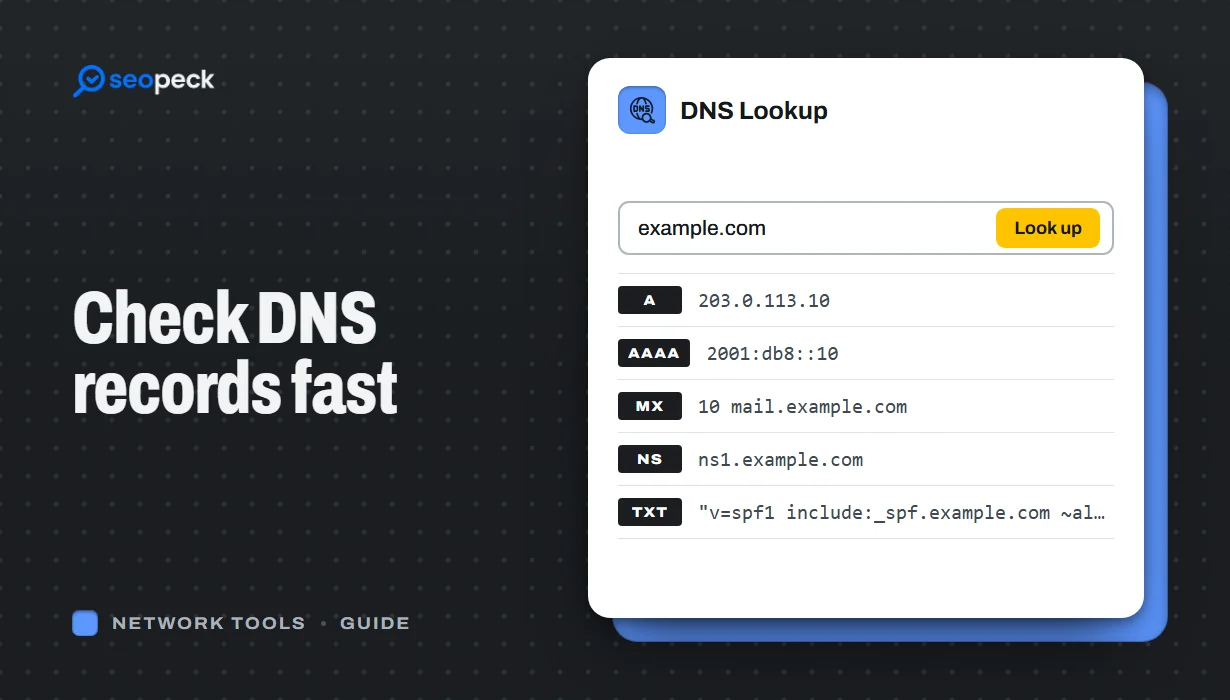 DNS Lookup Tool: How to Check DNS Records Fast
Learn how to check DNS records for any domain using a DNS lookup tool. Step-by-step guide with tips, fixes, and a fast online solution.
DNS Lookup Tool: How to Check DNS Records Fast
Learn how to check DNS records for any domain using a DNS lookup tool. Step-by-step guide with tips, fixes, and a fast online solution.
-
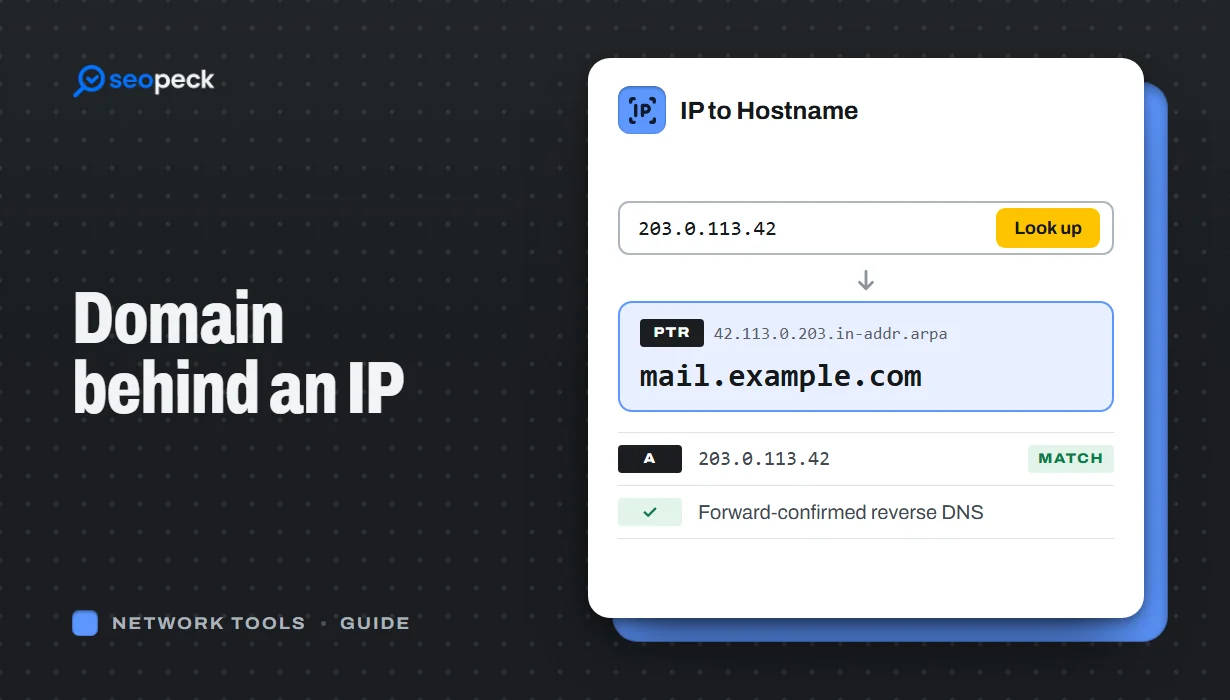 How to Find the Domain Name Behind an IP Address
Turn an IP address into a hostname with a reverse DNS (PTR) lookup, online or with nslookup and dig. Learn how to read the result, why many IPs show a hosting company or no name at all, and which lookup to use when you want the owner or the website instead.
How to Find the Domain Name Behind an IP Address
Turn an IP address into a hostname with a reverse DNS (PTR) lookup, online or with nslookup and dig. Learn how to read the result, why many IPs show a hosting company or no name at all, and which lookup to use when you want the owner or the website instead.
-
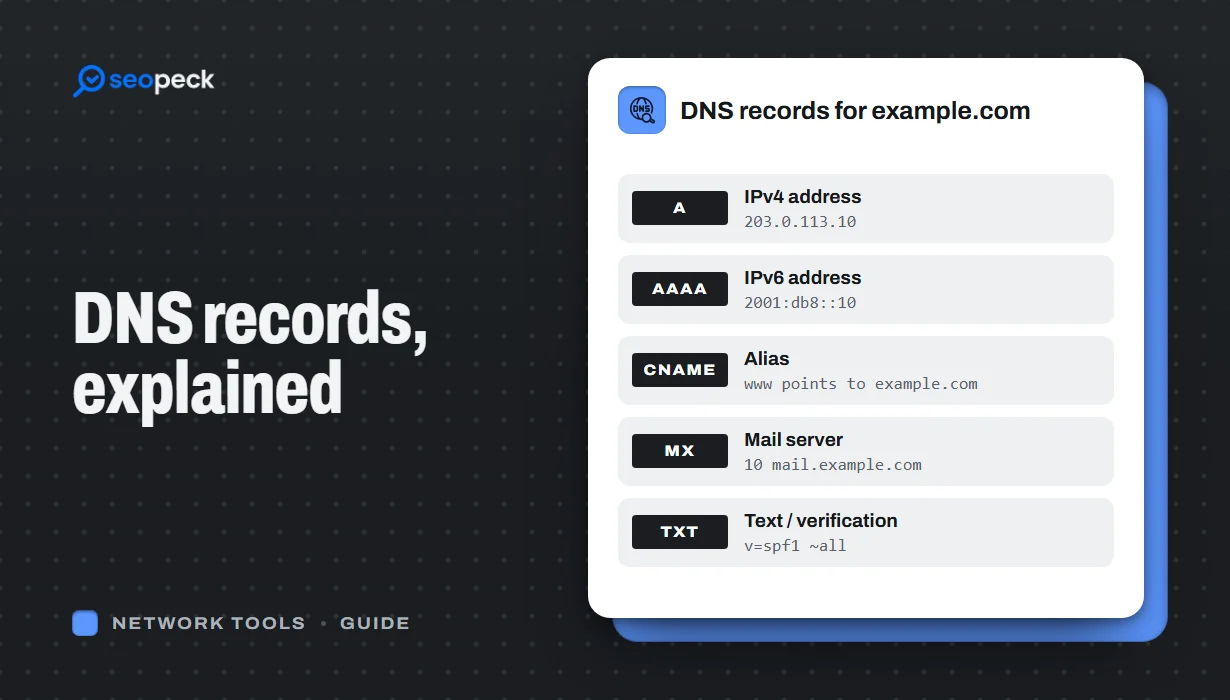 DNS Records Explained: A Practical Guide to A, AAAA, MX, TXT and CNAME
What A, AAAA, MX, TXT and CNAME records actually do, in plain language, with the tools to check any domain's records in seconds.
DNS Records Explained: A Practical Guide to A, AAAA, MX, TXT and CNAME
What A, AAAA, MX, TXT and CNAME records actually do, in plain language, with the tools to check any domain's records in seconds.
