
What's My IP
See the public IP address that websites see when you connect.


What's My IP
What's My IP shows the public IP address that websites see when you connect, straight away, together with what that address reveals: your internet provider, its network (ASN), your approximate location and time zone. You see an IPv4 address (like 203.0.113.7) or an IPv6 address (like 2001:db8::1), depending on how your connection reaches the internet.
Public and private IP addresses
Your router gives every device at home a private address such as 192.168.1.20, which only works inside your network. All those devices share one public address towards the internet, assigned by your provider. This page shows the public one. To find a device's private address, look in its network settings, or read our guide on public vs private IP addresses.
What your IP address reveals
- Your provider and its network number (ASN).
- An approximate location: usually your country and region, sometimes a nearby city. Never your street address.
- Your time zone.
Only your internet provider can link the address to you as a customer, and it does that only for legal requests.
When it comes in handy
- Checking a VPN: with the VPN on, the IP and location should be the VPN server's, not yours. Also run the DNS Leak Test and WebRTC Leak Test.
- Giving your IP to IT support or a hosting company so they can allow it in a firewall.
- Setting up remote access, a game server or a security camera.
- Checking whether your address has changed: most home connections get a new one from time to time.
Frequently asked questions
Why does my IP show the wrong city?
Why do I see IPv6 instead of IPv4?
Does my IP address change?
How do I hide my IP address?
Is my IP address stored?
Related guides
-
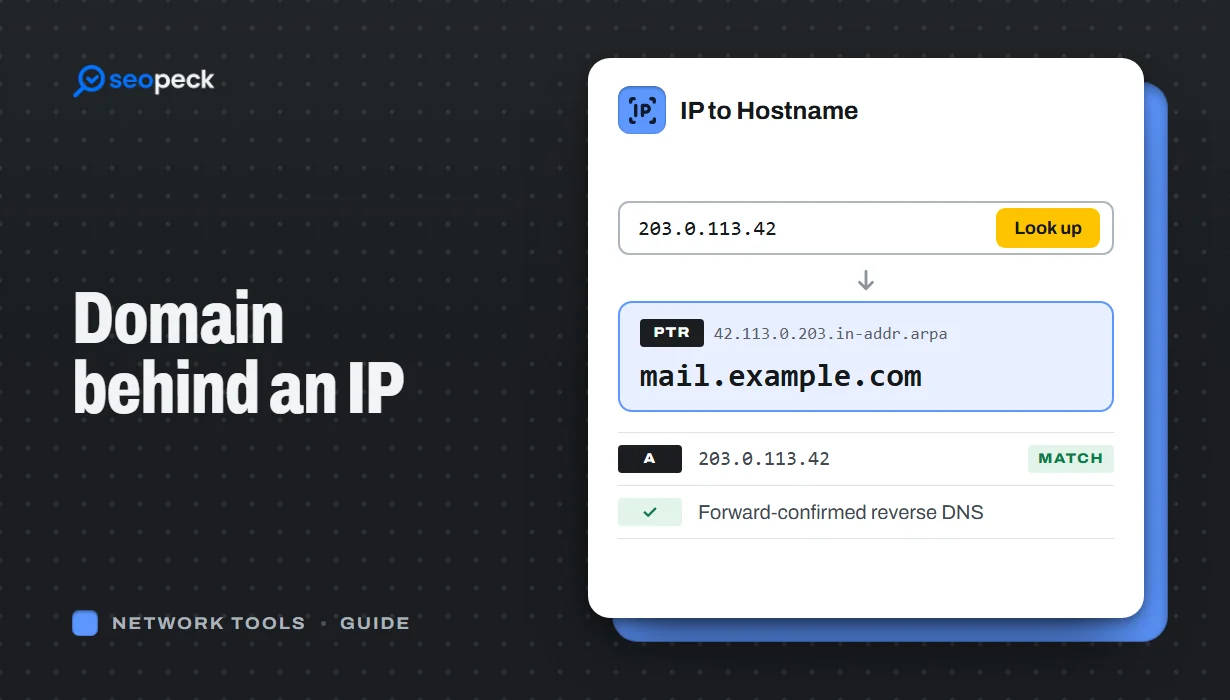 How to Find the Domain Name Behind an IP Address
Turn an IP address into a hostname with a reverse DNS (PTR) lookup, online or with nslookup and dig. Learn how to read the result, why many IPs show a hosting company or no name at all, and which lookup to use when you want the owner or the website instead.
How to Find the Domain Name Behind an IP Address
Turn an IP address into a hostname with a reverse DNS (PTR) lookup, online or with nslookup and dig. Learn how to read the result, why many IPs show a hosting company or no name at all, and which lookup to use when you want the owner or the website instead.
-
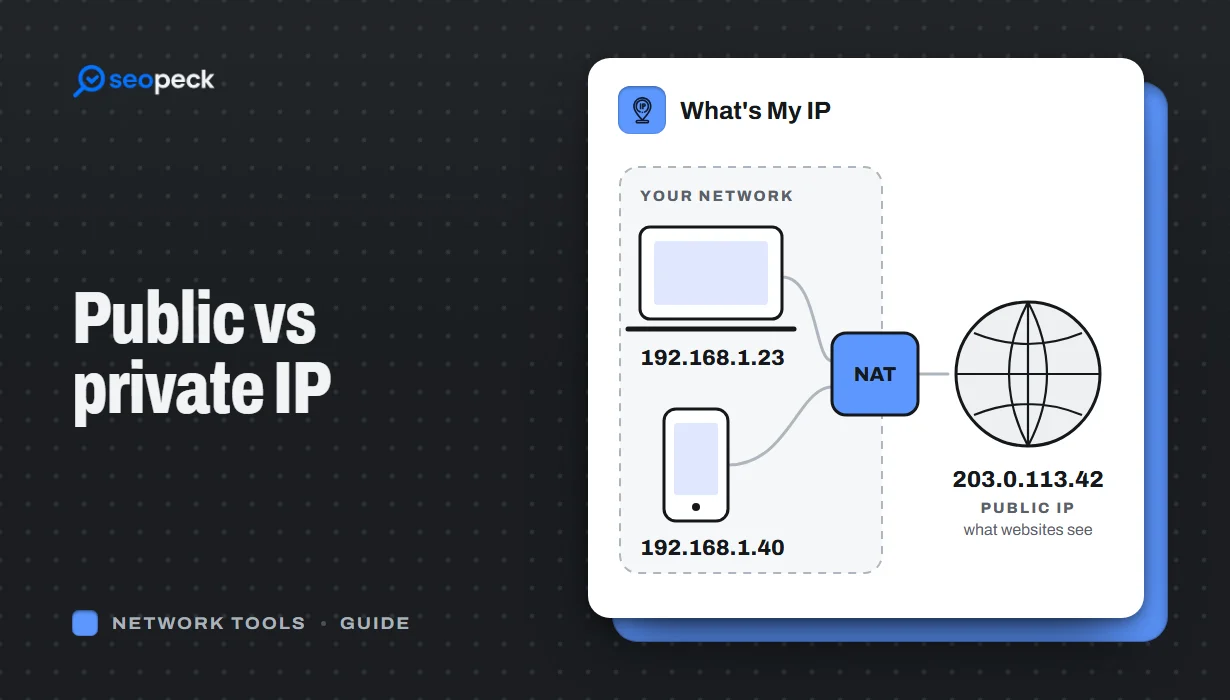 Public vs Private IP Address: What "What's My IP" Actually Shows You
The difference between the public IP address websites see and the private address your device uses at home, and what an IP lookup can and cannot reveal.
Public vs Private IP Address: What "What's My IP" Actually Shows You
The difference between the public IP address websites see and the private address your device uses at home, and what an IP lookup can and cannot reveal.
-
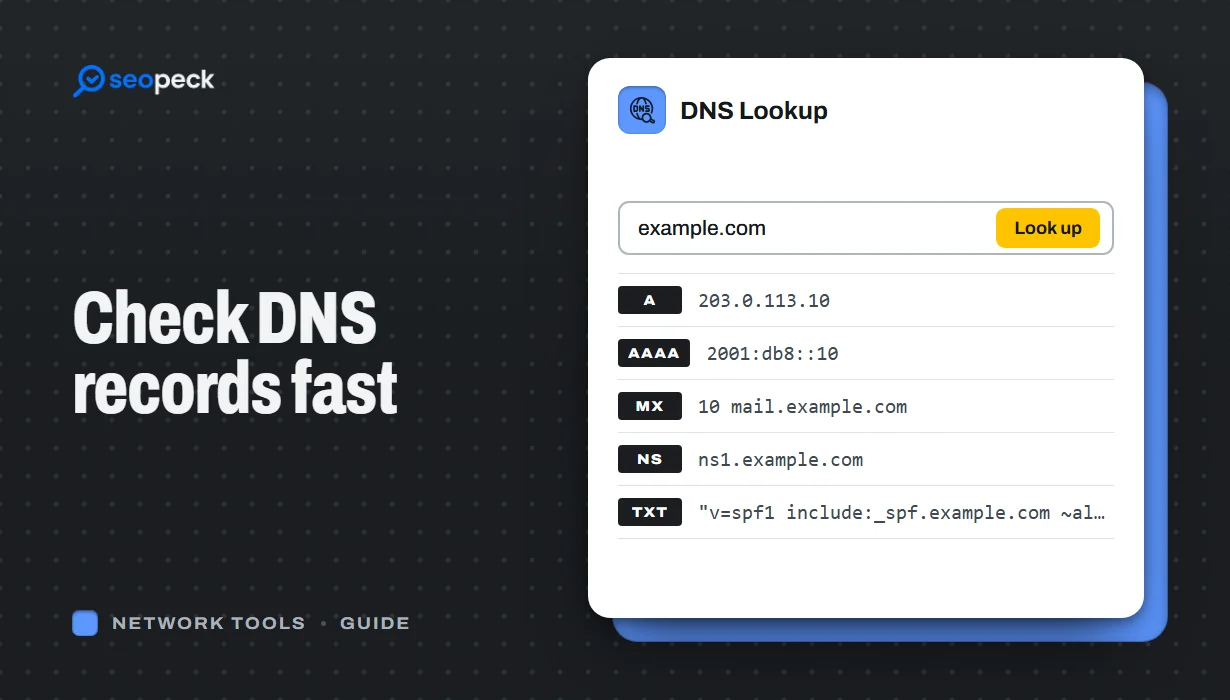 DNS Lookup Tool: How to Check DNS Records Fast
Learn how to check DNS records for any domain using a DNS lookup tool. Step-by-step guide with tips, fixes, and a fast online solution.
DNS Lookup Tool: How to Check DNS Records Fast
Learn how to check DNS records for any domain using a DNS lookup tool. Step-by-step guide with tips, fixes, and a fast online solution.
