
How to Check MX Records (and Fix Email That Isn't Arriving)
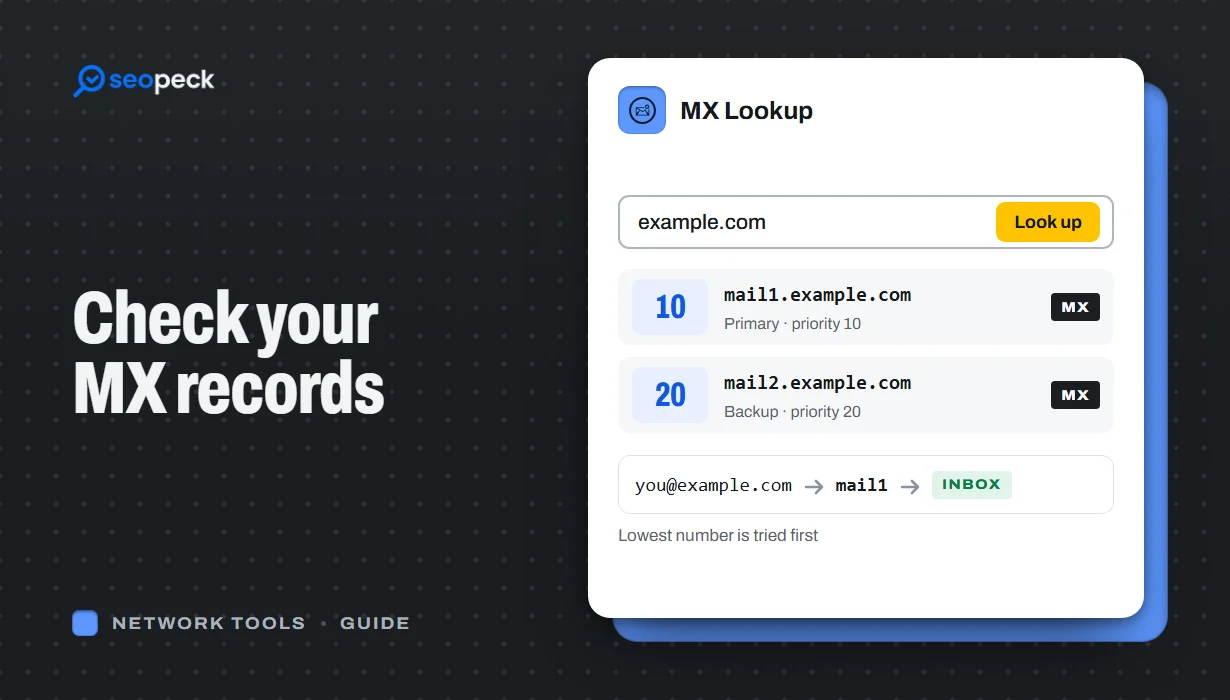
See any domain's MX records in seconds, online or with nslookup and dig, learn to read the priority numbers, and work through the checks that find out why email is not arriving.
To check a domain's MX records, type the domain into an MX Lookup tool, or run nslookup -q=mx example.com on Windows or dig mx example.com +short on Mac and Linux. You get back a list of mail servers, each with a priority number. The lowest number is the server other mail systems try first.
If email to your domain bounces or never shows up, the rest of this guide shows how to read the result, what correct records look like for Google Workspace, Microsoft 365 and Zoho, and the checks to run, in order.
What an MX record does
When someone sends a message to you@yourdomain.com, their mail server asks DNS one question: "Which servers accept mail for yourdomain.com?" The answer is the domain's MX (mail exchanger) records. Each one names a mail server and gives it a preference number. The sender tries the lowest number first and moves to higher numbers only if that server cannot be reached.
Here are the two MX records for seopeck.com, as a DNS zone file would show them:
seopeck.com.  14400  IN  MX  5   mx1.hostinger.com.
seopeck.com.  14400  IN  MX  10  mx2.hostinger.com.
Mail goes to mx1.hostinger.com (priority 5) first, and to mx2.hostinger.com (priority 10) as a backup. The 14400 is the TTL: resolvers may cache this answer for four hours. MX records only decide where mail is delivered, not how it is sent.
The quickest way: check MX records online
An online lookup is the fastest option and works from any device, including a phone.
- Open the MX Lookup tool.
- Type the domain, for example
seopeck.com. You can also paste a full page address or an email address, such ashttps://www.seopeck.com/blogoryou@seopeck.com; the tool reduces it to the domain. - Click Lookup.
For seopeck.com the result is two lines, sorted from the lowest priority number to the highest:
Priority: 5, MX Host: mx1.hostinger.com, IP Address: 172.65.182.103
Priority: 10, MX Host: mx2.hostinger.com, IP Address: 172.65.182.103
Each line has a Copy link for the hostname, and the share menu below lets you copy a link to the result or save it as a report for your host or IT person. If the tool says No MX records found for this domain, jump to the troubleshooting list below.
To see the MX records next to the domain's A, TXT and CNAME records in one go, use the DNS Lookup tool instead; our walkthrough on checking all of a domain's DNS records shows how to read that output.
Check MX records from the command line
Windows: nslookup
Open Command Prompt or PowerShell and run:
nslookup -q=mx seopeck.comReal output:
Non-authoritative answer:
seopeck.com     MX preference = 10, mail exchanger = mx2.hostinger.com
seopeck.com     MX preference = 5, mail exchanger = mx1.hostinger.com
-type=mx does the same thing as -q=mx. Notice the order: nslookup lists the records in whatever order the DNS server sent them, not by priority. Always read the preference number, not the line order. "Non-authoritative answer" only means the reply came from a cache rather than from the domain's own name servers. It is normal.
In PowerShell you can also use Resolve-DnsName seopeck.com -Type MX, which prints a table with NameExchange and Preference columns.
Mac and Linux: dig and host
dig mx seopeck.com +short10 mx2.hostinger.com.
5 mx1.hostinger.com.Without +short, dig prints the full answer section, including the TTL. The host command gives a more readable line per record:
host -t mx seopeck.comIt prints lines in the form seopeck.com mail is handled by 5 mx1.hostinger.com. The trailing dot on the hostnames is normal DNS notation for a fully qualified name.
To ask one specific DNS server, add it to the command: nslookup -q=mx seopeck.com 8.8.8.8 or dig mx seopeck.com @8.8.8.8. That is useful right after a change, when your own network may still have the old answer cached.
How to read the result
| Field | What it means | What to look for |
|---|---|---|
| Priority (preference) | Order in which senders try the servers. Lower is tried first. | Your provider's main server has the lowest number. Servers with the same number share the load at random. |
| Host (mail exchanger) | The hostname of a server that accepts mail for the domain. | It belongs to your current email provider, not a previous one. |
| IP | The IPv4 address that hostname resolves to. | A real address. In MX Lookup, if the IP column repeats the hostname instead of showing numbers, that hostname did not resolve to an IPv4 address and mail sent to it cannot be delivered. |
The actual priority numbers do not matter, only their order. 5 and 10 behave exactly like 1 and 2.
What correct MX records look like for Google Workspace, Microsoft 365 and Zoho
These values come from each provider's own setup pages (checked October 2026). Your provider's admin console always has the final word for your domain.
| Provider | MX host | Priority |
|---|---|---|
| Google Workspace (set up from 2023 on) | smtp.google.com | 1 |
| Google Workspace (older setups) | aspmx.l.google.com plus alt1 to alt4.aspmx.l.google.com | Several, lowest on aspmx |
| Microsoft 365 | yourdomain-com.mail.protection.outlook.com, or for newer domains a host ending in .mx.microsoft | Usually 0 |
| Zoho Mail | mx.zoho.com, mx2.zoho.com, mx3.zoho.com | 10, 20, 50 |
A few notes:
- Google: Google says the older
aspmxrecords still work, so there is no need to change them if mail is arriving. Do not mix the old set withsmtp.google.com, and remove every MX record that is not Google's. - Microsoft 365: copy the exact value from the admin center (Settings, Domains, DNS records). Microsoft is moving new domains to hosts under
mx.microsoft, so do not assume the oldermail.protection.outlook.compattern. - Zoho: the domain ending depends on the data center your account uses (for example a
.euor.inaccount). Use the values shown in your Zoho admin console.
Email isn't arriving? Check these in order
- No MX records at all. If MX Lookup finds nothing, check the spelling of the domain first. If it is correct, the records were never added, or were lost when the domain's name servers changed (for example after moving DNS to a new host or to Cloudflare). Add the records your email provider gives you at whichever company runs your DNS today.
- A null MX. A single record with priority 0 and a host of just "." (nslookup shows it as
(root), dig as0 .) is a "null MX", defined in RFC 7505. It means "this domain accepts no email", and senders give up immediately.example.comhas one on purpose. If yours does and you want email, replace it with your provider's records. - A typo in the hostname. One wrong letter and the mail server name does not exist. Compare the host character by character with your provider's setup page, and watch for a domain added twice, such as
smtp.google.com.yourdomain.com. Some DNS panels append your domain unless the value ends with a dot. - The MX points to an IP address or a CNAME. An MX record must name a host, and that host must have its own A or AAAA record (RFC 5321, section 5.1). An IP address typed into the host field is read as a hostname and will not work. RFC 2181 also says an MX must not point to an alias, so do not aim it at a hostname that is a CNAME. Point it at a real mail server name and check that name resolves with Hostname to IP.
- The old provider is still listed. After a move, leftover MX records from the previous host mean some mail still goes there. Google and Microsoft both tell you to remove the old records. If the old server has a lower number than the new one, almost all mail goes to the old host.
- The change has not reached everyone yet. Resolvers keep the previous answer until its TTL runs out. See the next section.
- Mail arrives, but in spam. Then MX records are fine; the problem is trust. Check that the domain publishes SPF, DKIM and DMARC records with the SPF, DKIM & DMARC Checker, that the sending server's IP is not on a blocklist with the Email Blacklist Checker, and that its IP has reverse DNS with IP to Hostname. Pasting a received message's headers into the Email Header Analyzer shows which servers handled it and whether SPF, DKIM and DMARC passed.
After you change MX records: how long it takes
New MX records work as soon as your DNS host publishes them, but resolvers that cached the old answer keep using it until the old TTL expires. With a TTL of 3600 (one hour) most of the world sees the change within an hour or two. With 14400 it can take four hours or more. Providers quote a safe upper limit: Google says up to 72 hours.
Two tips make the switch smoother:
- A day before a planned move, lower the TTL on the existing MX records to 300 or 3600 seconds, so the change spreads faster when you make it.
- Create the mailboxes at the new provider before you change the MX records, so mail that arrives there has somewhere to go.
To watch the change spread, enter the domain in the DNS Propagation Checker and choose MX. It shows which DNS servers around the world still return the old host. Our guide to DNS records covers TTLs and the other record types in more detail.
Frequently asked questions
How do I check MX records for my domain?
Enter the domain in the MX Lookup tool, or run nslookup -q=mx yourdomain.com (Windows) or dig mx yourdomain.com +short (Mac, Linux).
Why does MX Lookup say no MX records were found?
The domain is misspelled, does not exist, or has no MX records published at the DNS host that is currently in charge of it. Without MX records, senders may fall back to the domain's A record, but that rarely points to a working mail server.
Can an MX record point to an IP address or a CNAME?
No to an IP address: the value must be a hostname that has its own A or AAAA record. A CNAME is not allowed either (RFC 2181). Some mail servers will still follow one, but many will not, so do not rely on it.
How long do MX record changes take to work?
Usually within the old record's TTL, often one to four hours. Providers quote up to 48 or 72 hours as a worst case.
Do I need more than one MX record?
Not always. Google Workspace and Microsoft 365 each use a single record, and senders retry for days if a server is briefly down. Only add backups your provider gives you.
My MX records are correct, but email still goes to spam. Why?
MX records only route incoming mail. Spam placement depends on the sender's SPF, DKIM, DMARC, reverse DNS and reputation. Start with the SPF, DKIM & DMARC Checker.
Next step
Run your domain through MX Lookup now and compare the hosts with the provider table above. If a whole website is unreachable rather than just its email, our website down troubleshooting guide walks through the checks for that.
