
HTTP Status Code Checker
See the HTTP status code (200, 301, 404 and so on) a URL returns.


HTTP Status Code Checker
The status code tells you whether a page loaded, moved or failed. Enter a URL to see the code returned by the server.
How to use HTTP Status Code Checker
- Enter the URL in the field, for example example.com.
- Click Check Status.
- Read the status code and what it means.
When it comes in handy
- Finding broken links (404) and server errors (5xx) during SEO audits.
- Confirming a page returns 200 after a deployment.
- Checking that removed pages return 404 or 410.
Frequently asked questions
What do the main codes mean?
200 means OK, 301 and 302 are redirects, 404 means not found, 403 means forbidden and 500 means a server error.
Why does a page work in my browser but fail here?
Some sites block automated requests, or need cookies or a login. The checker reports what the server returns to it.
Related guides
-
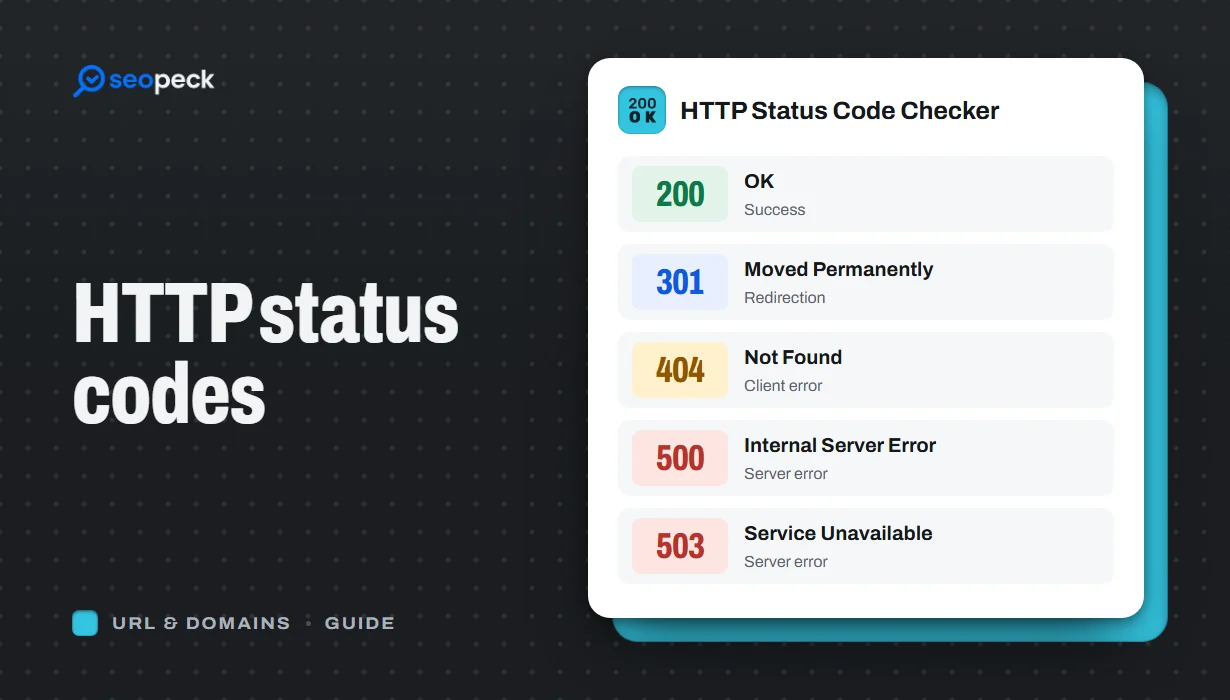 HTTP Status Codes Explained: What 200, 301, 404 and 500 Really Mean
A plain-language guide to the HTTP status codes you actually meet, grouped by what they tell you, and what to do when you see each one.
HTTP Status Codes Explained: What 200, 301, 404 and 500 Really Mean
A plain-language guide to the HTTP status codes you actually meet, grouped by what they tell you, and what to do when you see each one.
-
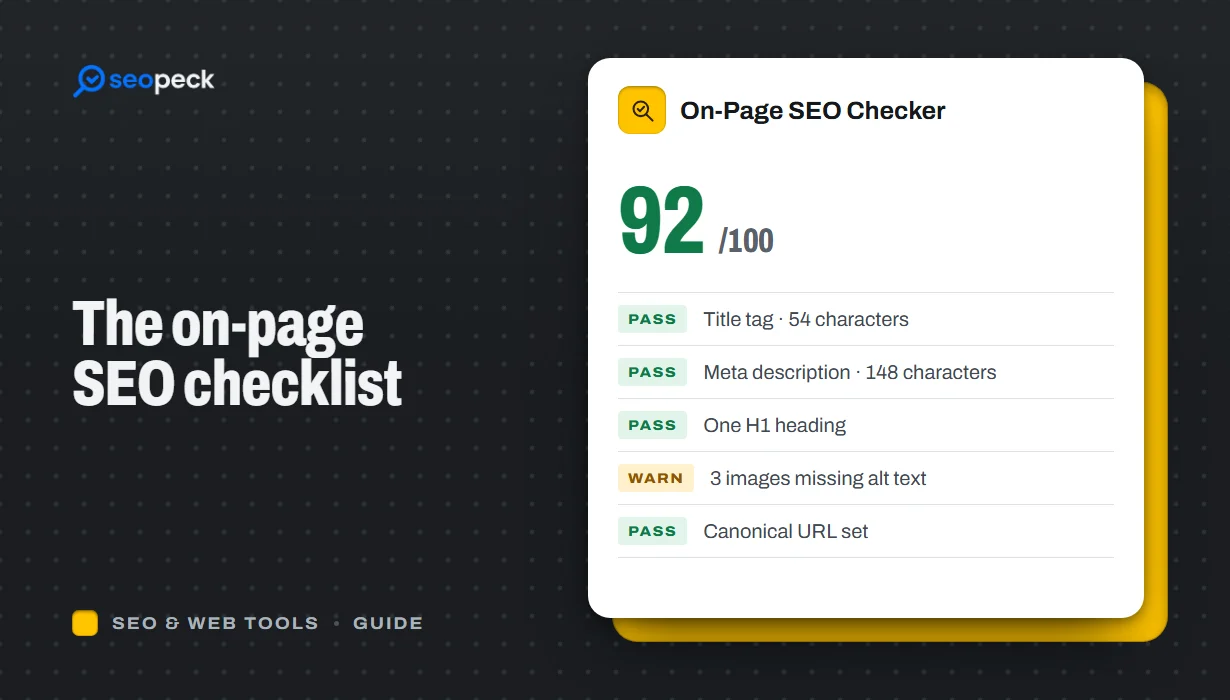 On-Page SEO Checklist: 15 Things to Check Before You Hit Publish
A practical, no-jargon checklist for getting a single page right: titles, descriptions, headings, images, links, indexing and structured data.
On-Page SEO Checklist: 15 Things to Check Before You Hit Publish
A practical, no-jargon checklist for getting a single page right: titles, descriptions, headings, images, links, indexing and structured data.
-
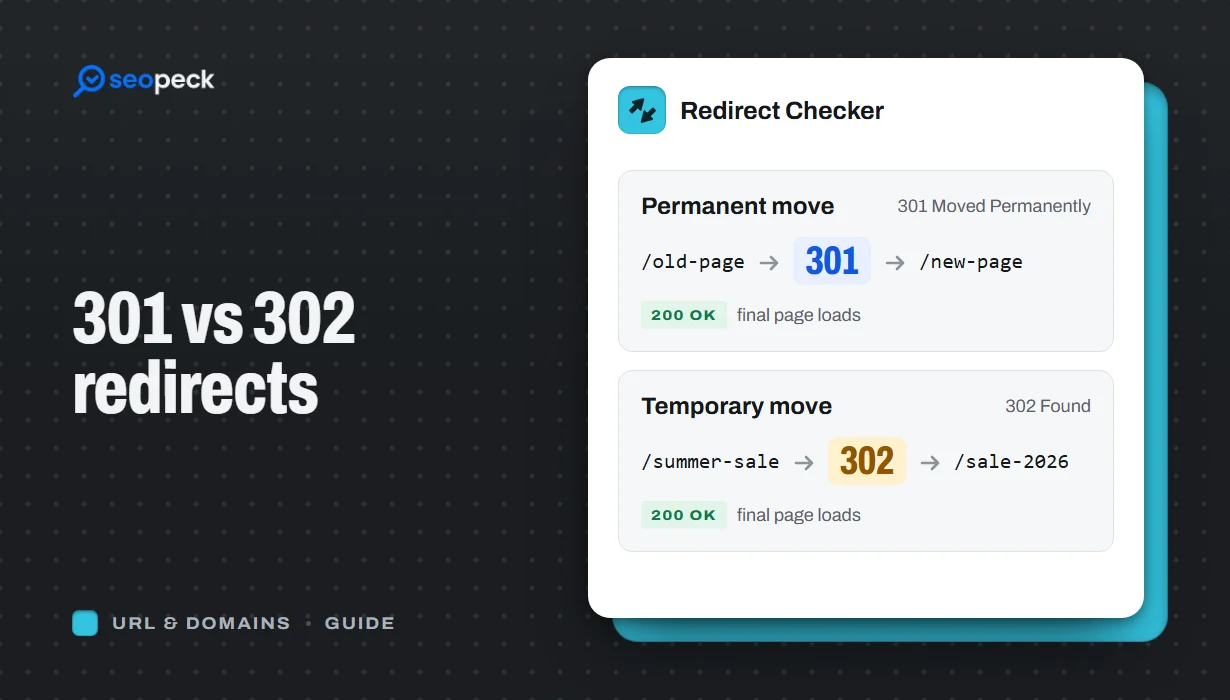 301 vs 302 Redirects: Which One to Use, and How to Check Them
The difference between permanent and temporary redirects, how each affects SEO, common redirect mistakes, and how to set up and test them.
301 vs 302 Redirects: Which One to Use, and How to Check Them
The difference between permanent and temporary redirects, how each affects SEO, common redirect mistakes, and how to set up and test them.
