
User Agent Finder
Show your browser's full user agent string, plus the browser, OS and device it describes.
User Agent Details
Browser Information
- Browser: Unknown
- Browser Version: Unknown
System Information
- Operating System: Unknown
- OS Version: Unknown
Device Information
- Device Type: Desktop
- Is Mobile: No
- Is Tablet: No
Additional Information
- Is Bot/Crawler: Yes
- Language: Unknown
- Platform: Unknown


User Agent Finder
User Agent Finder shows the user agent string your browser sends to every website, and what it says about you: the browser and its version, the operating system and version, the device type (desktop, tablet or mobile), whether it looks like a bot, and your preferred language. Open the page and the details appear straight away.
What a user agent is
Every time your browser requests a page, it sends a short text called the user agent, for example Mozilla/5.0 (Windows NT 10.0; Win64; x64) AppleWebKit/537.36 (KHTML, like Gecko) Chrome/130.0 Safari/537.36. Websites use it to serve the right version of a page, to count browsers in their analytics, and to spot bots. Most strings start with "Mozilla/5.0" for historical compatibility reasons, even in Chrome, Safari and Edge.
How to read the result
- Browser and version: worked out from the browser's own token, such as Chrome/130 or Firefox/131.
- Operating system: Windows, macOS, Linux, Android or iOS, with the version where the string reveals it.
- Device type: mobile and tablet browsers say so in their string.
- Bot: crawlers such as Googlebot or GPTBot name themselves in their user agent.
When it comes in handy
- Giving support teams your exact browser and version when reporting a bug.
- Checking that a browser extension or developer tools' device mode really changes your user agent.
- Learning what websites can see about your setup. For the full picture, run the Browser Fingerprint Test.
Frequently asked questions
Why does my Windows 11 PC show Windows 10?
Why does the version look rounded, like 130.0.0.0?
Can I change my user agent?
Is the user agent stored?
Related guides
-
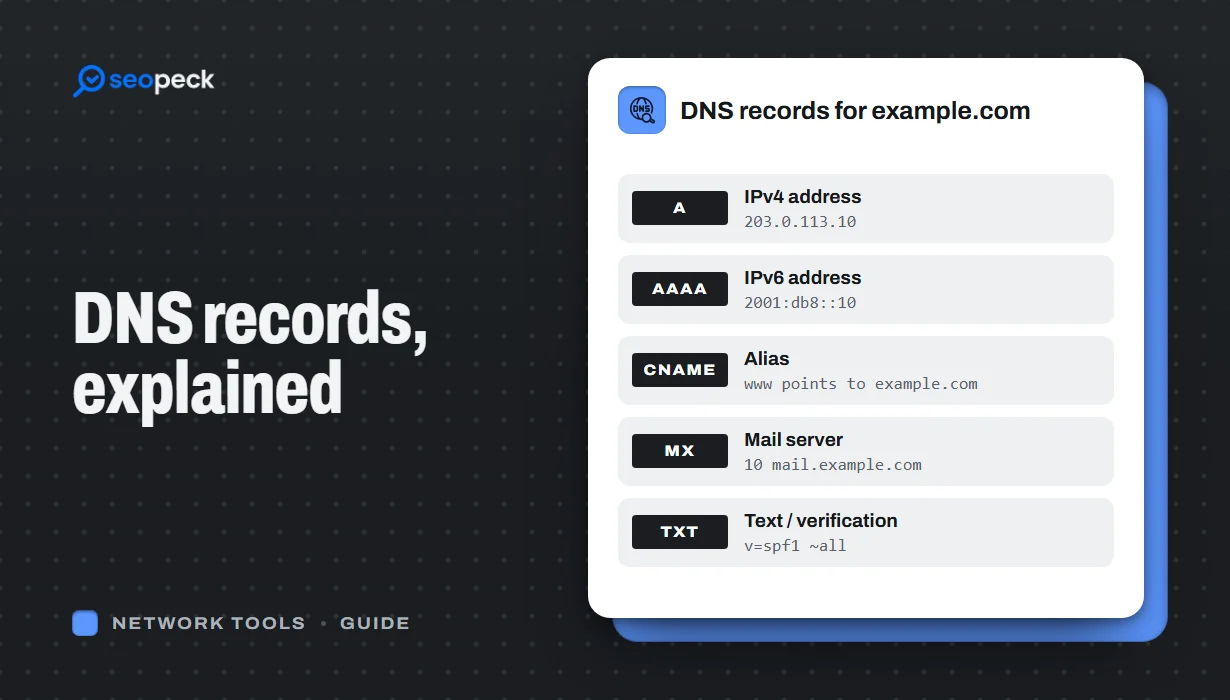 DNS Records Explained: A Practical Guide to A, AAAA, MX, TXT and CNAME
What A, AAAA, MX, TXT and CNAME records actually do, in plain language, with the tools to check any domain's records in seconds.
DNS Records Explained: A Practical Guide to A, AAAA, MX, TXT and CNAME
What A, AAAA, MX, TXT and CNAME records actually do, in plain language, with the tools to check any domain's records in seconds.
-
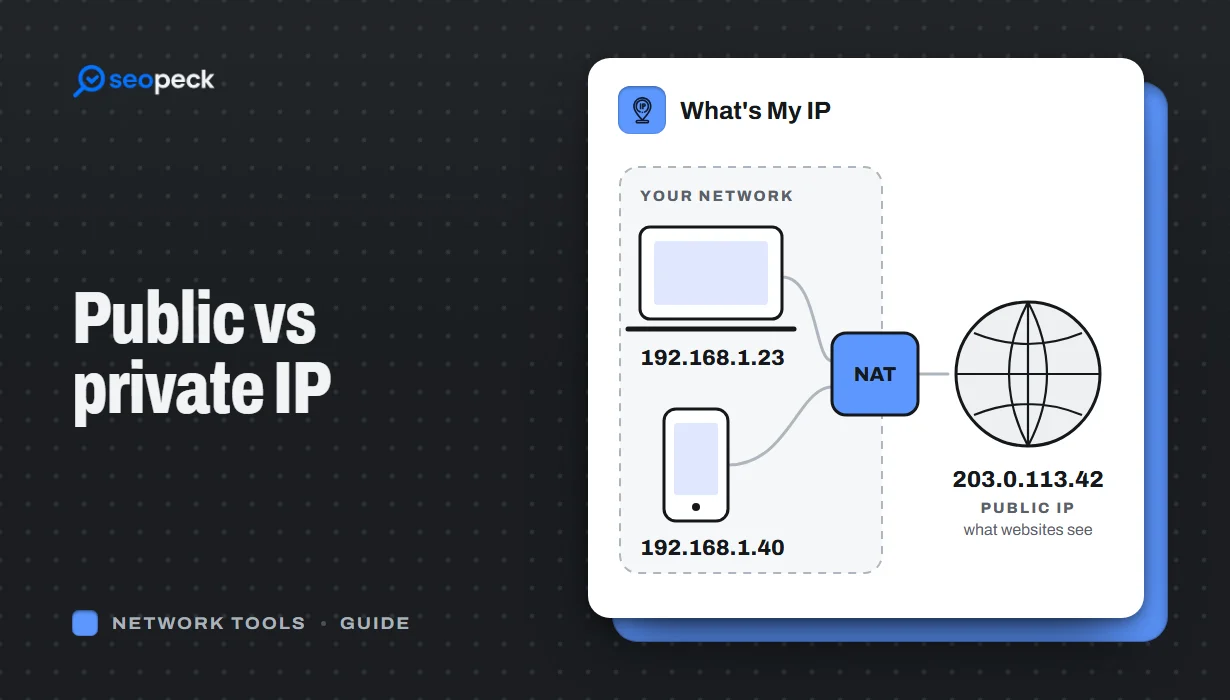 Public vs Private IP Address: What "What's My IP" Actually Shows You
The difference between the public IP address websites see and the private address your device uses at home, and what an IP lookup can and cannot reveal.
Public vs Private IP Address: What "What's My IP" Actually Shows You
The difference between the public IP address websites see and the private address your device uses at home, and what an IP lookup can and cannot reveal.
-
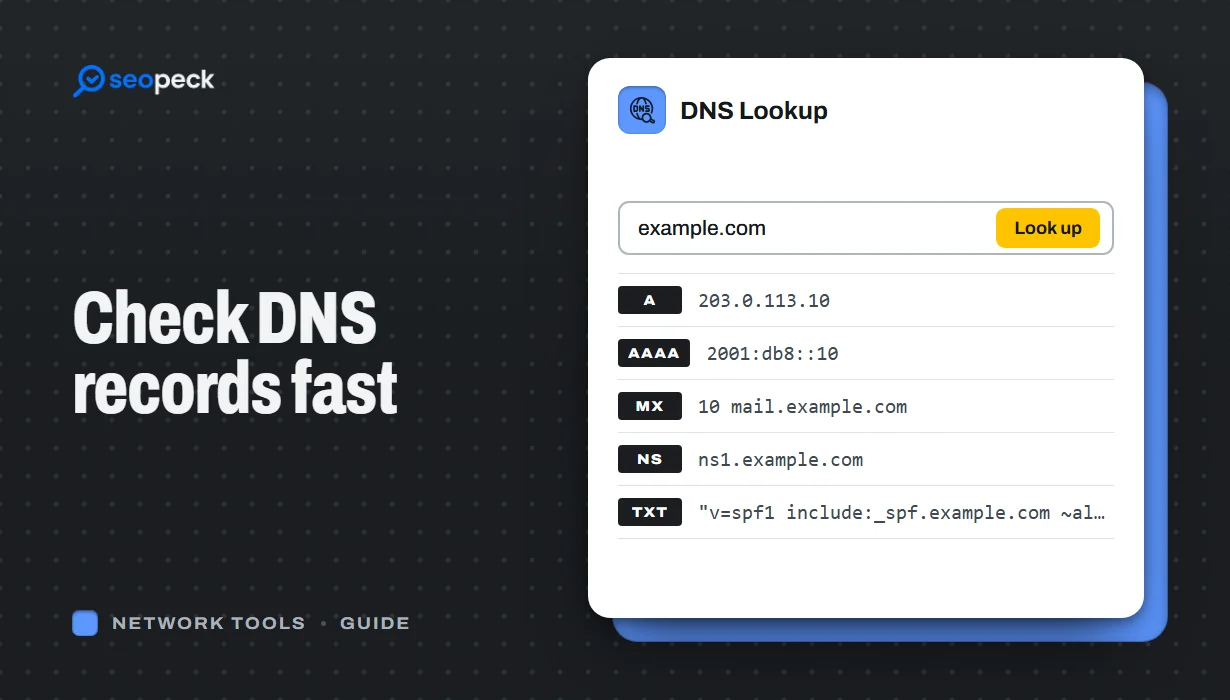 DNS Lookup Tool: How to Check DNS Records Fast
Learn how to check DNS records for any domain using a DNS lookup tool. Step-by-step guide with tips, fixes, and a fast online solution.
DNS Lookup Tool: How to Check DNS Records Fast
Learn how to check DNS records for any domain using a DNS lookup tool. Step-by-step guide with tips, fixes, and a fast online solution.
