
How to Check Domain Age: When Was a Domain Registered?

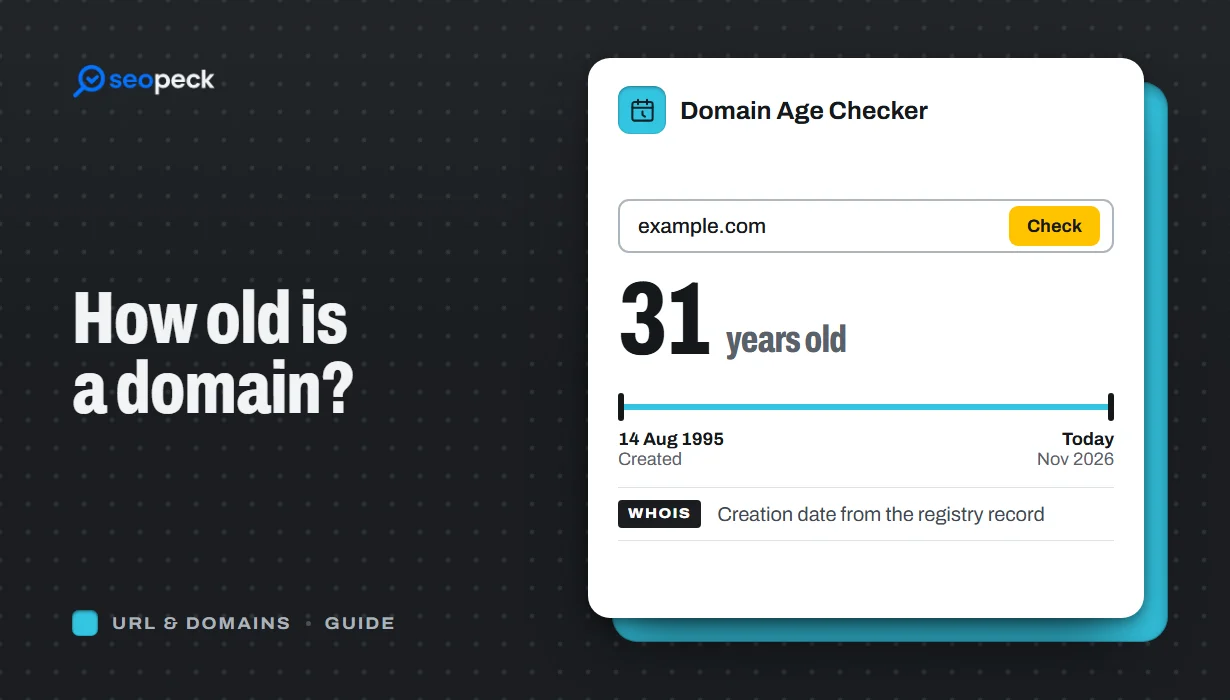
Find out when any domain was registered and how old it is, online or with whois and RDAP, why the date can look wrong, and whether domain age matters for SEO.
To check when a domain was registered, look up its creation date at the registry that runs its ending (.com, .org, .io and so on). The quickest way is to type the domain into our Domain Age Checker, which shows the registration date, the exact age, the expiry date and the registrar, for up to 10 domains at once. You can also get the same date for free from ICANN Lookup or with the whois command.
The date tells you when the current registration began. It does not always tell you when the website started, and it says nothing about rankings on its own. Below: where the date comes from, how to check it by hand, why it can look wrong, and what domain age really means for SEO.
The quick way: check domain age online
- Open the domain age lookup.
- Enter one domain per line, up to 10. Full URLs work; only the domain is used, and a subdomain such as
blog.example.co.ukis looked up asexample.co.uk. - Click Check domain age and read the table.
Each row has five columns: Domain, Age (for example "2 years, 8 months"), Registered (the creation date), Expires (with the days left, highlighted when fewer than 30 remain) and Registrar. Our own domain, seopeck.com, shows a registration date of 2024-03-13 and NameSilo, LLC as the registrar.
Where the registration date comes from
Every domain ending is run by a registry: Verisign for .com and .net, Public Interest Registry for .org, and a national registry for most country endings. When someone registers a name through a registrar, the registry records a creation date. That date is the "domain age" every checker reports.
There are two ways to ask a registry for it:
- RDAP (Registration Data Access Protocol) is the modern way. It returns the record as JSON, with dates labelled as events:
registration,expirationandlast changed(RFC 9083). ICANN made RDAP the official source for .com, .org and the other generic endings, and since January 2025 registries and registrars of those endings are no longer required to run the old WHOIS service. - WHOIS is the older text protocol on port 43. Many registries still answer it, and some country registries only offer WHOIS.
Our checker uses RDAP first, through the rdap.org directory that sends each query to the right registry. If an ending has no RDAP service, it falls back to the registry's WHOIS server and reads the "Creation Date" (or a similar label) from the text. Results are cached for 24 hours.
How to check a domain's age by hand
ICANN Lookup (any browser)
Go to lookup.icann.org, enter the domain and run the lookup. ICANN queries the registry's RDAP service and shows the record, including the Created, Updated and Expiration dates and the registrar. It works best for generic endings; for many country endings it has no data, and you need the national registry's own lookup instead.
The whois command (Mac and Linux)
macOS has whois built in, and on Linux it is in the whois package. Run:
whois seopeck.comAmong the lines it prints for a .com domain are these, from the Verisign registry:
Updated Date: 2026-02-13T15:34:39Z
Creation Date: 2024-03-13T09:46:33Z
Registry Expiry Date: 2027-03-13T09:46:33Z
Registrar: NameSilo, LLC
The Creation Date is the one you want. Windows has no built-in whois command; Microsoft's free Sysinternals Whois adds one, or use RDAP below.
RDAP from the command line (Windows, Mac, Linux)
In PowerShell:
(Invoke-RestMethod https://rdap.org/domain/seopeck.com).eventseventAction eventDate
----------- ---------
registration 2024-03-13T09:46:33Z
expiration 2027-03-13T09:46:33Z
last changed 2026-02-13T15:34:39ZIf Windows PowerShell 5.1 reports a connection error, run [Net.ServicePointManager]::SecurityProtocol = 'Tls12' first. On Mac and Linux, curl -sL https://rdap.org/domain/seopeck.com prints the same record as raw JSON; look for "eventAction":"registration".
Creation date, updated date and expiry date
| Date | What it means | What changes it |
|---|---|---|
| Creation (registered) | When the current registration began. This is the domain's age. | Only deletion and a new registration. Renewals and transfers keep it. |
| Updated (last changed) | The last time anything in the record changed. | Renewals, name server changes, contact updates, status changes. It says nothing about age. |
| Expiry | When the registration runs out unless it is renewed. | Every renewal. A transfer of a generic domain such as .com usually adds a year. |
A common mistake is to read the updated date as the registration date. A domain renewed last month can still be 25 years old. Our checker shows the creation and expiry dates; the Domain WHOIS lookup shows the full registry record, including the updated date and status codes.
Why a domain can look younger (or show no date at all)
- It was dropped and registered again. If a domain expires and is deleted, whoever registers it next gets a brand-new creation date, even if the name was in use for 20 years before. This is the usual reason a domain "everyone knows is old" shows up as young.
- Transfers do not reset it. Moving a domain to another registrar changes the registrar name, not the creation date. If a seller says the date reset because of a transfer, that is not how it works.
- Some country registries hide the date. DENIC, which runs .de, does not publish creation dates, so no checker can show one. Our checker says "No registration date found" for those. Other national registries publish less data than the generic ones, or only through their own website.
- Privacy hides the owner, not the date. Since the GDPR, most records hide the registrant's name and contact details. The creation and expiry dates and the registrar are still public, so privacy does not stop you checking age.
How long has a website been up? Use the Wayback Machine
Domain age and website age are different things. A name can be registered years before anyone builds a site on it, and a different business may have used it before. To estimate when a site went live, look for its earliest capture in the Internet Archive's Wayback Machine: enter the domain and the calendar shows the first and last dates it was saved.
For seopeck.com the domain was registered on 13 March 2024, and the first Wayback capture is from 23 May 2024. That two-month gap is the time between buying the name and launching the site. The first capture is only an estimate: the archive may simply not have visited earlier. The oldest post on a site's blog, a copyright year in the footer or a "founded" date on the About page are other clues.
Does domain age matter for SEO?
Not by itself. Google's John Mueller has said plainly that domain age helps nothing, and Google does not list it as a ranking signal. Older sites often rank well because they have had years to publish useful pages and earn links, not because of the date in the registry. A two-year-old site with better content can outrank a twenty-year-old one.
What can hurt is a domain's past. If the name was used for spam before, links and penalties from that time do not disappear when it changes hands. And Google's spam policies name expired domain abuse: buying an expired domain mainly to rank low-value content on its old reputation. Buying a used domain for a real project is fine. If you want to improve rankings, our on-page SEO checklist covers what actually moves them.
When checking domain age is useful
Before you buy an expired or used domain
- Check the age and registrar to confirm what the seller says.
- Read the status codes in Domain WHOIS:
redemptionPeriodorpendingDeletemeans it is on its way to deletion, and the creation date will reset once someone registers it again. - Look at its past content in the Wayback Machine for spam, adult or pharma pages, or a completely different business.
- Check its backlinks with the Domain Rating Checker and make sure they fit what you plan to publish.
Spotting scams and phishing
A domain registered a few days or weeks ago is not proof of a scam: every real business starts with a new domain. But a brand-new domain behind an urgent payment request, a "bank" or delivery email, or a shop with prices that look too good is a strong warning sign. Check its age, then check the certificate with the SSL Checker and the name itself with the IDN Homograph Checker, which catches lookalike letters from other alphabets (a Cyrillic "а" in place of a Latin "a", for example).
Researching a competitor or partner
Age gives you context on how established a site is. Pair it with the Hosting Checker to see where the site runs. If you only have an IP address, our guide to finding the domain behind an IP address covers that first step.
Frequently asked questions
How can I find out when a domain was registered?
Look up its creation date in the registry record: enter it in a domain age checker, use ICANN Lookup, or run whois example.com on Mac or Linux and read the Creation Date line.
What is domain age?
The time since the domain's current registration was created at its registry. It restarts if the domain is deleted and registered again.
Does transferring a domain reset its age?
No. A transfer changes the registrar and, for generic endings, usually adds a year to the expiry date. The creation date stays the same.
Why does a checker show no registration date?
The domain may not be registered, or its registry does not publish creation dates. DENIC (.de) is the best-known example.
Is the registration date the date the website launched?
No. It is when the name was registered. Use the Wayback Machine's earliest capture to estimate when a site went live.
Does an older domain rank better on Google?
Not because of its age. Google has said domain age is not a ranking factor; content, relevance and links are what count.
Next step
Enter the domains you want to compare, up to 10 at a time, in the Domain Age Checker. If one shows a recent date you did not expect, check its history in the Wayback Machine before you trust it or buy it.


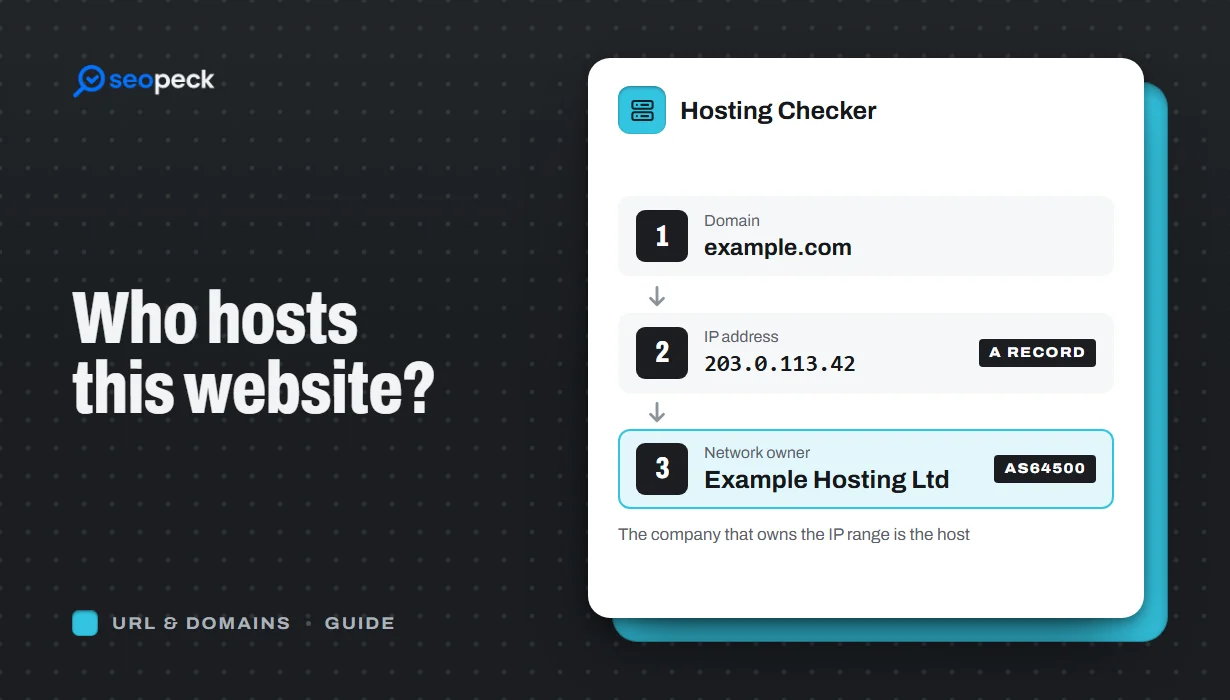 How to Find Out Who Hosts a Website (and What the Answer Means)
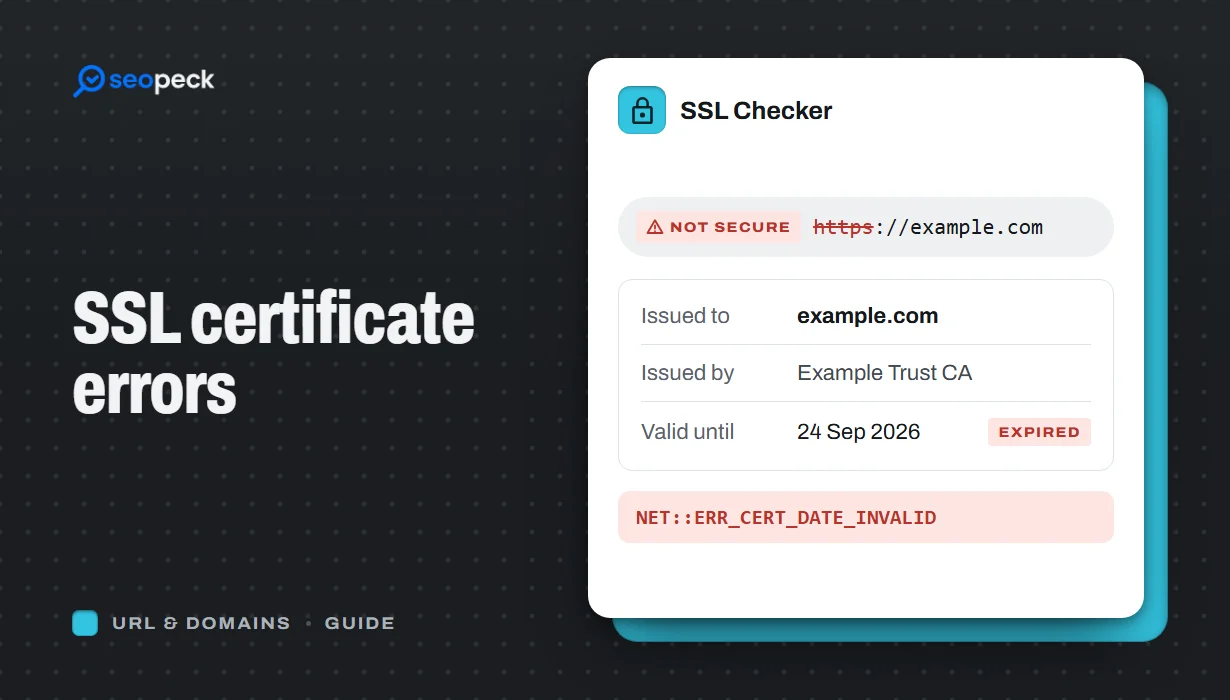 SSL Certificate Errors Explained (and How to Fix Each One)
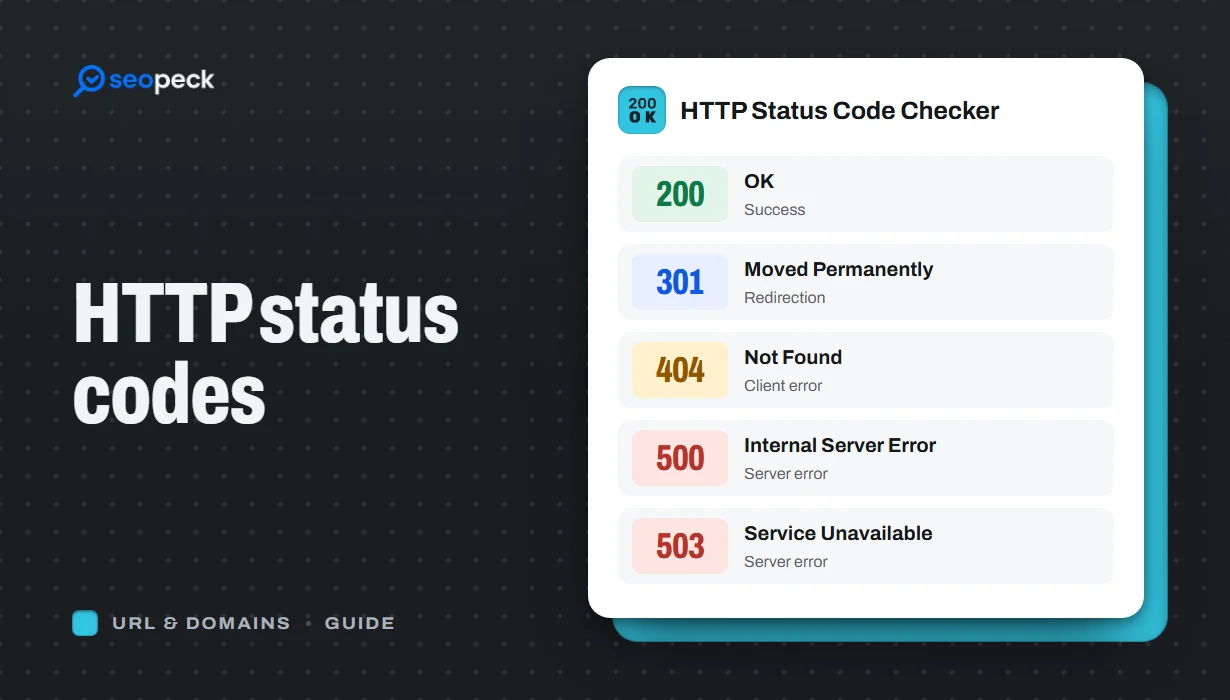 HTTP Status Codes Explained: What 200, 301, 404 and 500 Really Mean