
How to Find Out Who Hosts a Website (and What the Answer Means)

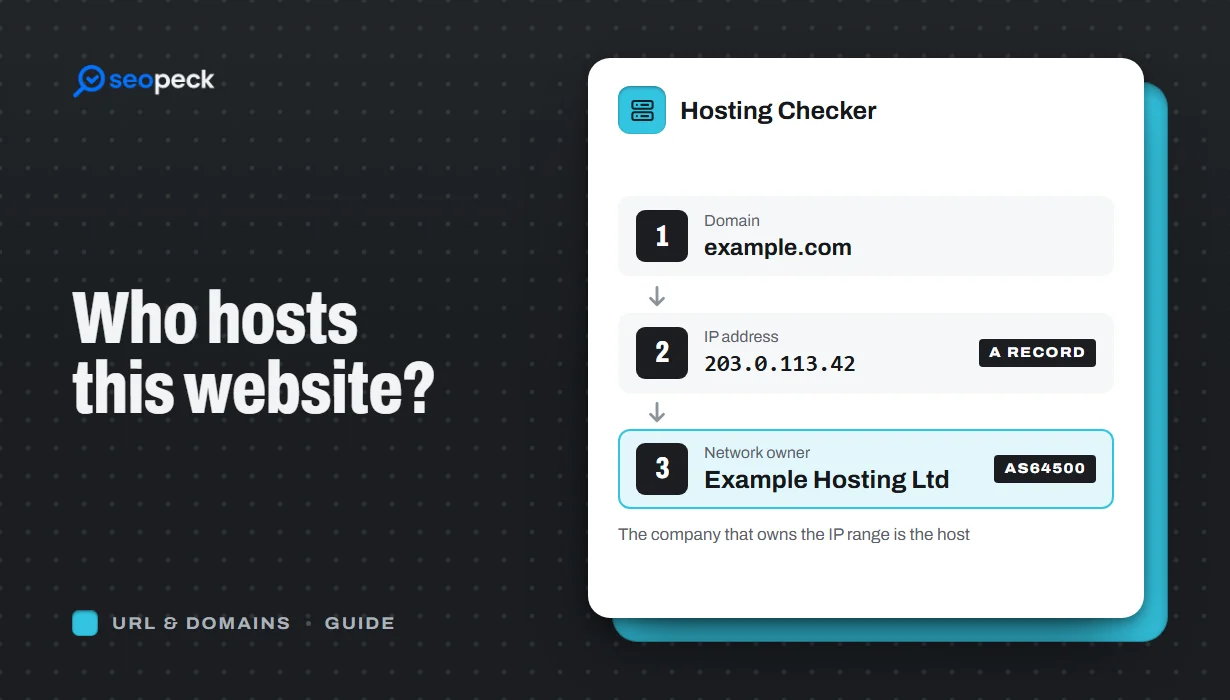
Find out who hosts any website: look up its IP and network owner online or with nslookup, read Cloudflare results right, and tell host from registrar.
To find out who hosts a website, enter its domain in our website hosting checker and click Find the host. It looks up the IP address the domain points to, finds the company that owns that network, and checks the site's response headers for a CDN or hosting platform. The answer appears as "example.com is hosted by …".
You can do the same by hand with two free lookups: the domain's IP address, then the owner of that IP. Below are both ways, how to read a result that says "Cloudflare", and the difference between a website's host, its domain registrar, its DNS provider and its email provider, which people mix up all the time.
The quick way: use a hosting checker
- Open the Hosting Checker.
- Enter a domain or a full address, such as
example.comorhttps://example.com/shop. Only the host name is used. - Click Find the host and wait a few seconds.
You get a headline with the host's name, then four boxes: Network (ASN), CDN or proxy, DNS provider and Email provider. Below them is a details table with every IPv4 and IPv6 address, the IP range, the network owner, the country the range is registered in, the name servers and the mail servers.
How the hosting checker works
Behind the headline are five steps. Each one is something you can repeat yourself.
- Domain to IP. It asks DNS for the domain's A (IPv4) and AAAA (IPv6) records, and any CNAME.
- IP to network. For the first IPv4 address, it asks Team Cymru's public IP-to-ASN service which autonomous system (AS) announces that address. An AS is a network run by one organisation, identified by a number such as AS13335. The AS name usually names the hosting or cloud company.
- Registry record. It also reads the IP's record from the regional internet registry over RDAP, for the organisation and country.
- Response headers. It loads the site once and looks for headers that CDNs and platforms add:
cf-rayfor Cloudflare,x-amz-cf-idfor CloudFront,x-vercel-idfor Vercel,x-nf-request-idfor Netlify,x-kinsta-cachefor Kinsta,x-shopidfor Shopify,x-wix-request-idfor Wix, and more than a dozen others. - Name servers and mail servers. It reads the domain's NS and MX records and matches them against known providers.
If a known platform (Shopify, Wix, Vercel, Netlify, WP Engine, Kinsta, Hostinger and others) shows up in the headers, the headline names that platform. Otherwise it names the owner of the IP network.
A real example: seopeck.com
We checked our own site on 4 November 2026. These are the raw facts the checker works from:
| Check | Result |
|---|---|
| IPv4 addresses (A records) | 84.32.84.58, 2.57.91.255 |
| Network (ASN) | AS47583, AS-HOSTINGER - Hostinger International Limited |
| Response headers | platform: hostinger, Server: hcdn, x-hcdn-request-id: … |
| Name servers | pixel.dns-parking.com, byte.dns-parking.com |
| Mail servers (MX) | mx1.hostinger.com, mx2.hostinger.com |
Every signal points the same way, so the answer is clear: Hostinger hosts the site, serves it through Hostinger's own CDN, runs its DNS and handles its email. Real results are not always this tidy, as the next sections show.
How to find a website's host manually
Step 1: get the IP address
On Windows, macOS or Linux, run:
nslookup seopeck.comThe answer for our site:
Non-authoritative answer:
Name:    seopeck.com
Addresses:  2a02:4780:84:20f4:156a:a2e4:6fd0:5814
          2a02:4780:84:579:9dc8:86e6:215d:d901
          84.32.84.58
          2.57.91.255
On Mac and Linux, dig +short seopeck.com prints only the IPv4 addresses. Without a terminal, the DNS Lookup tool shows the A and AAAA records with the rest of the domain's records. If those record types are new to you, our DNS records explained guide covers them.
Step 2: find who owns the IP
Paste the IP into IP Information for the network owner and location, or into ASN Lookup to see the autonomous system and its name. From a terminal, Team Cymru's service answers over plain DNS, so it works on every system. Write the IP backwards and add .origin.asn.cymru.com:
nslookup -type=TXT 58.84.32.84.origin.asn.cymru.com"47583 | 84.32.84.0/24 | LT | ripencc | 2004-08-18"That is the AS number, the IP range, the country code the range is registered under, and the registry. Then ask for the AS name:
nslookup -type=TXT AS47583.asn.cymru.com"47583 | CY | ripencc | 2011-04-04 | AS-HOSTINGER - Hostinger International Limited, CY"On Mac and Linux, whois 84.32.84.58 gives the full registry record instead, including the abuse contact.
Notice the two country codes: the range is registered in Lithuania (LT) and the company in Cyprus (CY). Neither tells you where the server physically stands. Registry countries describe paperwork, not buildings.
Step 3: try reverse DNS
The owner of an IP can publish a name for it (a PTR record). On dedicated and cloud servers this name often contains the host's domain, which confirms the answer. Use IP to Hostname or nslookup 84.32.84.58. Many shared-hosting and CDN addresses have no PTR record at all, so "no name found" is common and proves nothing. Our guide on finding the domain name from an IP address goes deeper.
Step 4: check name servers and MX records
nslookup -type=ns seopeck.com
nslookup -type=mx seopeck.com
Name servers such as ns1.examplehost.com often belong to the host, but they can just as well belong to the registrar or to Cloudflare. MX records name the email provider (smtp.google.com is Google Workspace, *.mail.protection.outlook.com is Microsoft 365). These are hints about the hosting, not proof; see the table further down. The Domain WHOIS lookup also lists the name servers, next to the registrar.
Why the answer is often Cloudflare (and how to read it)
Many sites sit behind a CDN or security proxy: Cloudflare, Amazon CloudFront, Fastly, Akamai, Sucuri, Imperva. Visitors connect to the proxy, and the proxy fetches the pages from the real server, called the origin. DNS points to the proxy, so every lookup above returns the proxy's addresses. For Cloudflare that means AS13335, Cloudflare, Inc.
When the checker sees this, it says so: "The site sits behind Cloudflare, which hides the server it really runs on." That is accurate. Cloudflare's proxy is designed to keep the origin address private, partly to protect sites from attacks, and we do not try to get around it.
What you can still learn:
- Platform headers. A site on Shopify, Vercel, Netlify, WP Engine or Kinsta often still sends that platform's headers through the CDN, and the checker reports them in the headline.
- Name servers and MX records. These are not hidden by the proxy.
- The CMS. The CMS Detector may show a managed WordPress host or a site builder, which narrows it down.
Sometimes the network owner is a data centre, not the brand you know. Smaller hosts and resellers rent servers from companies such as OVHcloud, Hetzner, DigitalOcean or AWS, so the IP belongs to them. The checker shows both the AS name and the network owner so you can see this.
Host, registrar, DNS provider, email provider: not the same thing
A domain can use four different companies, and "who hosts this website" only asks about the first.
| Role | What it does | How to find it | Example |
|---|---|---|---|
| Web host | Runs the server that stores and serves the website's files | IP address → network owner (ASN), platform headers | Hostinger, SiteGround, AWS, Shopify |
| Domain registrar | Sold the domain name and holds its registration | WHOIS or RDAP lookup of the domain | Namecheap, GoDaddy, Porkbun |
| DNS provider | Answers DNS questions about the domain (where the site and email live) | NS records | Cloudflare, Route 53, the registrar or host |
| Email provider | Receives and stores mail for addresses at the domain | MX records | Google Workspace, Microsoft 365, Zoho |
A common setup: domain registered at Namecheap, DNS on Cloudflare, website on a VPS at DigitalOcean, email with Google Workspace. Four companies, one domain. Contacting the registrar about website content usually gets you passed along; contacting the host is what gets things done.
What to do with the answer
Report abuse to the right company
For phishing, malware, spam or copyright problems, contact the host's abuse desk. The abuse address is in the IP's registry record: whois on the IP shows it, and on many networks it is simply abuse@ the host's domain. If the site is behind Cloudflare, use Cloudflare's own abuse reporting form; Cloudflare says it forwards reports to the hosting provider. Report the exact URLs and what is wrong; a vague "this site is bad" rarely gets acted on.
Plan or check a migration
Taking over a client's site? Find the host before you ask for logins, so you know which control panel to ask about. After you move a site, run the check again: if the IP and network have not changed, DNS still points to the old server, or the change has not reached every resolver yet.
Competitor and supplier research
Seeing which host a fast competitor uses, or which platform a shop runs on, is a useful starting point. Keep in mind that speed depends far more on the site's setup and caching than on the host's name. Also, a shared-hosting IP is used by many unrelated sites, so being on the same host or even the same IP as another site says nothing about how the two are connected. Our explainer on public vs private IP addresses covers why one address can serve many sites.
Find your own host
Lost track of where your own site is hosted? Run the check, then search your inbox for invoices from that company.
Frequently asked questions
Can I find out who hosts a website for free?
Yes. Our checker is free and needs no sign-up, and the manual method uses only nslookup, which is built into Windows, macOS and Linux.
Why does the hosting checker say Cloudflare?
The site uses Cloudflare as a proxy, so its public addresses belong to Cloudflare and the real server is hidden. The name servers, MX records and platform headers may still tell you more.
Does the IP's country show where the server is?
Not reliably. It is the country the IP range is registered in. Large providers register ranges in one country and use them in another, and CDNs answer from the location nearest the visitor.
Is the registrar the same as the host?
Only if you bought both from the same company. The registrar holds the domain name; the host runs the server. A WHOIS lookup shows the registrar, an IP lookup shows the host.
How do I find who hosts a site's email?
Look up its MX records. The Hosting Checker shows the email provider in its own box, and our guide on how to check MX records explains how to read them.
Next step
Enter the domain in the Hosting Checker. If the headline names a CDN, look at the DNS provider and email boxes and the details table, then use the table above to work out which of the four companies you actually need.


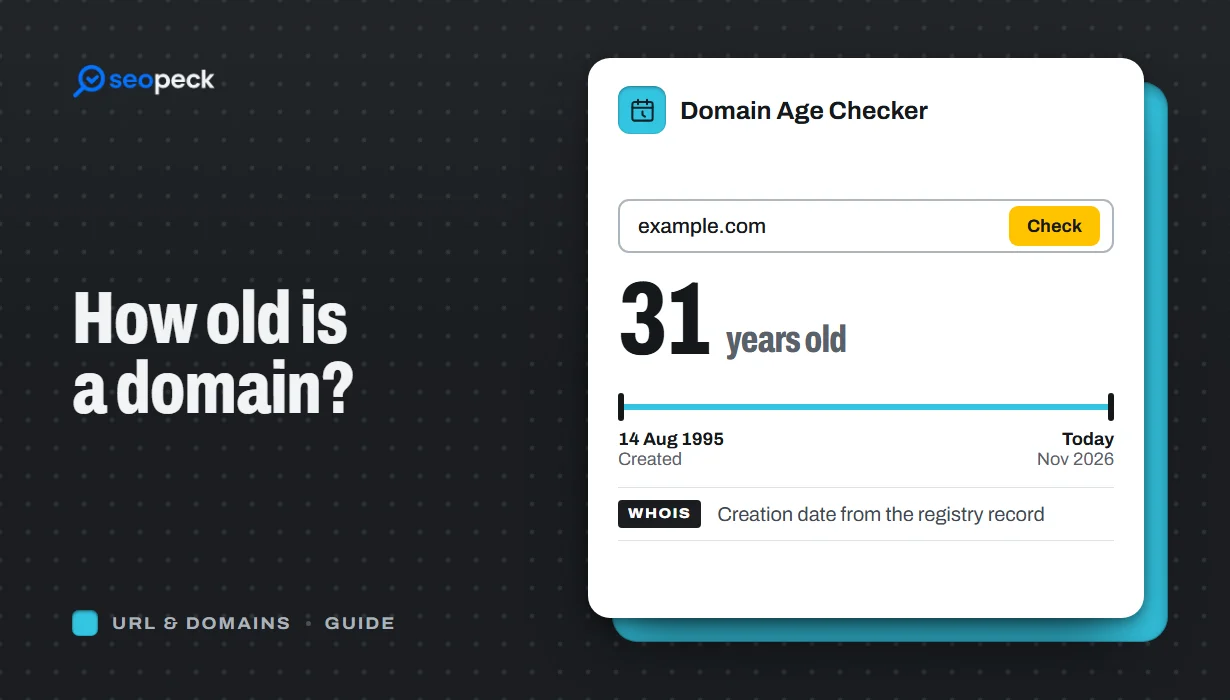 How to Check Domain Age: When Was a Domain Registered?
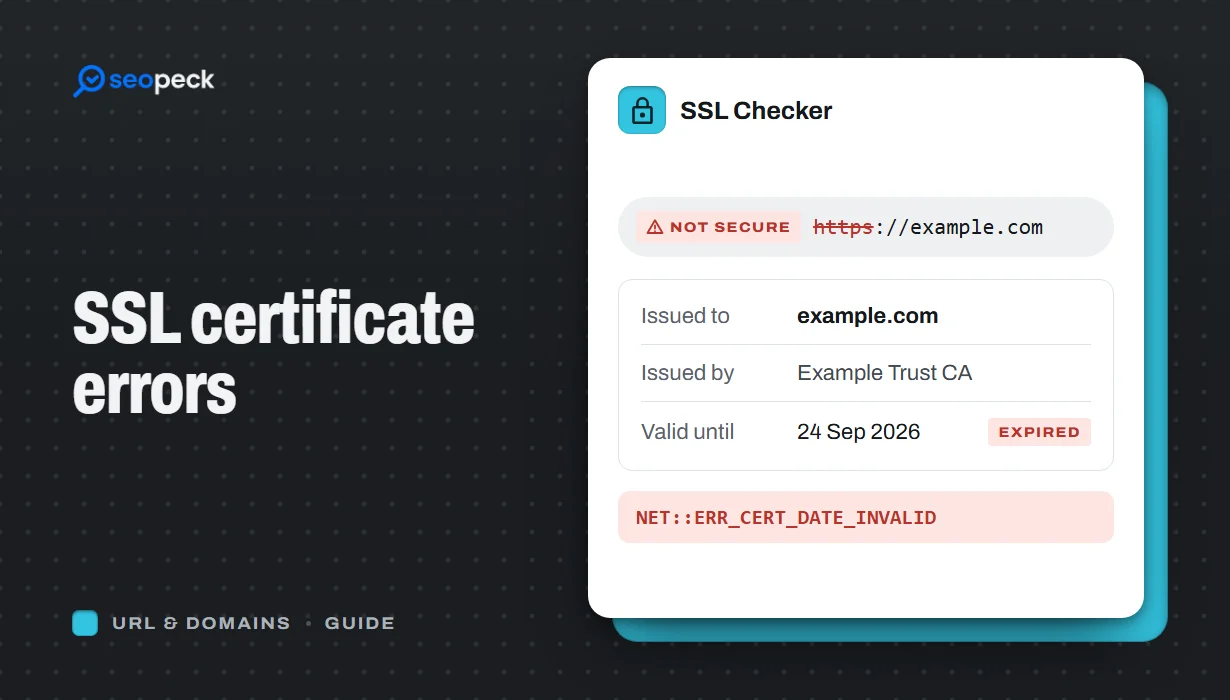 SSL Certificate Errors Explained (and How to Fix Each One)
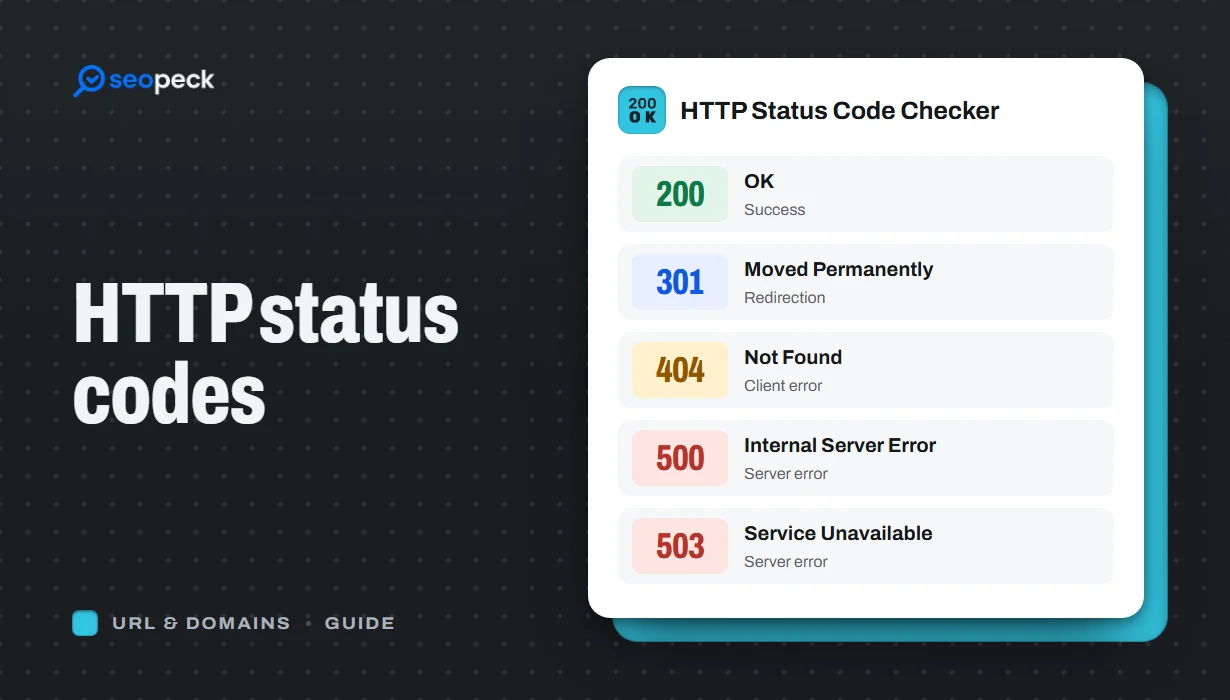 HTTP Status Codes Explained: What 200, 301, 404 and 500 Really Mean