
HTACCESS Redirect Generator
Write the Apache .htaccess rule that redirects an old page to a new URL with a 301, 302, 303 or 307.
Redirect Preview
This redirect will send visitors from:
➔


HTACCESS Redirect Generator
The .htaccess Redirect Generator writes the Apache rule that sends visitors and search engines from an old page to a new address. Enter the old path and the new URL, choose the redirect type, and copy a ready-to-paste mod_rewrite block for your site's .htaccess file. Special characters in the old path, such as the dot in .html, are escaped for you, so the rule matches exactly that page.
How to use the .htaccess redirect generator
- Enter the old path, starting with a slash, for example
/old-page.html. - Enter the new destination: another path on your site (
/new-page) or a full URL (https://example.com/new-page). - Choose the redirect type. Use 301 for a permanent move, which is what you want in almost every case.
- Click the button, copy the code and paste it near the top of the
.htaccessfile in your site's root folder.
Which redirect type to choose
- 301 Moved Permanently: the page has moved for good. Search engines move the old page's ranking signals to the new URL. Use it for renamed pages, deleted pages with a close replacement, and domain moves.
- 302 Found: a temporary redirect. Search engines keep the old URL in their index. Use it for short campaigns or maintenance.
- 303 See Other: sends the visitor to another page after a form submission.
- 307 Temporary Redirect: like 302, but the browser must repeat the same method (for example POST). Mostly for APIs and forms.
Our guide to 301 vs 302 redirects explains the difference for SEO in more detail.
Tips for safe redirects
- Keep a backup of your current
.htaccessbefore editing: one typo can take the whole site down with a 500 error. - Redirect each old page to its closest new equivalent, not everything to the homepage; Google treats mass homepage redirects like a missing page.
- Avoid chains: point old URLs straight to the final destination, not through another redirect.
- Test the result with the Redirect Checker and make sure it returns a single 301.
- On nginx servers,
.htaccessfiles are ignored; convert the rules with the .htaccess to nginx converter.
Frequently asked questions
Where is the .htaccess file?
public_html). Its name starts with a dot, so it is hidden: enable "show hidden files" in your file manager or FTP program.The redirect does not work. What should I check?
Can I redirect a whole domain?
RewriteRule ^(.*)$ https://new.com/$1 [R=301,L] on the old domain's site.Does a 301 redirect lose SEO value?
Related guides
-
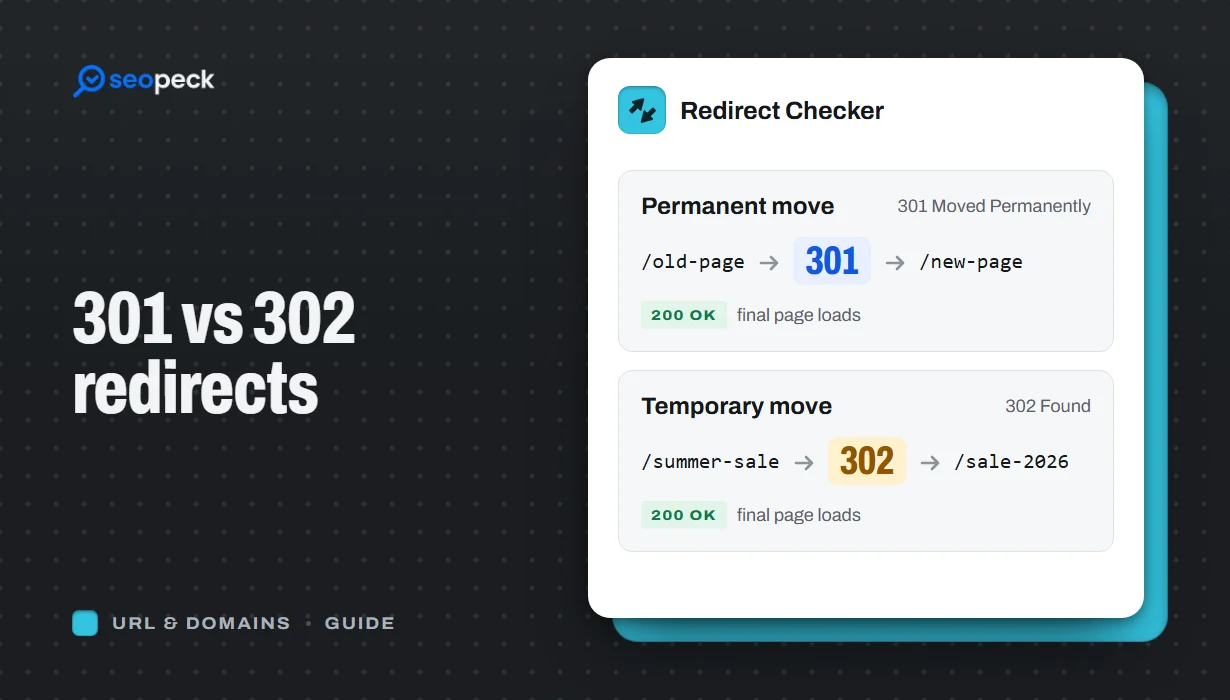 301 vs 302 Redirects: Which One to Use, and How to Check Them
The difference between permanent and temporary redirects, how each affects SEO, common redirect mistakes, and how to set up and test them.
301 vs 302 Redirects: Which One to Use, and How to Check Them
The difference between permanent and temporary redirects, how each affects SEO, common redirect mistakes, and how to set up and test them.
-
 Schema Markup for Beginners: What JSON-LD Does and Which Types to Use
A beginner-friendly explanation of structured data and JSON-LD, the schema types most sites need, and how to add and test them.
Schema Markup for Beginners: What JSON-LD Does and Which Types to Use
A beginner-friendly explanation of structured data and JSON-LD, the schema types most sites need, and how to add and test them.
-
 How to Write Title Tags and Meta Descriptions That Get Clicks
What title tags and meta descriptions are for, how long they can be, and a simple method for writing ones that people actually click.
How to Write Title Tags and Meta Descriptions That Get Clicks
What title tags and meta descriptions are for, how long they can be, and a simple method for writing ones that people actually click.
