
AI Crawler Checker


AI Crawler Checker
AI companies use their own crawlers to collect content for training models and to fetch pages for AI-powered search answers. Each one follows the rules in your robots.txt file under its own name. This tool reads your robots.txt and shows, crawler by crawler, whether it may fetch your site, so you can confirm your choices are actually in effect.
How to use AI Crawler Checker
- Enter a domain or a page address, such as example.com or https://example.com/blog.
- Click Check crawlers. The tool downloads the site's robots.txt file.
- Read the table: Allowed means the crawler can fetch the address you entered, Blocked means it cannot, and Partly blocked means some paths on the site are off limits to it.
- To change the result, edit your robots.txt. The Robots.txt Generator on this site can help you write the rules.
When it comes in handy
- Confirming that a block you added for AI training crawlers is working.
- Making sure you have not accidentally blocked AI search crawlers that could send you visitors.
- Seeing how other publishers in your field handle AI crawlers.
Frequently asked questions
Does blocking a crawler in robots.txt stop it completely?
Robots.txt is a set of instructions, not a lock. The major AI companies say their crawlers respect it, but it cannot stop a crawler that chooses to ignore it. For that you need server-level blocking.
What is the difference between a training crawler and a search crawler?
Training crawlers, such as GPTBot and ClaudeBot, collect content to improve AI models. Search and user crawlers, such as OAI-SearchBot or ChatGPT-User, fetch pages to answer a question right now and can link back to you. Many sites block the first kind and allow the second.
Why are Googlebot and Bingbot in the list?
They are shown for comparison. Blocking them removes your site from Google or Bing search. Google-Extended is different: blocking it does not affect Google Search rankings.
Related guides
-
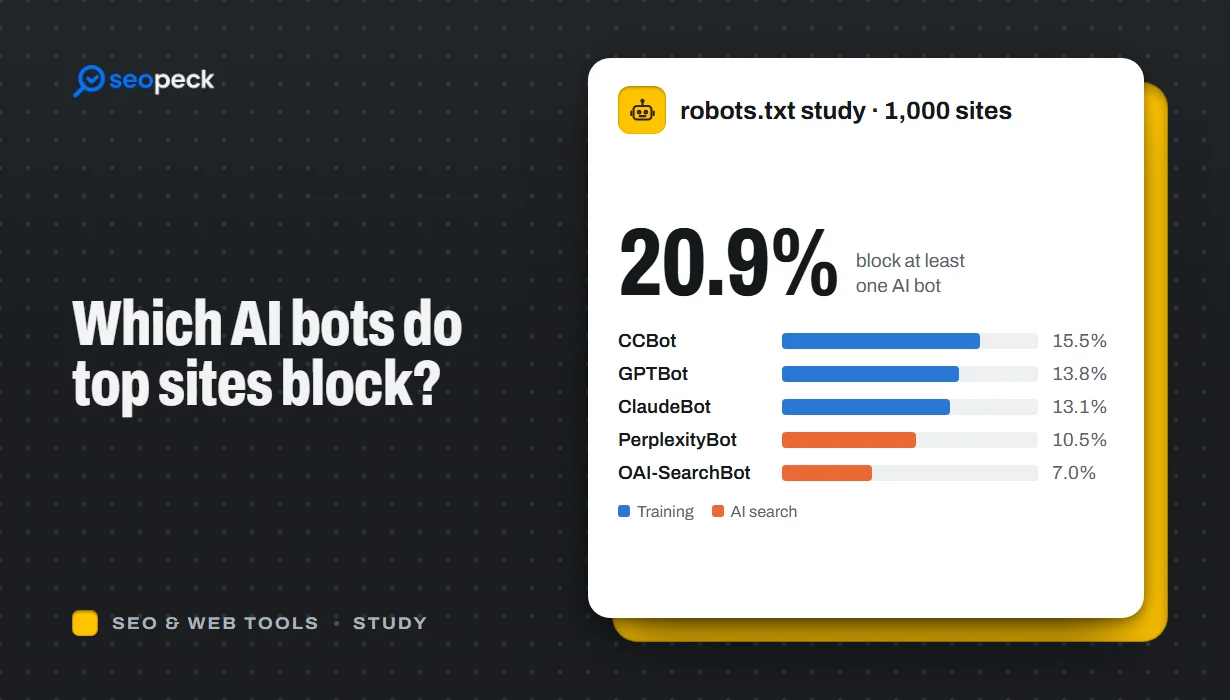 Which AI Crawlers Do the Top 1,000 Websites Block? (robots.txt Study, October 2026)
We read the robots.txt files of the 1,000 most popular websites: 20.9% block at least one of 16 AI bots. Per-bot shares, site strategies, common mistakes and open data.
-
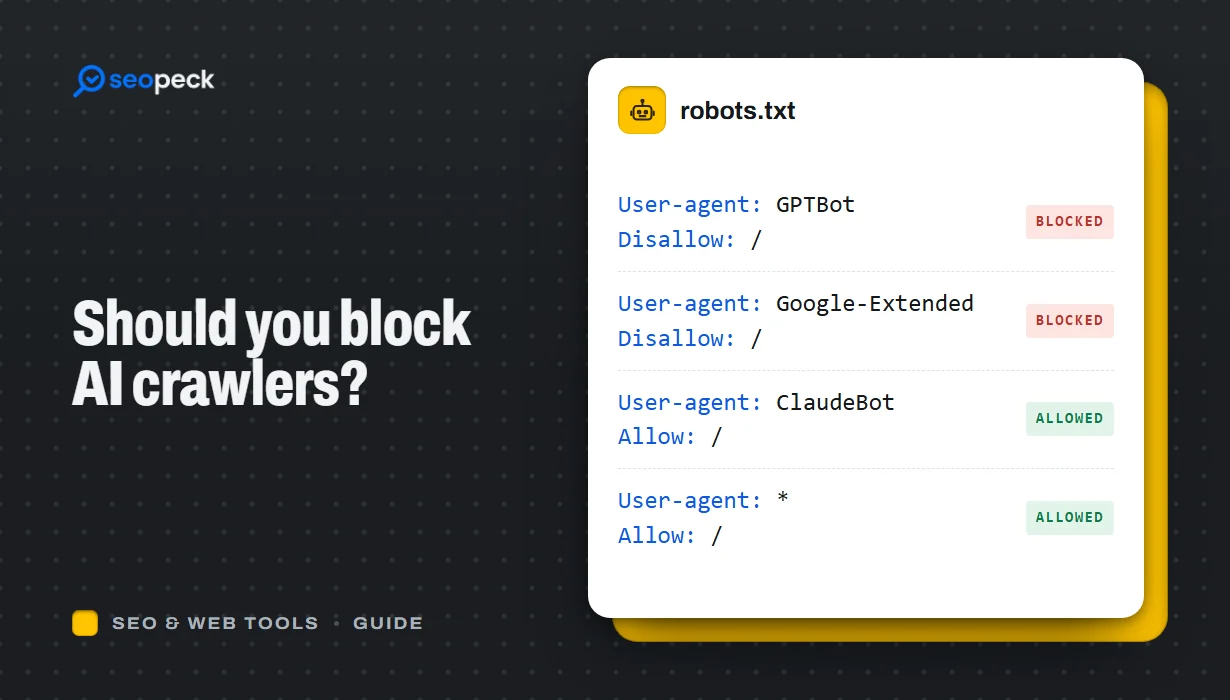 Should You Block AI Crawlers? A Plain Guide to robots.txt and AI Bots
Which AI crawlers visit websites, what the difference between training and search bots is, and how to allow or block each one with robots.txt.
-
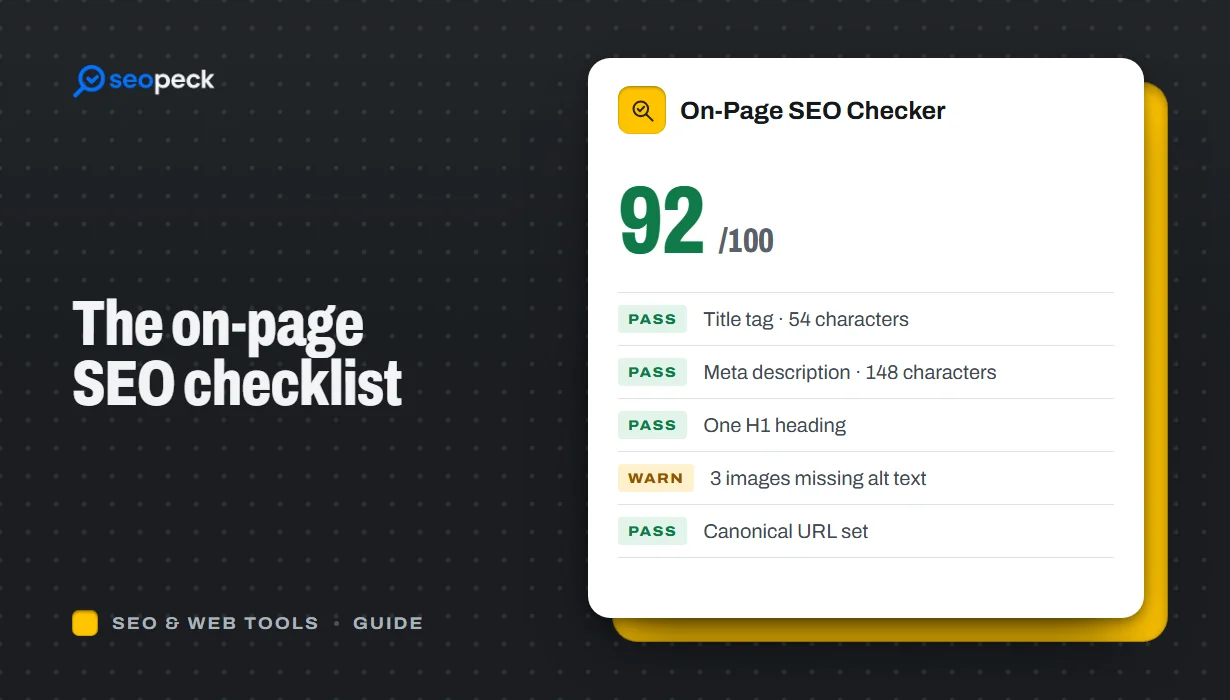 On-Page SEO Checklist: 15 Things to Check Before You Hit Publish
A practical, no-jargon checklist for getting a single page right: titles, descriptions, headings, images, links, indexing and structured data.