
Robots.txt Generator
Build a robots.txt file with per-crawler rules (including AI crawlers), blocked paths and your sitemap.
Search engines
AI crawlers
SEO tool crawlers


Robots.txt Generator
Robots.txt Generator builds a correct robots.txt file for your website. Set the default for all crawlers, list the paths to keep them out of, choose rules for search engines, AI crawlers and SEO tools, add your sitemap, then copy or download the file. It updates as you change the options, and it warns you if your choices would remove the site from Google.
How to create your robots.txt
- Leave Default for all crawlers on Allow everything for a normal public site. Choose Block everything only for a private or staging site.
- Under Paths to keep crawlers out of, enter one path per line, such as
/admin/or/cart/. Use*as a wildcard, for example/*?sort=for every URL with a sort parameter. - Enter your sitemap's full address, such as
https://example.com/sitemap.xml. - Set individual crawlers to Allow or Block, or use Block AI training crawlers in one click.
- Click Download robots.txt and upload the file to the root of your domain, so it opens at
https://yourdomain.com/robots.txt.
A common robots.txt mistake this tool avoids
A crawler follows only the most specific group that names it. If your file has a User-agent: Googlebot group, Googlebot ignores everything under User-agent: *, including your blocked paths. Many generators write a separate group for every bot and put the blocked paths only under *, which quietly lets Google crawl them. This generator repeats your paths in every group that is not blocked completely, so they apply to all crawlers.
Blocking AI crawlers
AI companies use different crawlers for different jobs. Training crawlers (GPTBot, ClaudeBot, CCBot, Meta-ExternalAgent, Bytespider) collect pages for future models; Google-Extended and Applebot-Extended are tokens that control AI use of your content without affecting Google Search or Siri. Search crawlers (OAI-SearchBot, Claude-SearchBot, PerplexityBot) decide whether your pages can be shown and linked in AI answers. Blocking training while allowing search lets AI search tools fetch and cite your pages, though no robots.txt can guarantee a citation. See what any site allows today with the AI Crawler Checker.
Good to know
- Google ignores
Crawl-delay; Bing respects it. Most sites should leave it off. - Don't block CSS, JavaScript or image folders that your pages need: Google renders pages and can misjudge them without these files.
- robots.txt is public and only a request. Well-behaved crawlers follow it, but it is not a way to protect private files.
After uploading, test URLs against the live file with the Robots.txt Tester, build the sitemap with the XML Sitemap Generator, and check single pages with the Noindex Checker.
Frequently asked questions
Does robots.txt hide pages from Google?
Where do I put the file?
Will blocking GPTBot remove my site from ChatGPT?
How quickly do changes take effect?
Related guides
-
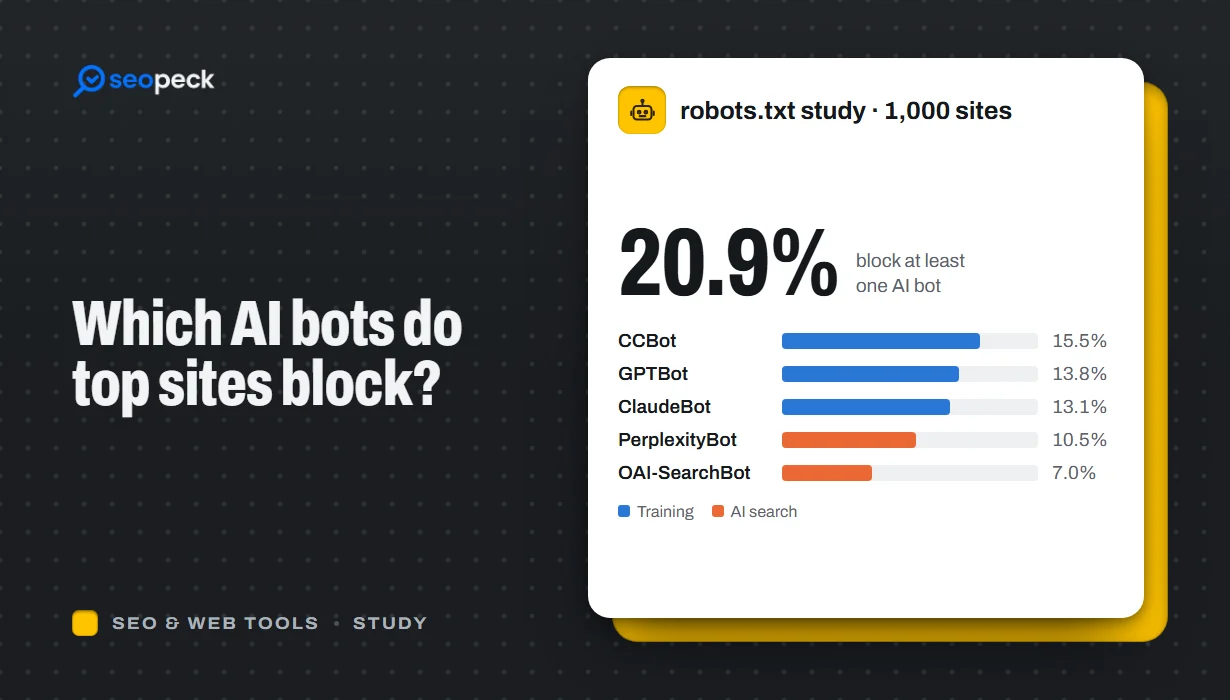 Which AI Crawlers Do the Top 1,000 Websites Block? (robots.txt Study, October 2026)
We read the robots.txt files of the 1,000 most popular websites: 20.9% block at least one of 16 AI bots. Per-bot shares, site strategies, common mistakes and open data.
Which AI Crawlers Do the Top 1,000 Websites Block? (robots.txt Study, October 2026)
We read the robots.txt files of the 1,000 most popular websites: 20.9% block at least one of 16 AI bots. Per-bot shares, site strategies, common mistakes and open data.
-
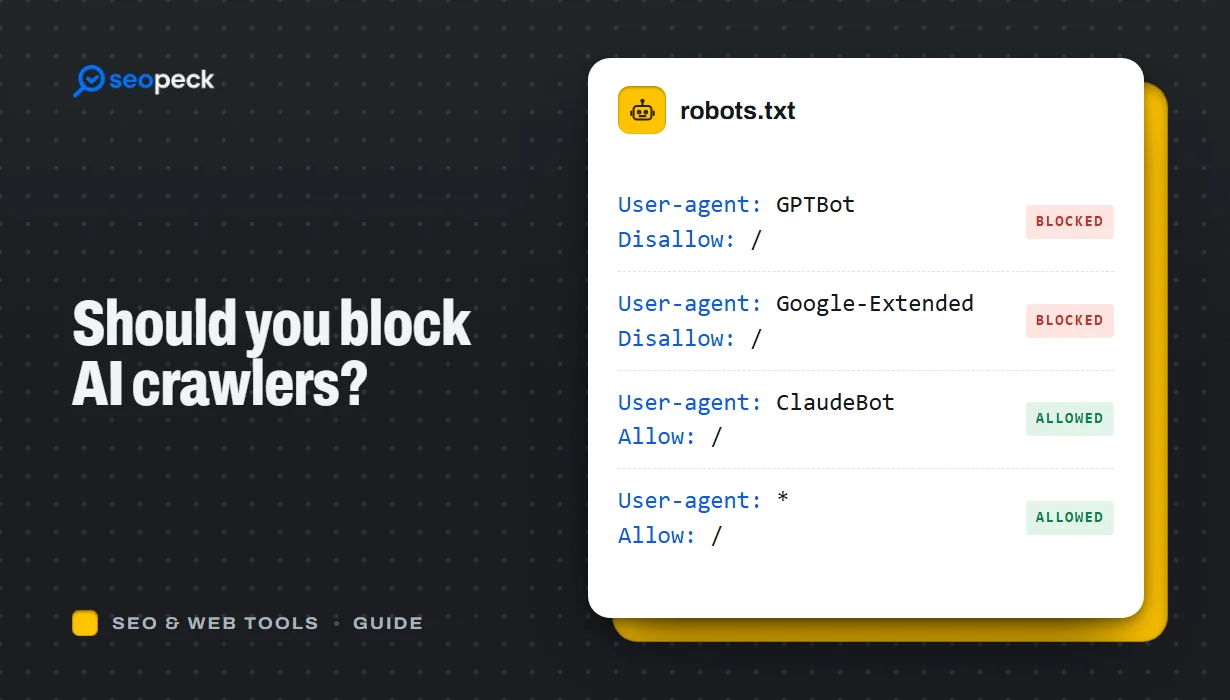 Should You Block AI Crawlers? A Plain Guide to robots.txt and AI Bots
Which AI crawlers visit websites, what the difference between training and search bots is, and how to allow or block each one with robots.txt.
Should You Block AI Crawlers? A Plain Guide to robots.txt and AI Bots
Which AI crawlers visit websites, what the difference between training and search bots is, and how to allow or block each one with robots.txt.
-
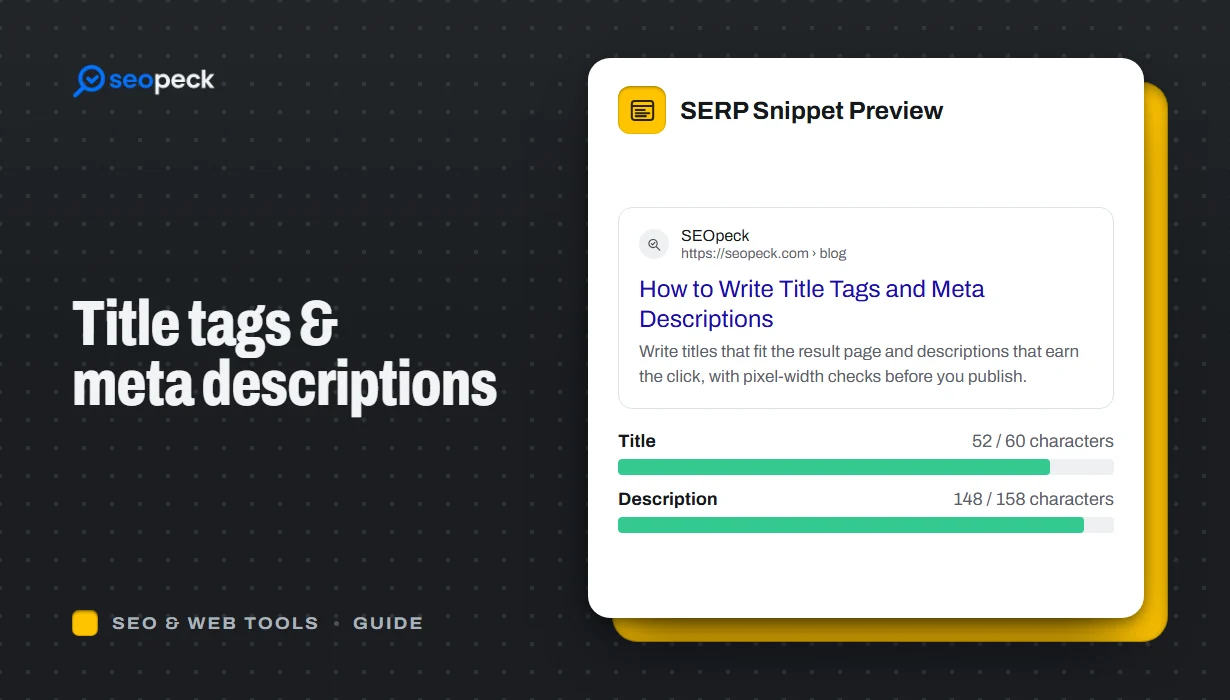 How to Write Title Tags and Meta Descriptions That Get Clicks
What title tags and meta descriptions are for, how long they can be, and a simple method for writing ones that people actually click.
How to Write Title Tags and Meta Descriptions That Get Clicks
What title tags and meta descriptions are for, how long they can be, and a simple method for writing ones that people actually click.
