

Orphan Page Checker
Reading the sitemap… Crawling · pages crawled Checking orphan pages: of Done. sitemap pages compared with crawled pages.
Findings
Nothing to show here.
Links added by JavaScript after the page loads and links marked rel="nofollow" are not counted, the same way a simple crawler would miss them.


Orphan Page Checker
An orphan page is a page on your site that no other page links to. It may look fine and sit in your XML sitemap, but a visitor can't reach it by clicking, and Google, which mostly discovers and revisits pages by following links, treats it as unimportant. Orphan pages are crawled rarely, indexed slowly and seldom rank. They usually appear after a redesign, a menu change, a deleted category page, or a blog post that was published and never linked from anything else.
Checking one page at a time can't find them, because the problem isn't on the orphan page itself: it's on every other page. This checker reads your sitemap, crawls your site from the homepage the way a search engine does, records which pages link to which, and lists the sitemap pages that nothing links to.
How to use Orphan Page Checker
- Enter your website's address, such as
https://example.com. The sitemap is found from your robots.txt file or the usual places (/sitemap.xml,/sitemap_index.xml,/wp-sitemap.xml). If yours lives elsewhere, enter its address too. - Choose how many pages to crawl. Pick a limit bigger than your site if you can: only a crawl that reaches every page can say for sure that a page is an orphan.
- Click Find orphan pages. The checker reads the sitemap, crawls the site (about one page a second), then opens each orphan page to see whether it works.
- Work through the What to do column, then check the other lists: pages with only one internal link, pages missing from the sitemap, and sitemap entries that redirect or return errors. Download everything as a CSV file to track your fixes.
How to fix an orphan page
First decide whether the page should be in search at all.
- It should be: link to it from one or two pages on the same topic, with link text that says what the page is about. A link from a related blog post, a category page or a "see also" section is enough. Footer or sitewide links to everything are less useful than a few links in context.
- It shouldn't be (an old campaign page, a test page, a thank-you page): remove it from the sitemap, and either delete it, redirect it to the closest useful page, or mark it noindex.
- It redirects or returns an error: the sitemap is out of date. List the final address instead, or remove the entry.
After fixing, run the check again. Then ask Google to recrawl the most important pages with the URL Inspection tool in Search Console.
When it comes in handy
- A page is indexed but gets no traffic, or Search Console shows it as "Discovered, currently not indexed".
- After a redesign, a menu change or a migration, to make sure no section lost its links.
- On a blog or shop that has grown for years, to find old posts and products nothing points to any more.
Frequently asked questions
Why does the checker need my sitemap?
Why does it say "not linked from the pages crawled" instead of "orphan"?
Are links in menus and footers counted?
rel="nofollow", aren't counted.Is a page with one internal link a problem?
Does the checker change anything on my site?
For a full health check of the pages it crawls (titles, descriptions, thin content, noindex tags and errors), use the Website SEO Audit. To look through your sitemap as a folder tree, use the Sitemap Visualizer, and to create a sitemap, the XML Sitemap Generator.
Related guides
-
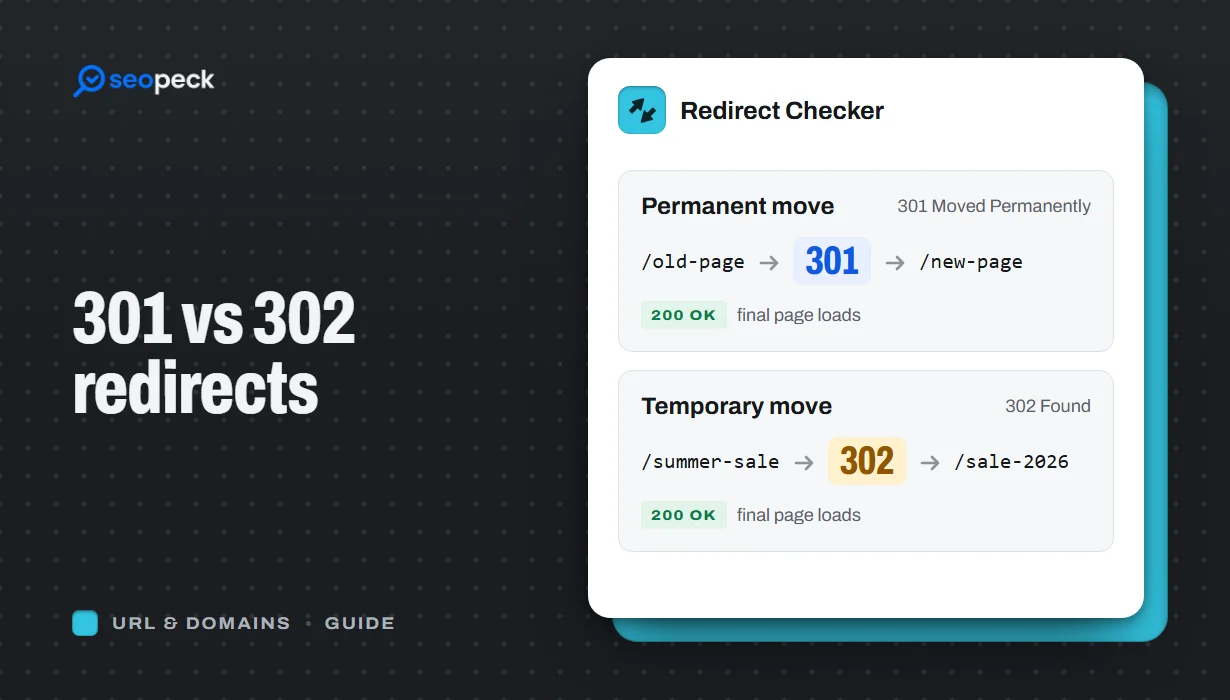 301 vs 302 Redirects: Which One to Use, and How to Check Them
The difference between permanent and temporary redirects, how each affects SEO, common redirect mistakes, and how to set up and test them.
-
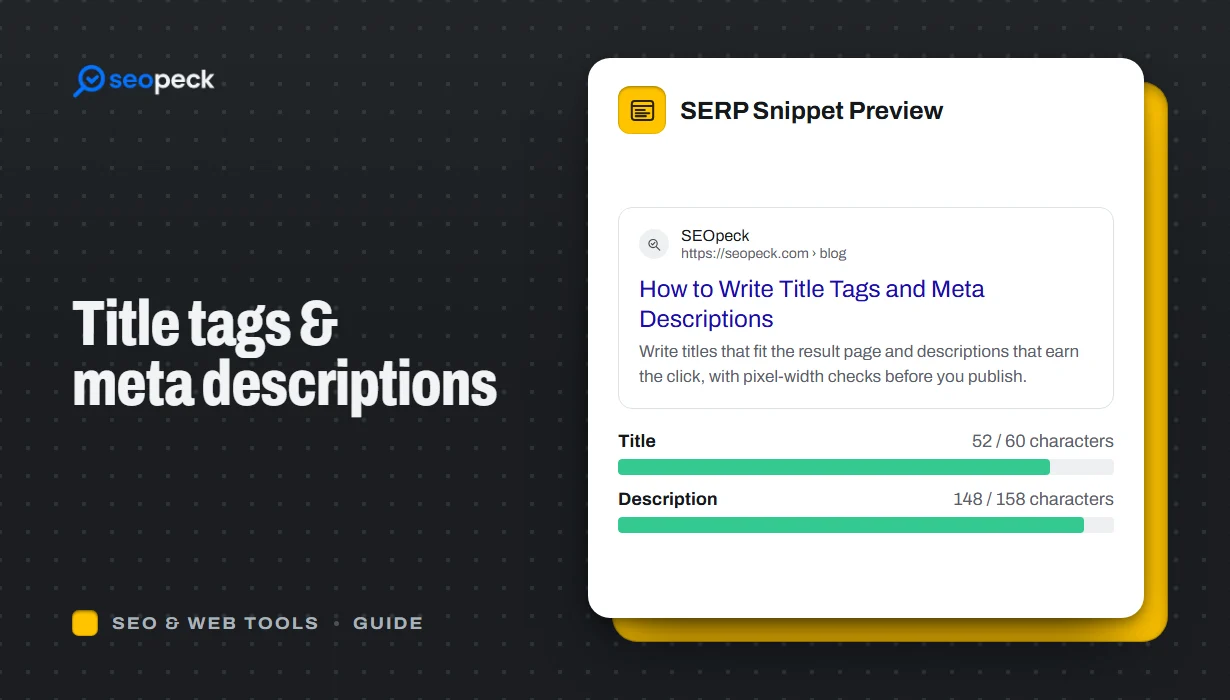 How to Write Title Tags and Meta Descriptions That Get Clicks
What title tags and meta descriptions are for, how long they can be, and a simple method for writing ones that people actually click.
-
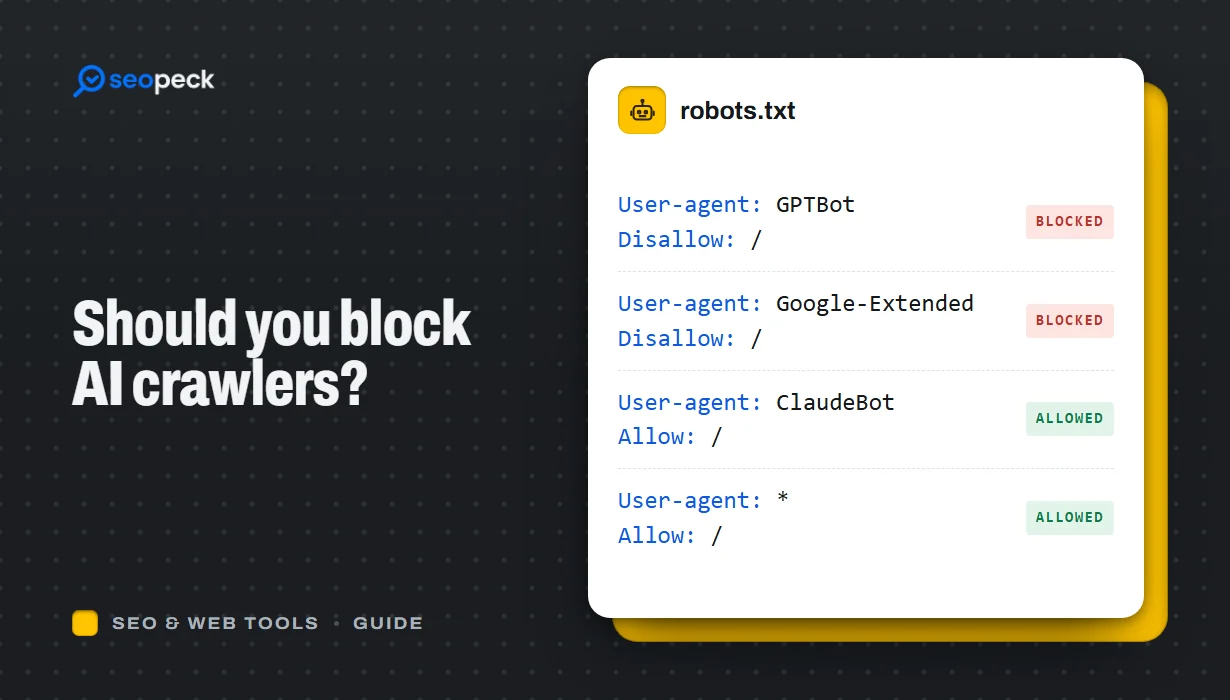 Should You Block AI Crawlers? A Plain Guide to robots.txt and AI Bots
Which AI crawlers visit websites, what the difference between training and search bots is, and how to allow or block each one with robots.txt.