
GZIP Compression Test
Check whether a web server really sends compressed (gzip) responses.


GZIP Compression Test
Compressing text responses can cut their size dramatically and speeds up page loads. Enter a URL to see whether your server is really sending compressed content.
How to use GZIP Compression Test
- Enter the complete URL, including https://, in the field.
- Click Test URL.
- Read whether compression is active and act on the result.
When it comes in handy
- Verifying a server or CDN configuration after a change.
- Finding a quick page-speed win on a slow site.
- Checking a client's site as part of a technical SEO audit.
Frequently asked questions
What if compression is not enabled?
Turn it on in your web server or hosting panel. Apache uses mod_deflate, Nginx uses the gzip directive, and many hosts offer a switch.
Is Brotli better than GZIP?
Brotli often compresses slightly better, and many hosts and CDNs offer it. Having either one is far better than none.
Related guides
-
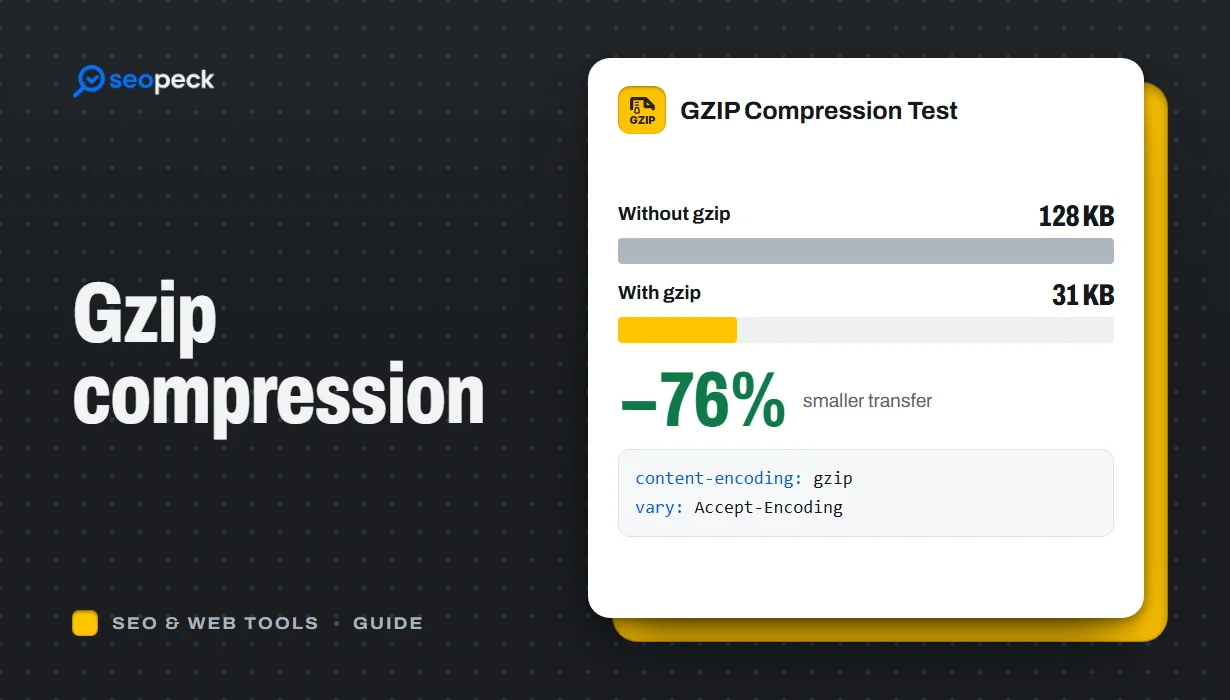 What Is GZIP Compression, and Is It Working on Your Site?
How GZIP and Brotli compression make pages load faster, what should and should not be compressed, how to switch it on, and how to check it is working.
What Is GZIP Compression, and Is It Working on Your Site?
How GZIP and Brotli compression make pages load faster, what should and should not be compressed, how to switch it on, and how to check it is working.
-
 On-Page SEO Checklist: 15 Things to Check Before You Hit Publish
A practical, no-jargon checklist for getting a single page right: titles, descriptions, headings, images, links, indexing and structured data.
On-Page SEO Checklist: 15 Things to Check Before You Hit Publish
A practical, no-jargon checklist for getting a single page right: titles, descriptions, headings, images, links, indexing and structured data.
-
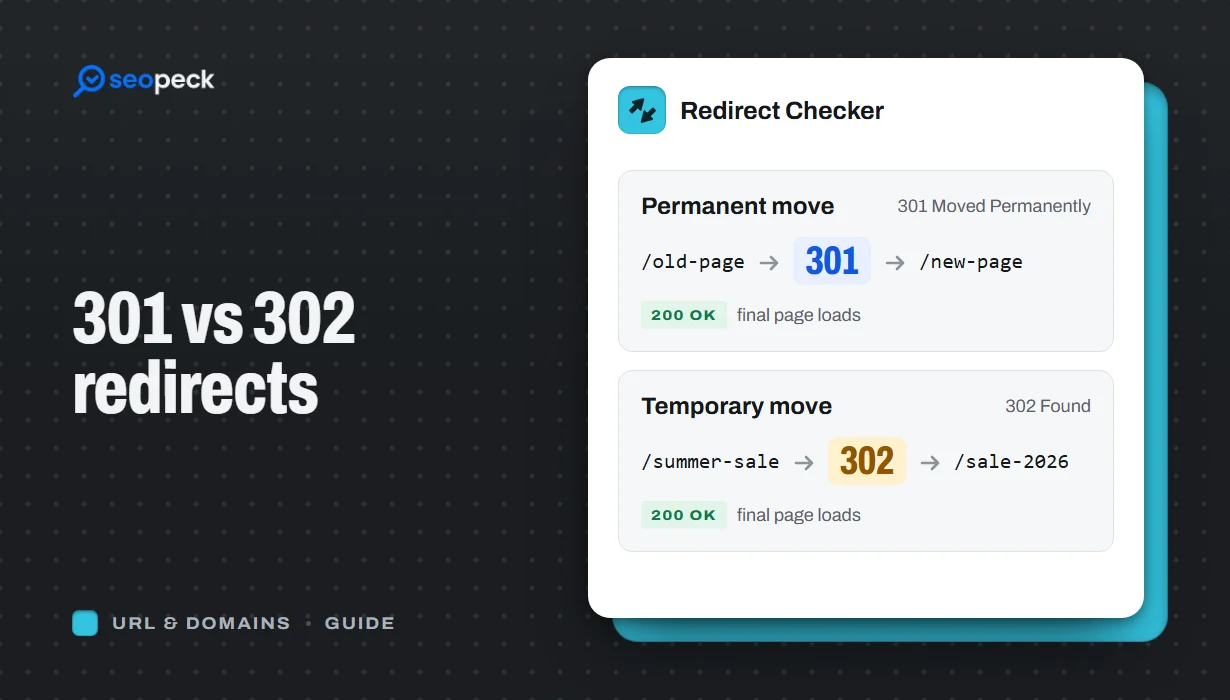 301 vs 302 Redirects: Which One to Use, and How to Check Them
The difference between permanent and temporary redirects, how each affects SEO, common redirect mistakes, and how to set up and test them.
301 vs 302 Redirects: Which One to Use, and How to Check Them
The difference between permanent and temporary redirects, how each affects SEO, common redirect mistakes, and how to set up and test them.


