

Google Search Operators Builder
Start from a common SEO search
Your search
Google treats operators as hints: result counts are estimates and some operators (such as before: and after:) do not work on every result.


Google Search Operators Builder
Search operators turn Google into a research tool: find guest post opportunities, pages on a site that mention a keyword, PDFs on a topic, or pages published in a date range. Fill in the fields, or start from an SEO preset such as "find guest post opportunities", and the builder writes the query and opens it in Google.
How to use Google Search Operators Builder
- Pick a preset, or fill in the words, phrases and operators you need.
- Check the query that is built as you type.
- Click Search Google, or copy the query.
When it comes in handy
- Finding link building and guest posting opportunities.
- Checking indexed pages and duplicate content on a site.
- Finding documents, statistics and research on a topic.
Frequently asked questions
Is site: an accurate count of indexed pages?
No, the number is a rough estimate. Use Google Search Console's Pages report for accurate indexing data.
Which operators no longer work?
Google retired several, such as link:, info: and the + operator. The builder only uses operators that still work.
Related guides
-
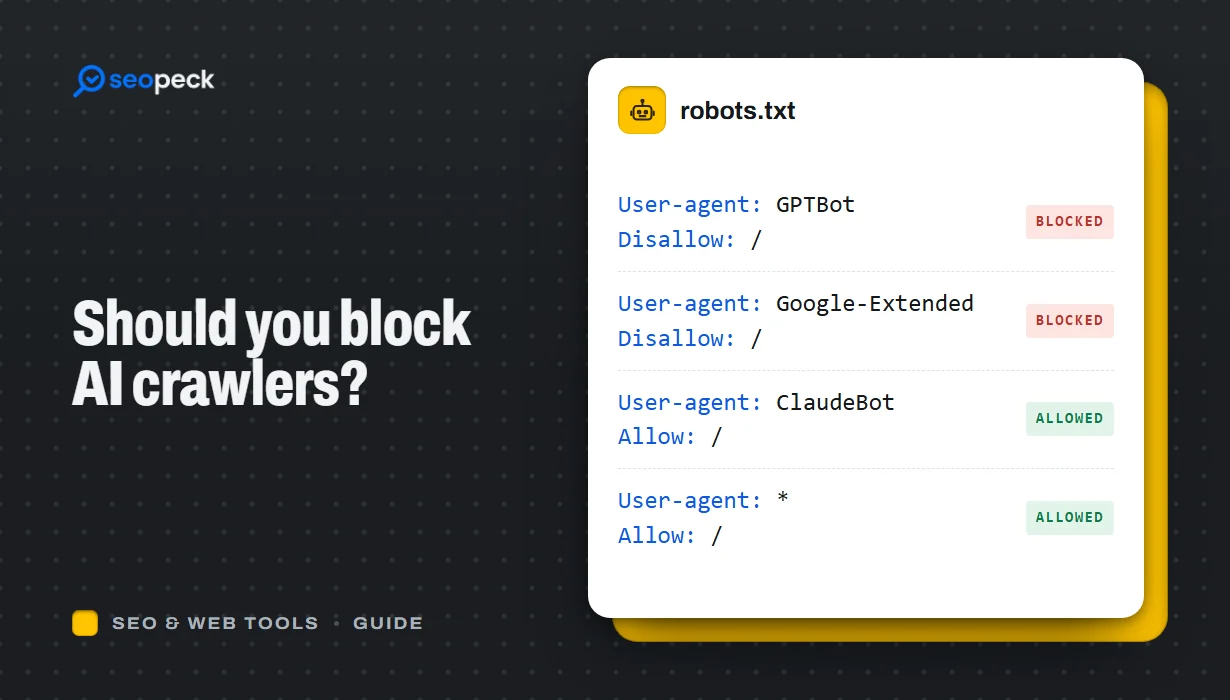 Should You Block AI Crawlers? A Plain Guide to robots.txt and AI Bots
Which AI crawlers visit websites, what the difference between training and search bots is, and how to allow or block each one with robots.txt.
-
 On-Page SEO Checklist: 15 Things to Check Before You Hit Publish
A practical, no-jargon checklist for getting a single page right: titles, descriptions, headings, images, links, indexing and structured data.
-
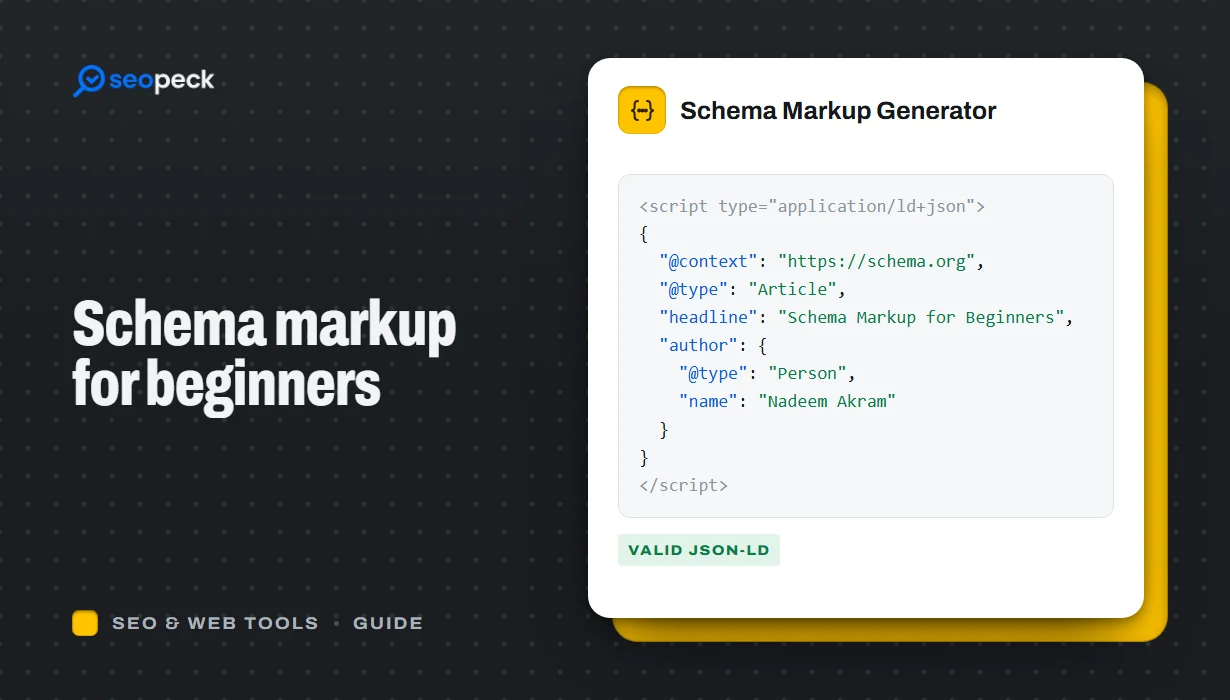 Schema Markup for Beginners: What JSON-LD Does and Which Types to Use
A beginner-friendly explanation of structured data and JSON-LD, the schema types most sites need, and how to add and test them.