
JS Obfuscator
Make JavaScript hard for people to read while it still runs the same way.


JS Obfuscator
Obfuscation rewrites your script into a form that is difficult for people to read while behaving the same way. It raises the effort needed to copy or tamper with front-end code.
How to use JS Obfuscator
- Paste your JavaScript into Enter your JS Code Here.
- Click Obfuscate Code.
- Copy the result and test it thoroughly before publishing.
When it comes in handy
- Making it harder for others to lift licensing or game logic from your scripts.
- Discouraging casual tampering with client-side checks.
- Comparing the size and speed impact of obfuscation.
Frequently asked questions
Is obfuscation the same as security?
No. A determined person can still analyse it. Never put secrets such as API keys in front-end code, obfuscated or not.
Will it slow my site down?
Obfuscated code is usually larger and can run more slowly, so use it only on the scripts that need protection.
Related guides
-
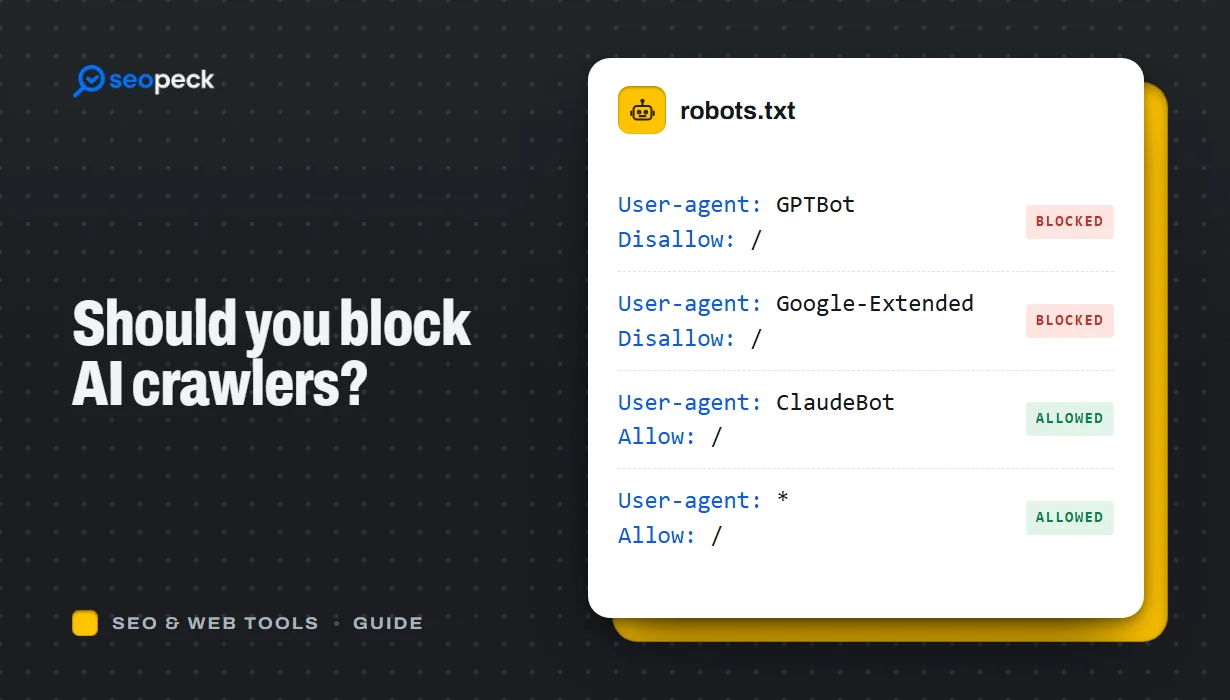 Should You Block AI Crawlers? A Plain Guide to robots.txt and AI Bots
Which AI crawlers visit websites, what the difference between training and search bots is, and how to allow or block each one with robots.txt.
Should You Block AI Crawlers? A Plain Guide to robots.txt and AI Bots
Which AI crawlers visit websites, what the difference between training and search bots is, and how to allow or block each one with robots.txt.
-
 On-Page SEO Checklist: 15 Things to Check Before You Hit Publish
A practical, no-jargon checklist for getting a single page right: titles, descriptions, headings, images, links, indexing and structured data.
On-Page SEO Checklist: 15 Things to Check Before You Hit Publish
A practical, no-jargon checklist for getting a single page right: titles, descriptions, headings, images, links, indexing and structured data.
-
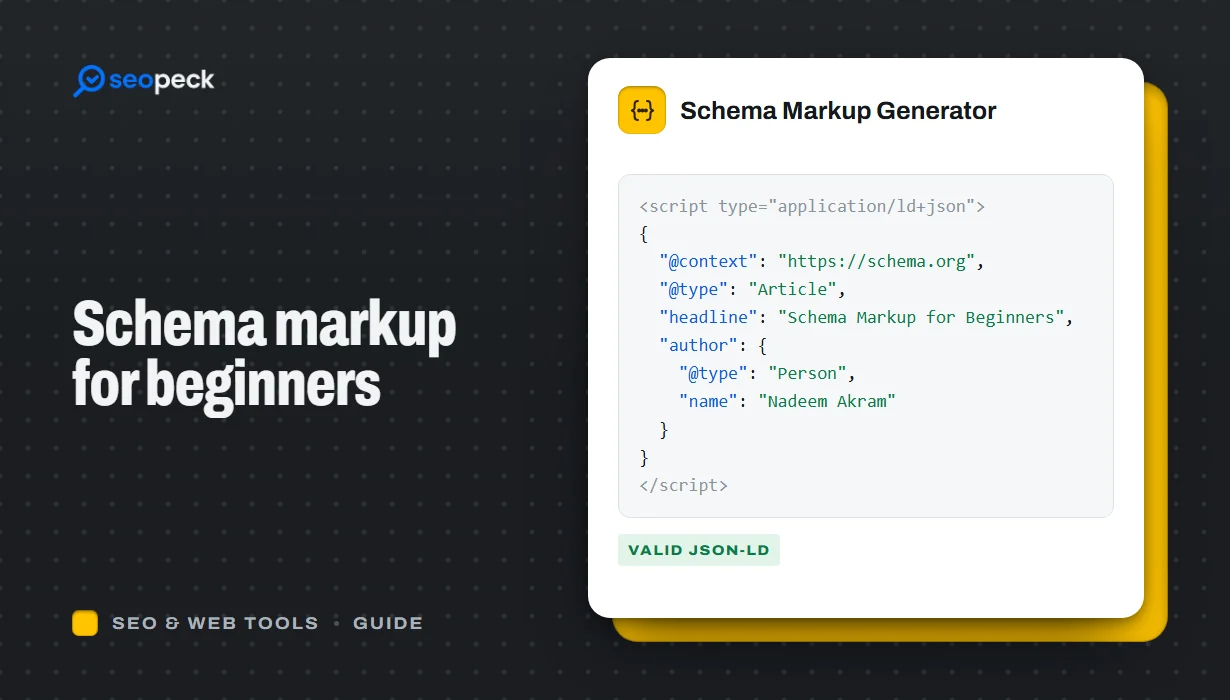 Schema Markup for Beginners: What JSON-LD Does and Which Types to Use
A beginner-friendly explanation of structured data and JSON-LD, the schema types most sites need, and how to add and test them.
Schema Markup for Beginners: What JSON-LD Does and Which Types to Use
A beginner-friendly explanation of structured data and JSON-LD, the schema types most sites need, and how to add and test them.
