
Source Code Downloader
View and copy the raw HTML a server returns for any URL.


Source Code Downloader
Sometimes you need to see exactly what a server returns for a URL, without the browser changing it. This tool fetches the raw HTML source of a page for you to read or copy.
How to use Source Code Downloader
- Enter the full page address in Full Webpage URL.
- Click Get Source Code.
- Read the source, or use Copy to take it away.
When it comes in handy
- Checking the meta tags and structured data a page really serves.
- Comparing what bots receive with what your browser renders.
- Grabbing markup for a quick review or bug report.
Frequently asked questions
Does it run JavaScript?
No. You see the HTML the server sends. Content added later by scripts will not appear.
Why can some pages not be fetched?
Sites may block automated requests, require a login or redirect elsewhere. In those cases the tool can only return what the server allows.
Related guides
-
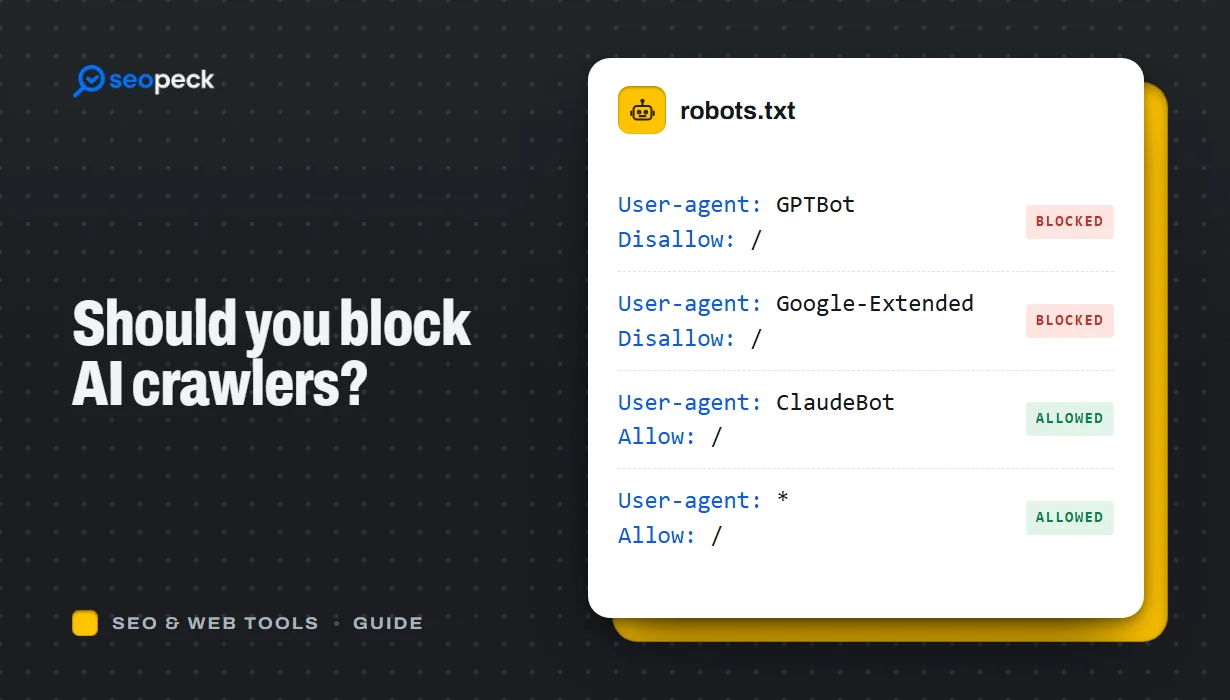 Should You Block AI Crawlers? A Plain Guide to robots.txt and AI Bots
Which AI crawlers visit websites, what the difference between training and search bots is, and how to allow or block each one with robots.txt.
Should You Block AI Crawlers? A Plain Guide to robots.txt and AI Bots
Which AI crawlers visit websites, what the difference between training and search bots is, and how to allow or block each one with robots.txt.
-
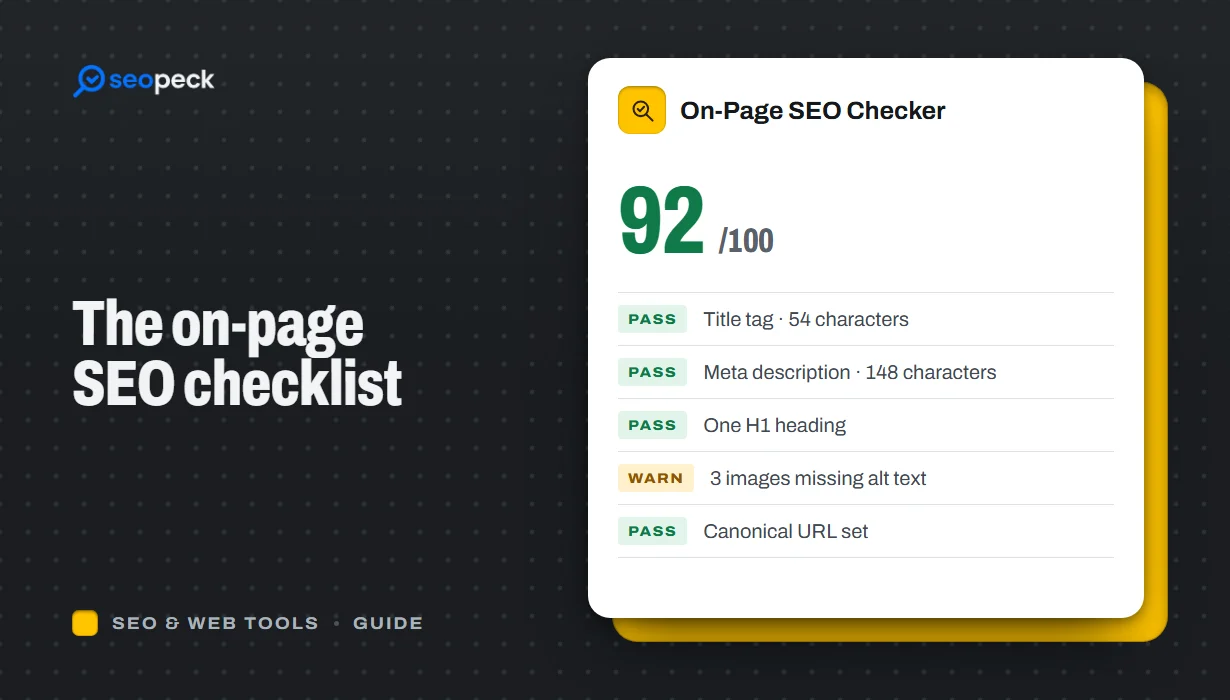 On-Page SEO Checklist: 15 Things to Check Before You Hit Publish
A practical, no-jargon checklist for getting a single page right: titles, descriptions, headings, images, links, indexing and structured data.
On-Page SEO Checklist: 15 Things to Check Before You Hit Publish
A practical, no-jargon checklist for getting a single page right: titles, descriptions, headings, images, links, indexing and structured data.
-
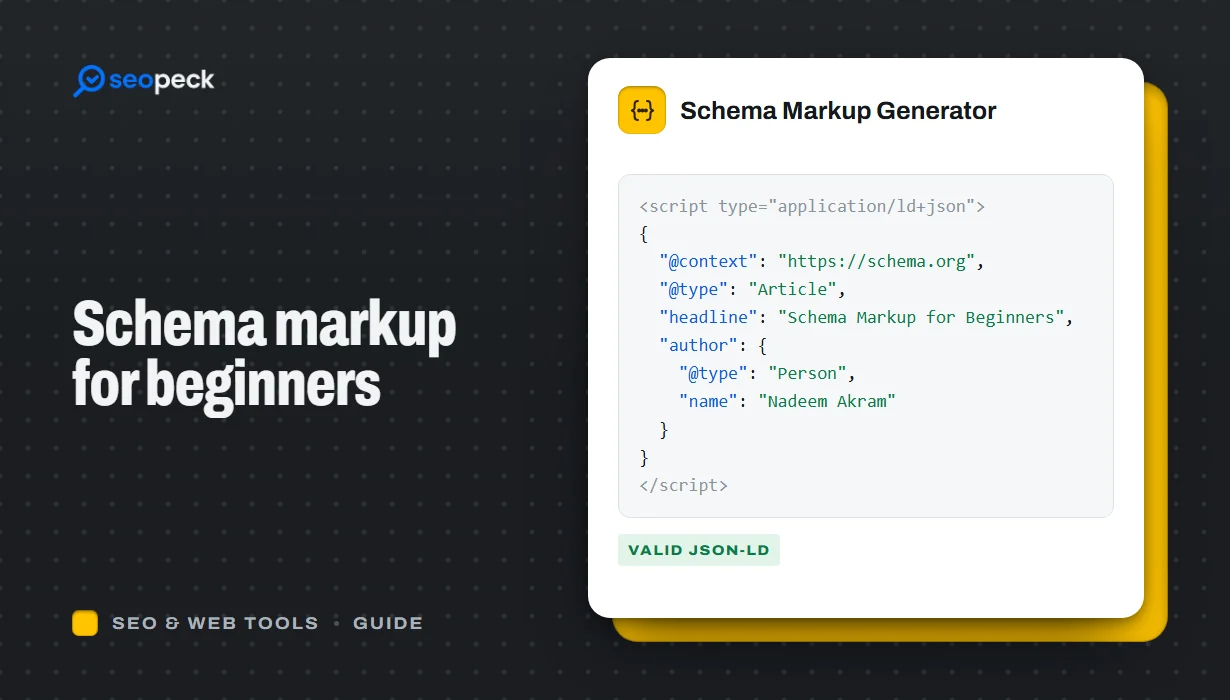 Schema Markup for Beginners: What JSON-LD Does and Which Types to Use
A beginner-friendly explanation of structured data and JSON-LD, the schema types most sites need, and how to add and test them.
Schema Markup for Beginners: What JSON-LD Does and Which Types to Use
A beginner-friendly explanation of structured data and JSON-LD, the schema types most sites need, and how to add and test them.
