

Microdata to JSON-LD Converter
No microdata (itemscope / itemtype) was found.
- Note
Paste the result into the page's <head>, then remove the old itemprop attributes so the data is not described twice. Test it with our JSON-LD Schema Validator.


Microdata to JSON-LD Converter
Older themes and plugins often describe products, reviews, recipes and breadcrumbs with Microdata: itemscope, itemtype and itemprop attributes spread through the HTML. Google recommends JSON-LD instead, because it sits in one script block that is easy to read, edit and test. This converter reads the Microdata from a page or from HTML you paste, follows nested items and itemref links, picks the right value from each element (content, href, src or datetime) and writes the matching JSON-LD, ready to paste into the page's <head>.
How to use Microdata to JSON-LD Converter
- Paste the HTML that contains the Microdata, or switch to Page URL and enter the address.
- Click Convert.
- Review the items found and copy or download the JSON-LD.
- Add it to the page, remove the old itemprop attributes, and test it with a structured data validator.
When it comes in handy
- Moving an old product or review template to JSON-LD.
- Seeing exactly what data a page's Microdata describes.
- Fixing duplicated structured data when a page has both formats.
Frequently asked questions
Does Google still support Microdata?
Yes, Google reads Microdata, RDFa and JSON-LD. It recommends JSON-LD because it is easier to maintain and less likely to break when the page design changes.
Should I keep both formats?
No. Describing the same thing twice can confuse search engines. Once the JSON-LD is on the page, remove the itemscope and itemprop attributes.
What about RDFa?
This tool converts Microdata only. If a page uses RDFa (typeof and property attributes), the result tells you so.
Is pasted HTML uploaded?
No. Pasted HTML is converted in your browser. With a URL, our server only downloads the page; the conversion still runs in your browser.
Related guides
-
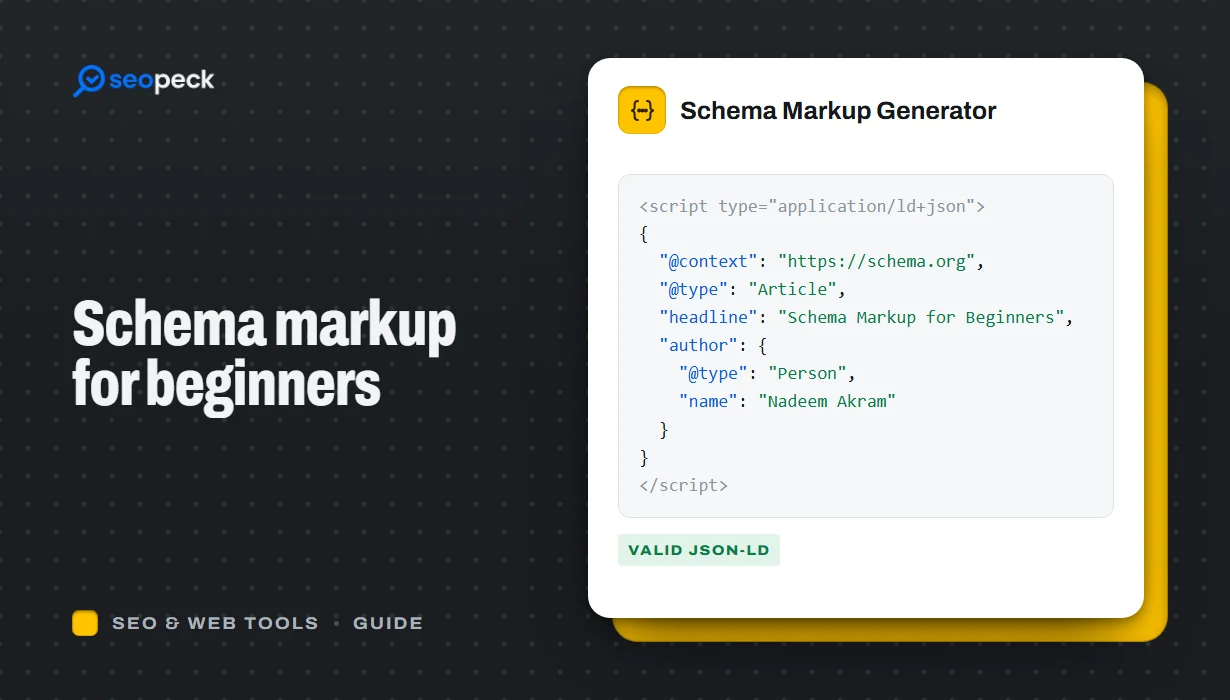 Schema Markup for Beginners: What JSON-LD Does and Which Types to Use
A beginner-friendly explanation of structured data and JSON-LD, the schema types most sites need, and how to add and test them.
-
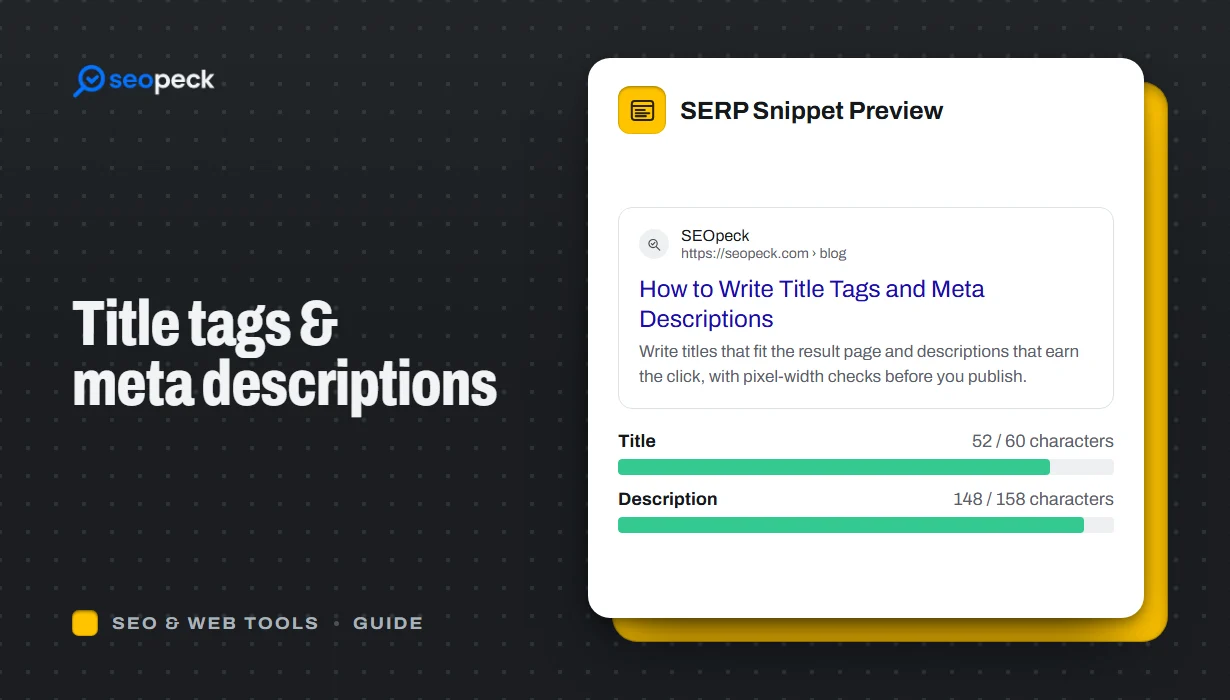 How to Write Title Tags and Meta Descriptions That Get Clicks
What title tags and meta descriptions are for, how long they can be, and a simple method for writing ones that people actually click.
-
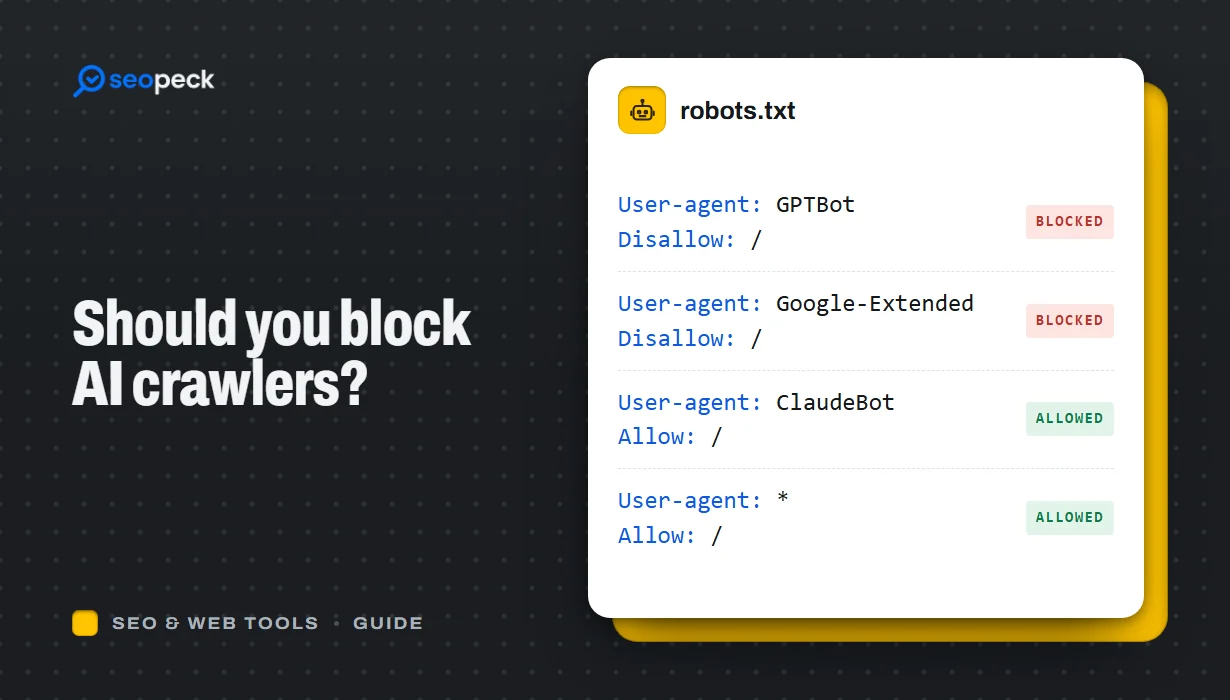 Should You Block AI Crawlers? A Plain Guide to robots.txt and AI Bots
Which AI crawlers visit websites, what the difference between training and search bots is, and how to allow or block each one with robots.txt.