
Lorem Ipsum Generator
Generate lorem ipsum paragraphs, sentences or words, with the classic opening and optional <p> tags.


Lorem Ipsum Generator
Lorem Ipsum Generator makes placeholder text for designs, templates and test pages. Choose how many paragraphs, sentences or words you need, decide whether it opens with the familiar "Lorem ipsum dolor sit amet, consectetur adipiscing elit", and copy it as plain text or as HTML paragraphs. The text updates as you change the options, and the word and character count is shown above the result.
How to generate lorem ipsum
- Enter How many and choose Paragraphs, Sentences or Words.
- Tick Start with "Lorem ipsum dolor sit amet" for the classic opening, or untick it for text that starts at random.
- Tick Wrap in <p> tags if you are pasting into HTML; leave it off for design tools and word processors.
- Click Copy. Click Generate again for a different random text of the same length.
How much placeholder text to use
- Paragraphs (up to 100) for blog layouts, article templates and long pages. Each paragraph has 4 to 8 sentences, so paragraphs vary in length like real writing.
- Sentences (up to 500) for intros, card descriptions and testimonials.
- Words (up to 5,000) for headings, buttons and fields with a fixed length, such as a 60-character title or a 20-word excerpt.
Match the amount to the real content you expect. A product card filled with three paragraphs of lorem ipsum hides the fact that real descriptions will be one line, and the reverse.
Where lorem ipsum comes from
The text is based on a passage from Cicero's "De finibus bonorum et malorum" (45 BC), cut and scrambled so it looks like Latin but means nothing. Printers and typesetters have used it for centuries because its mix of short and long words looks like ordinary text, so readers judge the layout instead of reading the words.
When it comes in handy
- Filling wireframes, mock-ups and design-tool frames.
- Testing how a theme or email template handles long and short text.
- Populating a development or staging site before real copy exists.
To check the length of your real copy later, use the Word Counter; to try the HTML version in a page right away, paste it into the HTML Code Editor.
Frequently asked questions
Is lorem ipsum real Latin?
Should lorem ipsum go live?
Is the text different every time?
Can I get HTML?
Related guides
-
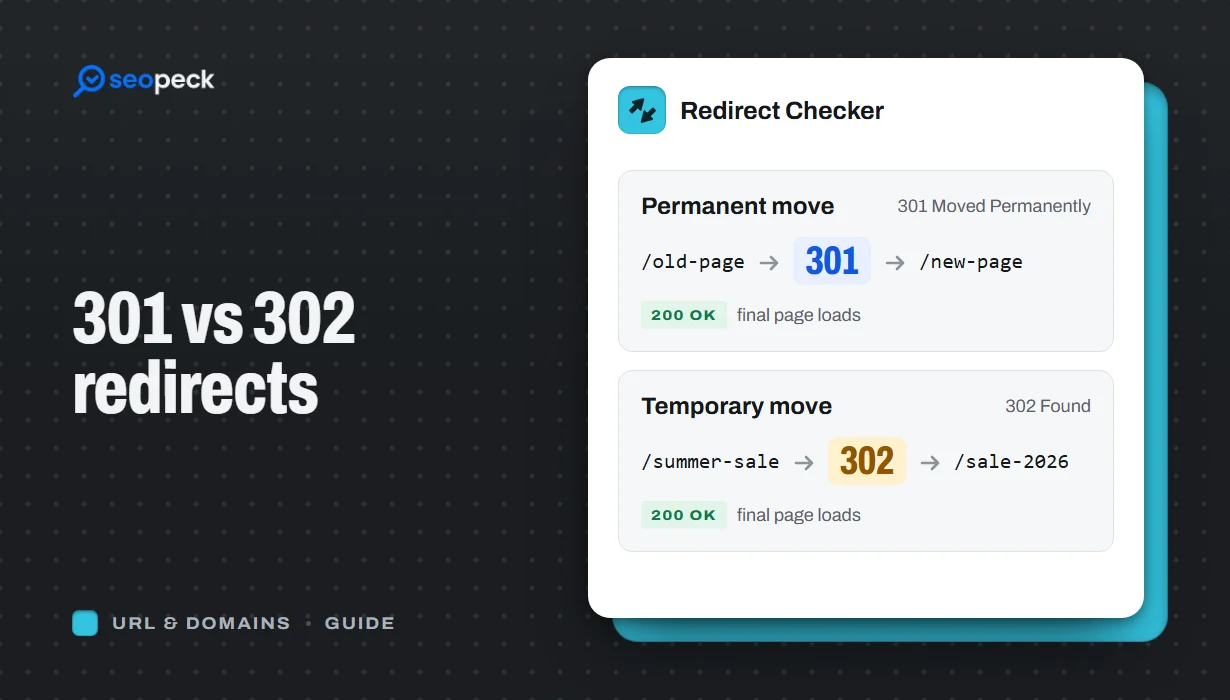 301 vs 302 Redirects: Which One to Use, and How to Check Them
The difference between permanent and temporary redirects, how each affects SEO, common redirect mistakes, and how to set up and test them.
301 vs 302 Redirects: Which One to Use, and How to Check Them
The difference between permanent and temporary redirects, how each affects SEO, common redirect mistakes, and how to set up and test them.
-
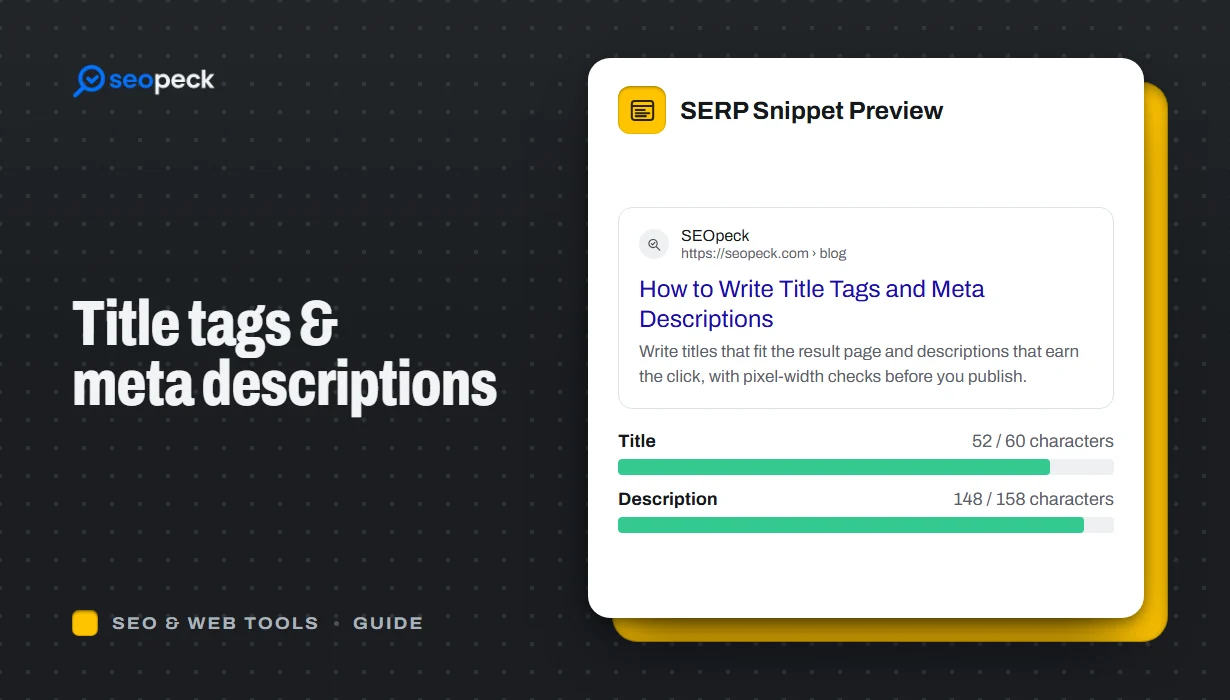 How to Write Title Tags and Meta Descriptions That Get Clicks
What title tags and meta descriptions are for, how long they can be, and a simple method for writing ones that people actually click.
How to Write Title Tags and Meta Descriptions That Get Clicks
What title tags and meta descriptions are for, how long they can be, and a simple method for writing ones that people actually click.
-
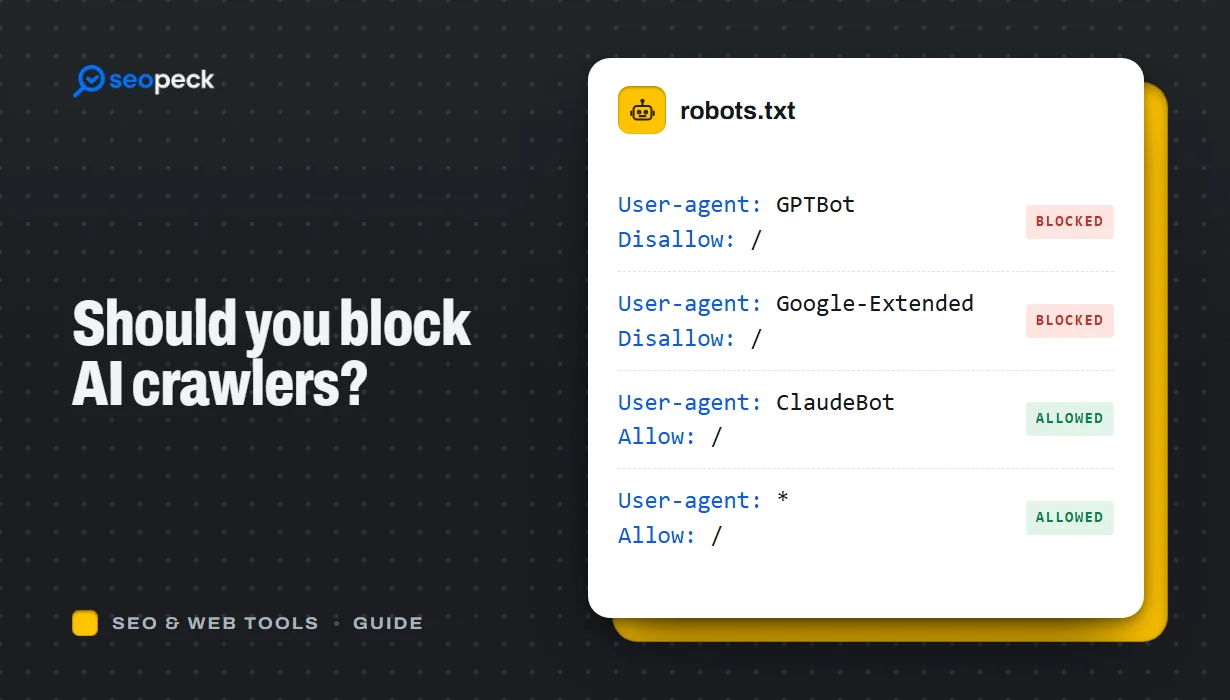 Should You Block AI Crawlers? A Plain Guide to robots.txt and AI Bots
Which AI crawlers visit websites, what the difference between training and search bots is, and how to allow or block each one with robots.txt.
Should You Block AI Crawlers? A Plain Guide to robots.txt and AI Bots
Which AI crawlers visit websites, what the difference between training and search bots is, and how to allow or block each one with robots.txt.
