
SEO Tags Generator
Generate title, meta description and Open Graph tags ready to paste into your page.


SEO Tags Generator
Title, description and Open Graph tags decide how your page appears in search results and when it is shared on social networks. Enter the details once and copy the finished tags.
How to use SEO Tags Generator
- Fill in the Page Title, Website Name and Website URL, and choose a Content Type.
- Complete any extra fields for the chosen type.
- Copy the generated tags into the head section of your page.
When it comes in handy
- Adding correct social sharing tags to a new landing page.
- Checking which tags a static site or hand-coded page is missing.
- Giving clients a quick, consistent set of meta tags.
Frequently asked questions
How long should a title and description be?
Aim for about 50 to 60 characters for the title and roughly 120 to 158 for the description so they are less likely to be cut off in search results.
Do meta tags guarantee rankings?
No. They help search engines and social networks understand and present your page, but content quality and links matter far more.
Related guides
-
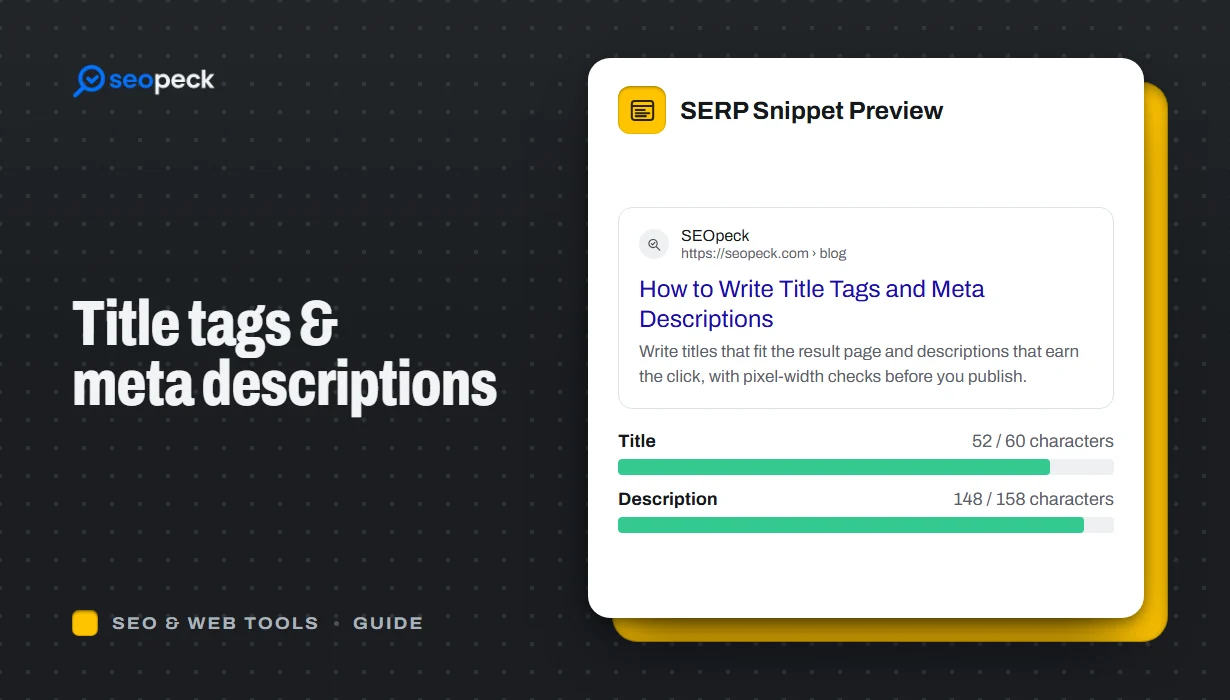 How to Write Title Tags and Meta Descriptions That Get Clicks
What title tags and meta descriptions are for, how long they can be, and a simple method for writing ones that people actually click.
How to Write Title Tags and Meta Descriptions That Get Clicks
What title tags and meta descriptions are for, how long they can be, and a simple method for writing ones that people actually click.
-
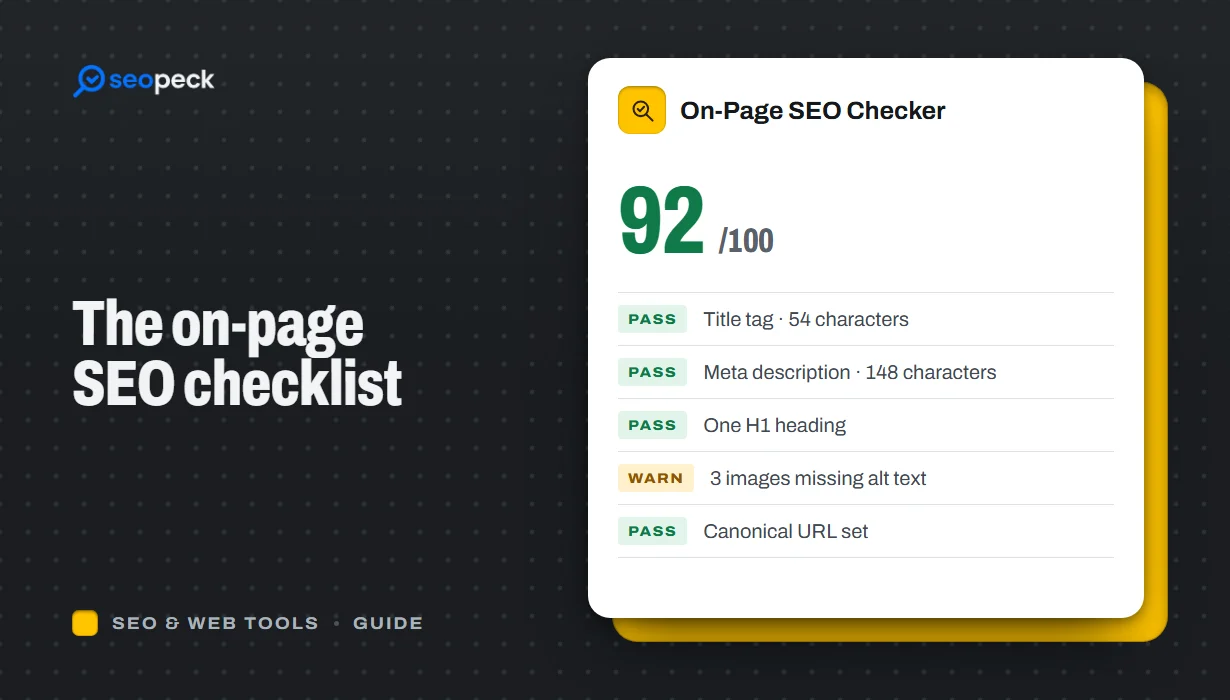 On-Page SEO Checklist: 15 Things to Check Before You Hit Publish
A practical, no-jargon checklist for getting a single page right: titles, descriptions, headings, images, links, indexing and structured data.
On-Page SEO Checklist: 15 Things to Check Before You Hit Publish
A practical, no-jargon checklist for getting a single page right: titles, descriptions, headings, images, links, indexing and structured data.
-
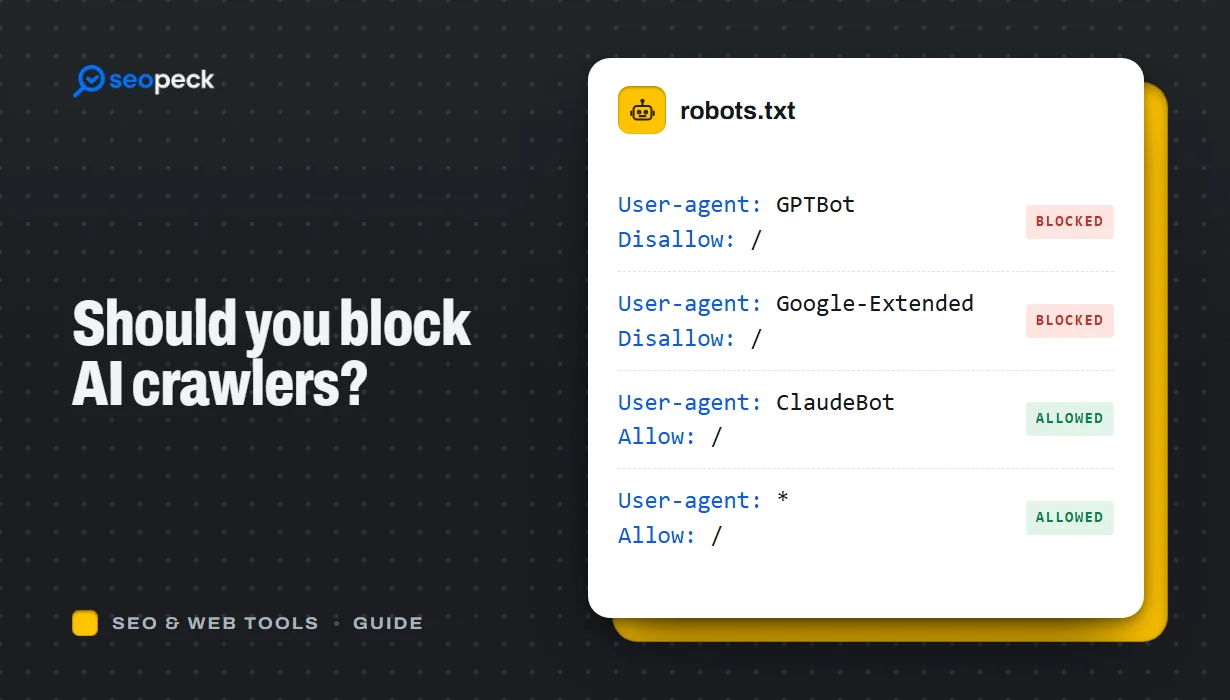 Should You Block AI Crawlers? A Plain Guide to robots.txt and AI Bots
Which AI crawlers visit websites, what the difference between training and search bots is, and how to allow or block each one with robots.txt.
Should You Block AI Crawlers? A Plain Guide to robots.txt and AI Bots
Which AI crawlers visit websites, what the difference between training and search bots is, and how to allow or block each one with robots.txt.
