
JSON To CSV
Flatten a JSON array into CSV rows that open in Excel or Google Sheets.


JSON To CSV
JSON is great for software but awkward in a spreadsheet. This tool flattens an array of JSON objects into rows and columns that Excel, Google Sheets and other tools can open.
How to use JSON To CSV
- Paste your JSON array into JSON Data.
- Choose a CSV Delimiter (comma, semicolon or tab) and the Quote Character.
- Click Convert to CSV and copy or save the output.
When it comes in handy
- Opening API responses in a spreadsheet for analysis.
- Exporting records to share with colleagues who do not use JSON.
- Importing data into tools that only accept CSV.
Frequently asked questions
Which delimiter should I choose?
Use a comma for most tools. Choose a semicolon if your spreadsheet uses a locale where the comma is the decimal separator, and a tab for TSV files.
What about nested objects?
CSV is flat, so deeply nested data is best simplified first. Check the columns before importing.
Related guides
-
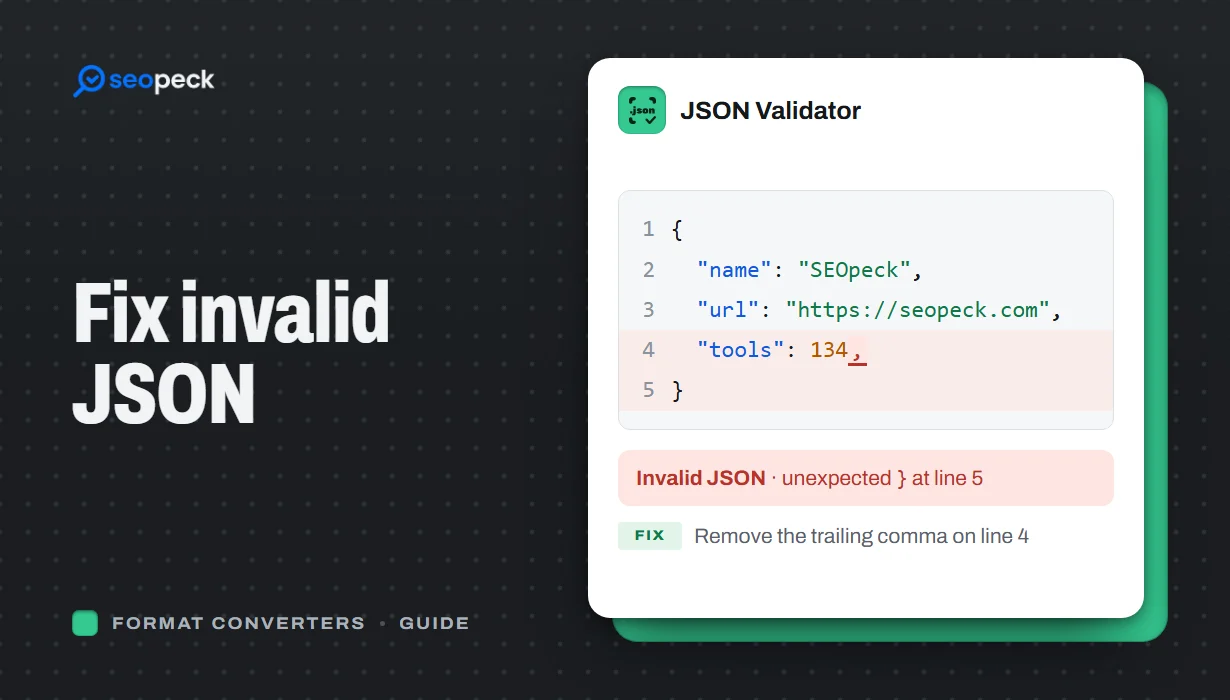 How to Fix Invalid JSON: The 8 Most Common Errors
Trailing commas, single quotes, unquoted keys and the other mistakes that break JSON, with before-and-after examples and a quick way to find the problem.
How to Fix Invalid JSON: The 8 Most Common Errors
Trailing commas, single quotes, unquoted keys and the other mistakes that break JSON, with before-and-after examples and a quick way to find the problem.
-
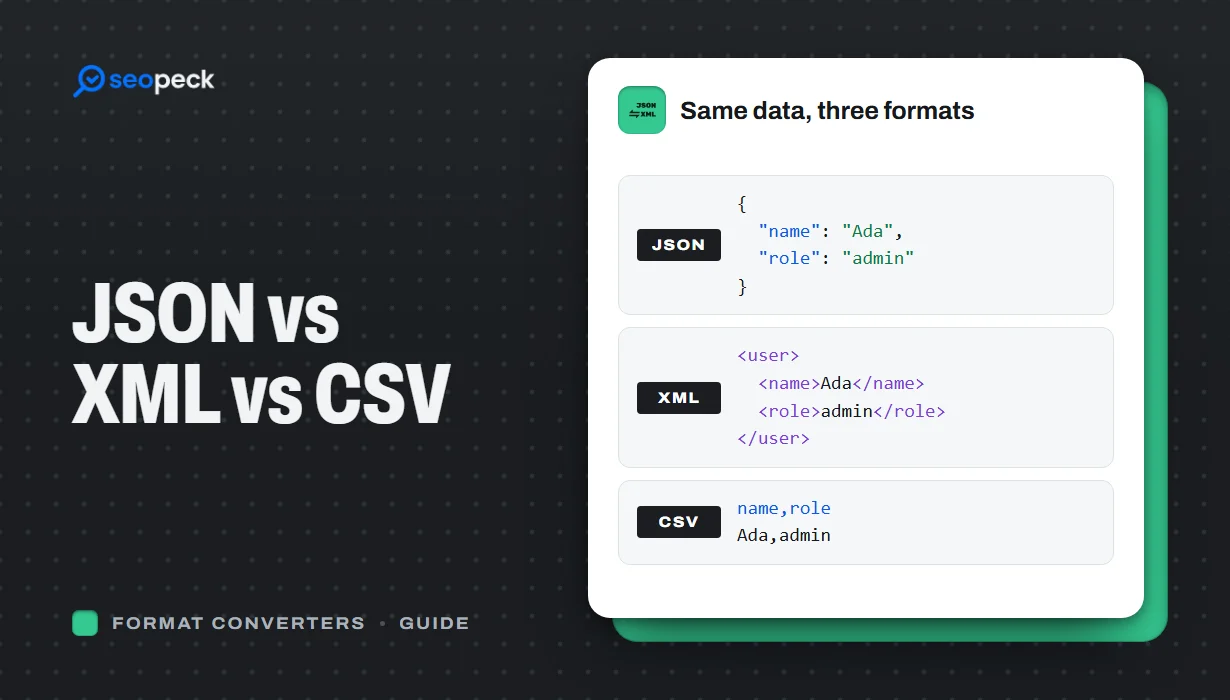 JSON vs XML vs CSV: Choosing the Right Data Format for Your Project
JSON, XML and CSV each solve a different problem. Here is how to pick the right one, plus tools to convert and validate between them.
JSON vs XML vs CSV: Choosing the Right Data Format for Your Project
JSON, XML and CSV each solve a different problem. Here is how to pick the right one, plus tools to convert and validate between them.
-
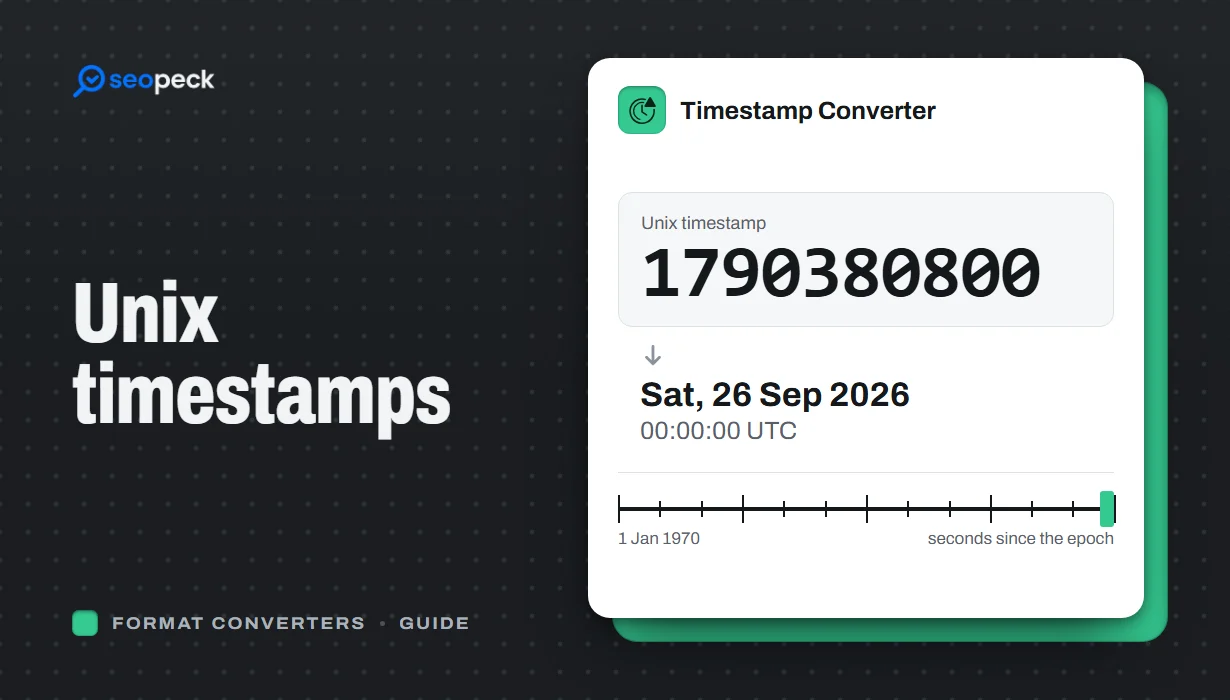 Unix Timestamps Explained: Epoch Time for Humans
What a Unix timestamp is, why it counts from 1970, seconds vs milliseconds, time zones, the year 2038 problem, and how to convert timestamps quickly.
Unix Timestamps Explained: Epoch Time for Humans
What a Unix timestamp is, why it counts from 1970, seconds vs milliseconds, time zones, the year 2038 problem, and how to convert timestamps quickly.
