
XML To JSON
Convert an XML document or feed into JSON that is easy to use in code.


XML To JSON
Modern APIs and JavaScript code work with JSON, but many feeds and older services still deliver XML. This tool converts an XML document into JSON so it is easy to use in code.
How to use XML To JSON
- Paste your XML into the input box.
- Adjust the options: Pretty Print JSON, Unescape Unicode Characters, Unescape Forward Slashes and Preserve CDATA Sections.
- Click Convert to JSON and copy the output.
When it comes in handy
- Reading RSS, sitemap and SOAP responses in JavaScript projects.
- Migrating data from XML exports into JSON-based systems.
- Inspecting the structure of an XML file as a tree of objects.
Frequently asked questions
How are attributes represented?
There is no single standard. Check the output for how attributes appear and adapt your code to that shape.
Why is my XML rejected?
It must be well-formed: one root element, every tag closed and special characters escaped. Fix the syntax and try again.
Related guides
-
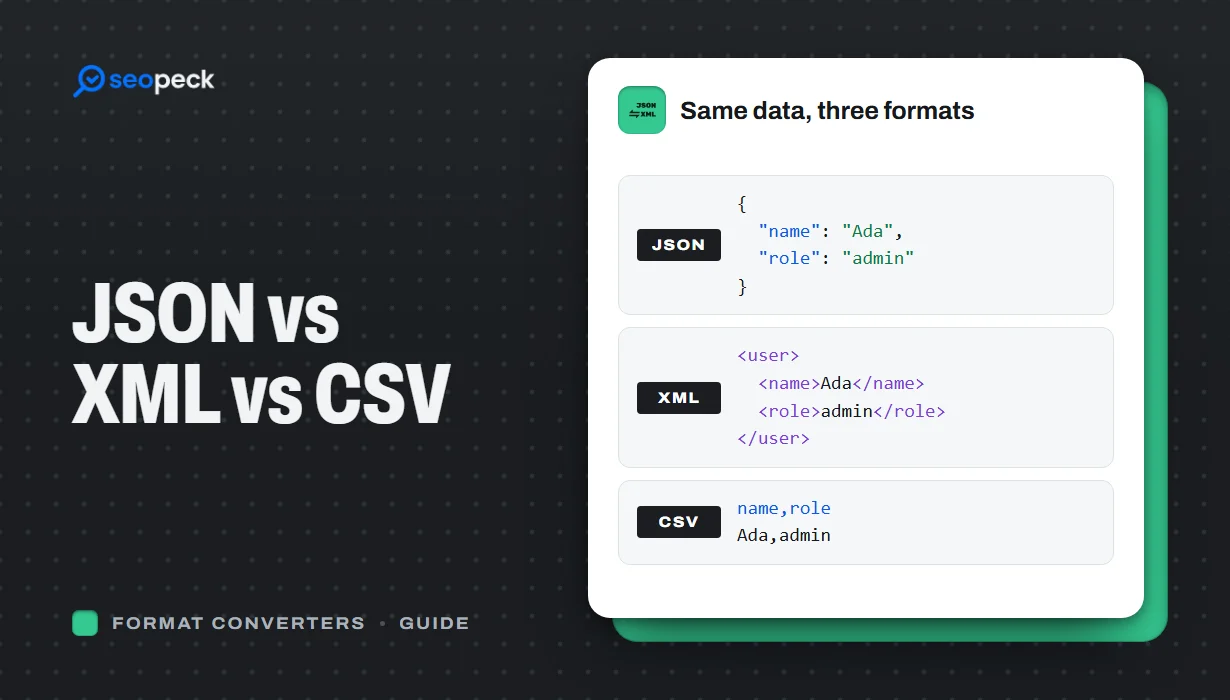 JSON vs XML vs CSV: Choosing the Right Data Format for Your Project
JSON, XML and CSV each solve a different problem. Here is how to pick the right one, plus tools to convert and validate between them.
JSON vs XML vs CSV: Choosing the Right Data Format for Your Project
JSON, XML and CSV each solve a different problem. Here is how to pick the right one, plus tools to convert and validate between them.
-
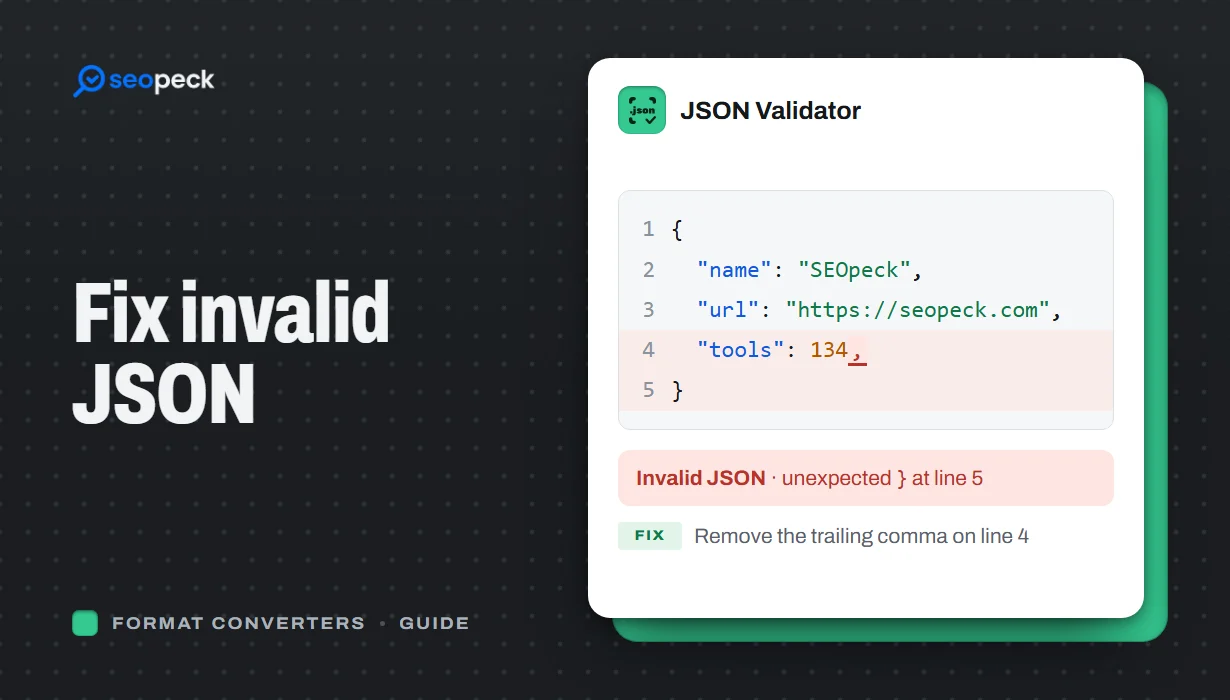 How to Fix Invalid JSON: The 8 Most Common Errors
Trailing commas, single quotes, unquoted keys and the other mistakes that break JSON, with before-and-after examples and a quick way to find the problem.
How to Fix Invalid JSON: The 8 Most Common Errors
Trailing commas, single quotes, unquoted keys and the other mistakes that break JSON, with before-and-after examples and a quick way to find the problem.
-
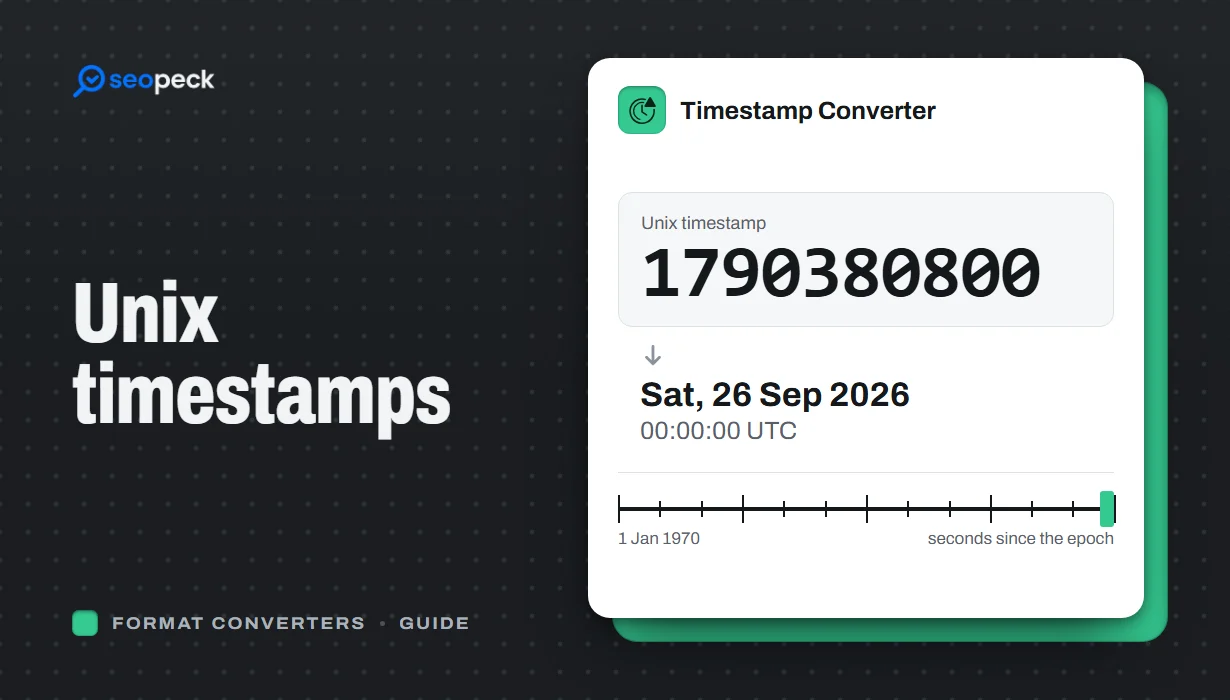 Unix Timestamps Explained: Epoch Time for Humans
What a Unix timestamp is, why it counts from 1970, seconds vs milliseconds, time zones, the year 2038 problem, and how to convert timestamps quickly.
Unix Timestamps Explained: Epoch Time for Humans
What a Unix timestamp is, why it counts from 1970, seconds vs milliseconds, time zones, the year 2038 problem, and how to convert timestamps quickly.


