
JS Minifier
Compress JavaScript by removing comments, whitespace and other unneeded characters.
There was an error minifying the code. Make sure the syntax is valid.


JS Minifier
Smaller scripts download and parse faster. This tool compresses your JavaScript by removing comments, whitespace and other unneeded characters.
How to use JS Minifier
- Paste your JavaScript into Enter your JS Code Here.
- Click Minify Code.
- Copy the result. If you see an error, check that the syntax is valid.
When it comes in handy
- Reducing the size of small scripts and bookmarklets.
- Preparing snippets for inline use in landing pages.
- Comparing sizes before and after minification.
Frequently asked questions
Why do I get a syntax error?
The minifier needs valid JavaScript. A missing bracket or an unfinished statement will stop it, so run the code through a linter first.
Does minifying hide my code?
It makes it harder to read but not secure. Anyone can reformat minified code, so do not put secrets in front-end scripts.
Related guides
-
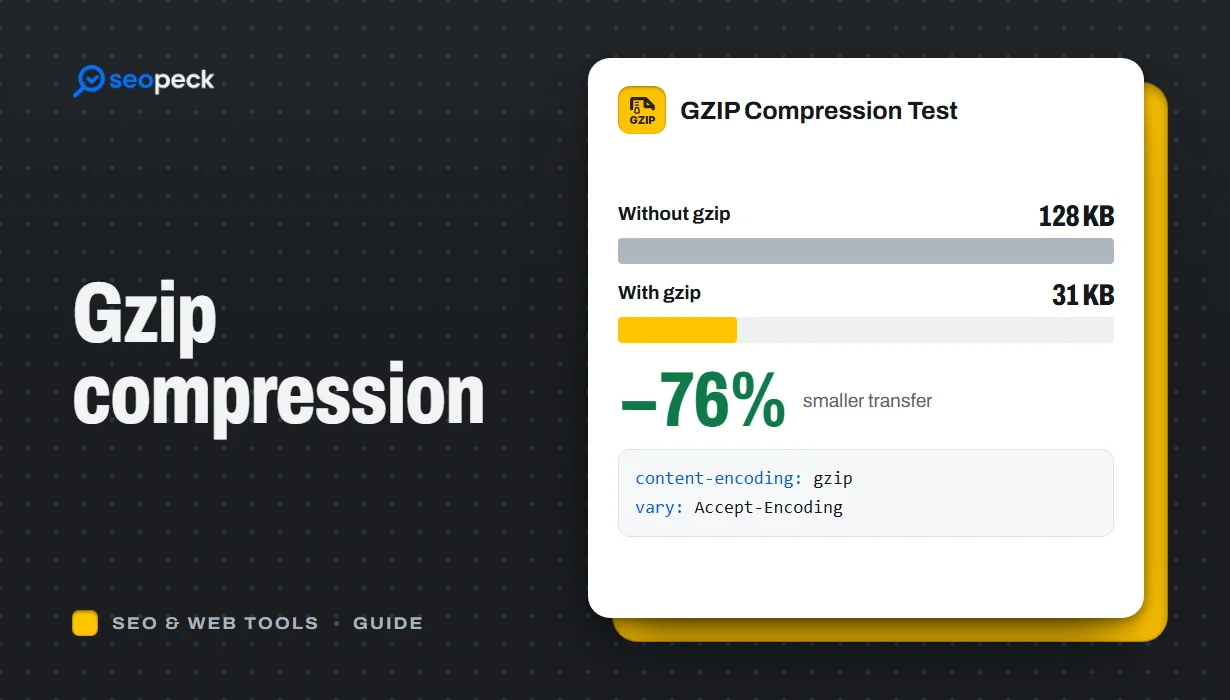 What Is GZIP Compression, and Is It Working on Your Site?
How GZIP and Brotli compression make pages load faster, what should and should not be compressed, how to switch it on, and how to check it is working.
What Is GZIP Compression, and Is It Working on Your Site?
How GZIP and Brotli compression make pages load faster, what should and should not be compressed, how to switch it on, and how to check it is working.
-
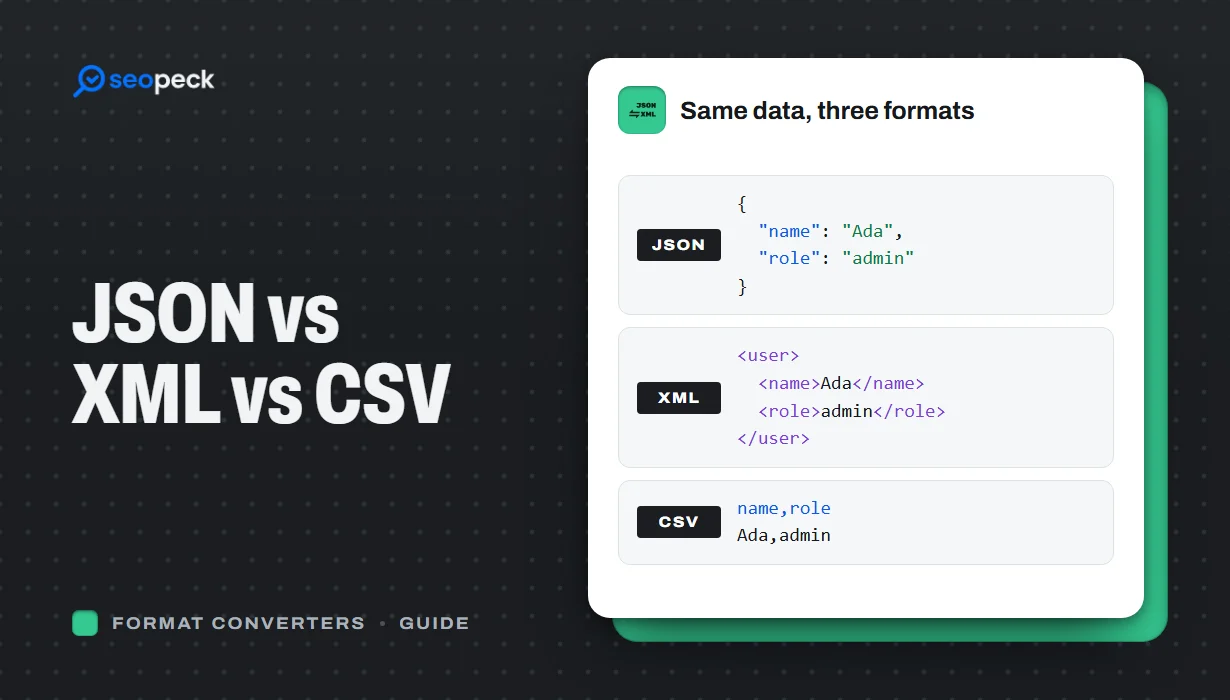 JSON vs XML vs CSV: Choosing the Right Data Format for Your Project
JSON, XML and CSV each solve a different problem. Here is how to pick the right one, plus tools to convert and validate between them.
JSON vs XML vs CSV: Choosing the Right Data Format for Your Project
JSON, XML and CSV each solve a different problem. Here is how to pick the right one, plus tools to convert and validate between them.
-
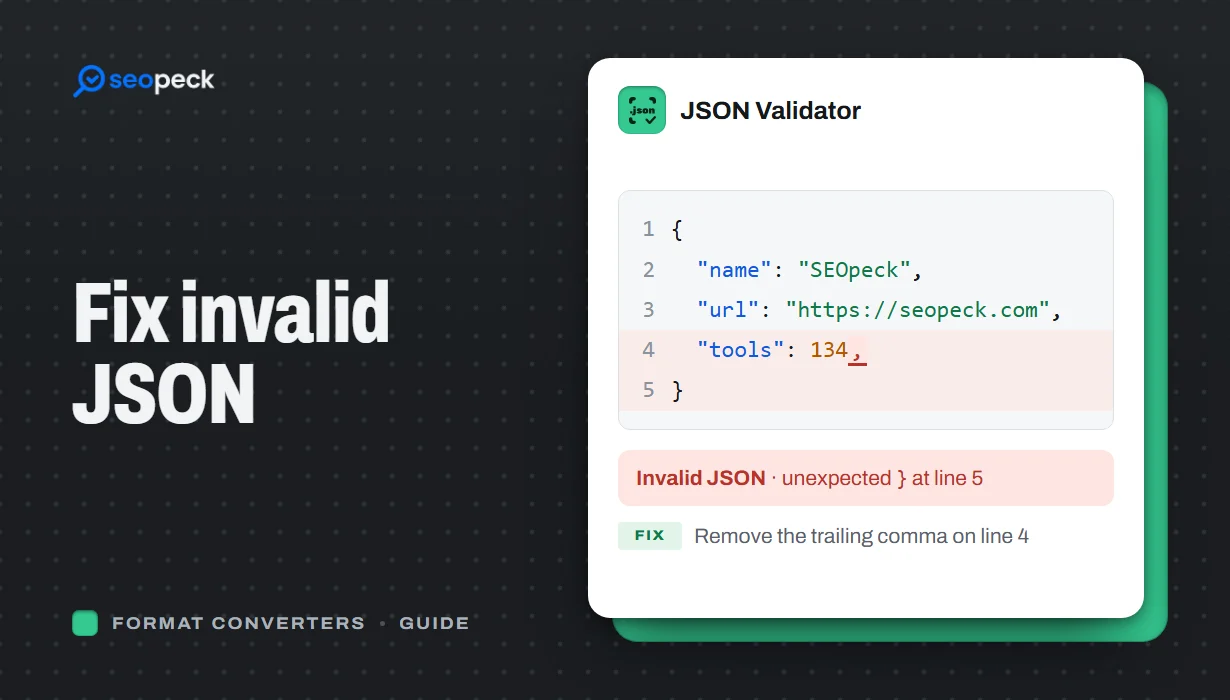 How to Fix Invalid JSON: The 8 Most Common Errors
Trailing commas, single quotes, unquoted keys and the other mistakes that break JSON, with before-and-after examples and a quick way to find the problem.
How to Fix Invalid JSON: The 8 Most Common Errors
Trailing commas, single quotes, unquoted keys and the other mistakes that break JSON, with before-and-after examples and a quick way to find the problem.
