
JS Formatter
Restore line breaks and indentation to minified JavaScript so you can read it.


JS Formatter
Minified JavaScript is impossible to read. The formatter restores line breaks and indentation so you can follow the logic and make edits.
How to use JS Formatter
- Paste your script into Enter your JS Code Here.
- Click Format Code.
- Copy the formatted code.
When it comes in handy
- Reading third-party or minified scripts while debugging.
- Tidying snippets before adding them to a project.
- Preparing code for review or documentation.
Frequently asked questions
Can it recover the original variable names?
No. If a script was minified, short names such as a and b stay as they are. Only the layout is restored.
Is my code sent anywhere?
The formatting happens in your browser with a JavaScript library.
Related guides
-
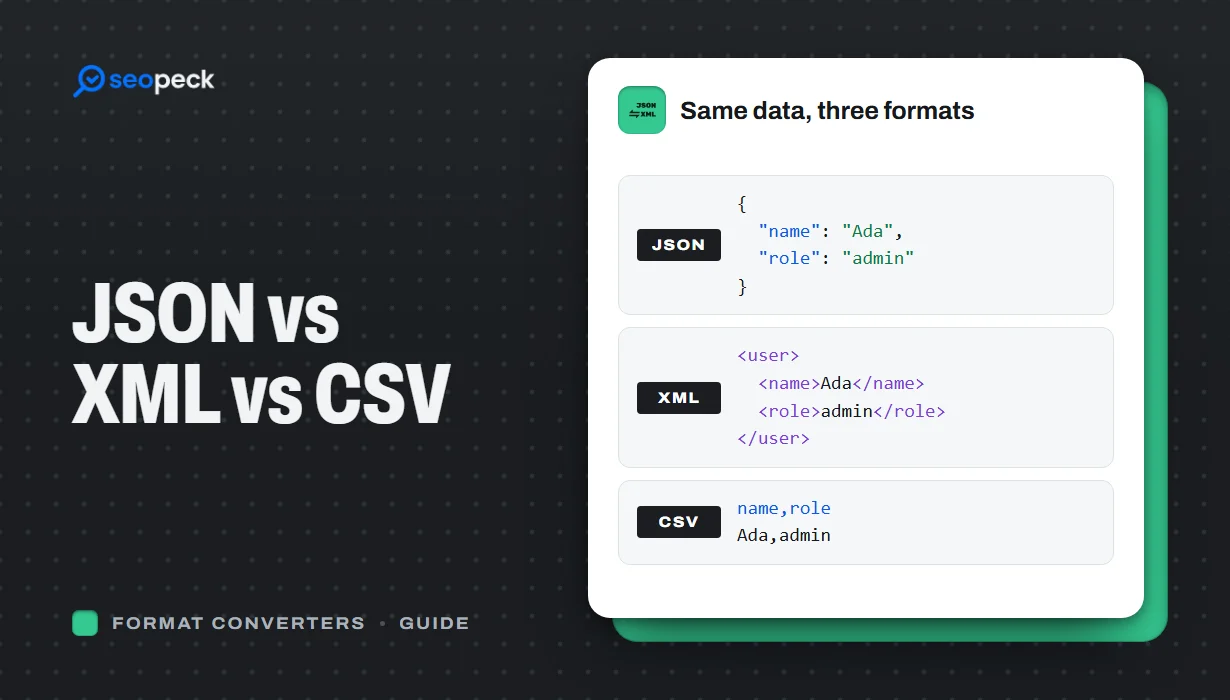 JSON vs XML vs CSV: Choosing the Right Data Format for Your Project
JSON, XML and CSV each solve a different problem. Here is how to pick the right one, plus tools to convert and validate between them.
JSON vs XML vs CSV: Choosing the Right Data Format for Your Project
JSON, XML and CSV each solve a different problem. Here is how to pick the right one, plus tools to convert and validate between them.
-
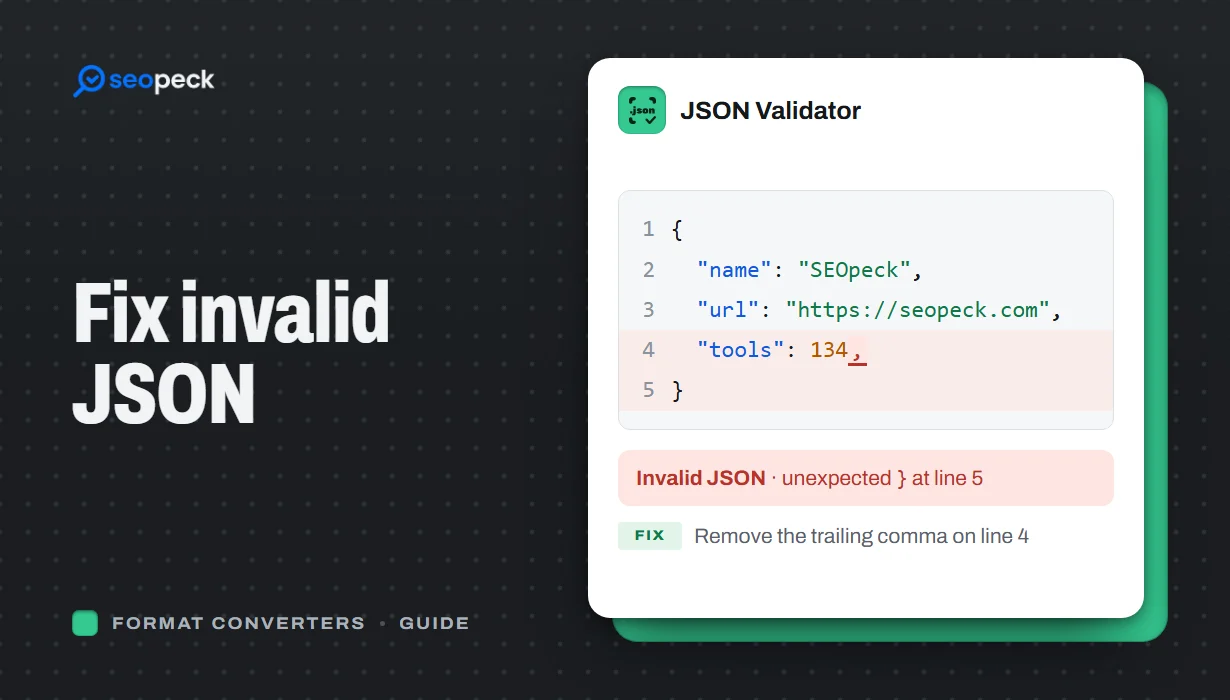 How to Fix Invalid JSON: The 8 Most Common Errors
Trailing commas, single quotes, unquoted keys and the other mistakes that break JSON, with before-and-after examples and a quick way to find the problem.
How to Fix Invalid JSON: The 8 Most Common Errors
Trailing commas, single quotes, unquoted keys and the other mistakes that break JSON, with before-and-after examples and a quick way to find the problem.
-
 Unix Timestamps Explained: Epoch Time for Humans
What a Unix timestamp is, why it counts from 1970, seconds vs milliseconds, time zones, the year 2038 problem, and how to convert timestamps quickly.
Unix Timestamps Explained: Epoch Time for Humans
What a Unix timestamp is, why it counts from 1970, seconds vs milliseconds, time zones, the year 2038 problem, and how to convert timestamps quickly.
