
JSON Beautifier
Format, validate and minify JSON in your browser, with exact error lines and plain-English fixes.
Formatted in your browser. Your JSON is never uploaded.
Your last settings are kept in this browser.


JSON Beautifier
JSON Beautifier turns minified or messy JSON into neatly indented, readable text, checks that it is valid, and tells you exactly where it is broken and how to fix it. It can also sort keys and minify JSON back into one line. Everything runs in your browser, so API responses, tokens and configuration files are never uploaded.
How to use the JSON Beautifier
- Paste your JSON into the box. It is checked and formatted as you type.
- Choose the indentation: 2, 4 or 8 spaces, or tabs.
- Optionally sort keys A to Z, escape non-ASCII characters or escape forward slashes.
- Click Beautify JSON, Minify or Validate only, then Copy the result or Download .json.
When the JSON is invalid
You see the line and column where parsing stopped, and a hint for the most common mistakes:
- Trailing comma:
{"a": 1,}. JSON does not allow a comma before a closing bracket. - Single quotes:
{'a': 1}. Strings and keys need double quotes. - Unquoted keys:
{a: 1}. Fine in JavaScript, invalid in JSON. - Comments:
// noteor/* note */are not part of JSON. - Special values:
undefined,NaNandInfinitydo not exist in JSON; usenullor a number.
Options explained
- Sort object keys: orders keys alphabetically at every level, which makes two JSON documents easy to compare with the Diff Checker. Arrays keep their order, because order matters in arrays.
- Escape non-ASCII characters: writes é as
é, for systems that only accept plain ASCII. - Escape forward slashes: writes
/as/, matching the output of PHP's json_encode. - Minify: removes all whitespace, for the smallest file to send over the network.
Formatting never changes your data: empty objects stay {}, empty arrays stay [], and numbers and strings are kept as they are.
When it comes in handy
- Reading API responses and webhook payloads while debugging.
- Finding the one missing comma in a large configuration file.
- Sorting keys so two JSON documents are easier to compare.
- Minifying JSON before embedding it in code or sending it.
Frequently asked questions
Is my JSON sent to a server?
How big a file can I format?
What is the difference between beautify and validate?
Should I use 2 or 4 spaces?
How do I explore large JSON?
Related guides
-
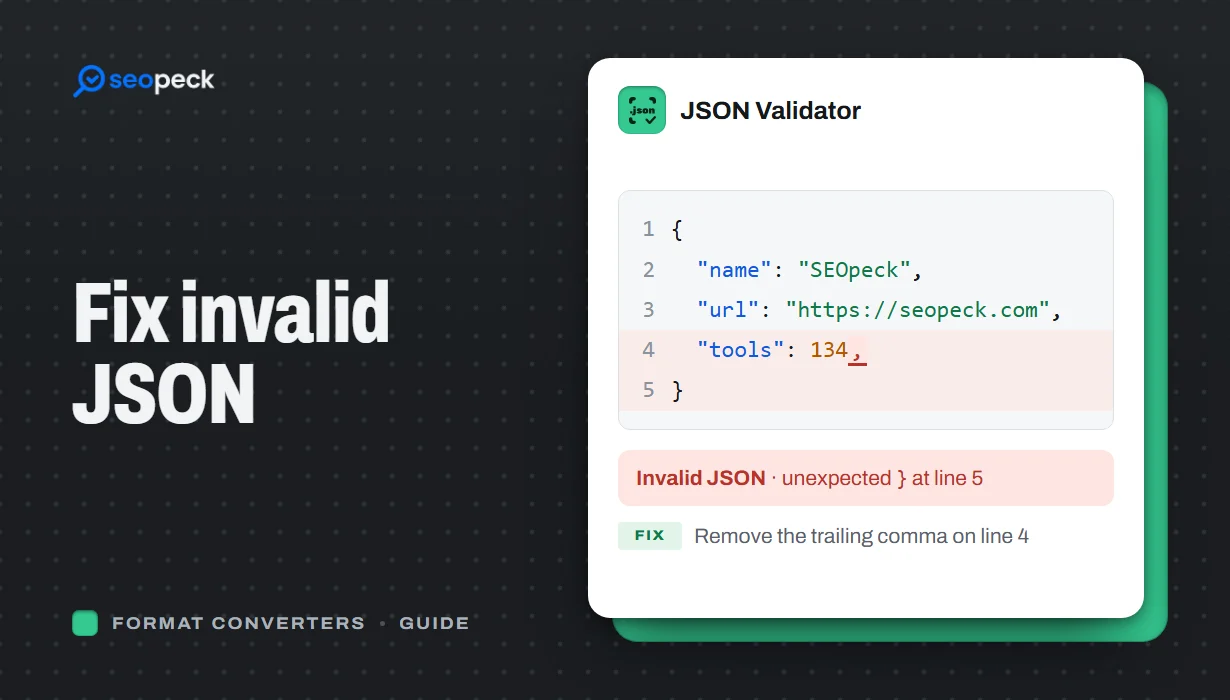 How to Fix Invalid JSON: The 8 Most Common Errors
Trailing commas, single quotes, unquoted keys and the other mistakes that break JSON, with before-and-after examples and a quick way to find the problem.
How to Fix Invalid JSON: The 8 Most Common Errors
Trailing commas, single quotes, unquoted keys and the other mistakes that break JSON, with before-and-after examples and a quick way to find the problem.
-
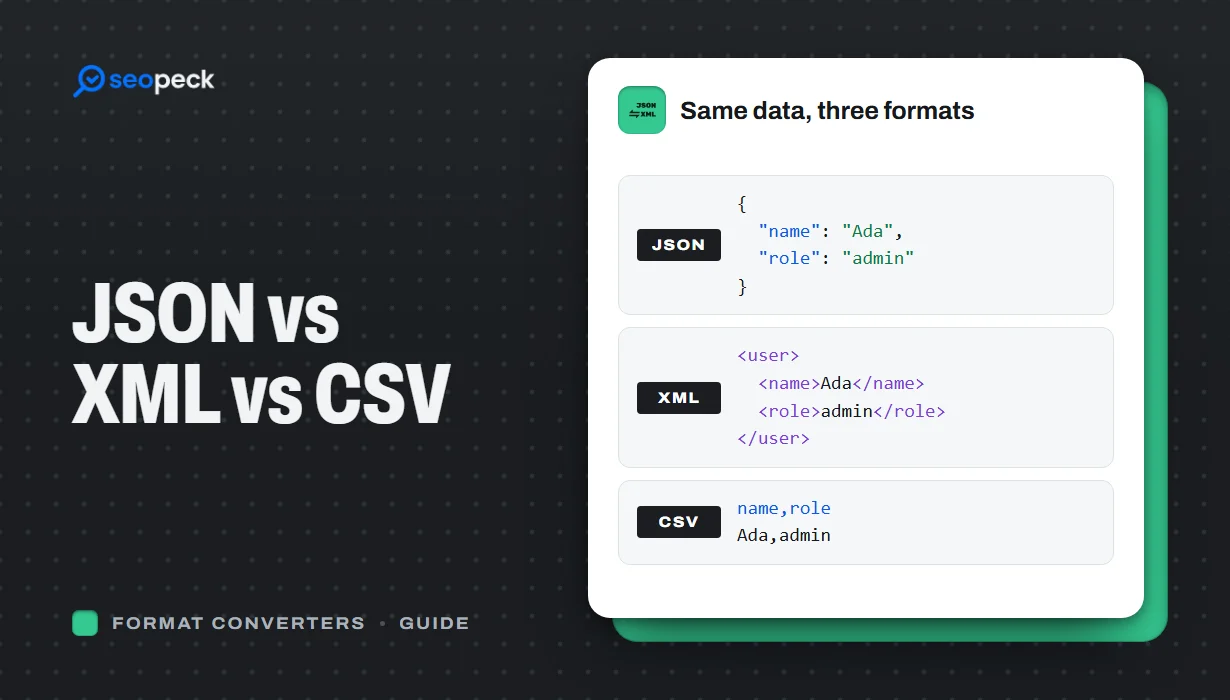 JSON vs XML vs CSV: Choosing the Right Data Format for Your Project
JSON, XML and CSV each solve a different problem. Here is how to pick the right one, plus tools to convert and validate between them.
JSON vs XML vs CSV: Choosing the Right Data Format for Your Project
JSON, XML and CSV each solve a different problem. Here is how to pick the right one, plus tools to convert and validate between them.
-
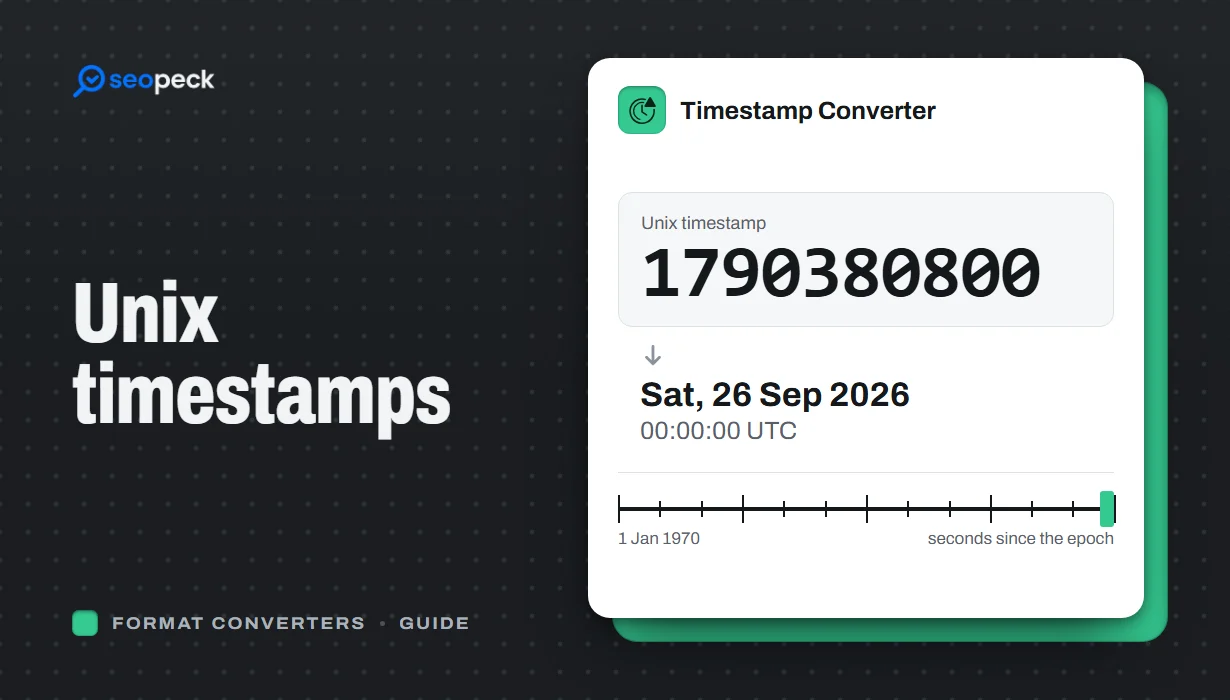 Unix Timestamps Explained: Epoch Time for Humans
What a Unix timestamp is, why it counts from 1970, seconds vs milliseconds, time zones, the year 2038 problem, and how to convert timestamps quickly.
Unix Timestamps Explained: Epoch Time for Humans
What a Unix timestamp is, why it counts from 1970, seconds vs milliseconds, time zones, the year 2038 problem, and how to convert timestamps quickly.
